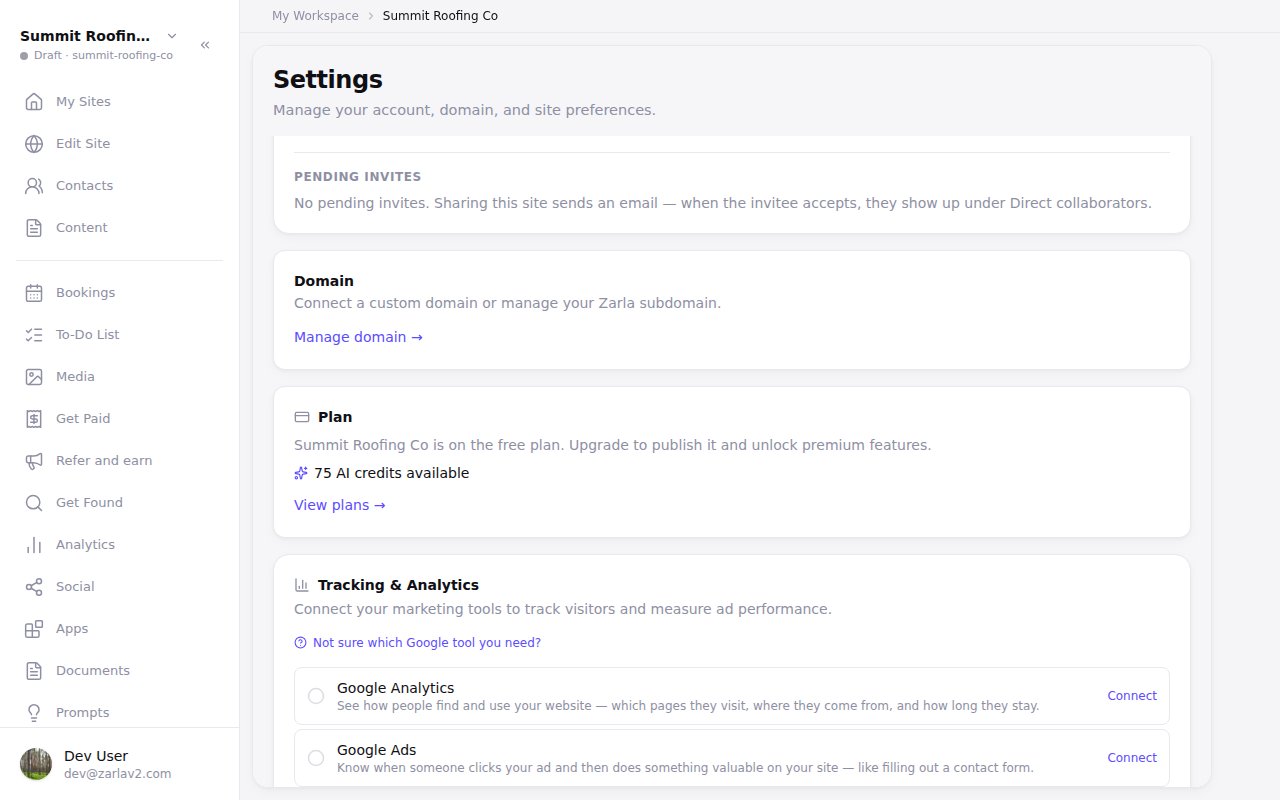
Your AI credit balance is easier to find
Zarla now shows your AI credit balance in Site settings on every plan, so you can check how much AI work you have left.
It's in the Plan section, on a computer or a phone. And when you ask the chat for new pages on your phone, the card shows what they use next to your balance before you press Create.
In the editor, your balance appears near the publish button once you're running low. Click it to see what a chat edit and a new page use or, when you're nearly out, how to get more. If your plan's last payment didn't go through, it tells you that instead, and how to reach us. Ask the editor's chat about your plan or credits, and it looks up your site's own plan and balance before it answers.