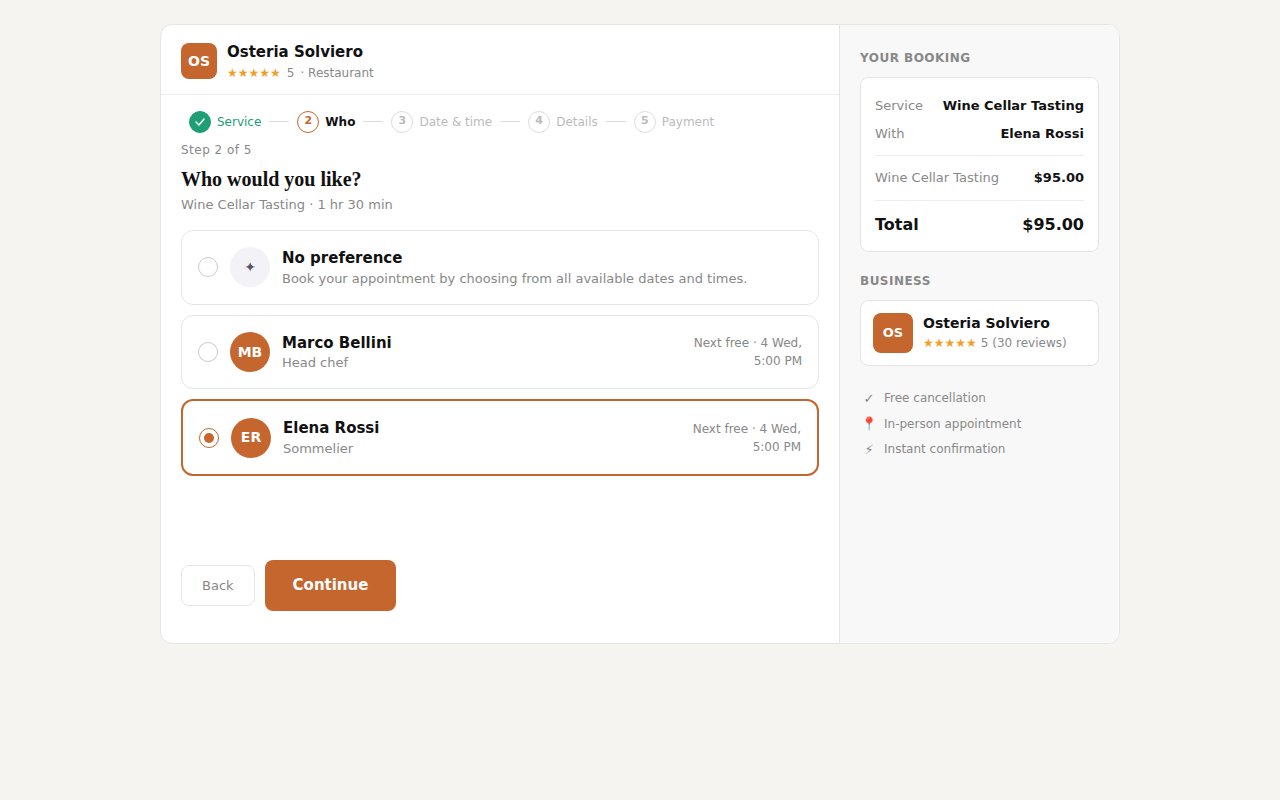
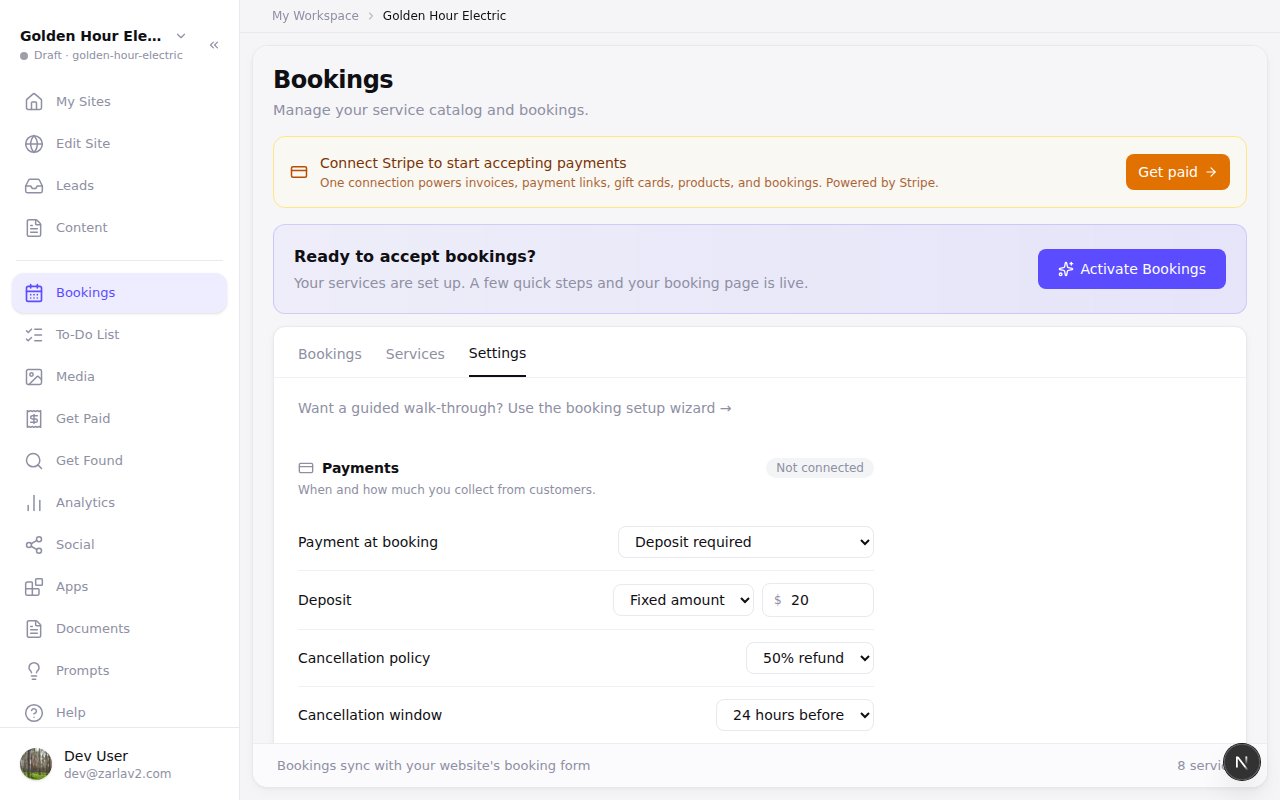
Zarla now gives each person on your team their own bookings, so a customer picks who they want and sees that person's free times.
Add your people on the Team tab in Bookings: the services each one does, their hours, a daily lunch break, days off. Once two people do a service, your booking page asks "Who would you like?", with No preference for anyone who just wants the next free time.
Your list shows who each booking is with, the Day view lays out a column per person, and you can move a booking to someone else; the customer gets an email saying who it's now with. The person is named in confirmations, reminders and your calendar.
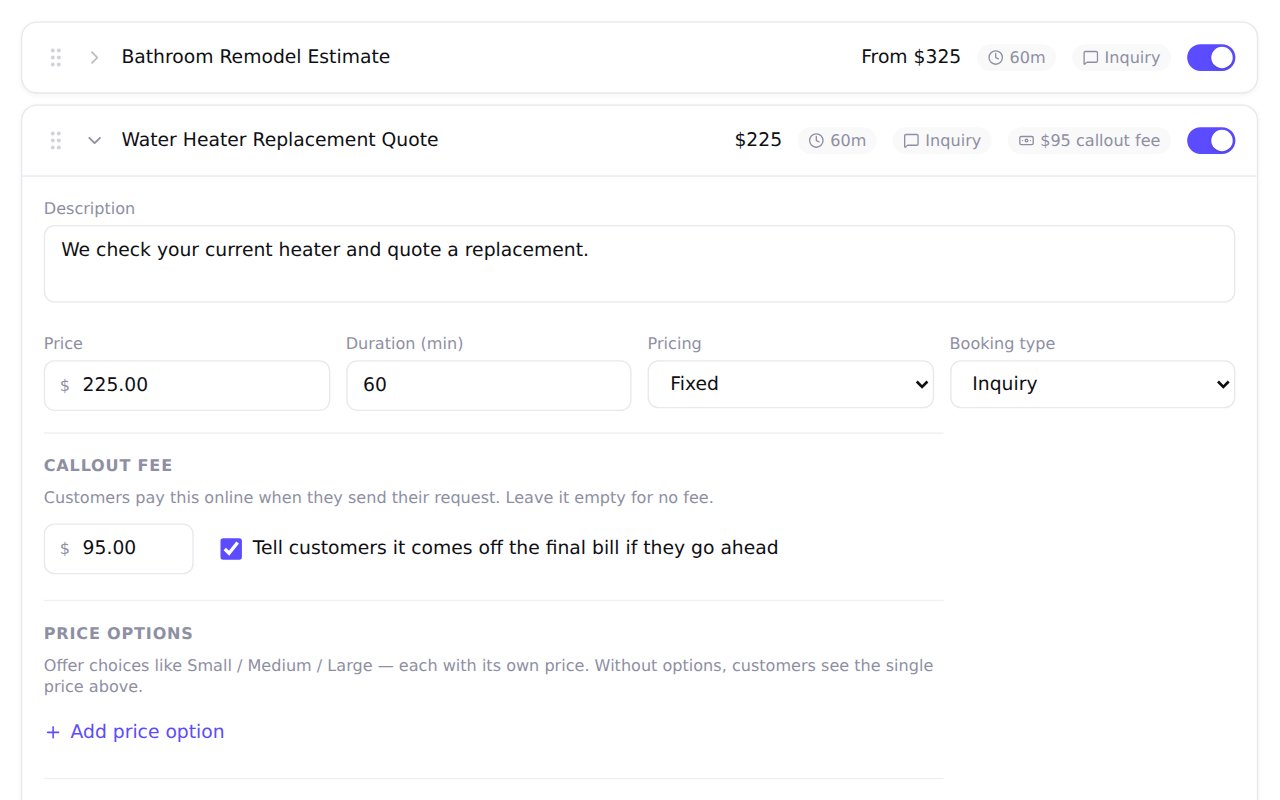
Zarla now lets you set, change or remove the callout fee on each quote request, so you decide what customers pay up front.
In Bookings, under Services, open the service with the arrow beside its name. With Inquiry as its Booking type, a Callout fee box appears: type an amount, or leave it empty for no fee. Tick the box beside it only if the fee comes off the final bill when a customer goes ahead, and your booking page tells them so.
Customers pay the fee online when they send the request, if your booking page takes payments. Without a fee, a quote request takes no payment, even when your other services take a deposit. Services we write for you start with no callout fee.
Zarla now notices when a customer's bank sends a booking refund back, so the booking shows what they're still owed, with Try again.
Paid a customer back another way, like cash? Marking it settled now records how much, so you can still refund the rest of what they paid from the booking.
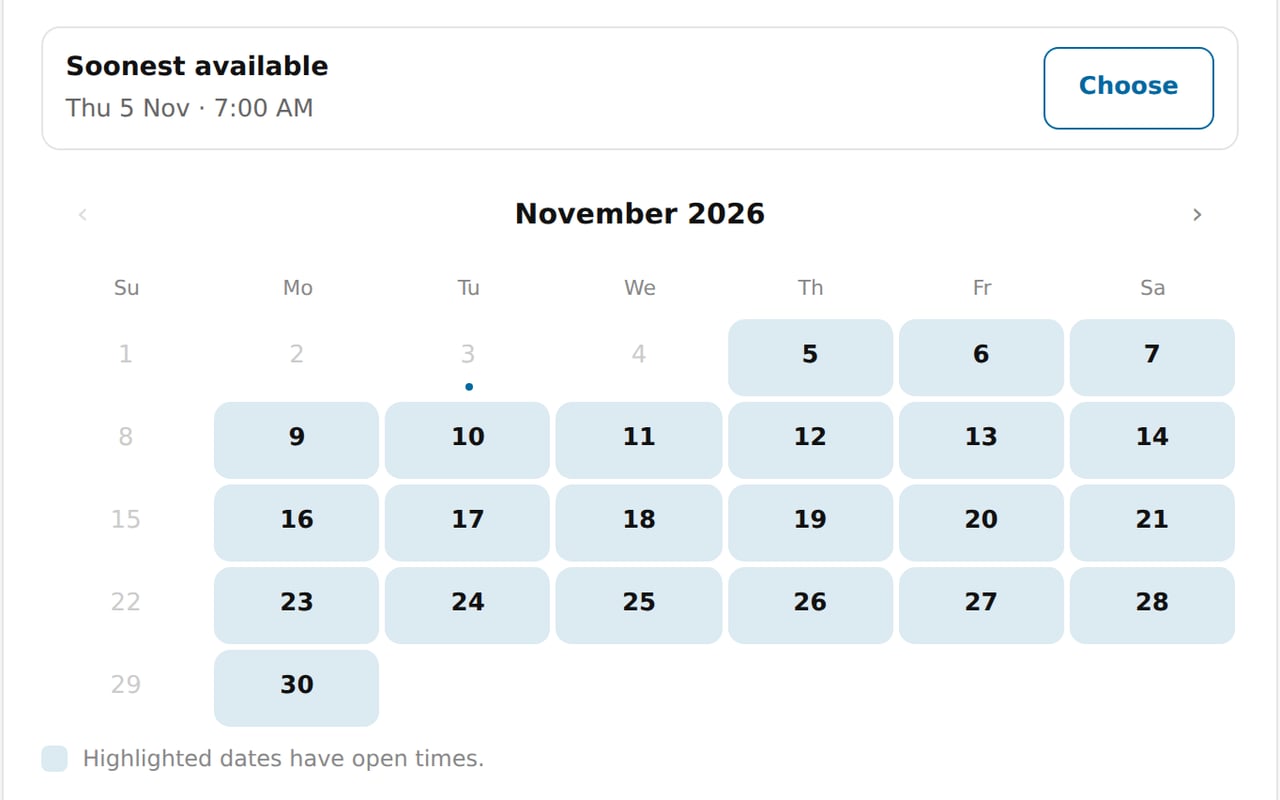
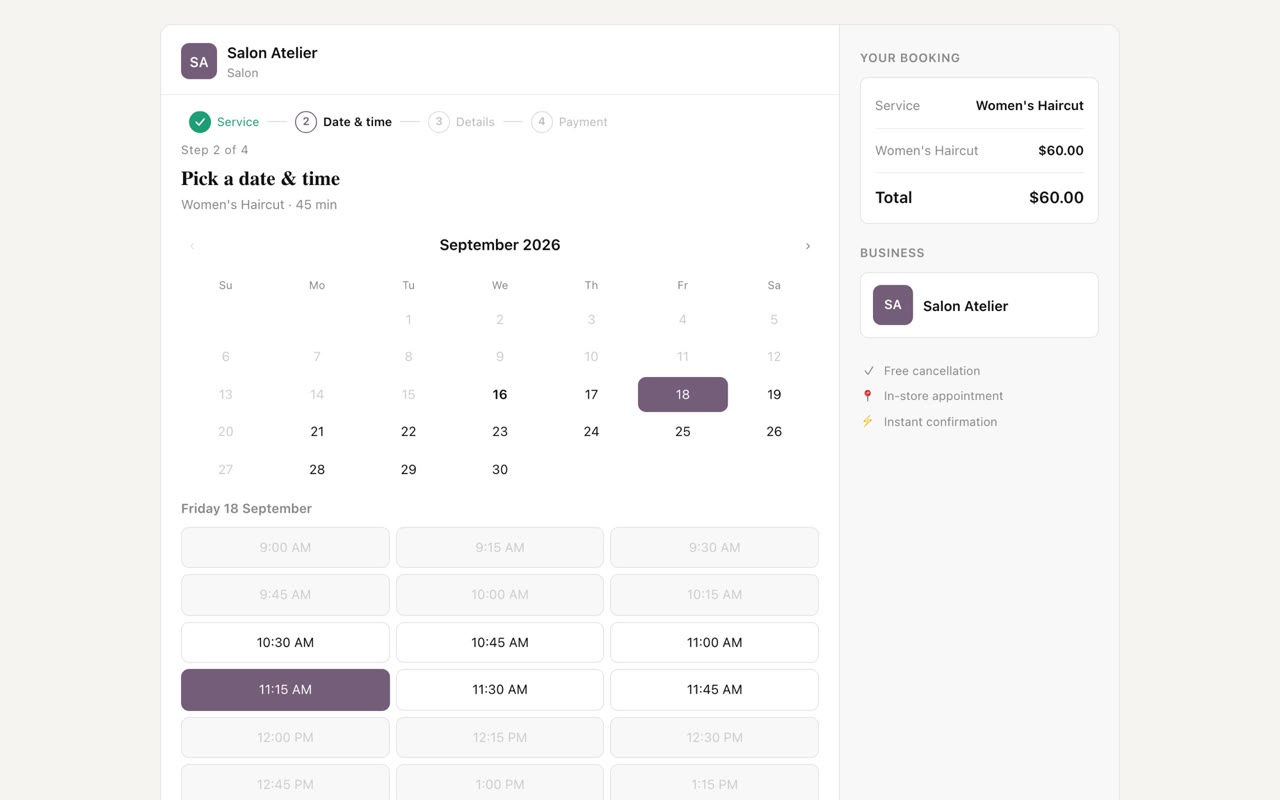
Zarla now highlights the days with open times on your booking page, so your customers find a day that works without clicking through each one.
Open days stand out in a soft shade of your site's color, and the rest fade to gray. The soonest open time sits above the calendar with a Choose button, and a month with no open times offers to show the next day that has some.
In Bookings, on the Settings tab under Hours, you can close the dates you're away, like a holiday or a trip, and bookings already on them stay booked. You also choose how far ahead people can book, from one week up to 12 months.
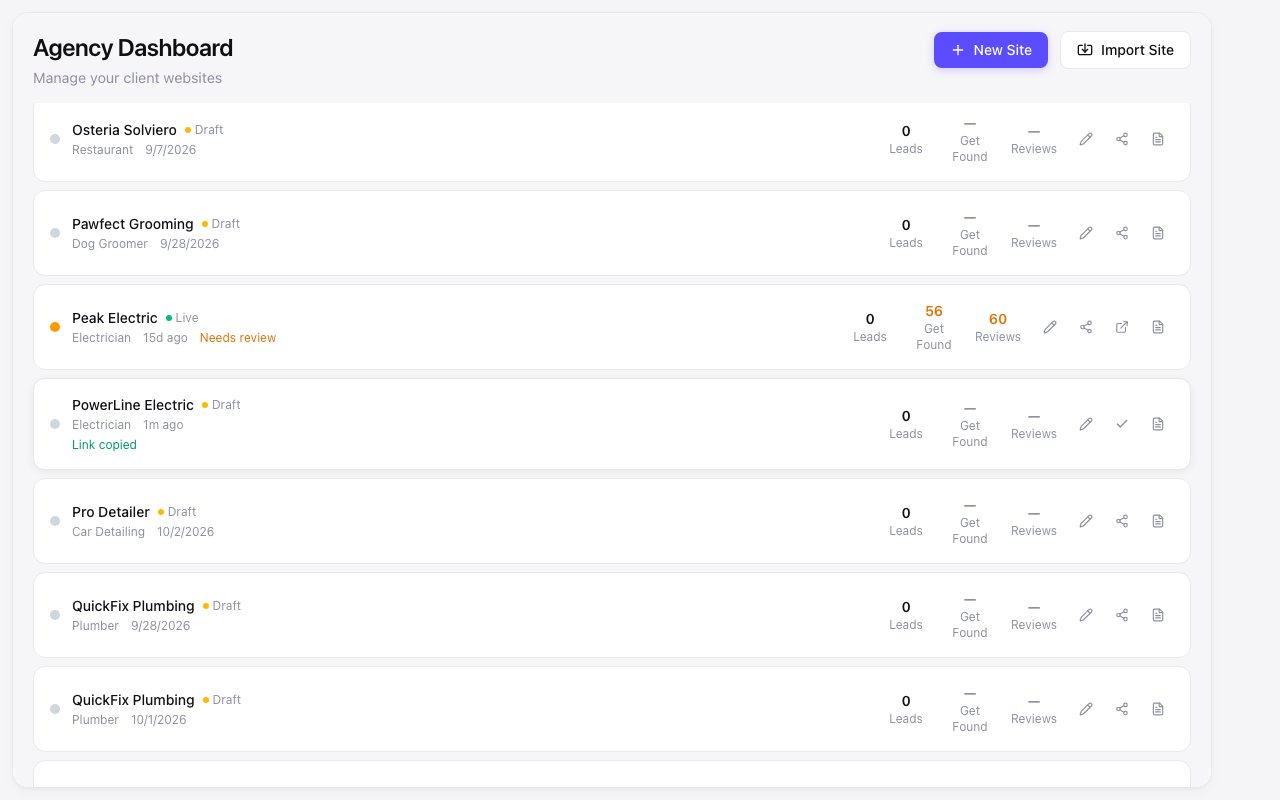
Zarla now puts a Share draft button on every client in your agency dashboard, so an owner can see their draft before it goes live. Press it and the link is copied and opened in a new tab, ready to paste into an email or a text. It works on a live site too, so a client can see edits you haven't published yet.
Your own agency site has the same button. If the link can't be made, the row says so and you can try again.
Zarla now keeps each section's photos and text together when rebuilding the other pages of your site, so your services page arrives with its pictures.
Pages built with modern WordPress themes and page builders put a heading in one box and the photos and cards beside it in another, and a rebuild could read the heading on its own and leave the rest behind.
We now read each section whole, so your services page keeps its photos, card titles and descriptions, a banner keeps its background photo, and no photo shows up twice on a page.
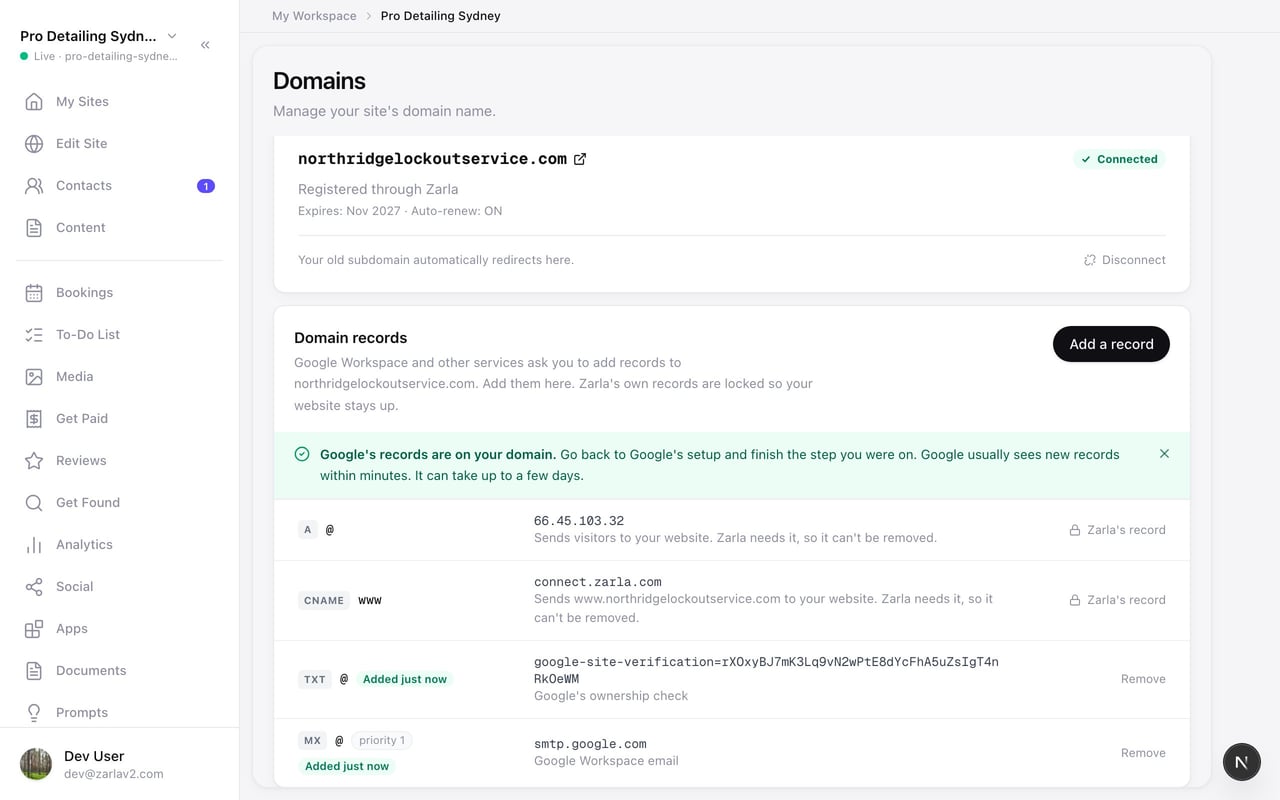
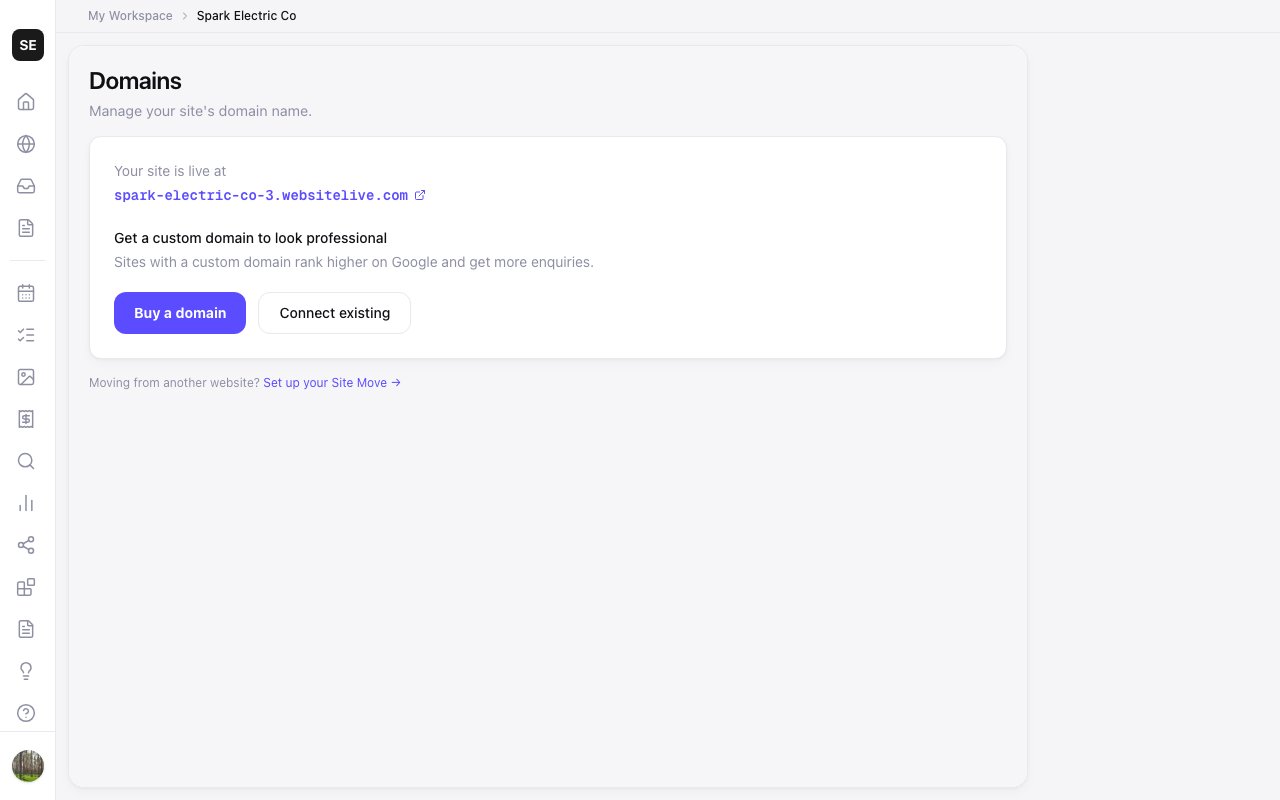
Zarla now lets you add records to a domain you bought through Zarla, so Google Workspace email is set up in a minute instead of waiting on support.
Open Domains and find Domain records under your domain. Press Add a record, paste the verification line Google shows you, leave the mail-record box ticked, and press Add Google's records. Both records go on your domain together, and you go back to Google's setup to finish.
If another service asks for a record, choose Another record and type what it gave you. The records Zarla needs for your website stay locked, so your site keeps working whatever you add or remove.
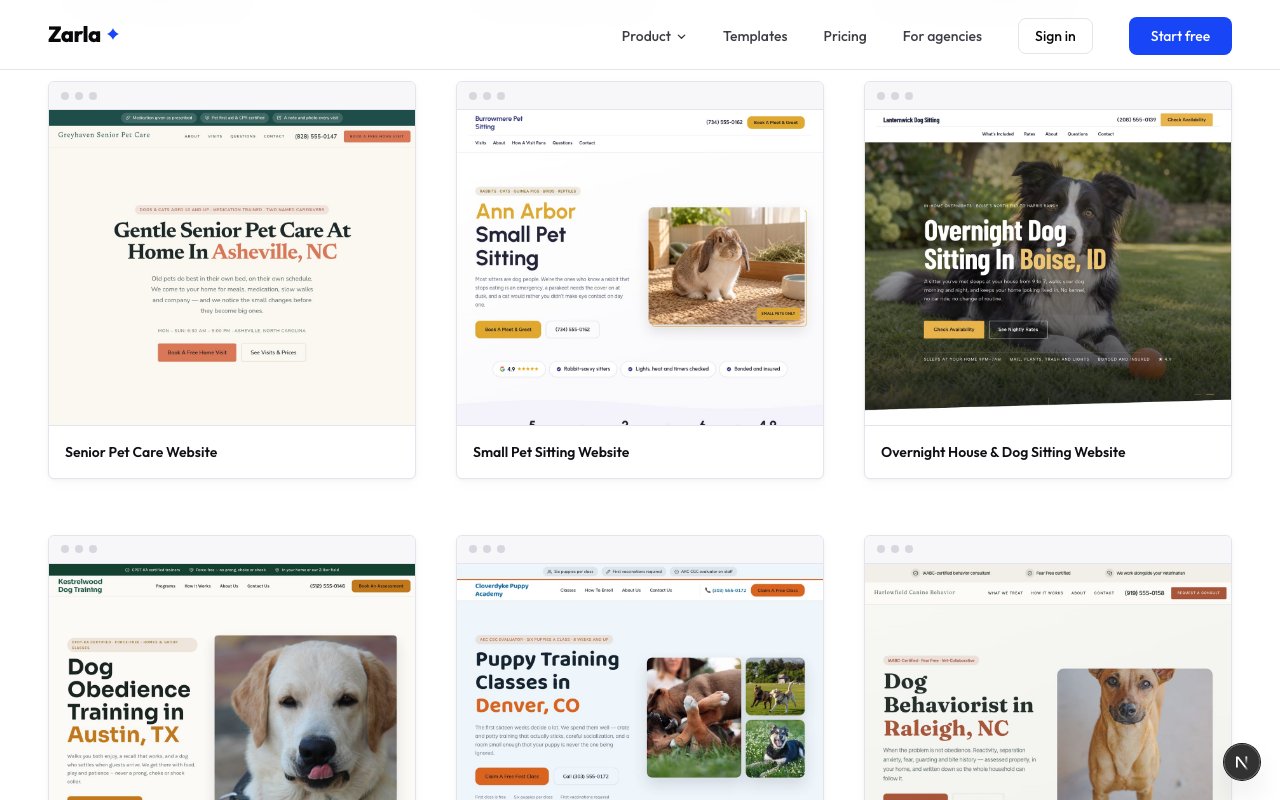
Senior pet care, small pet sitting and overnight house-and-dog sitting join the pet-care designs, each with its own prices, questions and booking form.
Not every pet sitter walks dogs. Some look after old dogs and cats on medication, some sit rabbits and guinea pigs and bearded dragons, and some sleep at your house so your dog never sees a kennel. Each of those is a different first screen, so each now has its own design.
The words are already written for the trade: visits priced the way that sitter quotes them, the questions owners ask before they book, and a form that asks for the right details. Change the town, the prices and the photos, and it reads like your business.
Senior pet care — a quiet, text-led opening with medication, mobility, overnight and vet ride-along visits
Small pet sitting — rabbits, cats, guinea pigs, birds and reptiles, priced by species
Overnight house and dog sitting — nightly, extended and holiday rates side by side, with house care included
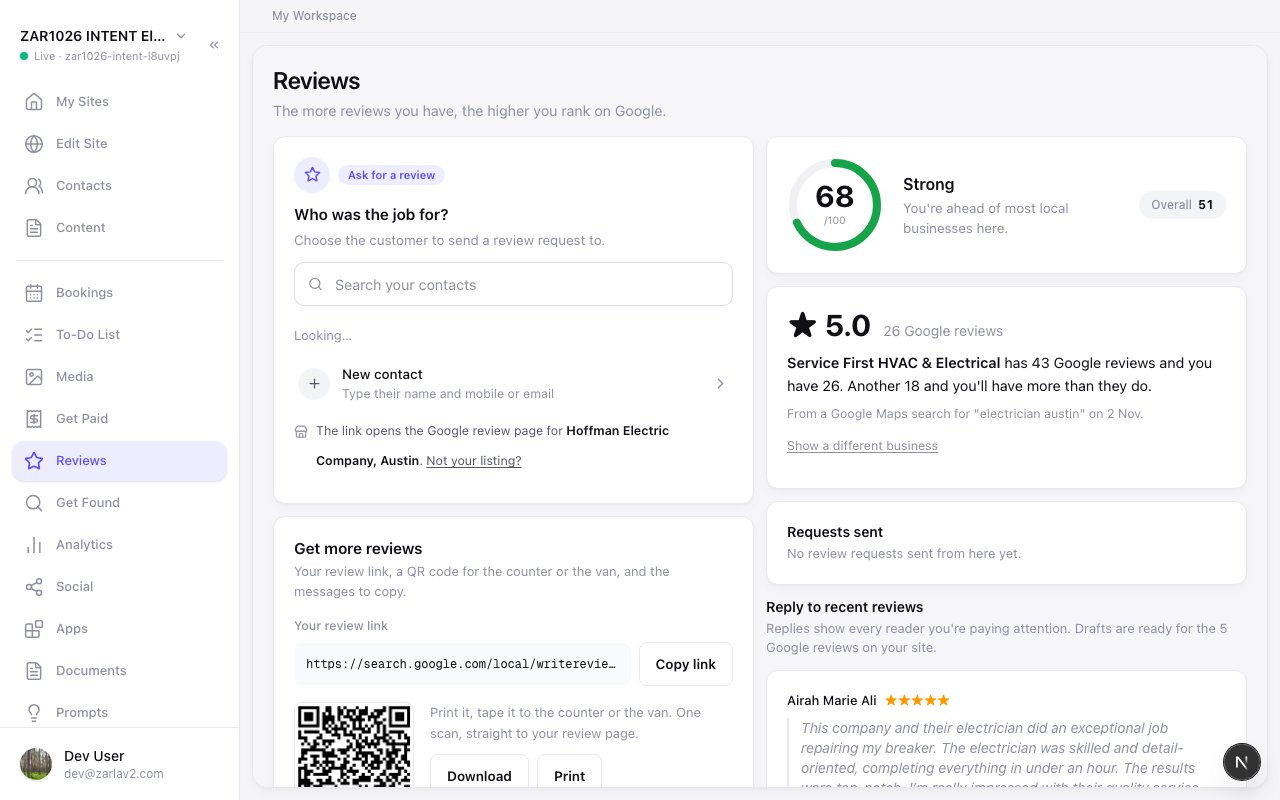
Zarla now names the business just above you on Google reviews, so you know how many more you need to have more than they do.
Zarla now looks up the businesses that show on Google Maps for your trade and town once your Google listing is connected, and the rating card on your Reviews page names the one just above you, with its review count and yours, and how many more reviews put you past it. When you pass it, the next one above takes its place, so there is a close reason to ask your next customer.
Not the right business? Tap Show a different business. On your phone, Ask a customer takes you straight to your customer list, so you can send the request while the job is fresh.
Zarla now puts a Search again button under your Google listing results, so a search that missed your listing runs again in one click.
When you connect your Google Business Profile and your business isn't in the results, press Search again under the list. The same search runs again while the list stays on screen, and the new results open from the top.
To try different words, press Back: the search box keeps what you typed.
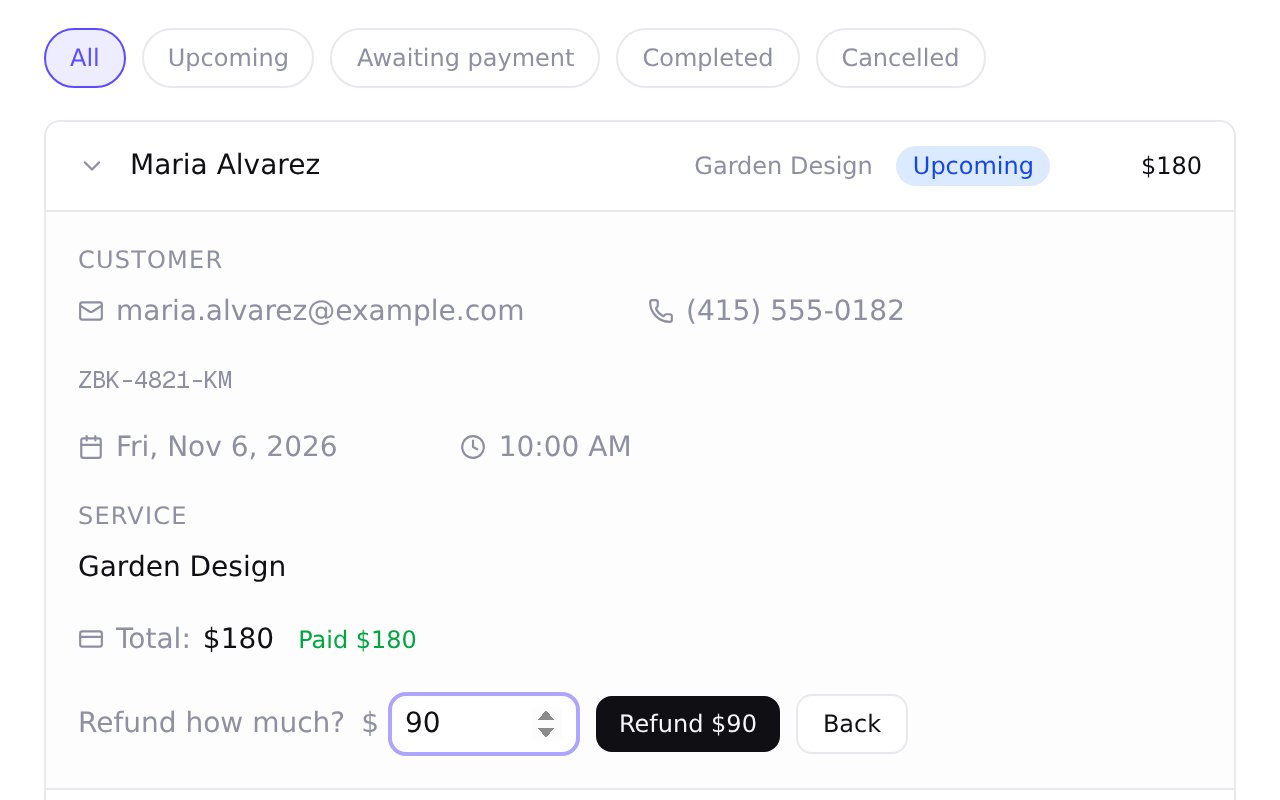
Zarla now puts a Refund button on each booking paid online, so you can refund the customer yourself, in full or in part.
Open the booking and press Refund. The amount starts at everything you can still refund; lower it for a part refund, then confirm. The money goes back the way they paid, and if your booking email notifications are on, they're emailed that it's on its way.
When you cancel a paid booking, you can refund more than your policy says, up to everything not yet refunded. If that refund fails, the booking shows what the customer is still owed, with Try again beside it. Paid them back another way, like cash? Mark it settled with a note.
Therapists and counsellors get contact forms written for a private practice, credentials Zarla recognises at sign-up, and a free consultation that reads as free when booking.
A few things now fit therapists and counsellors in private practice better.
Type LMFT, LPC, LCSW, LMHC or EMDR when you describe your practice and Zarla knows you are a therapist.
Contact forms on a new counselling site ask for practical details and carry a short privacy note asking clients not to include health information.
Forms say client, not patient.
A free introductory consultation reads as Free on your booking page and in the booking summary, with no zero price anywhere.
The booking page now says in-person appointment rather than in-store for every business that books by appointment.
A free booking is confirmed without a card step, even when you take payments online.
Zarla now sends your order, gift card and invoice payment emails from your business name, so a customer who replies reaches you.
The phone and email printed in them are the contact details you confirmed in your settings.
If one of these emails doesn't send, the order, gift card or invoice says so, and you can send a download link, a gift card email or a payment receipt again in one tap.
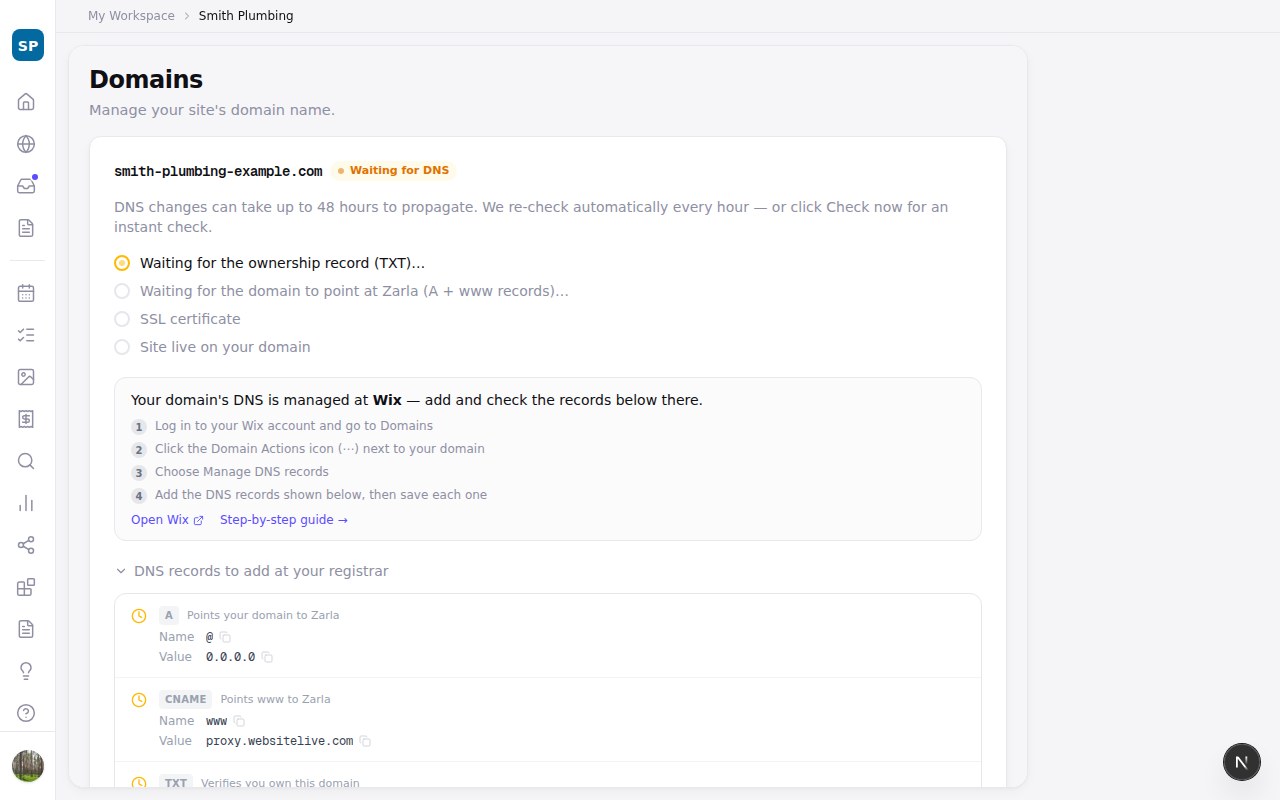
If a domain you own hasn't connected after a few days, Zarla now tells you which record is missing, which one is in the way, and where to change it.
Connecting a domain you bought elsewhere means adding a few records at the company that runs its settings. If they still haven't shown up after three days, the Domains page and your Overview now say how long it's been and exactly which record is missing, and we send one email with the same list.
When there's already a record pointing somewhere else, like a registrar's parking page, Zarla names it and tells you to change that one instead of adding a second beside it.
The steps for GoDaddy, Squarespace, Namecheap, Cloudflare, Wix and more now use the same names as the boxes on that company's own screen, with a step-by-step guide for each.
Zarla now confirms you're signed in where your request arrives instead of asking a US server first, so signed-in pages start loading sooner, most of all outside the US.
Every page you open while signed in used to begin with a check against our sign-in service in the US. The further you are from there, the longer each click waited before anything loaded.
That check now happens where your request arrives, instead of a round trip to the US first. If a damaged sign-in cookie ever gets stuck in your browser, you now land on the sign-in page instead of an error page.
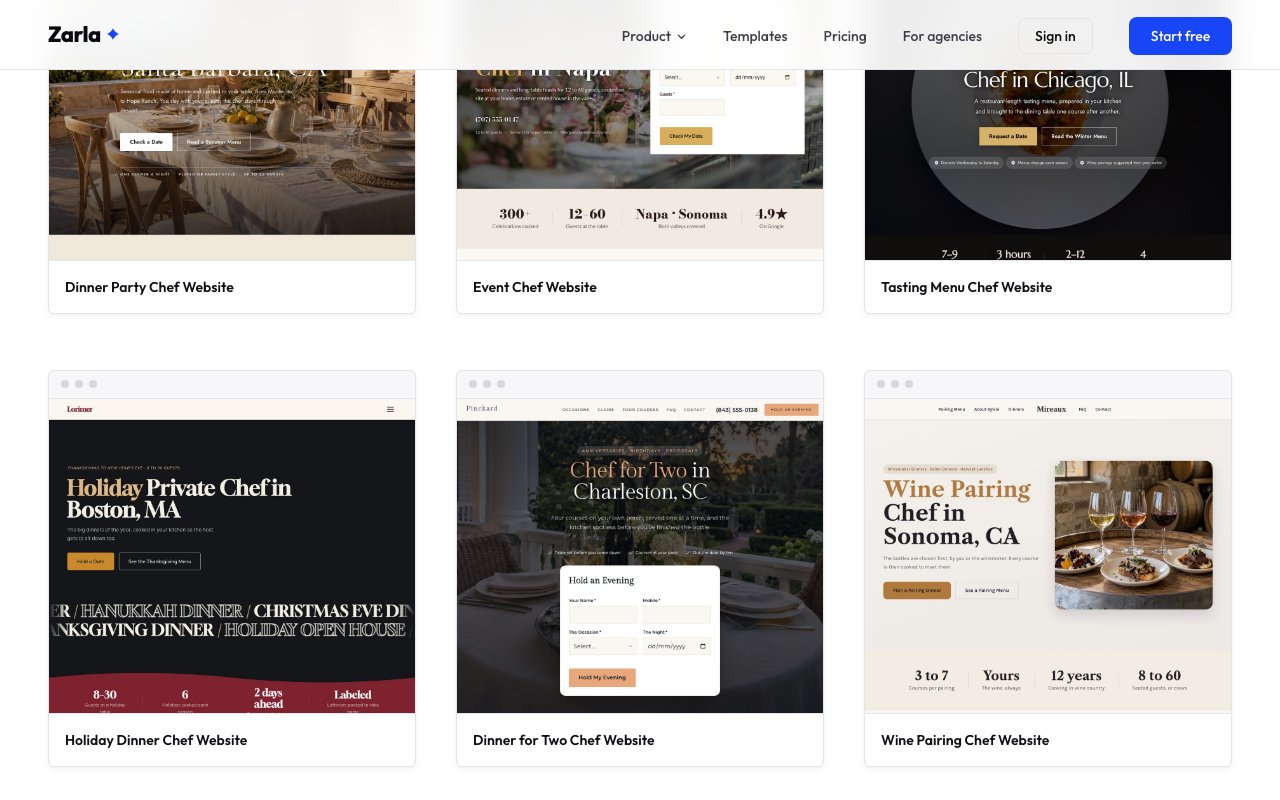
Zarla now has 17 private chef website designs, adding holiday, corporate, yacht, retreat, kosher, wine-pairing and summer-house chefs.
A chef who cooks board dinners in Manhattan and a chef who cooks Thanksgiving in a family's kitchen are booked in different ways, so we built a design for each kind of private chef: booked by the holiday, the boat trip, the retreat, the season or the week.
Every design comes with a sample menu written for that kind of cooking and an inquiry form that asks what you need to know first — the boat and the marina, the retreat's first and last day, how much of the summer, or how a kosher kitchen is set up.
Occasions — holiday dinners, a dinner for two and wine-pairing dinners
Households — weeknight dinners a few nights a week and kosher home cooking
Work and groups — client and board dinners, and cooking for a whole retreat
Away from home — a summer house for the season and trips on private boats
Zarla now tells a website's small icons apart from its photos when rebuilding a site from its address, so your real photos land in the new design.
Many website themes draw their little symbols, like a wrench next to a service, as tiny picture files, and a rebuild could mistake one for a photo and blow it up where your picture belonged.
We now tell icons and the browser-tab icon apart from real photos before choosing anything, we find photos that only load as you scroll, and a photo card on your rebuilt home page gets a photo, yours first. Your rebuilt site shows the pictures you actually took.
The side panel now shows each part of a blog post with its heading and text, and on a computer you can type straight into the text on the page.
A blog post is written in parts, each with its own heading. The side panel used to show a single text box that the page didn't use, so what you typed there never appeared on the post.
Now each part shows up in the panel as its heading and its text, and what you change appears on the page straight away. On a computer you can also click the text on the page and type into it, and you can add another part from the panel.
While you type on the page, the text keeps the post's own font, spacing and bullet points, so it looks just like the published post.
Zarla now finds your Google Business Profile by your phone number as well as your name, and marks the listing that matches your site.
When you connect your Google Business Profile, Zarla now searches by your phone number as well as your business name, and the listing that carries your site's phone comes first, marked "Matches your site".
Every result also shows its phone number and category, so businesses with similar names are easy to tell apart before you connect.
Zarla now checks whether your Google listing's Website button opens your new domain, and hands you the exact address to paste when it doesn't.
Zarla now checks your connected Google listing once your own domain is live, and adds a second step beside Search Console on the Overview: does the listing's Website button open your new site? If it doesn't, you get the exact address to paste, a Copy button, and a one-tap door into your profile on Google. Tap "I've updated it — check now" and the step ticks once Google shows the change. If you went live weeks ago, the same step is waiting next time you open the Overview.
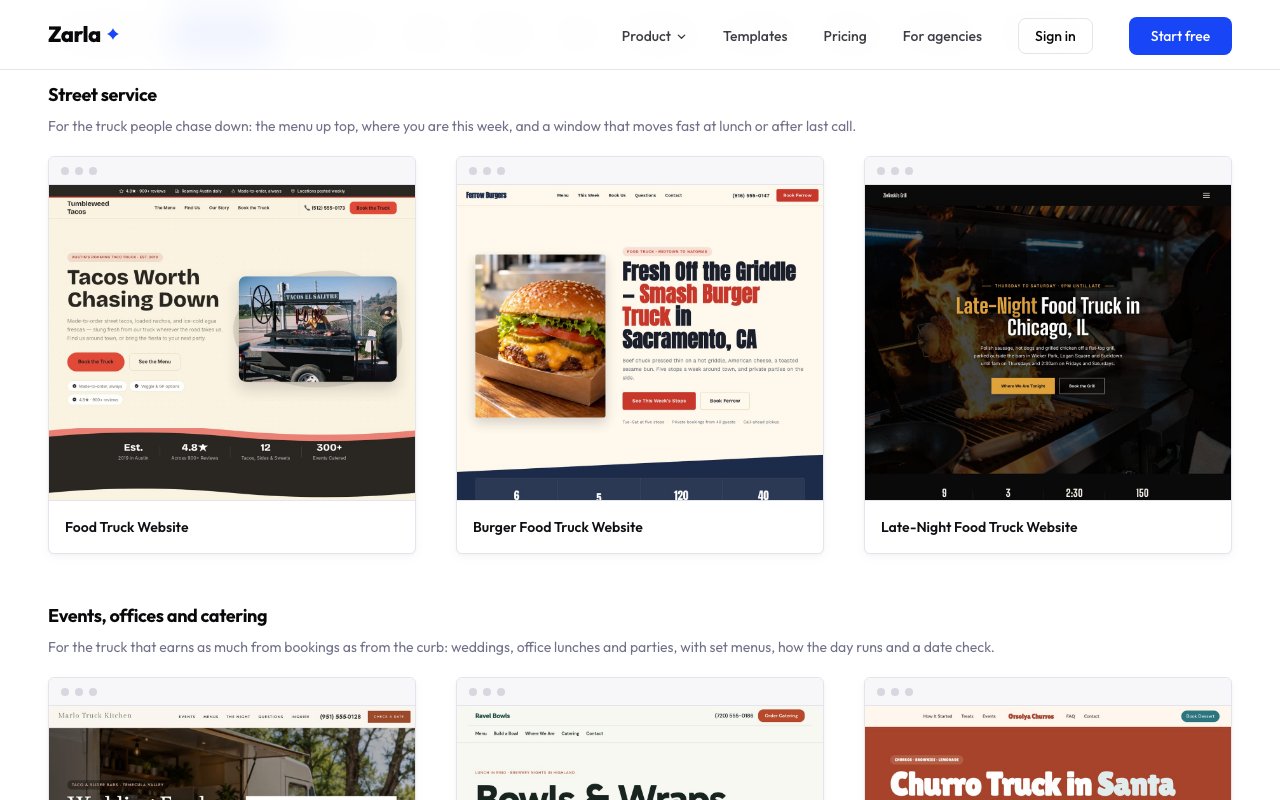
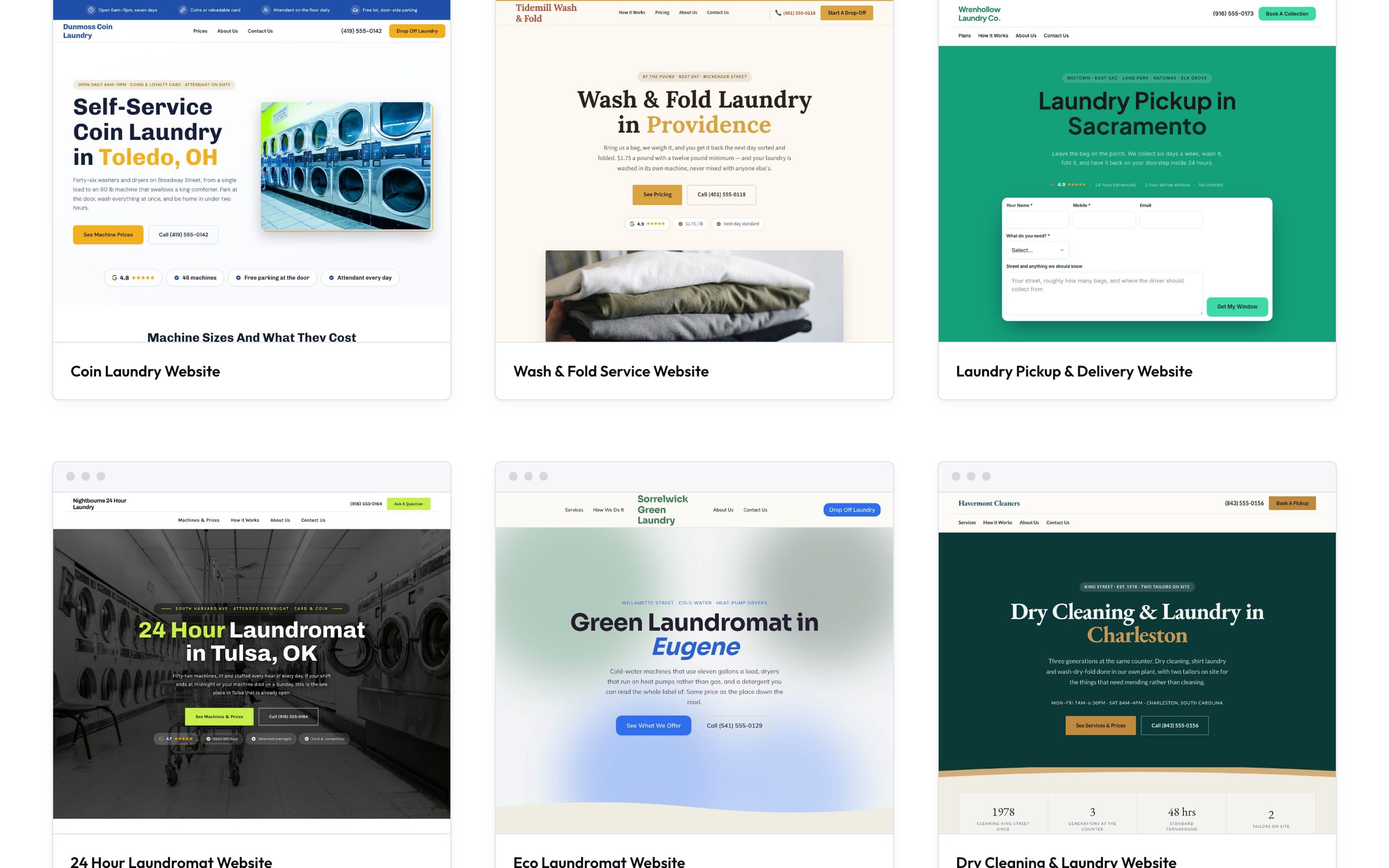
Zarla now has 6 food truck website designs: a taco truck, a smash burger truck, a wedding catering truck, a bowl truck, a churro truck and a late-night grill.
A food truck's site does two jobs: it tells regulars where the truck is and what's on the menu, and it books the truck for events. Each of the five new designs leads with the side that earns that kind of truck its money, and every one ends with a booking form that asks for the date, the place and the guest count.
There are designs for a taco truck, a smash burger truck with call-ahead pickup, a wedding catering truck with a date check in the first screen and a timeline of the night, a grain bowl truck that delivers labeled office lunches, a churro and lemonade truck with a Saturday coffee window, and a late-night grill parked outside the bars.
Kinds of truck — taco, smash burger, wedding catering, bowls and wraps, churros and dessert, and late-night grill
On the new designs — a menu with prices, this week's stops or the night's timeline, food photos and a booking form for parties and events
Looks — a burger beside the headline, a date-check form beside the truck under the trees, oversized type over fresh vegetables, a brick-red panel over churros, a dark grill at night
Form questions where visitors tick several boxes now send every choice, and newsletter sign-up banners file each address into your contacts as a subscriber.
Tick-several-boxes questions on your forms now send every choice a visitor picked, shown together on the request in your Contacts.
The newsletter sign-up banner now files each address straight into your contacts as a subscriber, with the same thank-you your other forms show.
Live sites pick both up the next time you publish.
Zarla now makes the call, email and social media buttons on sites it writes from your own details, so calls and messages reach you.
When your contact form shows your address, phone and email beside it, you can now change them right there, just as you would in Settings.
Clear your phone number, email or address in Settings, or empty its field in the editor and click away, and it now comes off your call and email buttons and your footer too, and out of the page text that spells it out in full.
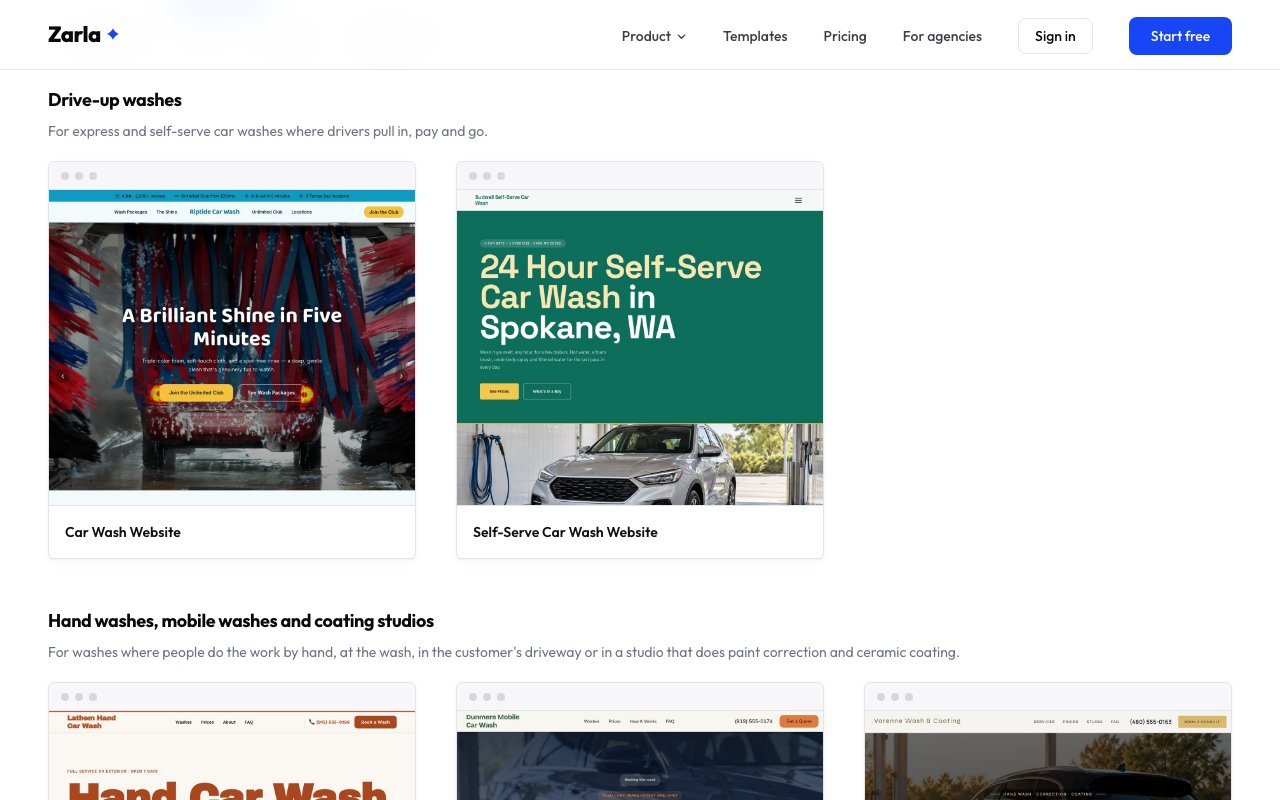
Zarla now has 5 car wash website designs, from an express wash with a wash club to full-service hand washes, self-serve bays, mobile washes and ceramic coating studios.
Drivers compare washes on price before they turn in, so every design shows a wash menu with prices and says what each wash includes.
Alongside the express wash with a wash club, there are designs for a full-service hand wash, self-serve bays that stay open all night, a mobile wash that comes to the driveway or the office lot with a quote form up top, and a studio that does hand washes, paint correction and ceramic coating.
Kinds of car wash — express tunnel, full-service hand wash, self-serve bays, mobile wash and wash-and-coating studio
On every design — a wash menu with prices, your hours and a form for bookings, quotes or questions
Looks — from a bold big-headline hand wash and a deep green color-block self-serve design to a dark coating studio and a friendly green mobile wash
Zarla now shows YouTube's standard play button on Shorts added with their Shorts link, so iPhone, iPad and Safari visitors see the button they know.
On iPhones, iPads and Safari on Mac, a Short could show YouTube's red Shorts logo as its play button until it played. It now shows the red rounded button with a white triangle, like your other YouTube videos. Every YouTube video in a Shorts row gets it too.
Your live site picks the change up the next time you publish a change.
Zarla's editor now catches a change that would break your site, goes back to your last save, says so in the chat, and keeps saving.
In the form editor, a form keeps at least one question, and a question you add to a one-step form joins that step, so changing a form saves like any other edit.
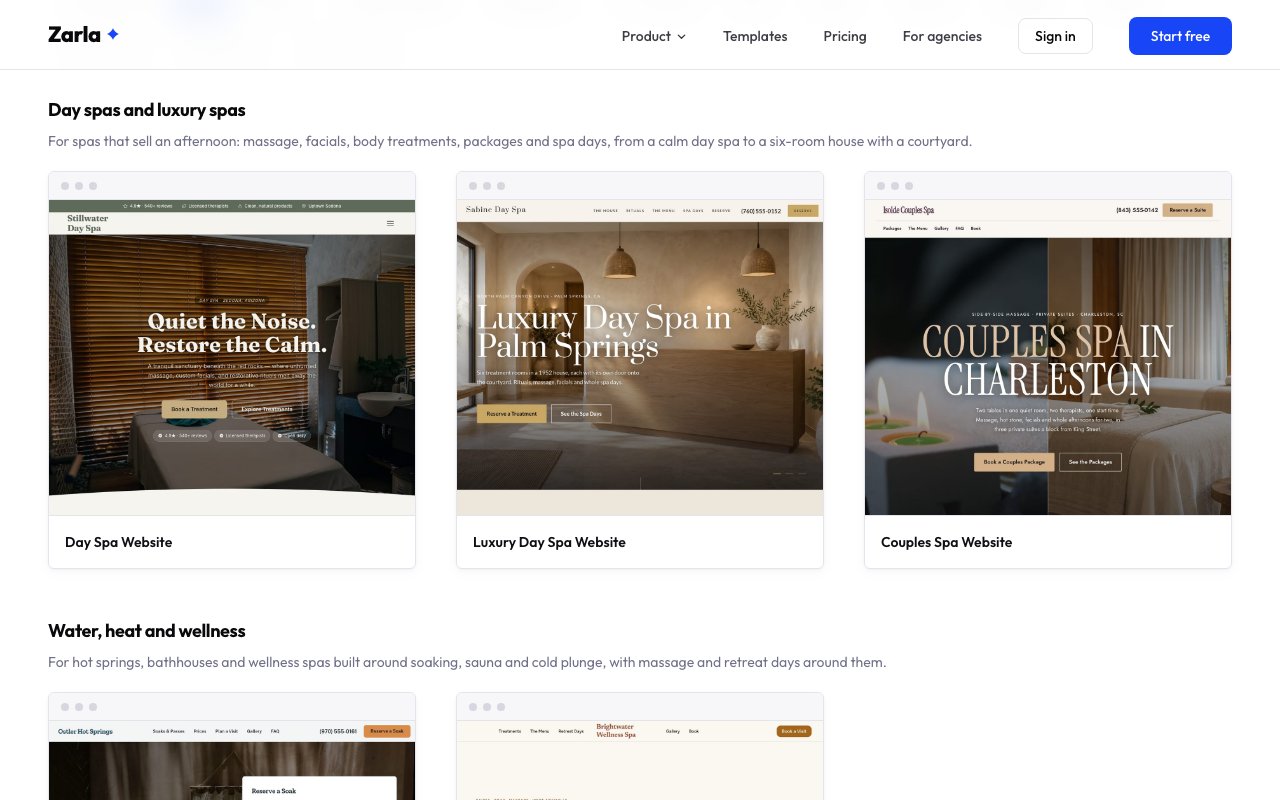
Zarla now has 8 spa website designs, from a day spa and a couples spa to a hot springs bathhouse, Thai massage, a men's spa and facials.
Guests choose a spa on the treatment and the price, so every design has a treatment menu with lengths and prices, photos of the rooms and a booking form that asks for the treatment and a date.
There are designs for a day spa, a couples spa with packages for two, a wellness spa with sauna and cold plunge, a spring-fed bathhouse with a reserve-a-soak form in the first screen, a Thai massage spa open late, a men's spa with memberships, a facial spa that starts with a skin consult and a luxury day spa in a house with a courtyard.
Kinds of spa — day spa, couples spa, wellness retreat, hot springs, Thai massage, men's spa, facial spa and luxury day spa
On every design — a treatment menu with prices, photos of the rooms and a booking form
Looks — from a warm clay-and-amber wellness design and a slate bathhouse to a charcoal men's spa and a rose facial studio
Describe your business the way you would say it and Zarla recognises it, so your site starts with the right layout and photos.
Hundreds more everyday wordings now land on the right industry: estate agents and realty, car and motorcycle dealerships, puppy and kitten breeders, medical centres and family practices, vacation rentals and resorts, attorneys and solicitors, staffing and manpower agencies, IT solutions, tattoo and piercing studios, performing-arts academies, event companies, private chefs for hire, and many more. A single broad word such as hospital or clinic no longer gets a guess from a neighbouring trade; Zarla reads your description instead.
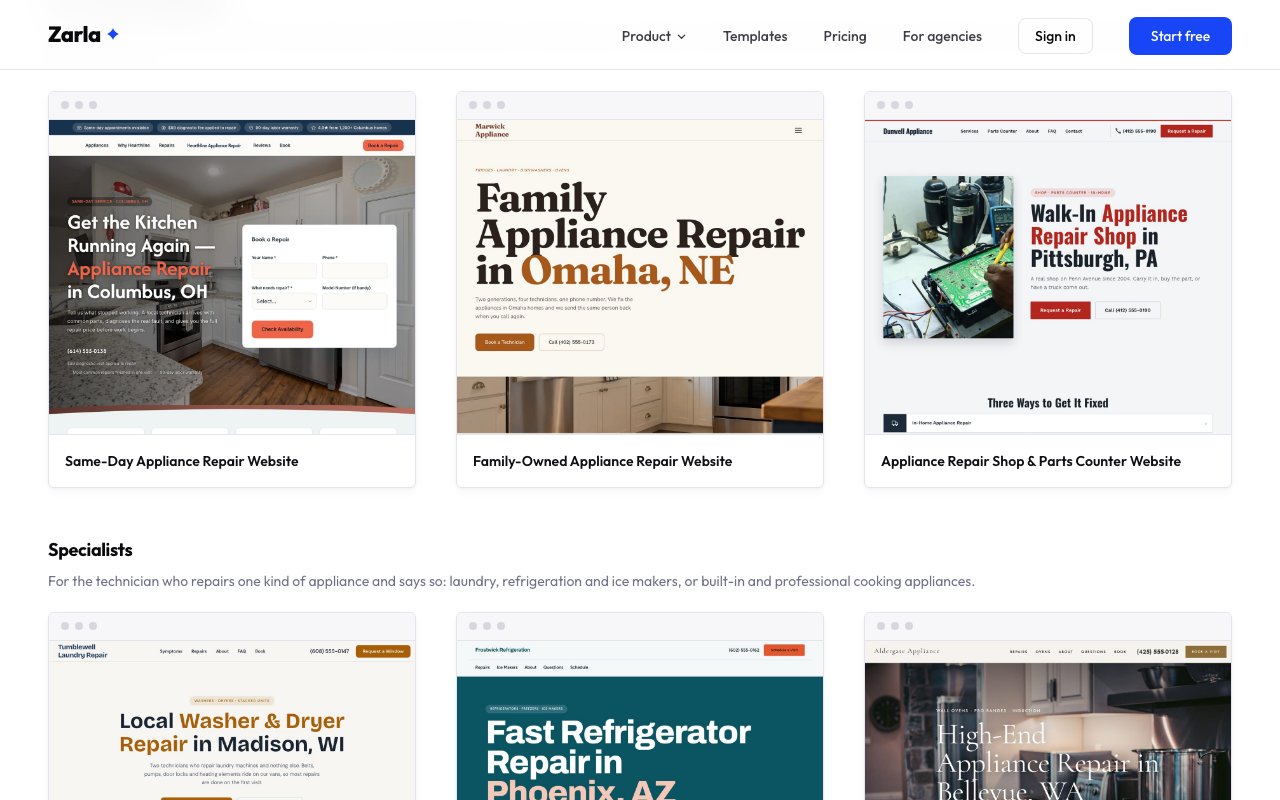
Zarla now has 6 appliance repair website designs, from a same-day service and a family-run business to washer, refrigerator and built-in specialists and a repair shop.
A customer with a dead fridge reads only the first screen, so every design names the appliances it fixes up top, says how fast the technician comes, publishes the diagnostic fee and credits it against the repair, and asks for the model number on the request form.
There are designs for a same-day service with the booking form in the first screen, a washer and dryer specialist that leads with symptoms, a refrigerator and ice maker technician, built-in and high-end cooking appliances repaired in place, a walk-in shop with a bench and a parts counter, and a family-run business that sends the same technician back.
Kinds of repair business — same-day, washer and dryer, refrigerator and ice maker, built-in and high-end, repair shop and family-run
On every design — the appliances you fix in the first screen, your diagnostic fee, a repair request form and online booking
Looks — a booking form over a bright kitchen, oversized type on a teal band, a light serif on a professional range, condensed capitals beside a workbench
Customers can book up to 12 months ahead, and your booking page checks your Google Calendar that whole way out: a closure you mark Busy months in advance is closed from day one.
Only calendar entries marked Busy block times. Events shown as Free, birthdays and working-location entries leave your page bookable.
Cancel a booking and its time opens up on your booking page right away.
A booking that runs past midnight keeps the next morning's overlapping times closed.
Very full calendars are now read in full, so no event is missed.
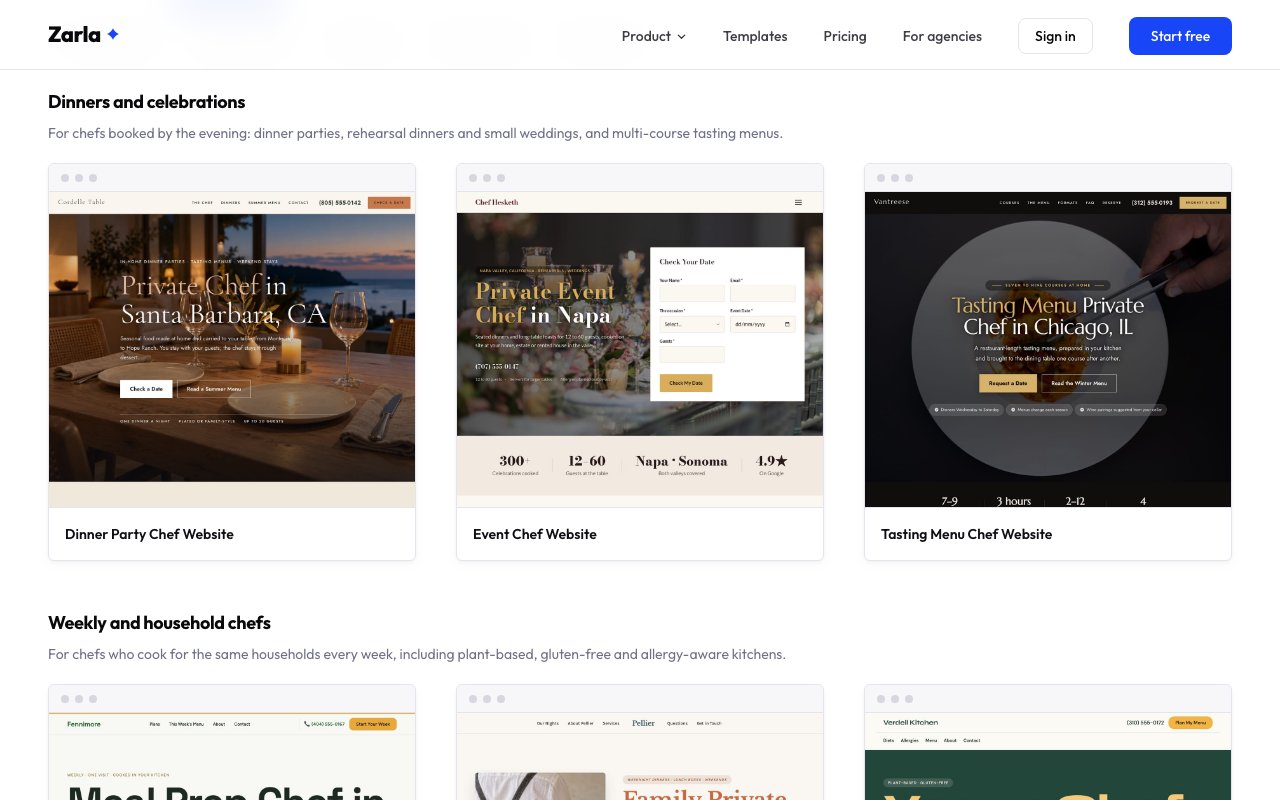
Zarla now has 8 private chef website designs, from dinner party and tasting-menu chefs to weekly meal prep, cooking classes and vacation-home chefs.
Clients book a private chef on the food, so every design shows the food and a sample menu you swap for one you've cooked, and every inquiry form asks for the date and how many people you're cooking for.
There are designs for a dinner party or a nine-course tasting menu at a client's table, rehearsal dinners and small weddings, a week of meals in the fridge, plant-based and allergy-aware cooking, a family's weeknight dinners, private cooking classes and a week at a ski chalet.
Kinds of private chef — dinner party, tasting menu, event, meal prep, family household, plant-based, cooking class and vacation chefs
On every design — a sample menu, photos of the food and an inquiry form for the date and guest count
Looks — from a candlelit dusk table and a dark tasting-menu design to a bold deep-green plant-based design and a warm family kitchen
Zarla now shows you everything a customer puts on a booking request, so you can come back with a time and a price straight away.
For requests without a set time, the opened booking and your new-booking email now show the problem, where, how urgent, and when they're free. Calendar events also list the option, extras and answers.
Booking emails now come from your business name, and replies reach you. Cancelling a paid booking shows what was refunded. If the refund didn't go through, it shows how much the customer is still owed.
From now on, each booking keeps the name and number it was booked with. If a customer email fails, the booking says so, and a cancellation email resends with one tap.
Zarla now shows your bookings past the first 50, so every booking stays reachable as your business grows.
The list says how many bookings the filter holds, and Show more loads the rest, 50 at a time. Switching to another site on the Bookings page now shows that site's bookings straight away. Booking reminder and follow-up emails also got more reliable, so the ones you have on reach your customers.
Zarla's AI editor now puts in photos from your own Media library when you ask for them, so your site shows your real work.
Ask for “my truck photo in the hero” and it uses your photo with that word in its title, alt text, description, file name, tags or folder, and tells you which one. If more than one could fit, it uses the newest or asks you which. If none matches, it leaves the photo as it is and says so; if a photo has only the name your phone gave it, it asks whether that's the one.
It sees your 20 newest photos; a short title on one makes it easy to ask for by name.
Zarla now checks your Google Calendar once more at the moment someone books, so a time you've only just blocked is refused.
Your customer sees a friendly note that the time was taken just now and picks another — nothing is booked and nothing is charged.
Calendar changes still reach the slot list within about 15 minutes; this final check covers the gap between a page being opened and the booking itself.
Your published site now tells Google and AI assistants your suburb, state, postcode and the service areas your site shows.
Behind the scenes, every published page carries your address in the structured format search engines read, and lists only the areas your site actually names — so nearby searches find the right you.
Zarla now shows your own thank-you message after someone sends one of your forms, so you decide what visitors read next.
Until now they saw a short English note instead, whatever you had written. Write the message in your site's language, and type {{name}} where their first name should go. To change it, ask the AI in the editor, or click a form section and open More options.
Your live site picks this up the next time you publish.
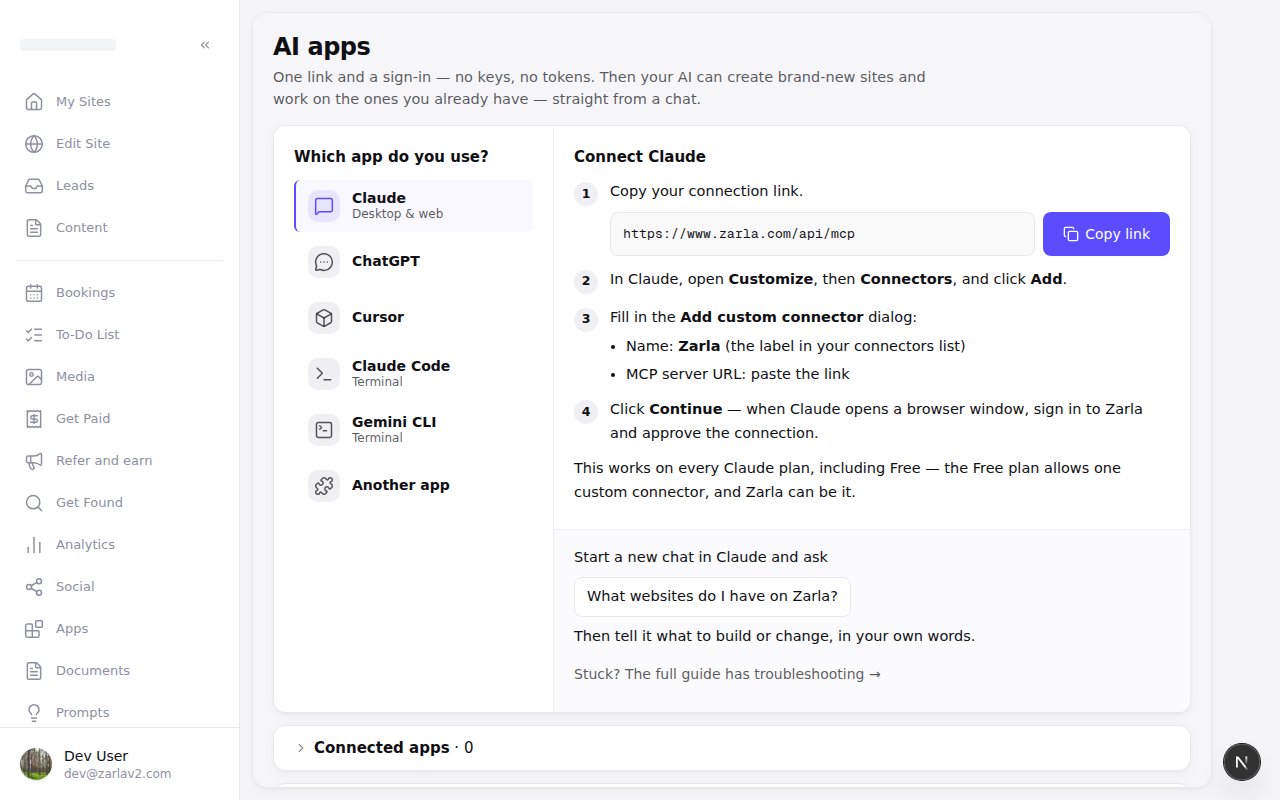
Zarla now connects your AI assistant to every site you can open, shared ones included, so you can work on them from a chat.
It does only what your role on each site allows. Owners and Admins can edit and publish from a chat. Staff can read a site's pages and add photos to its library.
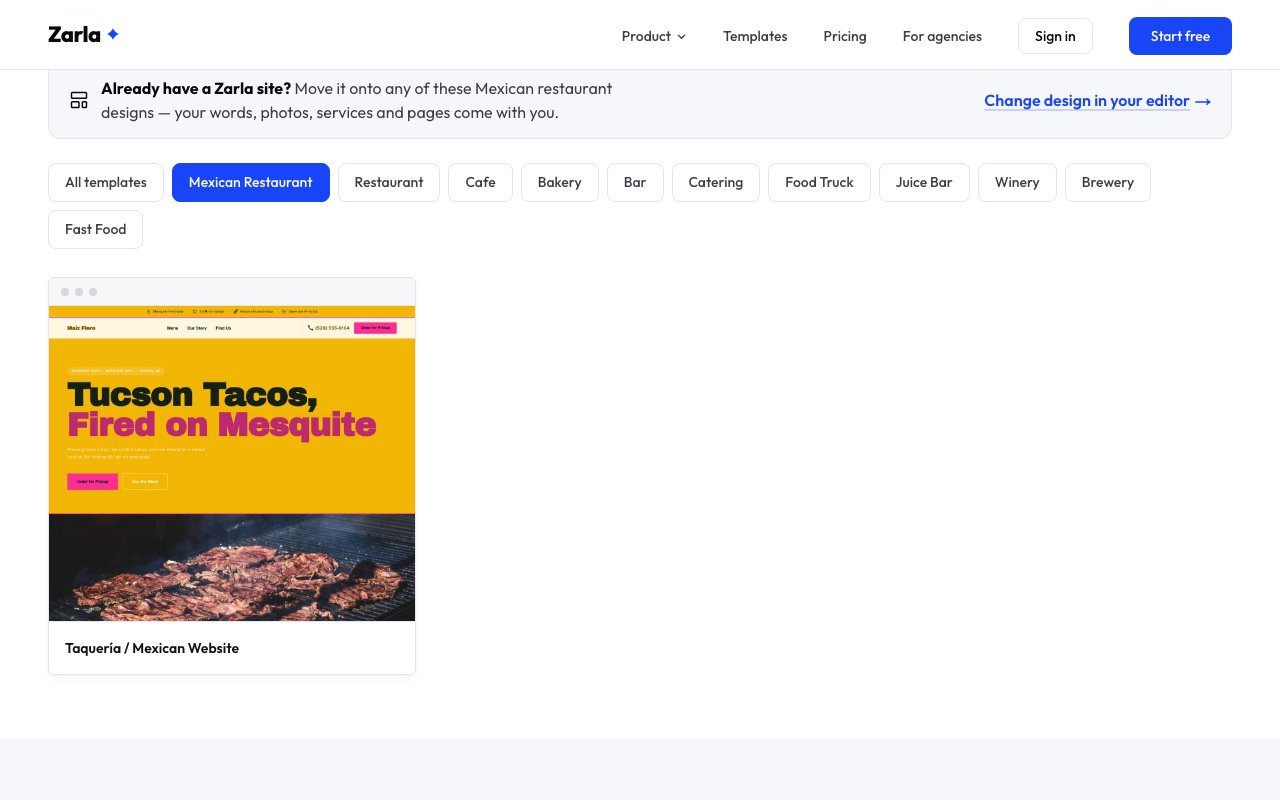
Describe a Mexican, Italian, Chinese, Thai, Indian, seafood, burger or breakfast place in your own words and Zarla knows what you run; most now have a gallery of their own.
Type "taqueria", "cantina", "trattoria", "ristorante", "dim sum", "noodle house", "curry house", "fish and chips", "bar and grill" or "diner" and Zarla recognises the kind of restaurant you run, with its own page and gallery. Pho, taverna and smokehouse count as restaurants too.
Six cuisines have a design gallery of their own already: the taqueria, trattoria, dim sum, chaat bar, oyster bar and brunch designs sit in their cuisine's gallery, and still in Restaurant's, as do the French bistro and the two pizza designs.
Pizzerias, steakhouses and bistros now count as restaurants in every list.
Zarla now gives each of your sites its own booking setup and Google Calendar, so each site's bookings and busy times stay on that site.
Anyone you've added to a site, like a client or a teammate, works on that site's own booking setup, the one its booking page uses.
Each site connects its own Google Calendar on the Settings tab in Bookings, and disconnecting one site leaves your other sites' calendars as they are. The site's owner or an admin connects or changes it; teammates can see which calendar is in use.
When you come back from Google, the Settings tab tells you whether your calendar connected.
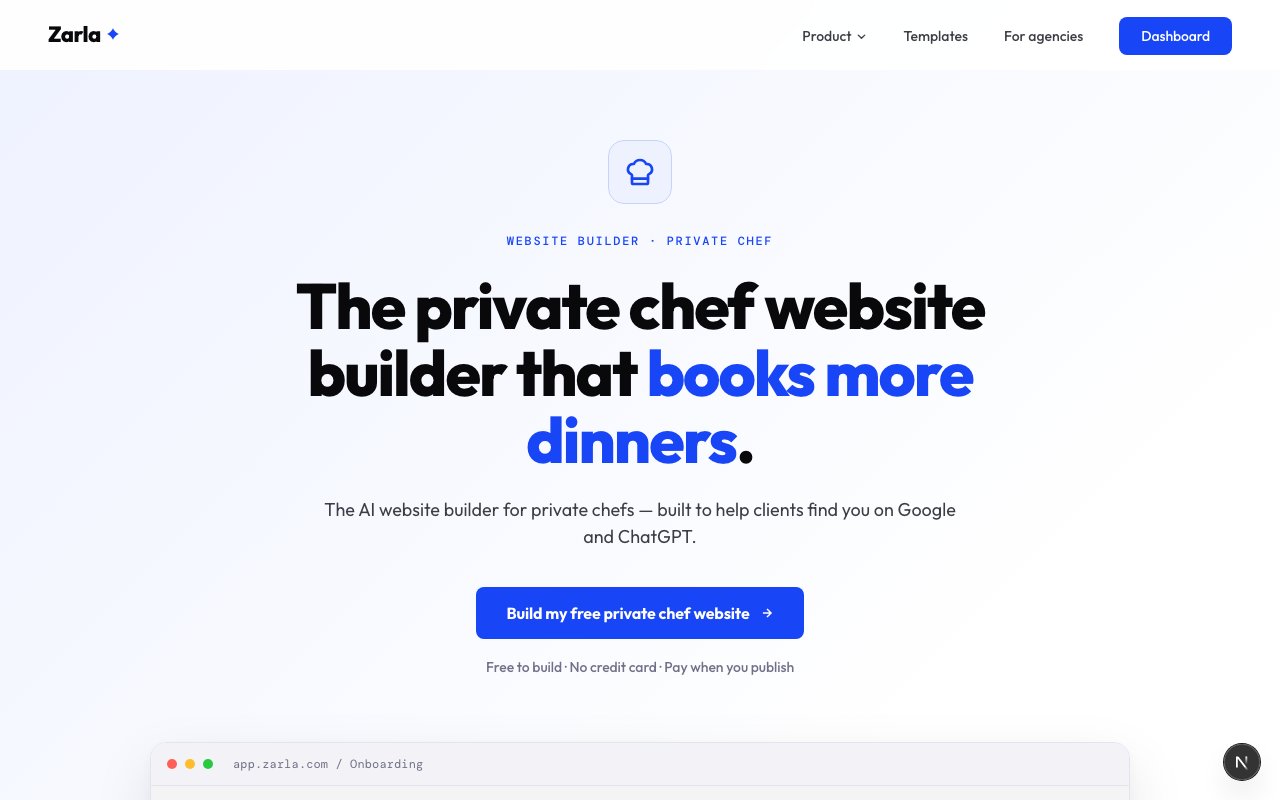
Zarla now takes a private chef from the business plan to the website: a free business plan, a start-up guide and a page written for the trade.
The plan prices one chef cooking in clients' own kitchens, coursed dinners by the guest, weekly meals by the visit and the groceries at cost, from sources we opened and named. The guide covers what to charge, the food safety certificate and insurance that stand in for a license, the line between a private chef and a caterer, and what chefs who left the restaurant line say about it.
The builder page shows what the website needs: sample menus with prices, your dietary programs, how the evening unfolds, and a way to ask about a date, with a deposit by link and an invoice after each dinner.
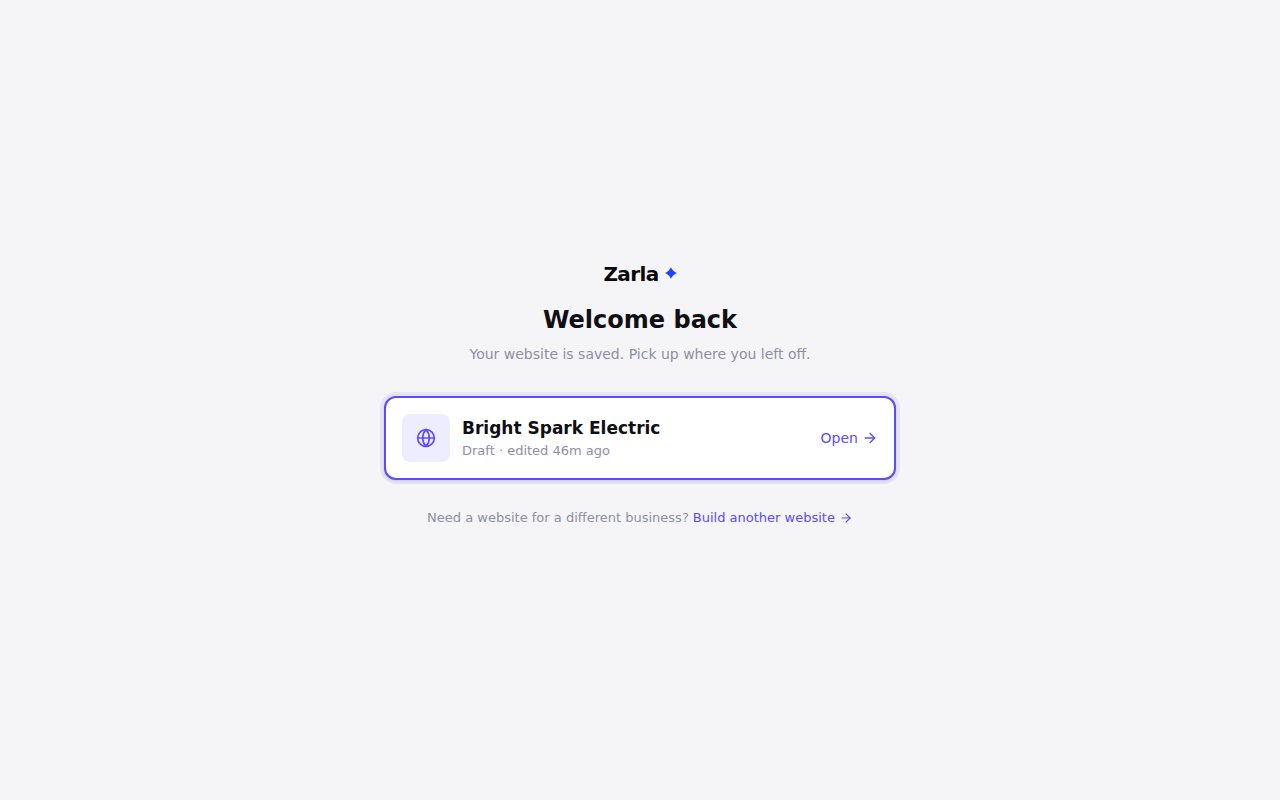
Zarla now shows your website first when you come back through zarla.com or one of our emails, so you pick up where you left off.
Open it and keep working, or choose Build another website to start one for a different business. New Site in your account still takes you straight to building a new one.
Zarla now plays a tapped video on iPhone, iPad and Safari, and counts visits from them, so your stats include people on Apple devices.
On an iPhone or iPad, in any browser, and in Safari on a Mac, a tap on a video in your Video section played nothing unless it was set to autoplay, and visits from those devices were missing from your stats.
One tap now plays the video — on Apple devices the player is ready before your visitor reaches it — and visits from those devices count on every page, with or without a video.
Your live site picks the change up the next time you publish a change. From then on your stats may show more visitors, taps and leads: those are people on Apple devices, now counted.
When you publish, Zarla now checks every button and menu link on your site and only keeps the ones that lead to a page that's really there.
If a service, area or page is still being written, or you've hidden it, its name stays on the page without the link, and the link comes back by itself once the page is ready. A main button like "Get a quote" goes to your contact page in the meantime, when your site has one.
Zarla now publishes your site even when a section is missing a piece, like a headline, so one gap doesn't hold back your other changes.
If something does stop a publish, the editor tells you what happened and what to do next, and keeps the message on screen until you close it. Your edits stay in the editor either way.
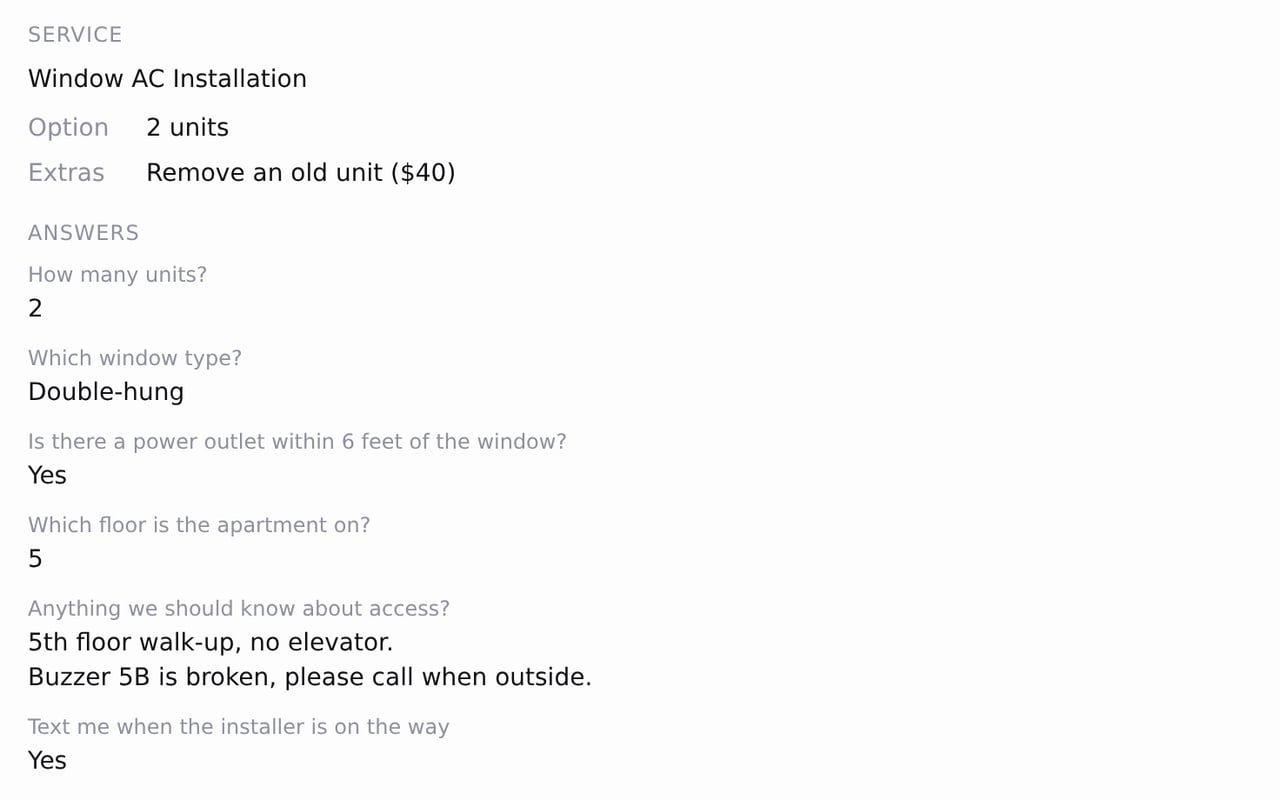
Zarla now shows what a customer chose and answered on each booking and in your new-booking email, so you know the job before it starts.
Open a booking on the Bookings tab to see the price option and extras the customer picked, then their answers to your booking questions, line breaks kept. On a bigger screen the list shows the option beside the service name. Your new-booking email carries the same details, with the option in the subject line.
Questions you mark Required must be answered before a booking goes through, and a required yes/no question asks for Yes or No. If you add a required question while someone is mid-booking, their page asks them to reload the service and answer it.
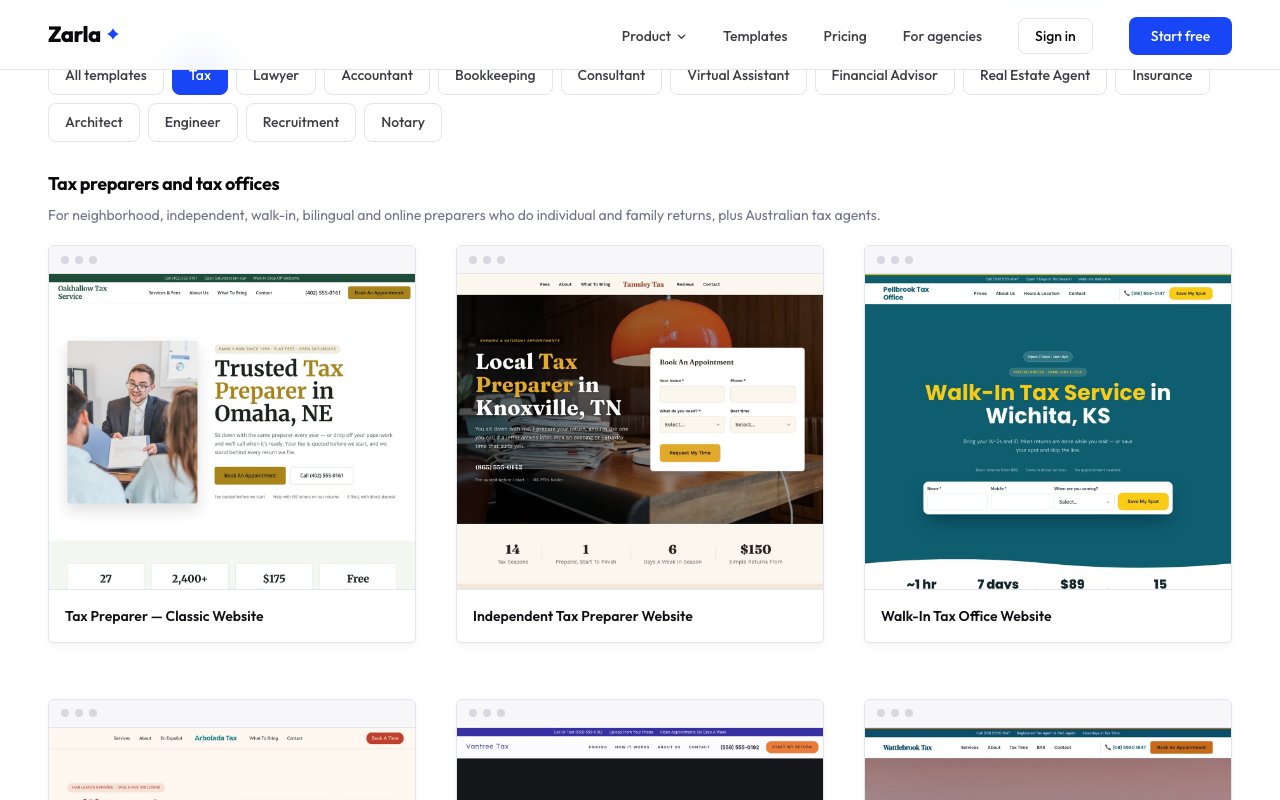
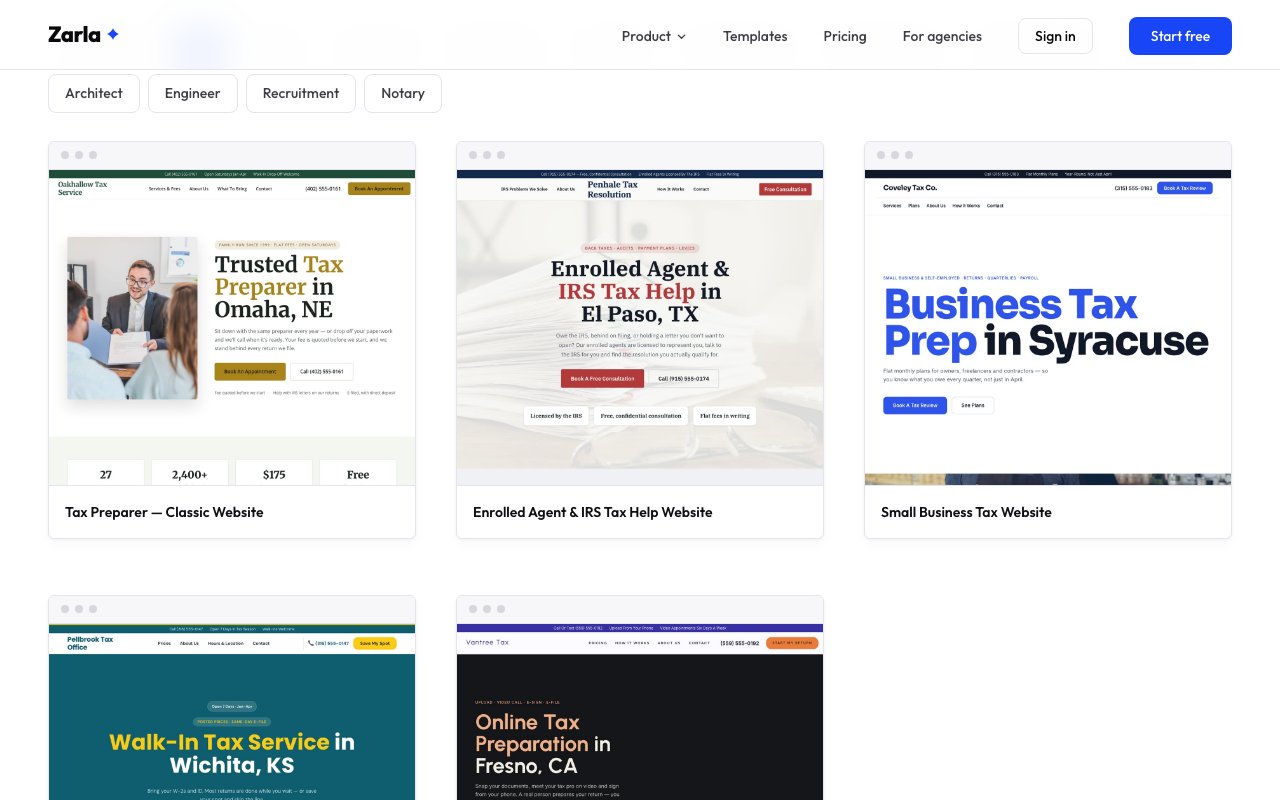
Zarla now has 12 tax website designs, for independent preparers, CPA firms, enrolled agents, bookkeeping offices, bilingual offices, crypto specialists and Australian tax agents.
Every design states credentials plainly, shows where fees start and lists what clients should bring, because people choose a preparer on trust and on price. The ones built for enrolled agents and CPAs explain how they can deal with the tax office for a client; the others explain the letter and help the client reply.
A bilingual office gets a full section in Spanish, the crypto and freelancer design walks through reconciling exchanges and wallets, the bookkeeping office shows monthly pricing, and the Australian design covers BAS and the tax agent lodgement dates.
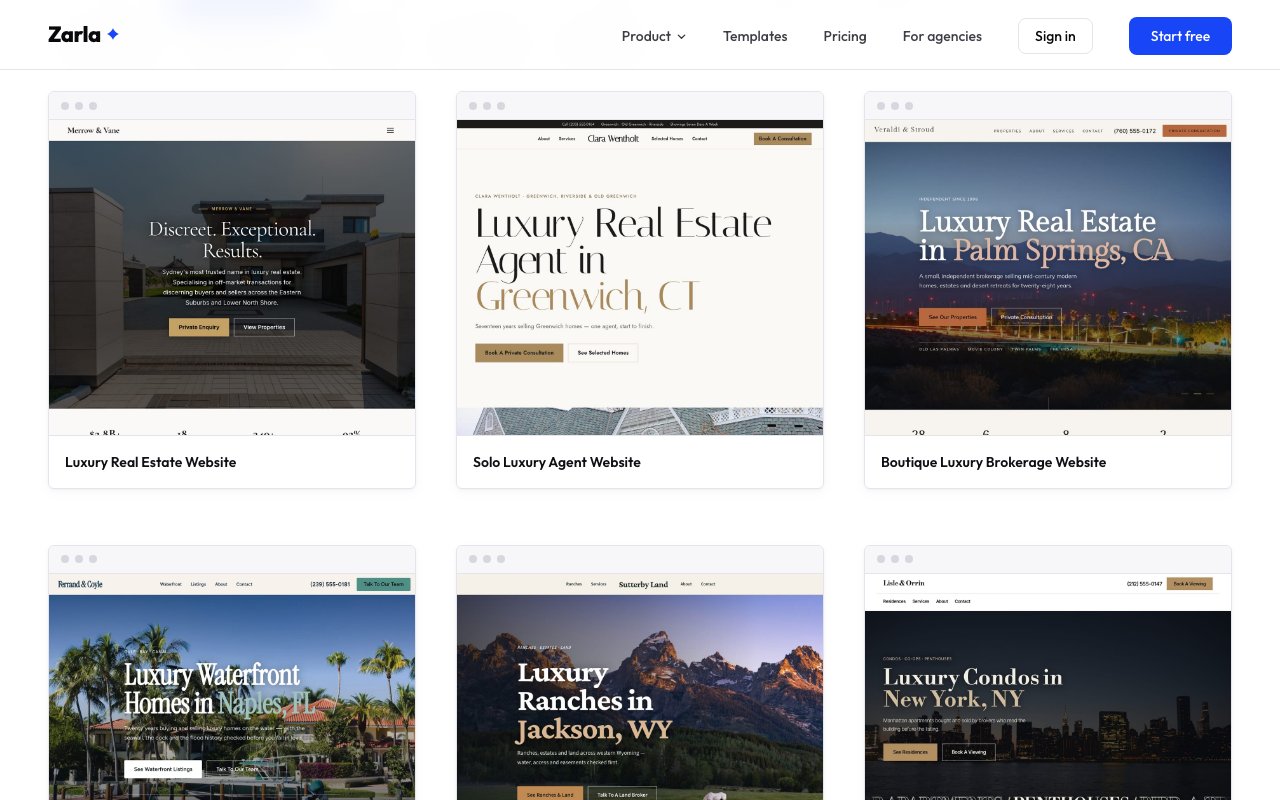
Zarla now has 8 luxury real estate designs, each written for a different kind of luxury agent or brokerage.
You start from a site that already speaks your market. There's a quiet, name-forward design for a solo agent, a boutique brokerage with a photo slider, and specialist designs for waterfront homes, ranches and land, city condos and co-ops, relocation and international buyers, and selling a new building before it's finished.
Each one explains what buyers in that market actually ask about — flood history and docks, water rights and easements, co-op boards, buying from abroad, or the public report on a new building — with your license number left for you to fill in.
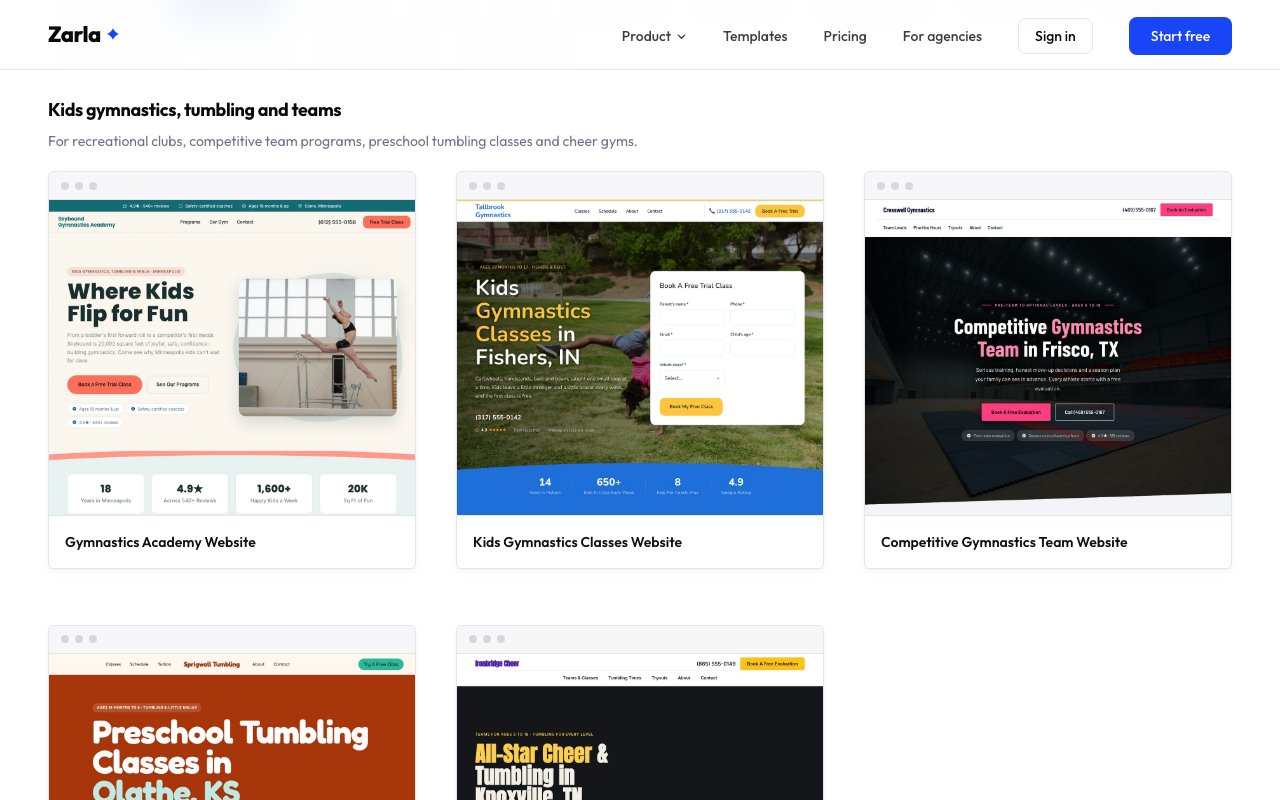
Zarla now has 8 gymnastics website designs for kids' clubs, team programs, preschool tumbling, cheer gyms, aerial studios, party gyms and parkour gyms.
Parents decide after one class, so the class and team designs lead to a trial class, a team evaluation or an intro class, most with a weekly schedule families can check before they call, and the party design leads to a date check.
Team programs get levels and a tryout walkthrough, cheer gyms a checklist of what a season includes, party gyms packages and a check-a-date form, and adult and aerial studios an evening schedule.
Kinds of gym — recreational kids' gymnastics, competitive teams, preschool tumbling and little ninjas, all-star cheer and tumbling, adult gymnastics and aerial arts, birthday party and open gyms, and parkour and ninja gyms
Ways to get the sign-up — a trial-class form at the top of the page, team evaluation requests, a check-a-date bar for parties and booking forms with your classes in a dropdown
Looks — from a bright, friendly club and a playful toddler design to a dark team site, a bold cheer design, a quiet aerial studio and a street-style parkour gym
Zarla now opens the share sheet for your Google review QR code on an iPhone or iPad, so you can save it to Photos or send it on.
Tap Save image under the code and your phone's share sheet opens: save it to Photos, AirDrop it to your Mac, or send it to whoever prints your flyers. On a computer or an Android phone the Download button saves the picture straight to your downloads, as before.
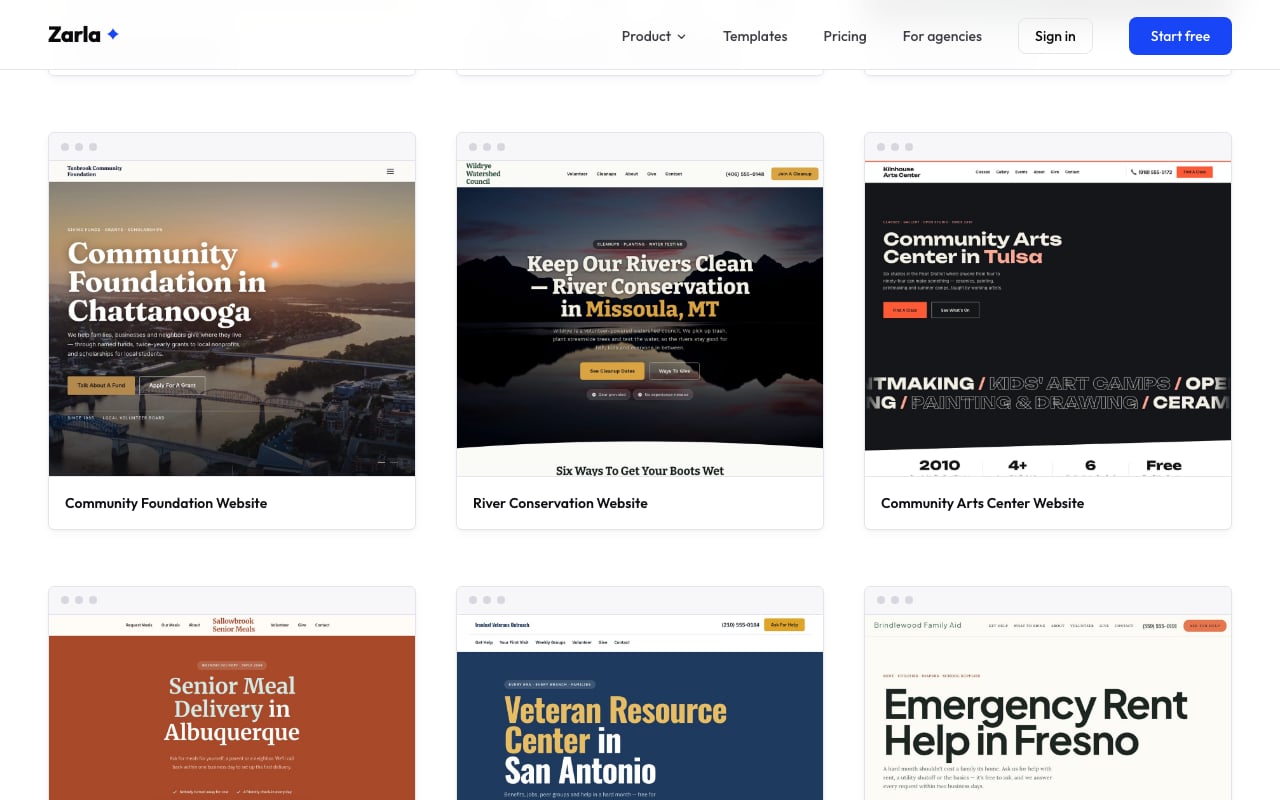
Zarla now has 12 nonprofit website designs, adding animal rescues, community foundations, conservation groups, arts centers, senior meal programs, veterans groups and family assistance charities.
A nonprofit's site has three jobs at once: help the people who need you, sign up volunteers and bring in gifts. Each new design puts the right one first — a meal request form for a senior meal program, adoptable pets for a rescue, cleanup dates for a river group.
Every design has a ways-to-give section, a volunteer path and a contact form with your programs in a dropdown, and recurring events like adoption days, gallery openings and weekly groups have their own section.
Kinds of nonprofit — animal rescue, community foundation, river and watershed conservation, community arts center, senior meal delivery, veterans support and emergency family assistance, alongside the food bank, mentoring, literacy, shelter and volunteer designs
Ways to help — request help, adopt or foster, sign up to volunteer, apply for a grant or a scholarship, or ask to give
Looks — from a playful two-photo rescue and an elegant foundation slideshow to big-type arts and family-aid designs and a navy veterans design
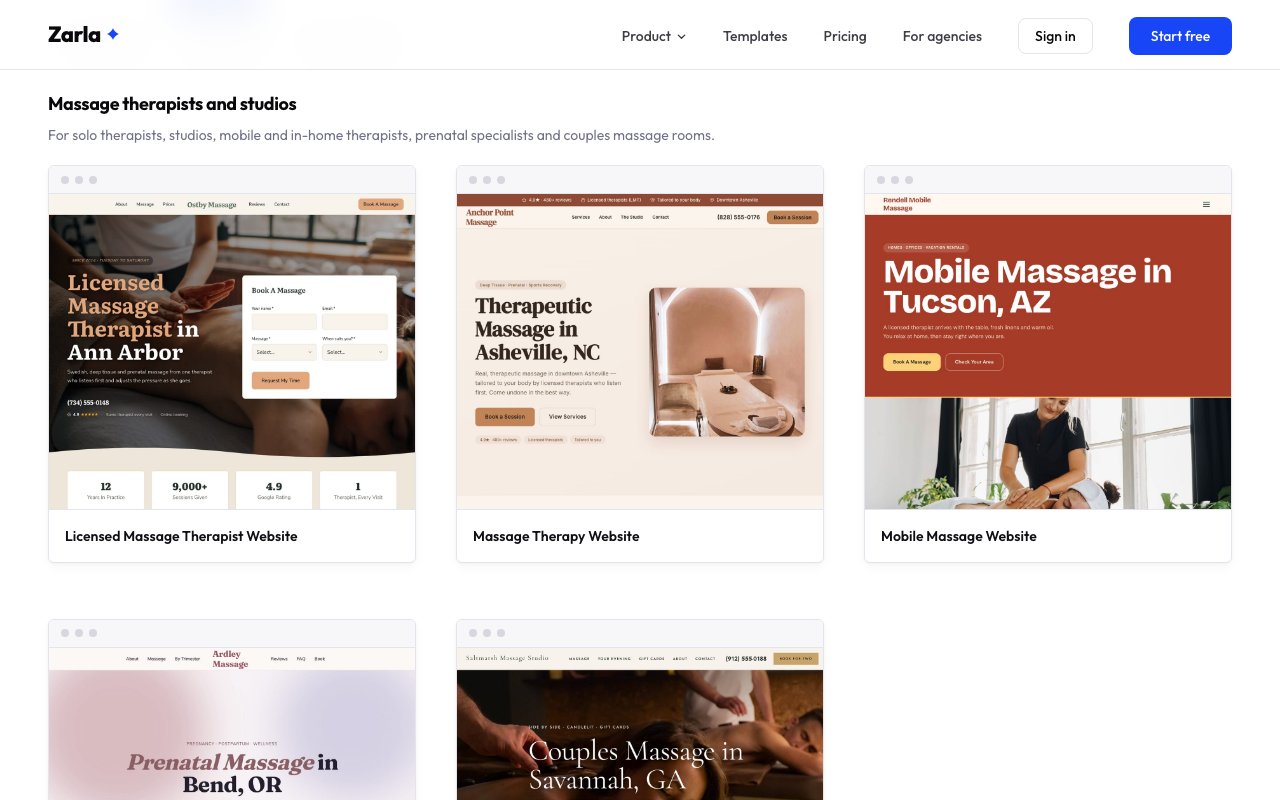
Zarla now has 8 massage therapist website designs, for solo therapists, sports, mobile, prenatal, couples, medical and remedial massage.
Every design is built around booking: each page ends with a booking form that lists your massages, and most keep a book button in the header. Most show prices and session lengths up front, and the first-visit questions new clients worry about are answered before they arrive.
Prenatal therapists get a trimester-by-trimester guide, medical massage practices a section on referrals and receipts, mobile therapists a list of what they bring to the client's home, and remedial clinics in Australia a prices section with health fund rebates.
Kinds of practice — solo licensed massage therapists, sports and deep tissue clinics, mobile and in-home therapists, prenatal specialists, couples massage studios, medical and injury-recovery massage, and remedial clinics
Ways to book — a booking form beside the headline, an appointment form at the top of the page, and booking forms with your massages, a preferred day and a notes box
Looks — from a warm one-therapist studio and a soft prenatal design to a bold sports clinic, a bright mobile design, a candlelit couples studio and a crisp clinical design
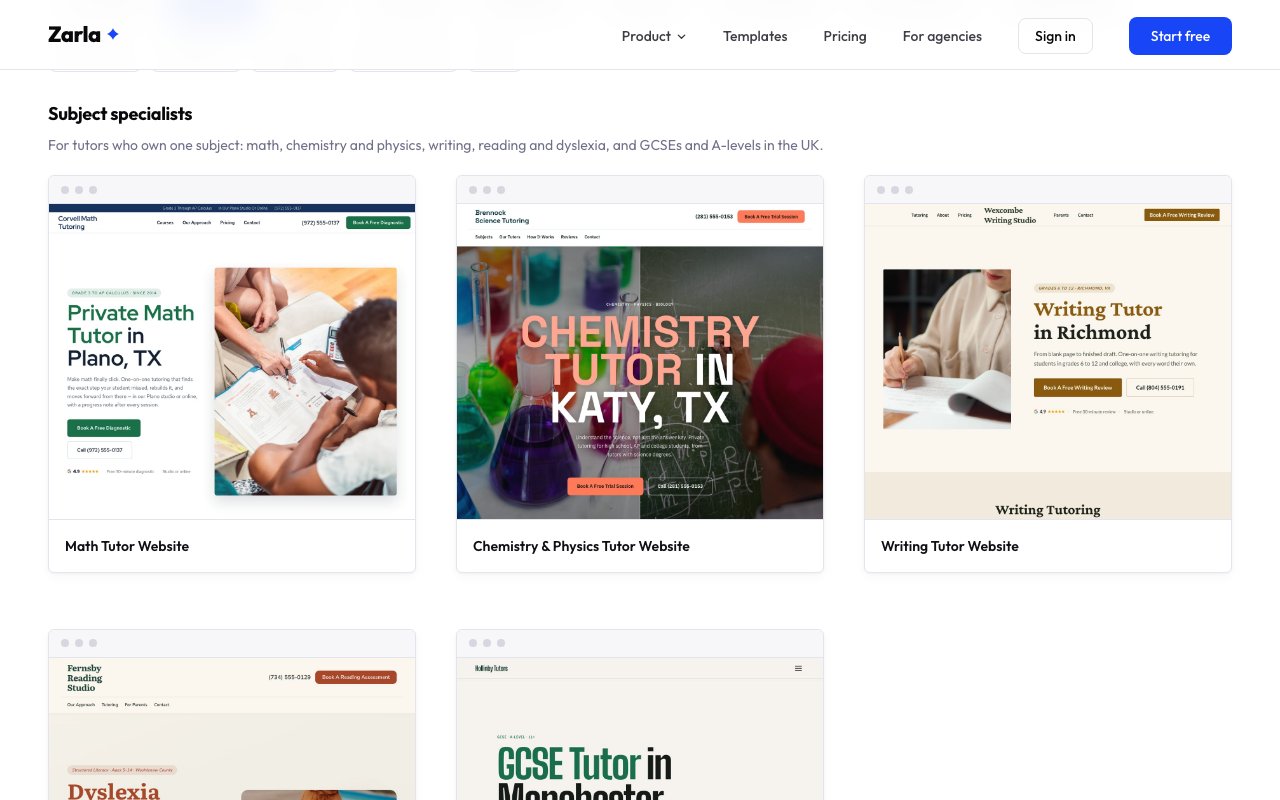
Zarla now has 16 tutoring designs, including new ones for chemistry, writing, LSAT and GCSE tutors, learning centers, homeschool tutors, college counselors and English teachers.
A chemistry tutor, an after-school learning center and a college counselor each talk to families in a different way, so each gets its own design: the subjects or programs they offer, how the first session works, clear prices and the questions parents ask.
The gallery is now grouped by the kind of tutoring you do, so it's quicker to find a design that already reads like your business.
Subject specialists — chemistry and physics, writing, and GCSEs and A-levels in the UK
Test prep and admissions — the LSAT and an independent college counselor
Tutoring centers and services — an after-school learning center and homeschool tutoring
Coaching and languages — English lessons for adults
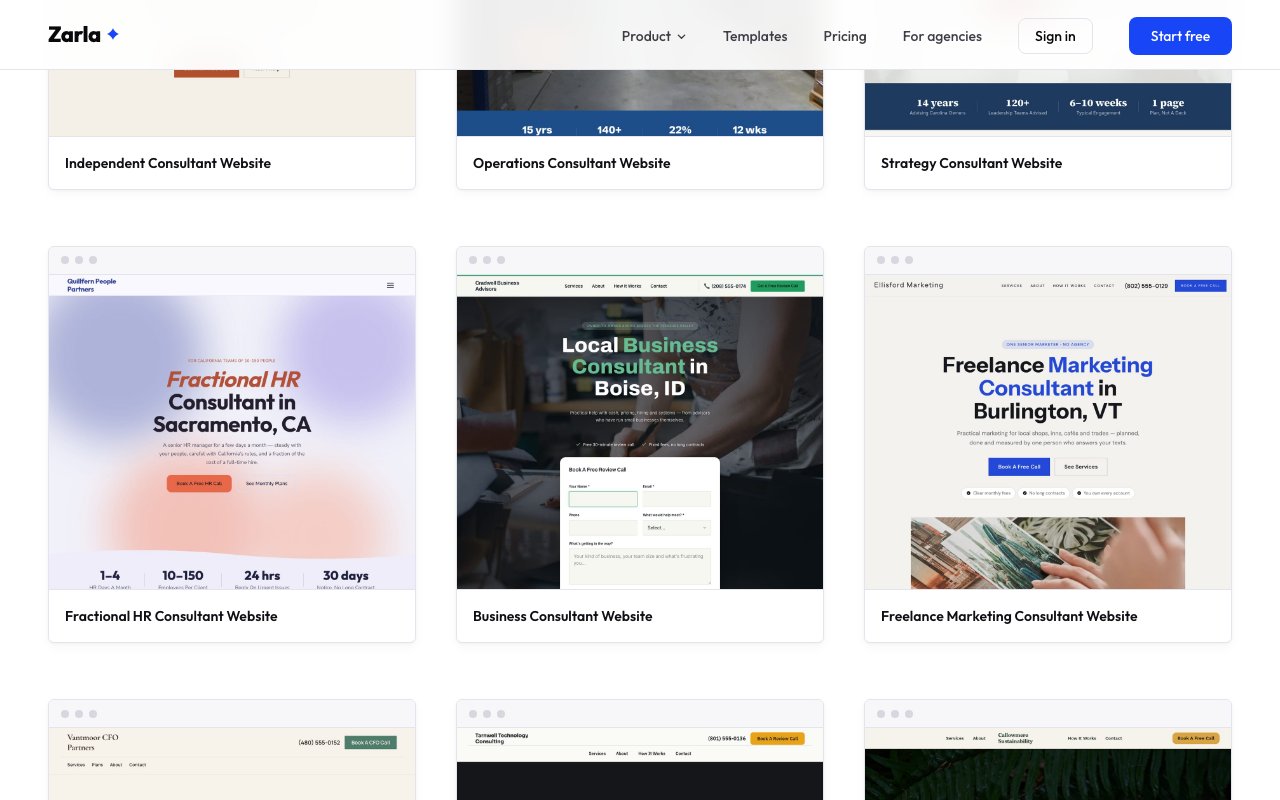
Zarla now has 16 consultant website designs, with new ones for strategy, fractional HR, fractional CFO, technology, sustainability and leadership consultants.
Consultants sell very different things, so each new design is written for one kind of practice: the services it offers, how a first call works, the questions clients ask and a form to book that call.
Fees, reviews and figures are sample text. Change them to your own along with your name and city, and it reads like your practice.
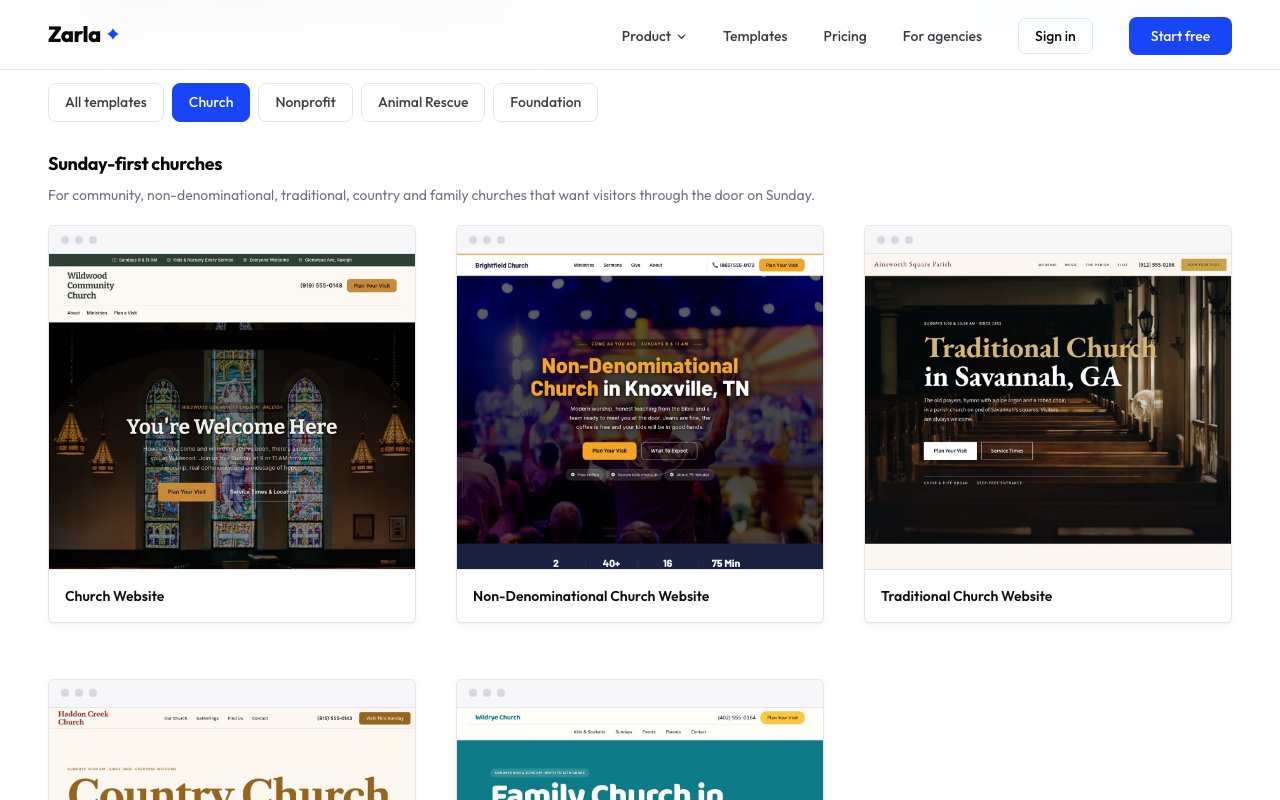
Zarla now has 8 church website designs, from contemporary and traditional churches to country churches, church plants and congregations that stream every Sunday.
A church website's first job is to tell a visitor when to come and what Sunday is like, so the designs put service times near the top and give visitors a way to say they're coming.
There are designs for a parish with a choir and organ, a small country church with directions from town, a new church meeting in a rented hall, a family church with strong kids and youth ministries, a bilingual English and Spanish congregation, and a church built around its livestream and sermon series.
Kinds of church — contemporary non-denominational, traditional parish, country church, church plant, family church, bilingual English and Spanish, and livestreaming churches
On the seven new designs — service times, a form for planning a visit or getting in touch, and a ways-to-give section
Looks — from a dark stage-lit worship design and dark wooden pews to big country type, a bright family design and a bilingual layout
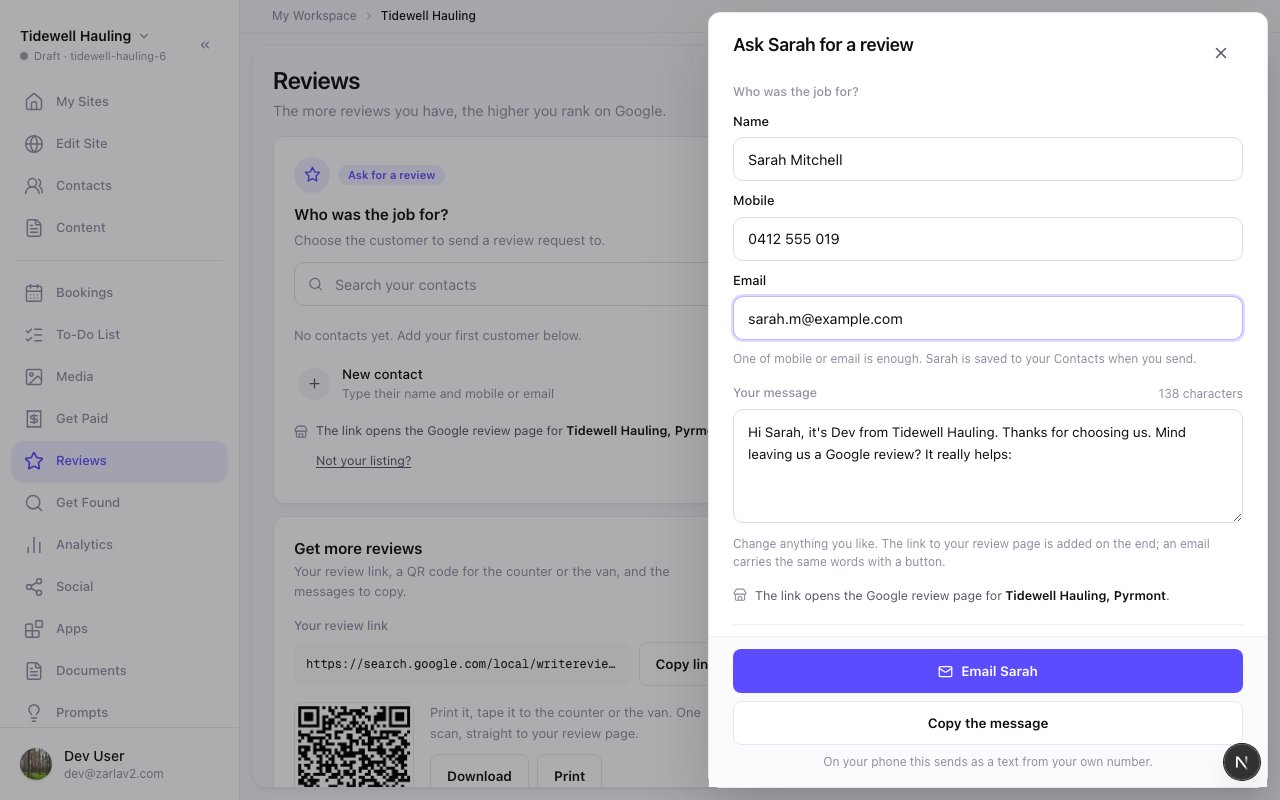
Zarla now writes the Google review request for you, so you can ask a customer the moment a job is done.
Reviews has its own place in the menu now. Open it, pick the customer the job was for, or type their name and mobile, and the message is ready with a short link to your Google review page. On your phone, Text from my phone opens your Messages app with it filled in, so it sends from your number. Or email it from your business, and replies come straight to you.
A customer is only asked once. The Requests sent list shows who you've asked, how, and whether they opened the link. The thank-you email after a booking now carries the real review link too. More reviews help you rank higher on Google, so ask after every job.
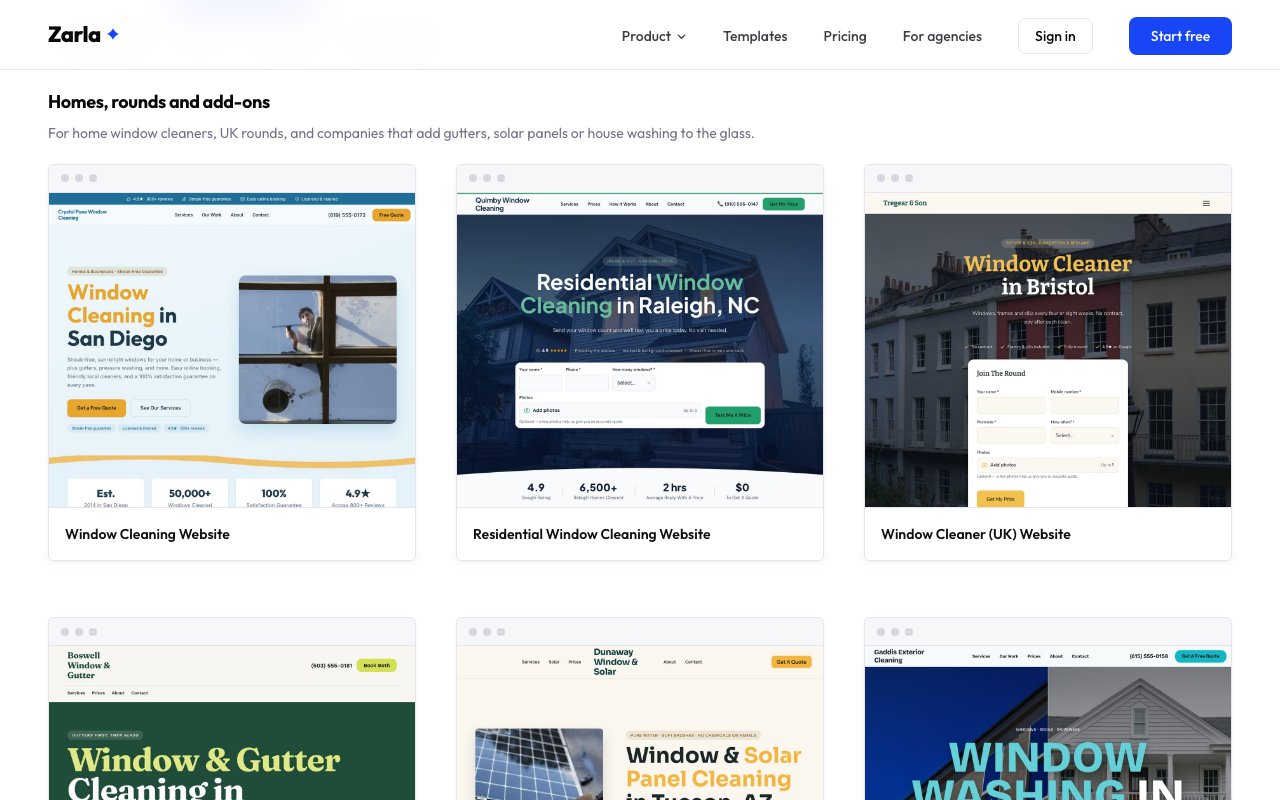
Zarla now has 8 window cleaning website designs for home window cleaners, UK rounds, window and gutter, solar and house washing companies, storefront routes and high-rise crews.
Customers ask how much and how often before they book a window cleaner. Most designs show starting prices and answer how often to clean, and every design has a quote form that takes photos of the windows.
Companies that add gutters, solar panels or house washing get designs built around the bundle, storefront route services get one that speaks to shop and office managers, and high-rise crews get one built around written safety plans for property managers.
Kinds of business — home window cleaning, a UK window cleaning round, window and gutter cleaning, window and solar panel cleaning, exterior house washing, commercial storefront routes and high-rise window cleaning
Ways to get the job — a quote bar at the top that asks for the window count, a join-the-round form, bundle prices, and a bid request form for buildings
Looks — from a bright original and a warm rainy-climate design to a big-type storefront site and a bold high-rise design
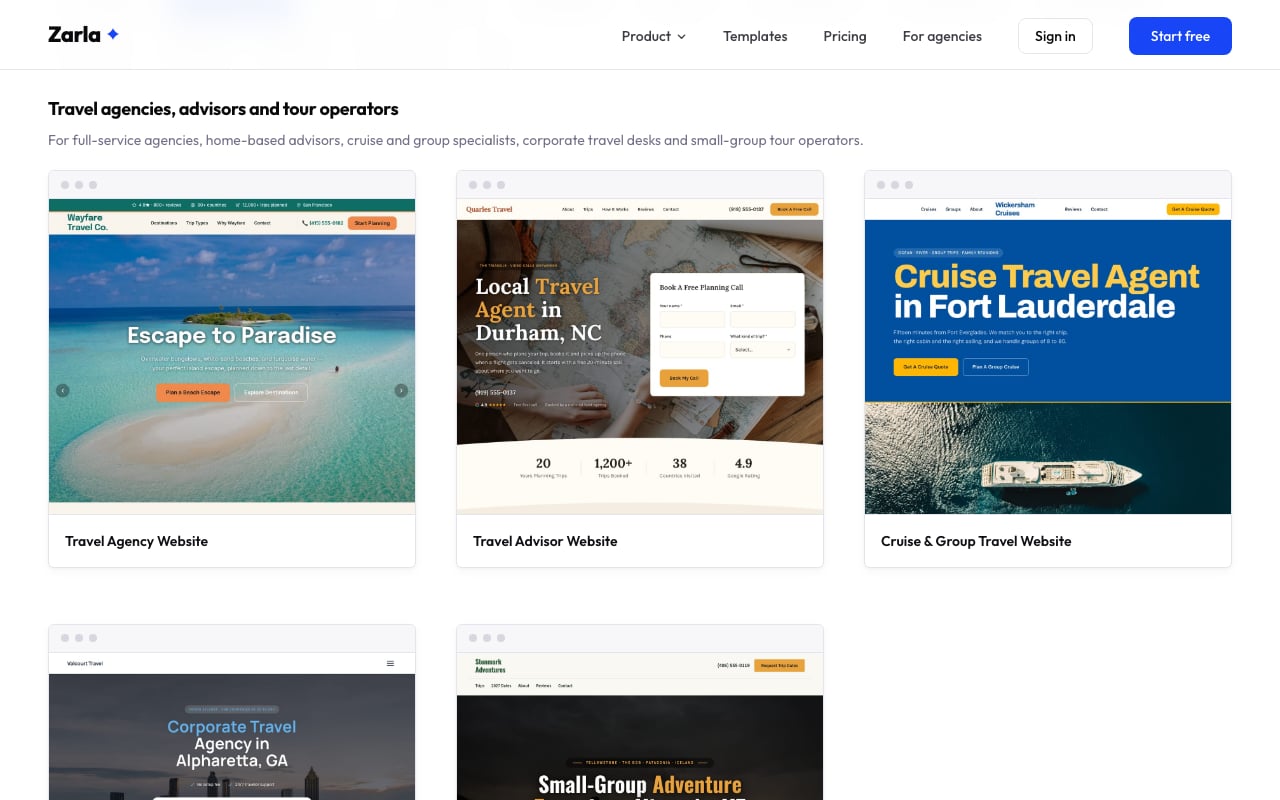
Zarla now has 8 travel agency website designs for independent advisors, cruise, honeymoon, corporate, wedding and Disney specialists and tour operators.
Travel is booked after a conversation, so every design leads to a trip inquiry or a planning call instead of a checkout. Several explain how an agent gets paid in plain words, which answers the question most clients have before they call.
Cruise specialists get a group travel section, honeymoon planners a registry section, tour operators a section of trip dates with difficulty ratings, and corporate travel agencies a design built around a travel review for companies.
Kinds of business — independent and home-based travel advisors, luxury honeymoon planners, cruise and group specialists, adventure tour operators, corporate travel agencies, destination wedding travel and Disney vacation planners
Ways to get the inquiry — a book-a-call form at the top of the page, a travel review form for companies, trip date requests and quote forms with your trip types in a dropdown
Looks — from a warm personal advisor site and a quiet luxury honeymoon design to a bold cruise site, a dark mountain design and a bright, playful theme park design
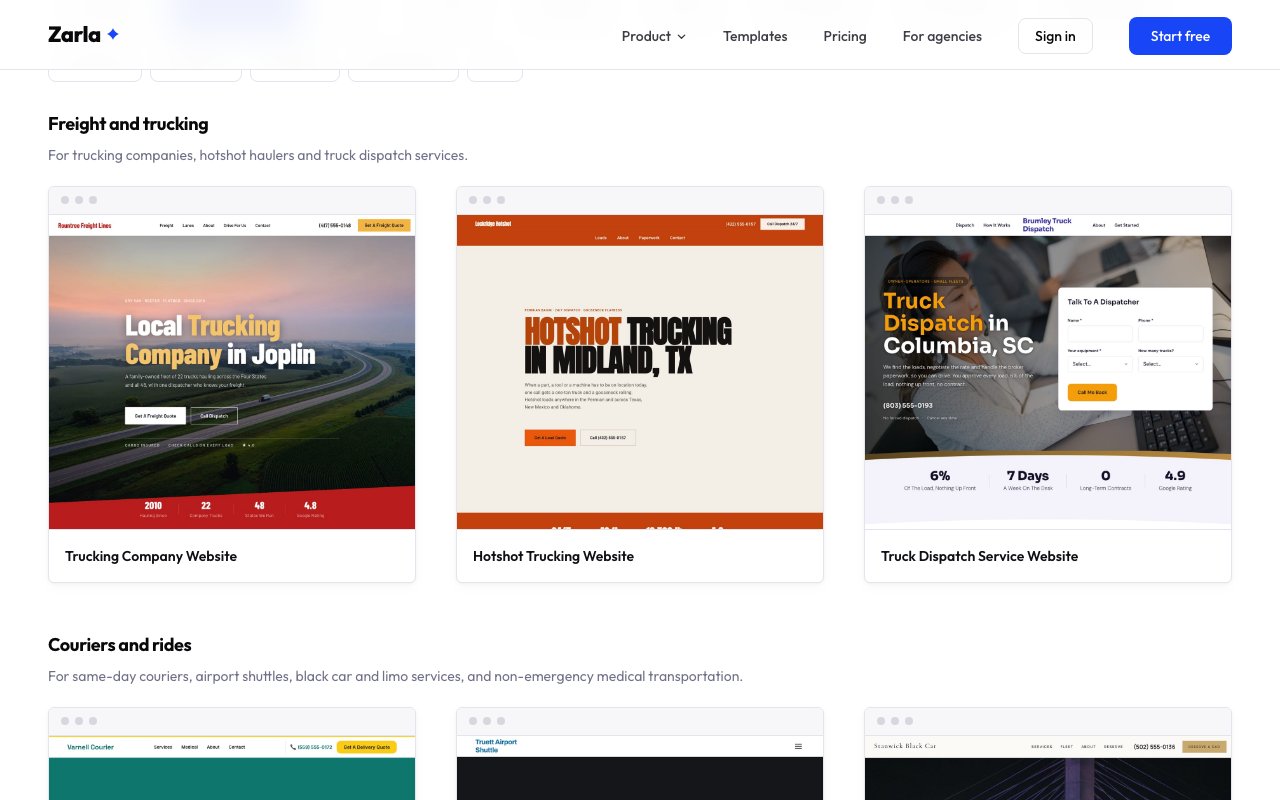
Zarla now has 8 transportation website designs, from trucking companies, hotshot haulers and truck dispatchers to couriers, black car services, airport shuttles and medical transportation.
Every design is built around how that business wins work. Freight designs carry a freight quote form, the lanes you run and a carrier paperwork section with spaces for your own USDOT and MC numbers. The courier design puts a delivery quote bar at the very top of the page.
Passenger designs show trip types with starting fares, flight-tracked airport pickups and an easy ride request. The medical transportation design explains wheelchair and stretcher rides plainly and says clearly that it isn't an ambulance service.
Kinds of business — trucking companies, hotshot haulers, truck dispatch services, same-day couriers, black car and limo services, airport shuttles and non-emergency medical transportation
Ways to get the job — freight and load quote forms, a quick delivery quote bar, ride and reservation requests, a dispatch sign-up form at the top of the page
Looks — from a bold freight design and a black-and-orange hotshot page to a dark luxury car service and a calm, warm medical transportation design
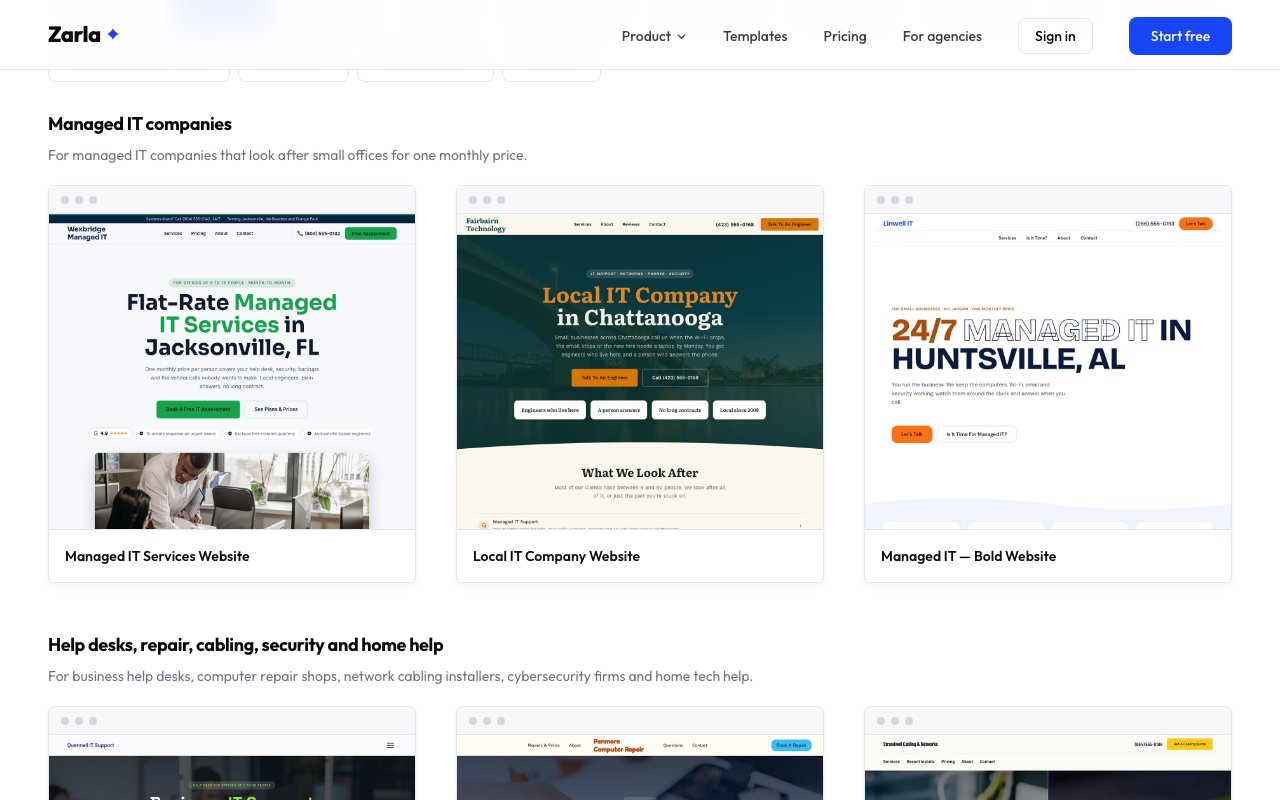
Zarla now has 8 IT services designs, so managed IT companies, help desks, repair shops, cabling installers, cybersecurity firms and home tech helpers start from a site built for them.
People choosing an IT company want to know what it costs, how fast someone answers and whether there's a long contract. These designs answer those questions on the page, with plan cards, response times and plain-English explanations an owner can edit.
Computer repair shops get a design with a booking bar and repair prices, cabling installers get one priced per cable drop, cybersecurity firms get one that explains the security basics a small business needs, and home tech helpers get a warm, easy-to-read design for help at the kitchen table.
Kinds of business — managed IT companies, business help desks, computer repair shops, network cabling installers, cybersecurity firms and in-home tech help
Ways to get the job — free IT assessment and talk-to-an-engineer forms, a get-help-now form at the top of the page, a repair booking bar, a cabling quote form and a home visit form
Looks — from a clean navy managed IT site and a bright orange repair shop to a black-and-yellow cabling design, an elegant serif security site and a bold blue-and-orange design
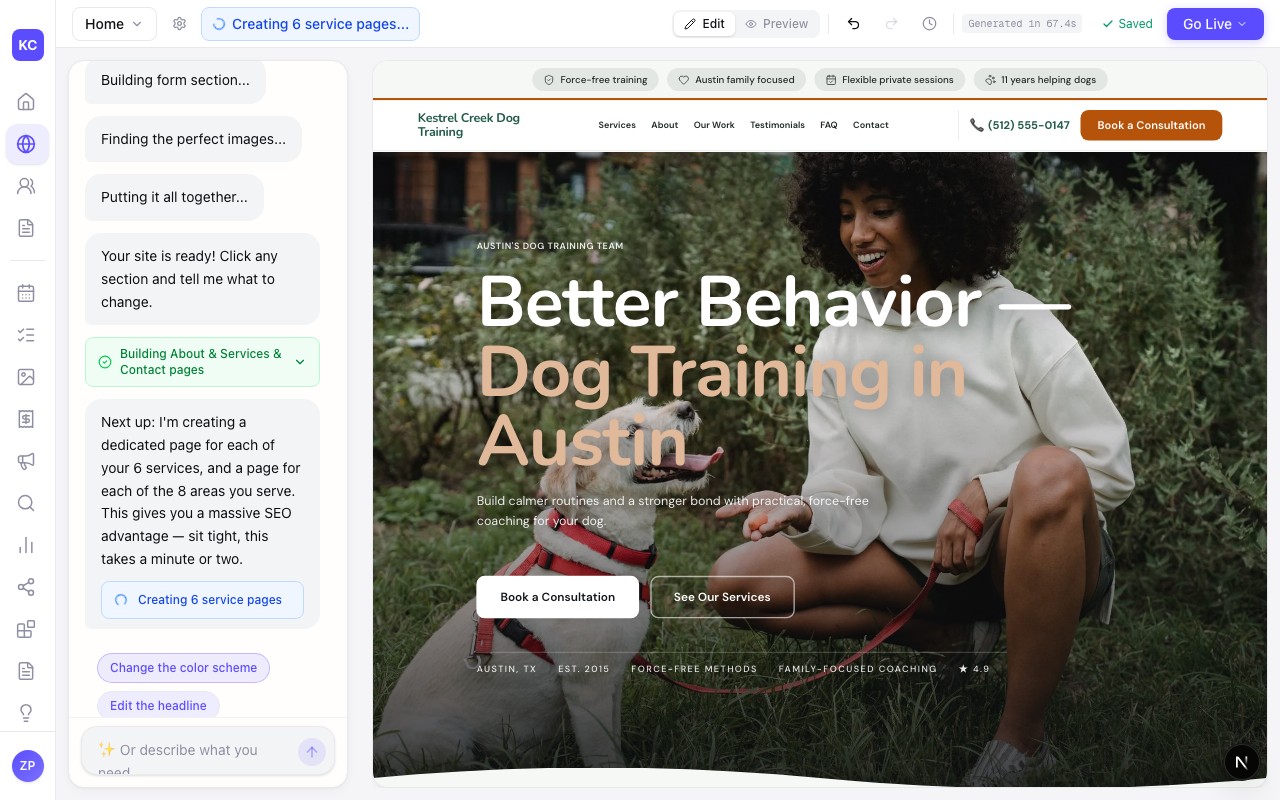
Zarla now recognises dog trainers and concrete contractors as their own trades, so each gets a site built for its work rather than a pet-sitting or masonry site.
Describe your business as "dog training", "puppy classes", "dog obedience" or "board and train" and your site is built for a trainer: a booking button up top, your programs and prices, and photos of trainers working with dogs on a lead and in class, not sitters or kennels. Six dog training designs now have a gallery of their own.
Describe it as "concrete contractor", "concrete company", "stamped concrete" or "concreter" and you get the quote-led design concrete work needs, with photos of fresh pours, formwork and finished driveways instead of brick walls, and the home services business type for Google.
A few phrasings that used to land somewhere odd now land right too, "builders", "custom homes" and "locksmiths" among them.
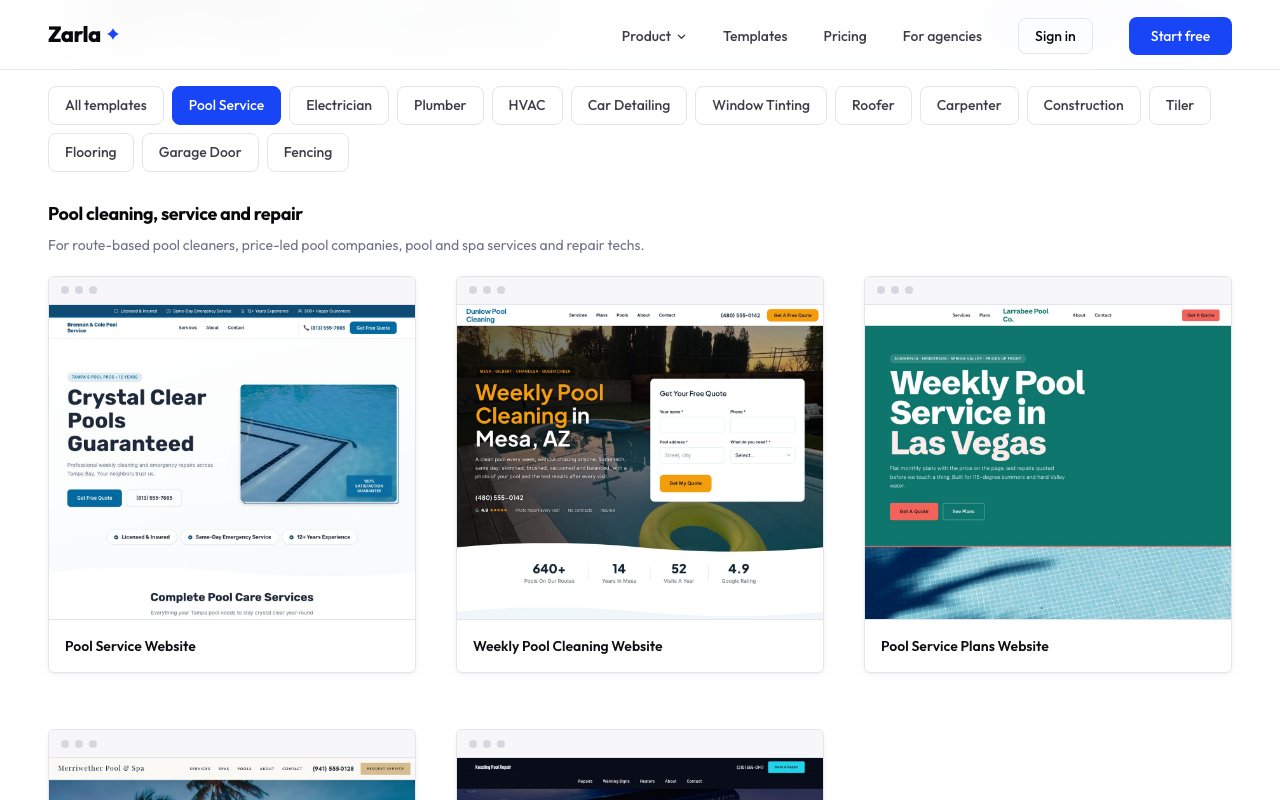
Zarla now has 8 pool service website designs for pool cleaners, repair techs, hot tub pros, seasonal crews and commercial pool companies.
Pool owners compare a monthly price and want to know what each visit includes. Several designs show monthly plans with starting prices and a visit checklist, and every design has a quote form with your services in a dropdown.
Repair techs and hot tub specialists get designs built around the repairs they fix, seasonal crews get an opening and closing design, and companies that look after apartment, HOA and hotel pools get a design that speaks to property managers and boards.
Kinds of business — weekly pool cleaning, price-led pool companies, pool and spa service, pool repair, hot tub repair, pool opening and closing, and commercial pool maintenance
Ways to get the job — a quote form at the top of the page, monthly plans with prices, a date reservation form for openings and closings, and a proposal form for commercial work
Looks — from a bright friendly route-service site and a luxury pool and spa design to a dark repair site and a big-type seasonal design
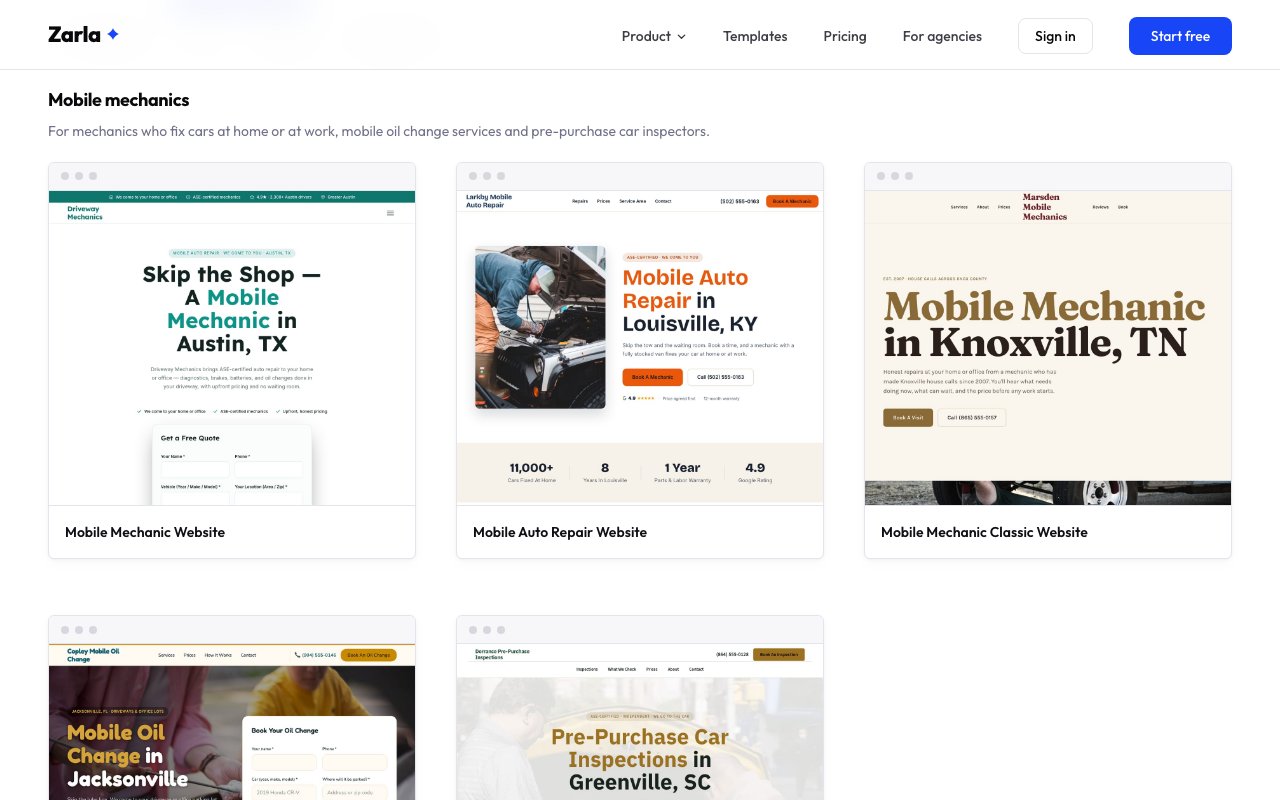
Zarla now has 8 mobile mechanic designs, so mechanics, tire fitters, inspectors and diesel fleets start from a site built for work done at the car.
A mechanic who comes to the customer needs a different site from a workshop. These designs ask where the car is parked, show starting prices, name the areas the van covers and explain what happens on the day.
Mobile tire fitters get a design built around a tire quote form, roadside tire repair gets a call-first design for drivers stuck on the shoulder, and mobile diesel mechanics get a design that explains fleet accounts.
Kinds of business — general mobile repair, mobile oil change, pre-purchase car inspection, mobile tire service, 24/7 roadside tire repair and mobile diesel and fleet maintenance
Ways to get the job — booking forms that ask for the car and its address, a tire quote form, a callback form for breakdowns and a fleet service request form
Looks — from a friendly navy-and-orange site and a cheerful oil change design to a dark tire shop, a rugged fleet site and an elegant owner-operator design
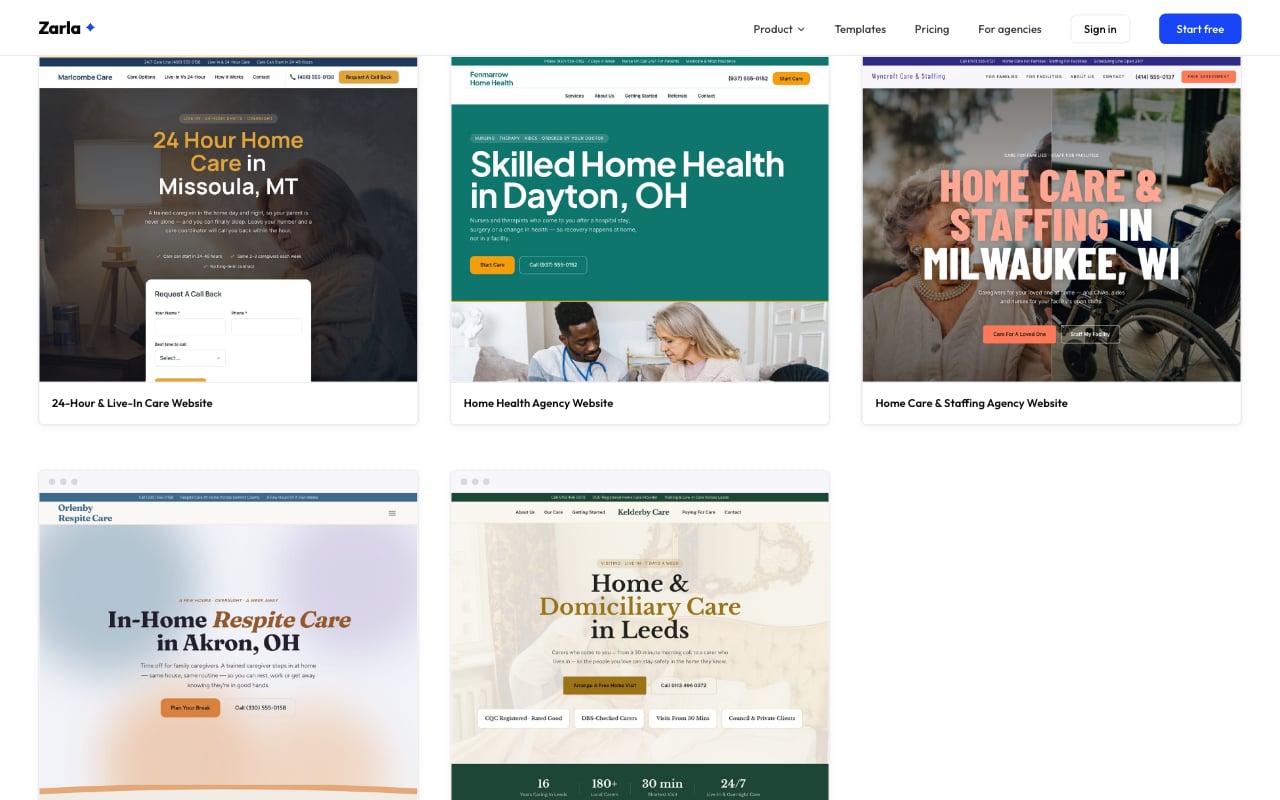
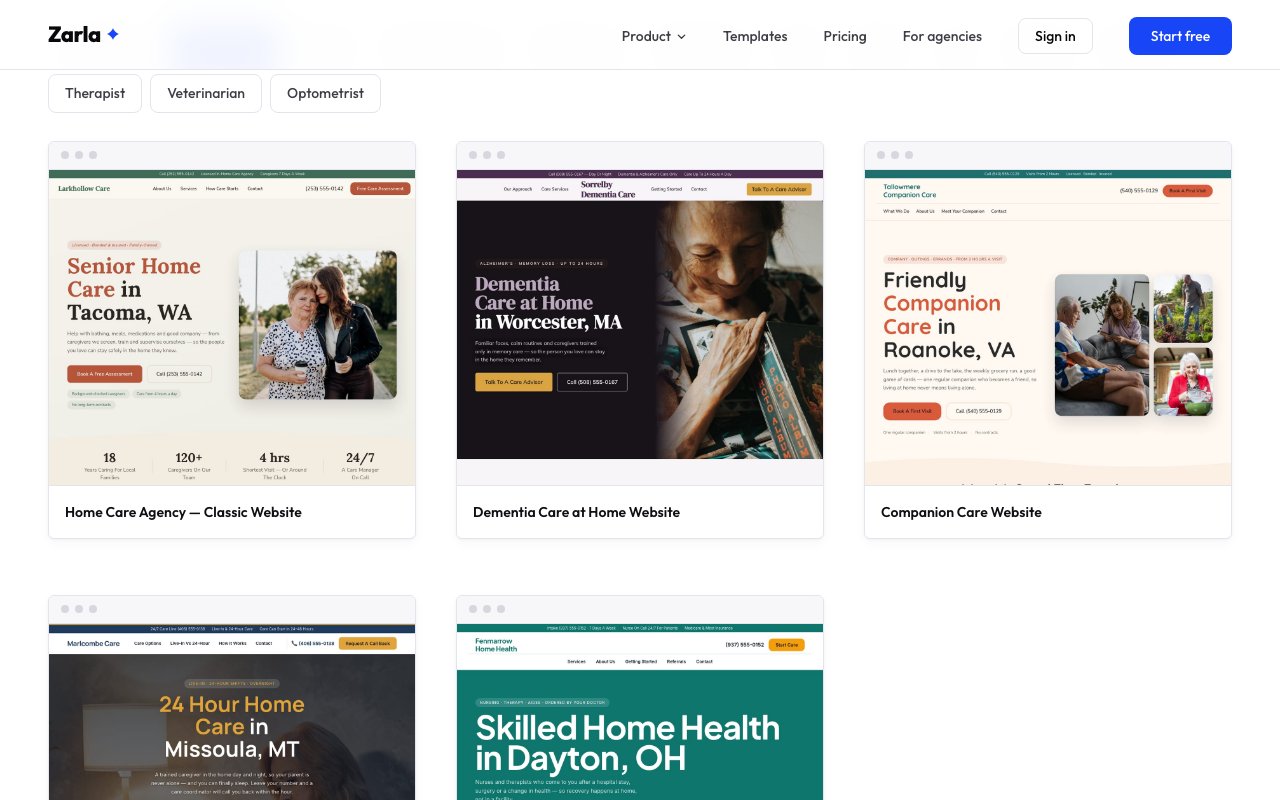
Zarla now has 8 home care designs, including one for agencies that also staff facilities, one for respite care and one for UK domiciliary care.
Many home care agencies also send aides and nurses to care facilities. The new staffing design gives families and facility managers their own door on the same site: care at home on one side, the roles you staff and a facility staffing request form on the other.
Respite providers get a calm design written for the family caregiver who needs a break, and UK providers get a domiciliary care design in UK English that covers visiting and live-in care, council funding and CQC rating lines you fill in.
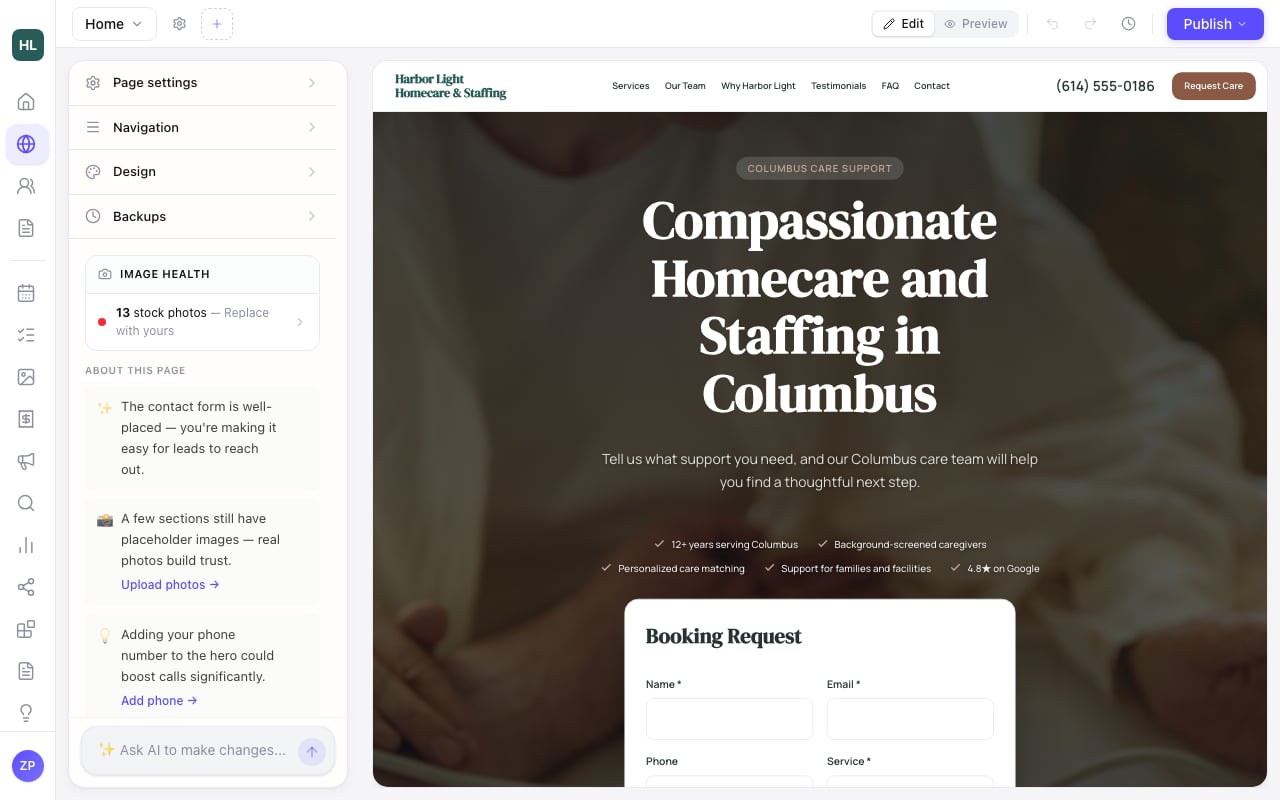
Zarla now recognises home care businesses however they describe themselves, so a care agency gets a site built for home care, not recruitment.
Describe your business as "homecare and staffing", "compassionate care", "elder care", "assisted living", "hospice care", "care home", "carers", "home support" or "personal support worker" and your site is built for a home care business: a warm, trust-first layout, your services and the areas you cover, a clear way for families to get in touch, and photos of carers with older people at home rather than office desks or salon chairs. UK and Australian phrasings such as "domiciliary care", "care at home" and "home care package" count too.
There are home care templates to start from as well, if you would rather pick a look first and describe your business after.
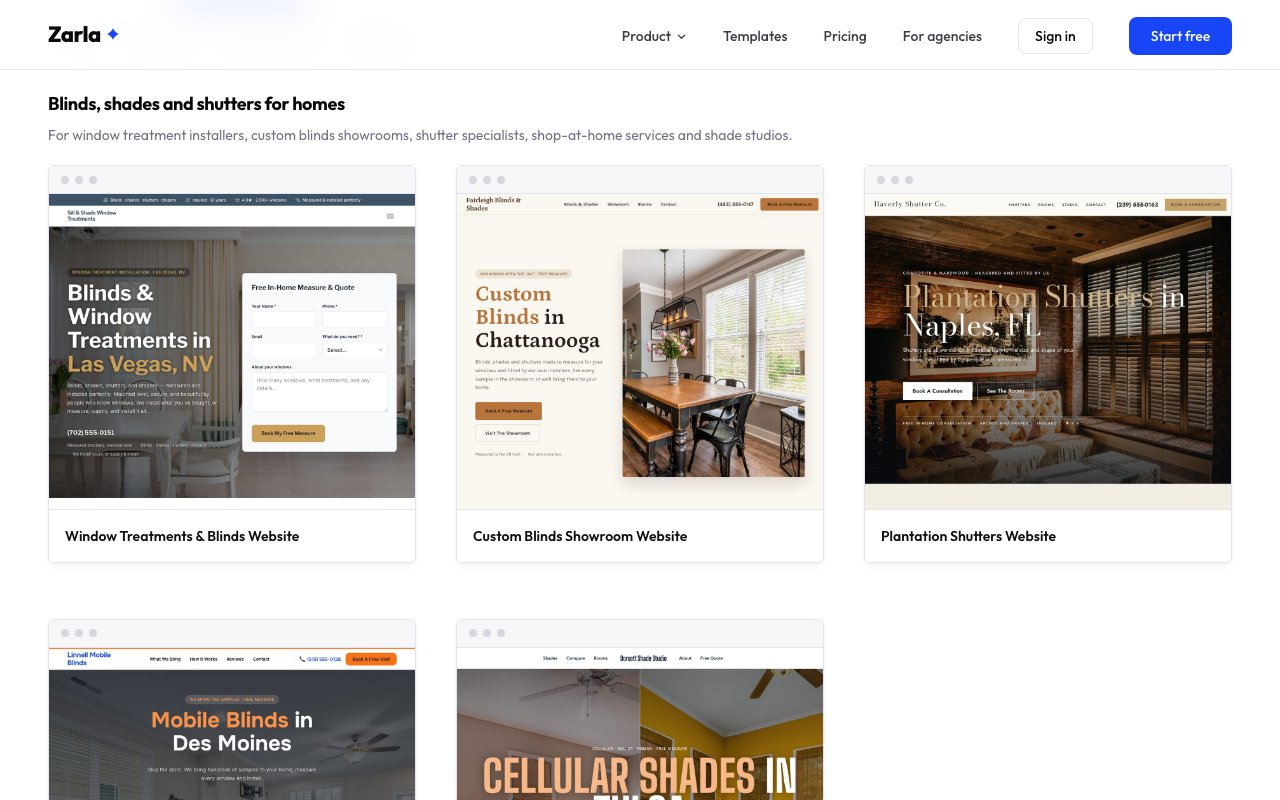
Zarla now has 8 blinds and shutters website designs, from custom blinds showrooms and shutter specialists to motorized shades and commercial window coverings.
Blinds are sold at the window, so every design makes booking a measure easy and shows finished blinds, shades and shutters in real rooms. Some lead with a showroom, some with a home visit, and two put the booking form right at the top of the page.
There are designs for plantation shutter specialists with starting prices, a shade studio that helps customers compare cellular, roller and roman shades, motorized and smart shades, firms that fit out offices, hotels and schools, and an Australian window furnishings design written the way Australians spell.
Kinds of business — custom blinds showrooms, plantation shutter specialists, shop-at-home blinds services, shade studios, motorized shade companies, commercial window covering firms and Australian window furnishings businesses
Ways to get the job — a measure and quote form on every design, a booking form at the top of the page, a site survey request for commercial work
Looks — from a warm showroom site and a dark luxury shutter design to a bold big-type shade studio and a gradient-lit motorized design
Zarla now recognises blinds, shades and shutters as their own trade, so a window-treatment company gets a quote-led site with blinds photos instead of an interior-design one.
Type "blinds and shutters", "window treatments", "plantation shutters" or "curtains and blinds" when you describe your business and your site is built for a window-treatment company: a way to ask for a free measure and quote up top, your blinds, shades and shutters as services, the areas you cover on a map, and photos of blinds and shutters at the window rather than sofas and side tables. Google is told you are a home-services business, not a design studio.
There are blinds and shutters templates to start from too, if you would rather pick a look first and describe your business after.
Zarla now recognises pool and spa businesses as pool services, so a pool cleaner or pool company gets a site built for pool work, not a day spa.
Describe your business as "pool and spa", "pool cleaning service", "pool company", "pool guy", "pool shop" or "hot tub service" and your site is built for a pool business: a quote button and a call button up top, your weekly service and repair offers, the areas you cover on a map, and photos of clean backyard pools, skimmers and pool equipment rather than facials or mops. Australian and UK phrasings such as "pool servicing" and "pool shop" count too.
There are pool service templates to start from as well, if you would rather pick a look first and describe your business after.
Zarla's editor chat now makes the rest of a change when one part can't be made, so one detail doesn't hold up your edit.
When a part would break your site, the reply says it stayed as it was and why, in plain words, and where when it can. It works the same on every site, however long ago you made it.
Zarla now shows your options right in the chat when your AI credits run out, so you know how to get more and keep going.
This works in the AI chats on Contacts, Get Found, Analytics and Social, and in the Documents chat, just as in the editor's chat. Social's Generate button opens the same options.
A short note stays in the chat, so you can tap it to see your options again.
Zarla now gives Grid videos one tile shape on tablets and computers, so a YouTube Short or TikTok no longer stretches your row.
A YouTube Short, TikTok or Reel in a Grid used to get a tile two to three times taller than its neighbours.
On tablets, computers and phones turned sideways, an upright video now plays inside a wide tile like the rest. On a phone held upright, each video keeps its own shape. For upright videos side by side, pick the Shorts layout: when a Grid holds a few upright videos and nothing else, the editor now suggests it.
A Grid or Shorts section with no video yet now stays off your live site, and the editor tells you so.
Your live site picks the change up the next time you press Publish.
Zarla now keeps team-only details on each request, like which barber takes a booking, so your team can track them without visitors seeing them.
Open a form in the editor and you'll find Team details under its questions. Add one, like Barber with your team's names, and it stays off your website. Your team can use it in Contacts straight away.
Each request from that form then shows those details to your team in Contacts. Pick the barber or fill in the rest, and the first one shows on your request list, so you can see at a glance who's taking what. If a question on your form reads like it's meant for your team, the editor can warn you that it will show on your website and offer to move it to Team details.
Zarla now gives Grid and Shorts video sections their own list of videos, so each video you add shows in the section.
Grid and Shorts video sections show several videos side by side, but the editor only had a box for one video, and a link pasted there never showed.
Grid and Shorts sections now have a Videos list: click Add a video on the page, or Add in the panel, then paste a YouTube, Vimeo, TikTok or Instagram link. A video you pasted before moves into the list, and switching layouts keeps your videos.
Any number of videos looks right: one sits in the middle, Grid lines them up in neat rows, and Shorts stay in one row visitors can swipe, starting with the first video on phones.
Your live site picks the change up the next time you press Publish.
Zarla now keeps working when your browser translates its pages, and edits you make in the editor keep your words, not the translation.
If you read Zarla in your own language with your browser's translate button, pages now carry on as you work, with their menus, panels and chat in your language.
In the editor, the page you edit stays in your site's own language, so a word you change is saved as you wrote it, not as your browser translated it.
Zarla now finishes your About, Services, Contact, service and area pages on its own, so a new site keeps building even if you close the tab mid-build.
After your home page appears, Zarla keeps going: a page for your business, your services, how to reach you, then one page for each service you offer and each area you serve. Until now that work only continued while the tab stayed open, so leaving early could leave a site with just a home page. Now it carries on in the background. Come back later and the whole site is there; come back while it is still working and you will see it finishing, with the new pages appearing together once it is done.
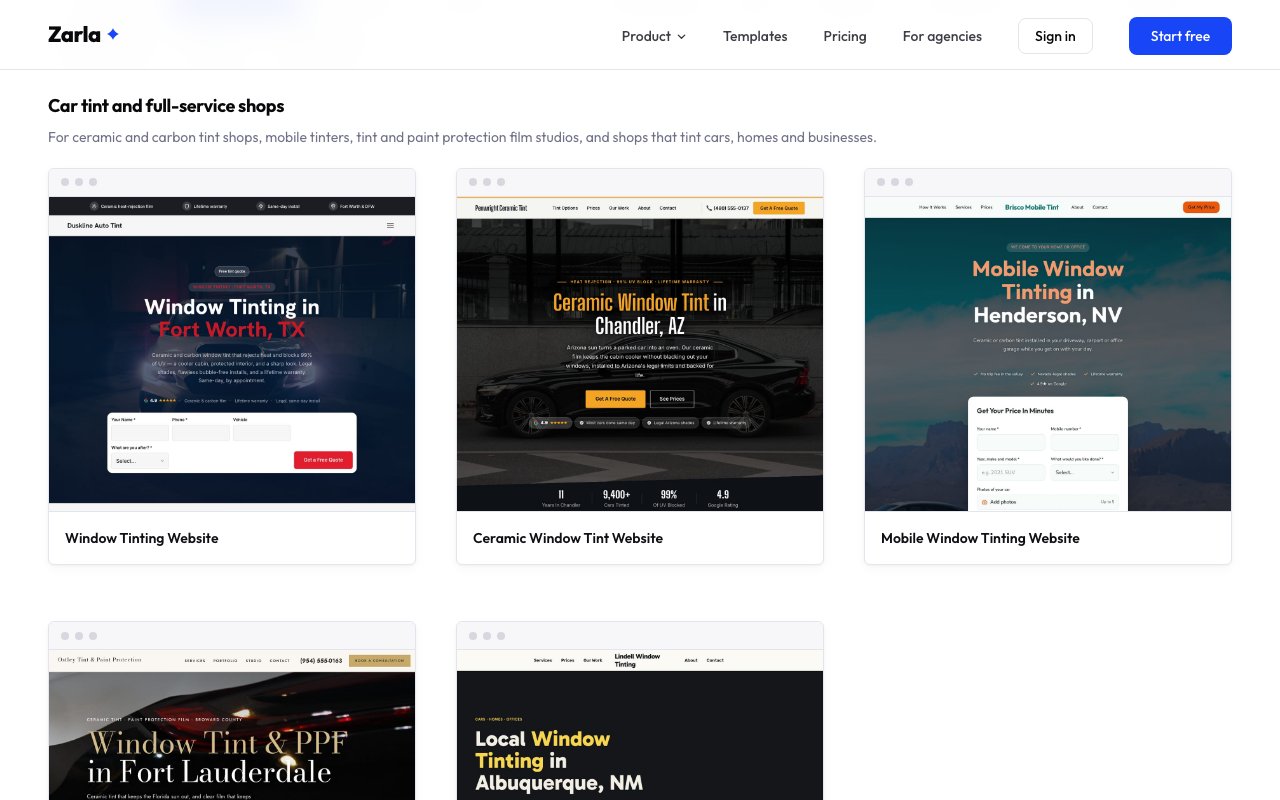
Zarla now has 8 window tinting website designs, so tint shops, mobile tinters and home, office and privacy film installers can start from a site built for their work.
Tint customers ask two things first: how much, and how dark is legal. The car designs answer the legal question on the page, most show starting prices, and every design has a quote form that takes photos of the car or the windows.
Shops that also film houses and offices get designs that speak to homeowners and facility managers, and one full-service design puts cars, homes and businesses side by side.
Kinds of business — ceramic tint shops, mobile tinting, tint and paint protection film studios, home window film, commercial film, privacy and decorative film, and full-service tint companies
Ways to get the job — starting prices, legal-shade answers, a quote form at the top of the mobile design and a site survey form for commercial work
Looks — from a dark ceramic shop and a luxury studio to a warm residential site and a bold scrolling-type design
Zarla now recognises a mobile mechanic as its own trade, so a come-to-you mechanic gets a site built for driveway and roadside work instead of a workshop one.
Type "mobile mechanic", "mobile auto repair", "mechanic that comes to you" or "mobile tyre fitting" when you describe your business and your site is built for a mechanic who travels: quote and call buttons up top and an estimate request form further down, your come-to-you services, the areas you cover on a map, and photos of mechanics working in driveways and at the roadside rather than in a garage bay. Mobile tyre services get the same treatment.
There are mobile mechanic templates to start from too, if you would rather pick a look first and describe your business after.
Zarla now has 8 Christmas light installation website designs, so installers, permanent lighting companies and Christmas decorators can start from a site built for their season.
Christmas light installers sell in a short window, so every design leads with what homeowners need to book: what you hang, when installs start, what's included and a quote form that asks for the address and what they want lit.
Change the name, the city and the services, and it reads like your company, in time for the November rush.
Kinds of business — full-service installers, permanent lighting, commercial lighting, light hanging and Christmas decorating
Ways to book — quote forms that can take a photo of the house, and one design with the install-window booking right in the hero
Looks — from a warm classic roofline site to a bold scrolling-type design and a quiet, luxurious decorating studio
Zarla now recognises window tinting as its own trade, so a tint shop or film installer gets a quote-led site with tinting photos instead of a car-detailing one.
Type "window tinting", "auto tint", "home window tinting" or "window film" when you describe your business and your site is built for a tinting business: a way to ask for a quote up top, your tint options and film types as services, the areas you cover on a map, and photos of tint work rather than car washes. Residential and commercial film installers get the same treatment, with office and home glass in the mix, and Google is told you are a local business rather than an auto repair shop.
There is a window tinting template to start from too, if you would rather pick a look first and describe your shop after.
If a renewal payment doesn't go through, your dashboard says so and takes you straight to a secure page to update your card, then retries right away.
Your website stays live while a payment is retried, but until now the only clue was an email, and the Billing page didn't show the plan it was about. Now a notice on your dashboard and in the editor names the site, and one button opens a secure page to update your card. When you come back, we retry the payment immediately and the notice disappears the moment it goes through. The same button sits on the Billing page and in Site settings.
Zarla now has 8 tutoring website designs, so math tutors, test prep coaches, reading specialists, Spanish teachers and online tutors can each start from a site built for them.
A dyslexia tutor and an SAT prep coach talk to very different parents, so we built a design for each kind of tutoring instead of one generic tutoring template.
Each design is written for its specialism — the subjects or programs that tutor offers, how the first lesson works, the questions parents ask, and a form to book that first lesson, consultation or assessment. Change the name, the city and the details, and it reads like your tutoring business.
Specialisms — math, SAT and ACT prep, reading and dyslexia, Spanish, executive function coaching and a tutoring center
Ways of working — an in-home private tutor and an online tutoring service with the booking form up top
Looks — from a bold scrolling-type test prep site to a quiet, luxurious private tutor page
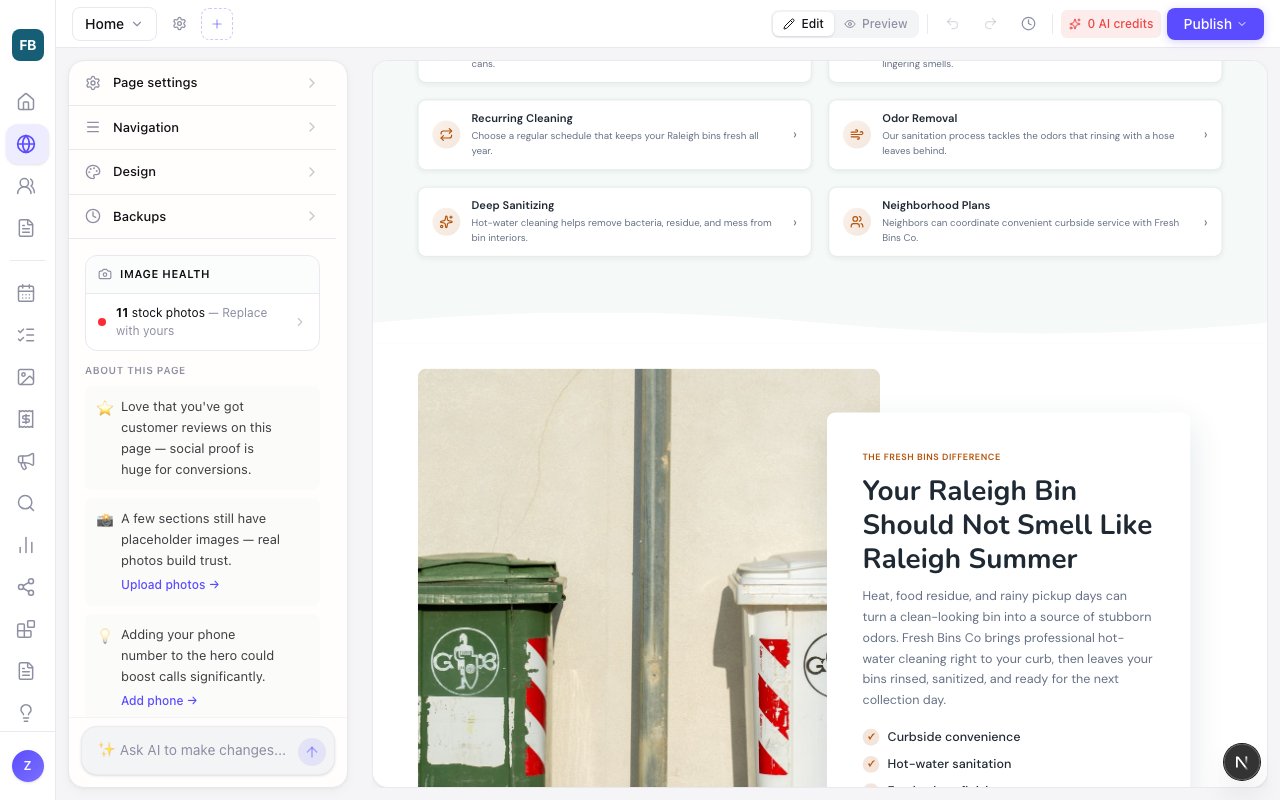
Zarla now recognises trash can and wheelie bin cleaning as its own trade, so a new site starts with bin photos and copy written for monthly plans.
Tell Zarla you run a trash can cleaning, bin cleaning, wheelie bin cleaning or garbage can cleaning business — in the words you use at home — and the build knows the trade: the services read as plans and schedules, not one-off jobs, and the photos come from a set of bins at the kerb and clean wheelie bins rather than driveways.
The Trash Bin Cleaning template now leads its own gallery, so you can start from it in one click.
Every quote now ends with the reasons to choose you — your past work, reviews and credentials, matched to the job — so it sells for you.
Open a quote and you'll find a new section already laid out: photos of similar jobs from your library, your Google rating with a link to your reviews, the testimonials on your website, the reasons to choose you, your licence, insurance and memberships, and the documents a customer wants to see before they pay. Zarla picks what fits the job — a kitchen quote leads with your kitchens — and you can swap a photo, tick which testimonials show, or switch a part off for just this quote.
The first time, Zarla shows what it found on your website and asks you to tick what's true. Only the facts you tick are ever used. The same section goes into the PDF as its own page when there's enough to show, so a quote that gets printed or forwarded still makes your case.
Zarla now opens every menu link to another website in a new tab, so visitors keep your site open.
That includes links tucked under a dropdown, in the More menu on a long menu, and in the phone menu's groups. Add a Client login or Book online link to your portal or booking app by asking the editor, and your site stays one tab away.
Sites already live pick this up when you next publish.
Zarla now lets you point a menu link or a button at a section of any page, and gives each section a link you can copy into an ad.
Wherever you pick where a link goes — a menu item, a button, a footer link — the list now shows the sections of every page, in plain words: Home › FAQ, Contact › Booking form. Pick one and the link scrolls visitors straight there, from any page.
A section’s settings now end with its own link. Copy it to use in an ad, an email or a QR code, or rename it to something that reads well — the old name keeps working, so links you’ve already shared don’t break. Type a name no section has and Zarla tells you before anyone clicks it.
Zarla now asks you to connect Google Search Console the moment your own domain goes live, so Google gets your sitemap sooner.
Search Console checks one address, so the right time to connect it is when your own domain is live — not before. Your Overview now puts that step first the moment the domain lands, and the email that tells you your domain is live carries the same one tap. Connect it and we hand Google your sitemap, then show you the searches you already rank for, how high, and which pages to add. Owners already live on their domain without a connection get the same step, and one reminder. A site with no connection now scores a little lower on Get Found, so the gap is visible instead of hidden.
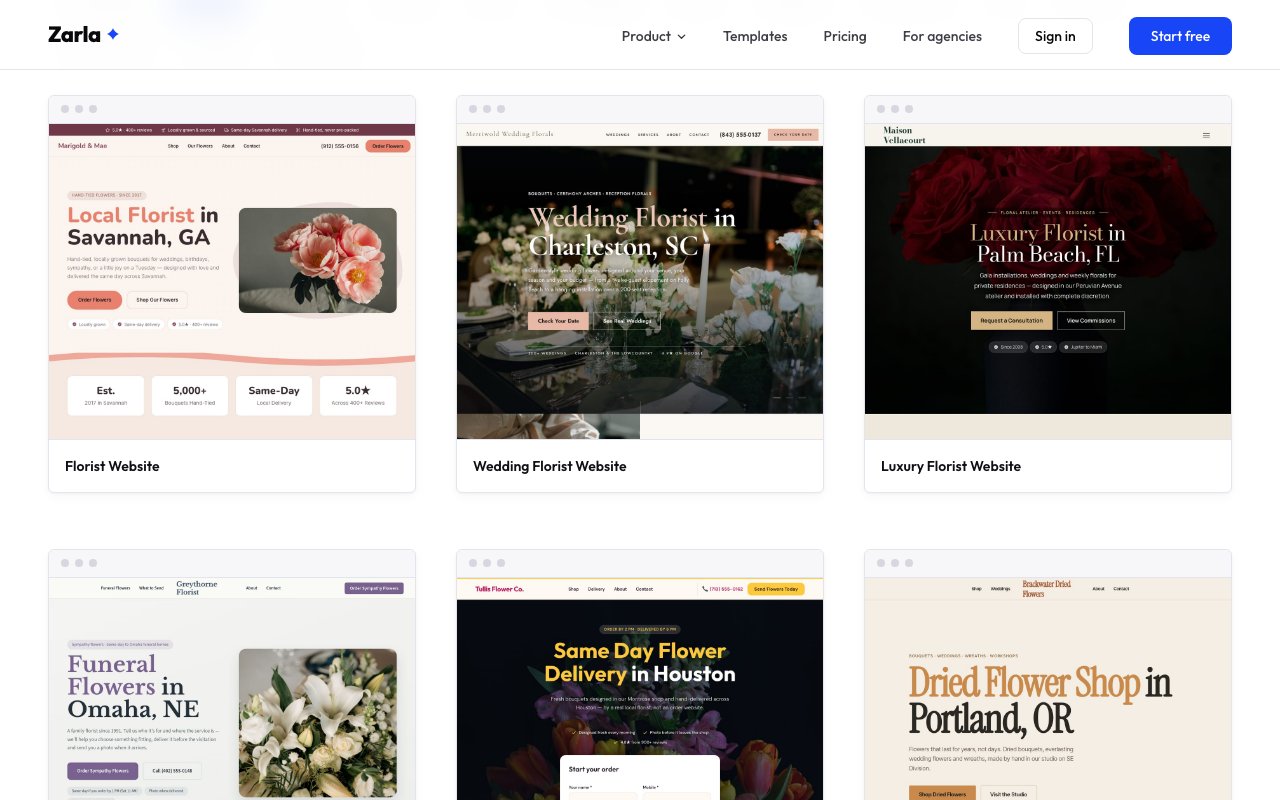
Zarla now has eight florist website designs, one for each kind of flower business — from the wedding studio to the shop that delivers today.
The seven new designs cover wedding florists, funeral and sympathy flowers, same-day flower delivery, flower farms, luxury event florists, dried flower shops and build-your-own flower bars. Each names what it does and the city in the headline.
The delivery design puts a quick order form in the first screen with cutoff times and delivery fees close behind. The sympathy design walks people through what to send and where, the wedding and luxury designs lead with real work and starting prices, and the farm design shows what is blooming each season. Pick one and your business name, city and contact details go straight in.
Zarla now keeps each menu dropdown's own links when you add or delete a page, so one list's links stop appearing in another.
If your website's menu had two dropdowns of the same kind, such as Service Areas and a second areas list you made yourself, adding a page could copy one list's links into the other. Deleting the page a dropdown opened could also take the whole dropdown out of your menu.
Each dropdown now keeps its own links. A new service area page joins the areas dropdown named for it, so a Window Cleaning Noosa page goes under Window Cleaning Areas. When you delete the page a dropdown opens, the dropdown stays in your menu with its list.
This applies to every page you add or delete from now on.
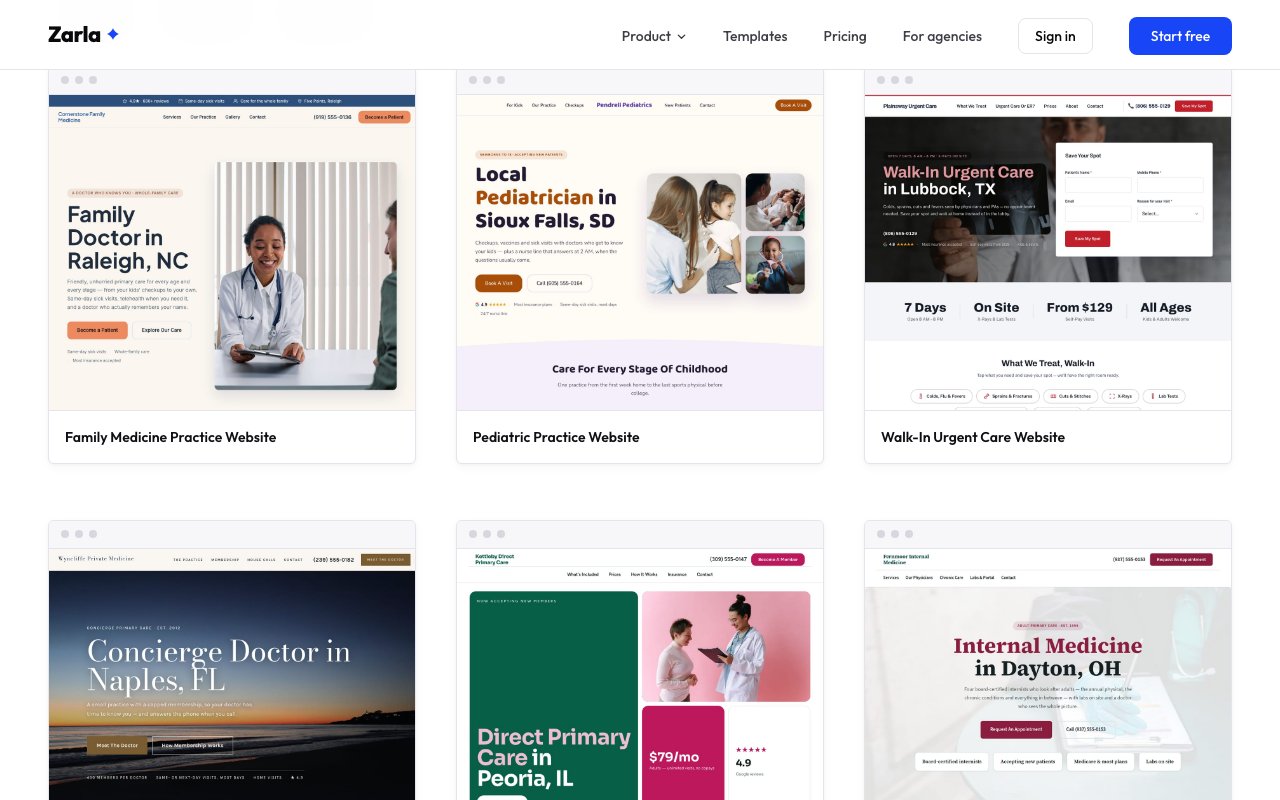
Zarla now has eight doctor website designs, up from one, for family practices, pediatricians, urgent care and specialty medicine.
Beside the family practice there are designs for a pediatrician, a walk-in urgent care clinic, a concierge practice, direct primary care, internal medicine, sports medicine and senior care. Each puts the kind of practice and its city in the headline, the words patients type when they look for a doctor.
Every design answers the insurance question early and has an appointment form that asks patients not to send medical details, and the seven new ones say plainly when to call 911. The membership designs explain plainly what the fee covers and what insurance still pays for. Pick one and your practice name, city and contact details go straight in.
When a quote with a deposit is accepted, the invoice email now leads with the deposit, not the full price.
Your customer sees the deposit as the amount due now, the full total underneath it, a note that the balance is invoiced at completion, and a button that pays the deposit. Once the deposit is in, a re-sent invoice leads with the balance instead.
Reminders follow the same rule, and before you press Send, the dialog tells you which amount the email will ask for.
Zarla now builds Christmas light installers a site of their own: a quote-led layout, photos of lit-up homes and the right Google business type.
Christmas light installation is a real trade with a short, busy season, and until now it had no home on our list, so a new site started from our general layout. Type "christmas light installation", "holiday lighting" or "permanent christmas lights" and your site now starts from a layout built for quote-led home services, with free-quote buttons up front and photos of houses lit for the season.
The same build gives Google the right kind of business for your listing, and your logo ideas lean on string lights and a warm glow instead of generic tools. Everything stays editable, and your own photos can replace ours in a tap.
Typed as christmas light installation, built as the trade.
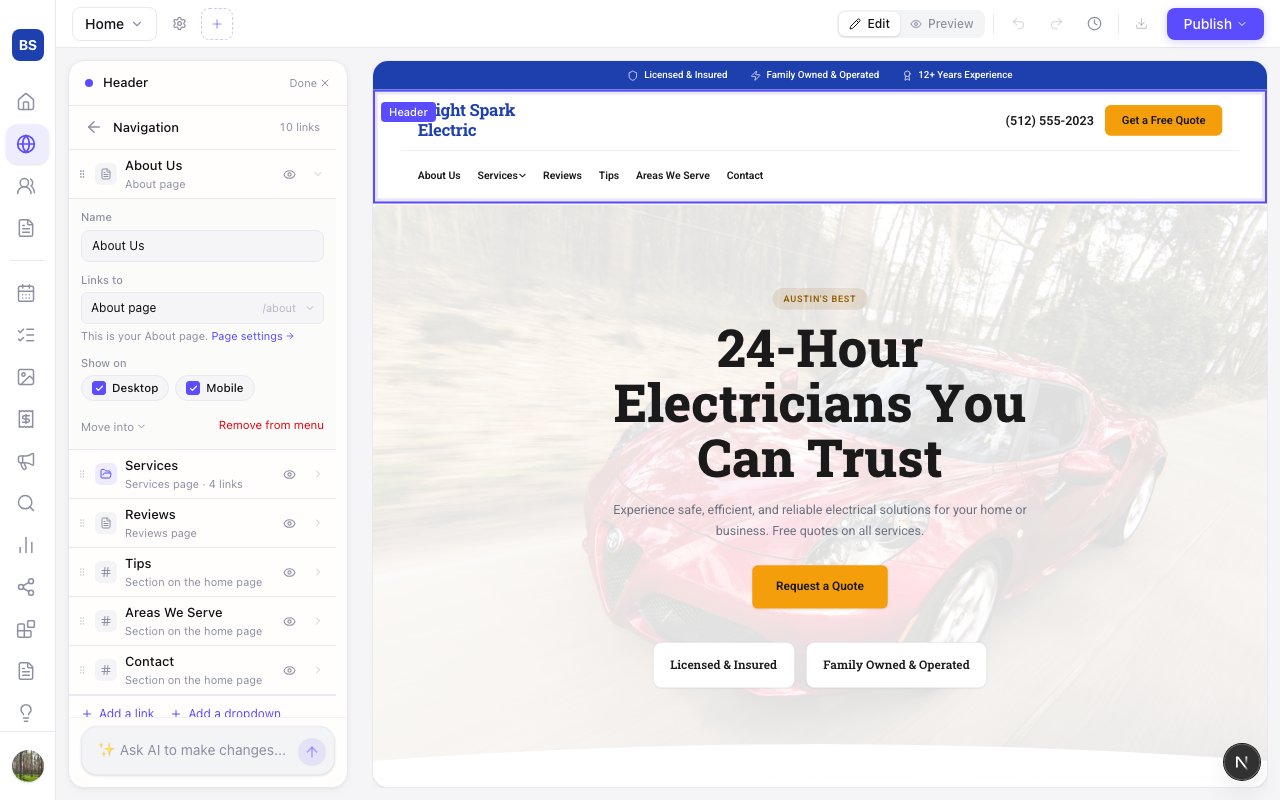
Zarla now shows where every menu link goes and lets you add links and dropdowns, or hide links on phones, from the header's Navigation panel.
Click the menu on your site, or the Navigation row in the header settings, and every link shows where it goes: a page, a section, or an outside address. Open a link to rename it, point it somewhere else, or hide it on phones or on desktop.
Add a link or a dropdown right there, and put links inside a dropdown with one tap. A dropdown with nothing in it stays off your site until it has a link. You can also type “edit my navigation” in the chat and the panel opens.
Zarla now checks each domain name live before suggesting it, and keeps checking while it's on your screen.
If your business name is taken, we say so and recommend the closest name you can get, like the name with your city on the end. Names that are taken show greyed out, so you can see what's gone.
When you pick a name, we check it again before asking for your details, keep checking while you fill them in, and check once more before any payment. If it's gone, we keep your details for the next name you choose, and suggest the nearest available name when there is one.
If we can't check names right then, we ask you to try again in a minute, and nothing is charged.
Zarla now builds your site from everything you describe, so it starts from your real phone number, prices, hours and service areas.
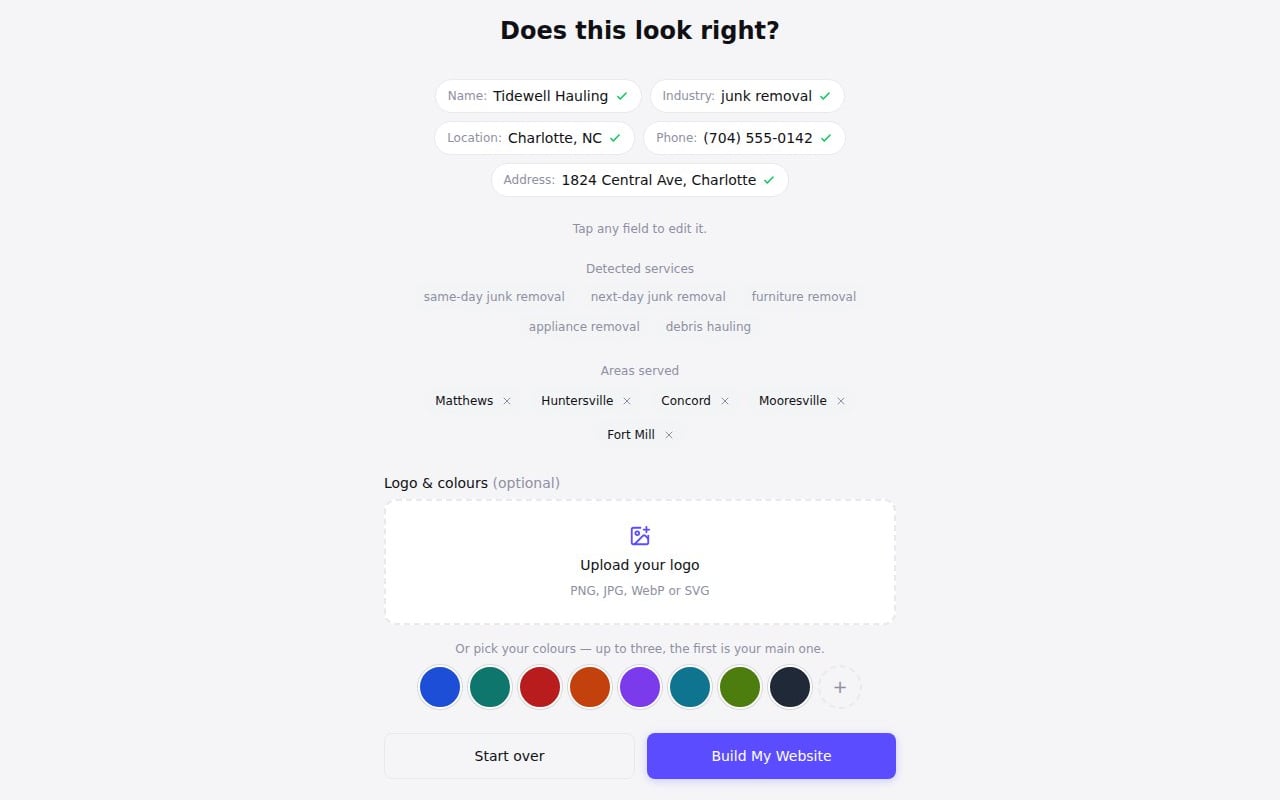
When you describe your business in a few sentences, everything you mention now goes into building your site, not just your business name, trade and town: your phone number, the areas you serve, and details like same-day service or a starting price. We treat what you wrote as fact, ahead of anything the AI would otherwise fill in.
If you're asked "Does this look right?" before your site is built, that check now also shows the phone number, street address and areas found in your description. You can correct the phone number or address, and remove any area you don't want listed. The areas you keep are the ones your site lists.
Your phone, address and areas, checked before anything is built.
Zarla now shows each person's name, or their email, on your team page and in Site collaborators, so you can see who has access.
Your team page and the Site collaborators list in Settings could show people as Unknown, sometimes even you. Each person now shows their name, or their email if their sign-in has no name.
Your To-do list also shows who each teammate is when you assign a task or mention someone in a comment.
Zarla now fills the tall story photo on a new site from your trade's own photo collection, so a plumber's page shows plumbing work.
The tall photo beside the story section on a new site was the spot most likely to go to a general stock search, and for some trades it came back with an odd picture while the gallery below looked right. That spot now draws from the same collection the gallery uses. You can still swap or re-frame any photo in the editor.
Zarla now recognises more ways of describing your business, including many other languages, so more new sites start from their own trade's layout.
When the words you typed for your business weren't on our list of trades, like "pastelería", your site usually started from our general layout. Now we check those words against the trades we build for, so a pastelería starts from our bakery layout and bakery photos.
We look for the same kind of business, not just a similar one. When nothing fits, your site starts from the same layout and photos it would have before. Your own words stay on your site, and you can change anything in the editor.
Zarla now writes the pages added after your home page, and their menu links, in your chosen language, so a Spanish or German site stays in that language.
When you build a site in a language other than English, the home page came out in that language, but the About, Services and Contact pages and the pages for each service and area could come back in English, and the menu switched to English names for them.
Those pages, and the menu links to them, now follow the language you picked. The same goes for blog posts and landing pages you ask for later. Sites already built keep their pages as they are; add a page and it comes out in your language.
Zarla now lets you design your quotes and invoices on one screen, so every document your customer gets looks like your business, not a form.
Open Design from Quotes or Invoices and you'll see a sample quote drawn with your real logo, colours and fonts. Pick one of four templates, resize or move the logo, swap which side your details sit on, choose a heading font and text size, set the accent colour, and decide which details print. Every change shows at once and saves on its own.
You set it once. The same design is used on the page your customer opens, in the email they get and in the PDF, for quotes and invoices alike. PDFs print on A4 or US Letter, and an open quote ends with a sign-and-accept section for anyone who'd rather put pen to paper.
Zarla now puts a before and after slider on your top photo, your About photo and your service cards, so the transformation shows first.
Until now the slider lived only in the Before & After section. For a detailer or a pressure washer the result is the whole pitch, and it belongs at the top of the page.
Add a before photo under your main photo, your About photo or any service card and the slider appears right there, with the same drag on phones. If you only have the after, make a typical before with AI; it stays labelled honestly on your site.
Photos that are not your own stay as they are. We leave the layouts where a card overlaps the photo alone, because the handle would have nowhere to go.
Zarla now makes a 22-second launch video when your own domain goes live, so you can announce your new website on social media.
When your own web address finishes connecting, we make a short vertical video of your new site: an "Our new website is live" opener, your business name, your site scrolling from the top, and what your site now lets people do. It arrives by email with a caption ready to paste, and it waits on your Domains page and your dashboard to download.
Post it on TikTok, Instagram Reels or Facebook and add your own music. The video carries a small Built with Zarla badge.
Zarla now sends your quotes as one link your customer opens on their phone, picks an option and accepts online, so you hear back sooner.
Build the quote in a few minutes, then send it by email or copy the link. Your customer sees the options, the photos from your visit and the price broken down, ticks any extras they want and watches the total update, then accepts with their name. If they'd rather ask a question first, or say no, that takes one tap too, and you hear straight away.
The moment they accept, we draft the invoice for exactly what they chose, mark the job as won in your contacts and send you both a record of the yes. Quotes live under Get Paid, beside Invoices. The Free plan includes five quotes and invoices a month to try it.
Zarla now adds each section's photos as it appears while your site builds, so the site you watch take shape is the site you get.
A new site used to build with empty spaces where its photos belonged, then fill them all in at the end — and the photos that flashed in were often not the ones you had just seen. Now the top of your page gets its photo a moment after it appears, then your services, your gallery and every section after them, while the rest of the page is still being written.
The page you watch build is the page you keep. The photos you see land are the photos on your saved site, and the finishing step at the end is shorter, because the work is already done.
Zarla can now make a typical before photo from your finished-job photo, so your before and after slider works with only the result in hand.
Most pressure washers, detailers, cleaners and junk removers only photograph the finished job, so the slider has nothing to compare. Now an empty before slot offers to make one for you.
Pick what the scene looked like before in your trade's own words — a mossy driveway, a packed garage — or describe it yourself. Zarla edits your own photo from the same angle so the pair lines up, in about fifteen seconds, for a few credits.
Honesty is built in: the photo is labelled “Typical before” on your site, never “Before”, and publishing asks you once before the first one goes live. Swap in a real before whenever you have it. Trades that work on people never get the option.
Zarla now tells you when your site still needs publishing, so claiming a domain or checking your shop's orders doesn't leave you thinking it's live.
Claiming a domain doesn't put your site live; publishing does. The screen after you claimed one used to say your site would be live there shortly, even when it wasn't published.
That screen now says when your site still needs publishing, for a new domain or one you already own, and so does the Domains page while a domain sets up. Buttons there that take you to publish open the editor's publish menu.
The shop's orders page no longer calls your shop live while your site isn't published, and points you to publishing. And if you're signed in, the plan buttons on the pricing and home pages no longer start you on a brand-new site when you already have one.
Zarla now shows website dropdowns in full on iPad, and keeps a phone menu's call and booking buttons in view on an upright phone.
On an iPad, a dropdown list under a website's menu could show for a moment, then vanish behind the top of the page.
On a phone, a long menu could push the call and booking buttons below the screen, and links in an open group sat off centre.
Dropdown lists now stay on screen on iPad. On an upright phone, the call and booking buttons stay at the bottom of the menu while the links scroll, and every link sits in the centre. The editor's phone Preview now shows a group's links in your live site's font.
You do not need to do anything. The next time you press Publish, your live site picks it up.
Zarla now shows your before and after photos in one frame with a handle visitors drag to reveal the difference, so your work speaks for itself.
Pressure washing, detailing, cleaning, junk removal, landscaping, painting, renovation — the proof is the transformation. Side by side, two photos ask the visitor to compare. In one frame, with a handle to drag, the difference shows itself.
Add your own before and after photos to a Before & After section and the slider switches on. It works with a mouse, a finger or the keyboard, gives a small nudge when it first comes into view, and keeps the comparison in one frame on phones, where two photos used to stack.
Stock photos stay side by side until your own are in — a wipe between two unrelated pictures would look broken. If you prefer the side-by-side look for your own photos, the Comparison switch in the section's settings keeps it.
Zarla now shows your AI credit balance in Site settings on every plan, so you can check how much AI work you have left.
It's in the Plan section, on a computer or a phone. And when you ask the chat for new pages on your phone, the card shows what they use next to your balance before you press Create.
In the editor, your balance appears near the publish button once you're running low. Click it to see what a chat edit and a new page use or, when you're nearly out, how to get more. If your plan's last payment didn't go through, it tells you that instead, and how to reach us. Ask the editor's chat about your plan or credits, and it looks up your site's own plan and balance before it answers.
Know how much AI work you have left before you start.
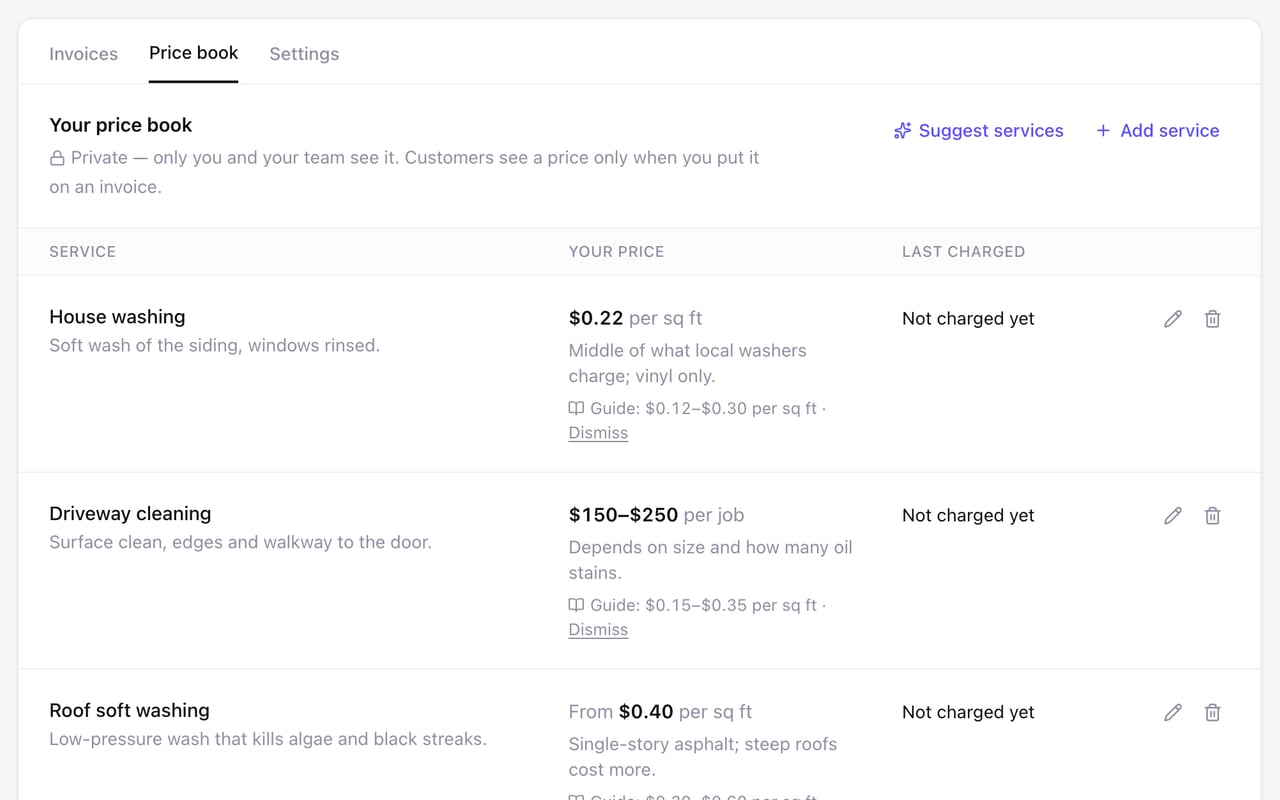
Zarla now keeps a private price book of your services and what you charge, so every invoice starts from your own prices.
Give each service one price, a range or a starting price, per job, per hour, per square foot or your own unit, with a private note on why. One tap puts it on an invoice; a range leaves the figure for you to pick.
Not sure what to charge? If you're in the US, invoice in US dollars and work in a trade we have a pricing guide for, like pressure washing, the price book can add the guide's figures beside your services as suggestions. Each shows where it came from, with the source and the date it was read a tap away, and only becomes your price when you choose it.
Zarla now fits long website menus to the screen on phones, tablets and computers, so visitors can scroll to every link.
On a phone, a website menu taller than the screen could lose its first links off the top. On a tablet or laptop, a long dropdown list, like the extra links under More, could run past the bottom.
Long menus now start at the first link and scroll to the last, with the close button pinned in place. Dropdown lists stop at the bottom of the screen and scroll inside.
If your menu's dropdown style is Full Width, More now opens as a full-width bar too. In the editor, the bar now lines up with the edges of your page.
You do not need to do anything. The next time you press Publish, your live site picks it up.
Zarla now names the record at your domain company that's stopping your domain from being secured, and how to fix it.
When another record sat beside the ones we ask for, like a forwarding or parking address from your domain company, your domain could wait on "Securing your connection" with no sign of what was wrong.
Setup now checks that your domain points only at Zarla. If something else is in the way, the Domains page names the record to delete or change, and what to do if your domain company won't let you edit it.
Zarla now runs your forms in the editor's Preview, so you can step through them and check required fields before you publish.
In the editor's Preview, the Next button on a form with more than one step went nowhere, and pressing send gave no answer.
Your forms now behave there the way they do on your live site: Next and Back move between steps, a missing answer gets its message, and sending shows a short note instead. Nothing is sent from the editor's Preview, and your live site keeps collecting inquiries as before.
Each step's title now shows above its questions too, and the step bar on a form at the top of your page now runs across the whole form. You'll see both in the editor's Preview, and on your live site from your next publish.
Zarla now keeps everyone you work with in one Contacts list and imports your customers from Xero or a spreadsheet, so they're ready to invoice.
Contacts is now one place in your sidebar. It opens on new inquiries, with your pipeline one tab over, and its Everyone tab lists everyone you deal with, one row each: people who asked for a quote, booked, subscribed, paid you or bought from your shop. Each is tagged Customer, Lead or Subscriber. Filter by tag, search, or download it as a spreadsheet.
Import takes a CSV from Xero, Google Contacts, Outlook or any spreadsheet. Check who's coming in, untick anyone you don't want, like suppliers, and say whether they've paid you before. Anyone already here with the same email isn't added twice, and you can undo an import for 7 days. Paid in cash? Mark them as a customer.
Zarla's templates for junk removal, pressure washing, moving and nine other trades now take up to five photos on the quote form.
Pick a template for junk removal, car detailing, pressure washing, handyman work, moving, tree service, landscaping, carpet or window cleaning, painting, roofing or fencing, and its quote form now asks for photos of the job, the same as a site Zarla builds from your description.
Your customer taps Add photos, picks up to five from their phone, and the photos land on the lead in your inbox and in your new-lead email. The form doesn't work out a price; you look at the job, often price it from the photos, and send the quote yourself.
Already built your site? Ask Zarla in chat to let customers send photos, and it adds the field to your quote form.
Zarla now brings the section a visitor picks from your website's menu to rest just below the menu bar, so its heading stays in view.
When a visitor tapped a link in your website's menu, like Services or Reviews, the page scrolled that section's top edge under the menu bar pinned to the top of the screen, so its heading could end up hidden.
The section now comes to rest just below the menu bar, including when the link opens it from another page. The topic list that stays in view beside a long questions section sits below the menu bar too. And when you edit on a phone, the editor stops at a section you just added or changed without tucking it under the bar.
You do not need to do anything. The change is part of every publish from now on, so the next time you press Publish your live site picks it up.
Zarla now has 24 dog groomer website designs, from a mobile grooming van to a cat-only salon and a grooming school.
There is a design for a neighborhood salon, a mobile van, an in-home groomer, a cat-only groomer, a dog spa, a doodle specialist, a hand-stripping groomer, a self-serve dog wash, a walk-in salon, a cage-free salon, a creative color studio, grooming with boarding, a boutique, a grooming school and more. Each names what it does and the city in the headline.
Many show prices by size up front and explain what happens with a matted coat, and every one ends with a request form. Pick one and your salon's name, city and contact details go straight in.
Zarla's support now answers in the language you write in, so you can ask for help without switching to English.
Write to us in Spanish, Portuguese, French, Arabic, Korean or another language, from the Help Center or by email, and the answers come back in it. Our AI assistant writes its answers in your language.
When someone on our team replies, the reply is translated automatically and says so. If you asked in the Help Center, you can open the original English there too.
Zarla now links a service card to that service's page when it can tell which page the card means, so tapping the card opens it.
A service card without a link of its own went nowhere when tapped, even when your site had a page for that service. It happened most on the Services page Zarla builds, and on the home page of some sites brought over from another website.
Most cards whose service has its own page on your site now open that page. A card you linked to another page or section stays put, and when we can't tell which page a card means, we leave it for you rather than guess.
There is nothing to set up: your live site picks the links up the next time you press Publish.
Zarla now grades any business website for free, showing whether visitors can call or book, Google finds you and AI names you.
Paste your web address and in a minute or two you get three plain answers, each with how many checks passed: a number visitors can tap, a quote form, how fast the page shows up on a phone, your Google listing and reviews, and what ChatGPT and Google's AI answer when someone asks for your trade in your town.
Every miss says what we saw, and anything we couldn't check isn't counted against you. There's no email to give. Sign in with Google to save the report and we'll check again every month.
Zarla forms now take up to five photos, so a customer can show you the job and you can price it without a site visit.
Every new quote request form has a photo field on the second step. A customer taps Add photos, picks them straight from their phone, and the photos upload while they finish the rest of the form. If one is too big or the wrong type, the form says so, and a photo that fails to upload can be dropped so the request still goes through.
The photos land on the lead in your inbox as thumbnails you can open full size, and your new-lead email shows them too. Photos are stored privately and the camera's location data is stripped. Any other form can take photos as well: add a Photo upload field in the editor, or ask the assistant to let customers send photos.
Zarla now has eight eye care website designs, up from one, for optometry practices and optical shops.
Five are built for a specialty — family eye care, pediatric eye care, dry eye clinics, vision therapy and contact lens specialists. Two are optical shops — an independent optician with its own lens lab and a same-day glasses store with prices on the wall — and one does both exams and designer frames. Each names what the practice does and its city in the headline, the words patients type when they look for an eye doctor.
Every design answers the insurance question early, walks through what a visit looks like and has a booking form on the page, and the text is set large and high-contrast for visitors who can't see well yet. Pick one and your practice name, city and contact details go straight in.
Zarla now has 24 life coach website designs, one for almost every kind of coaching people search for.
There are designs for career, relationship, ADHD, executive, dating, divorce, public speaking, mindset, confidence, parenting, Christian, holistic, recovery, grief, wellness, accountability and retirement coaches, plus general life coach sites in modern, elegant, bold, minimal, online and bright looks. Each names its kind of coaching and the city in the headline, the words a client types.
Almost every design leads to a free first call, shows what working together looks like and what it costs, and says plainly where coaching stops and therapy, legal or financial advice begins. Pick one and your name, city and contact details go straight in.
Zarla now has eight garage door website designs, built for the homeowner whose door won't open this morning and the one planning a new door.
The six new designs cover emergency garage door repair, opener repair, commercial overhead and dock doors, custom wood and carriage-house doors, broken spring repair and a classic family-run garage door company. Each names what it does and the city in the headline.
The repair designs put the phone number in the first screen with prices close behind, and explain what to do while you wait — like leaving a door with a broken spring alone. The install designs show door styles and walk through how a new door gets chosen and fitted. Every one has a form to book a repair or a visit. Pick one and your business name, city and contact details go straight in.
Zarla now has eight dumpster rental website designs, each built around what renters ask first: which size, what it costs, and when it arrives.
Five are built around a specialty — residential, construction, same-day, commercial service and small mini dumpsters — and three are general roll-off companies in three different looks. Every headline names the service and the city, the words a customer types when they need a dumpster this week.
Each design lays out the sizes with what they hold and a price, what's included, what can't go in and where the dumpster can go, with a form that asks for the size and the delivery address. Tell Zarla you run a dumpster rental or roll-off business and these are the designs you'll start from.
Zarla now has 8 consultant website designs, so marketing, HR, IT, financial, operations and independent consultants can each start from a site built for them.
A marketing consultant and an IT consultant sell very different things to very different clients, so we built a design for each kind of consulting instead of one generic consulting template.
Each design is written for its specialism — the services that consultant typically offers, who it's for, how an engagement runs, the questions clients ask, and a form to book that first free call. Change the name, the city and the details, and it reads like your practice.
Specialisms — management, small business, marketing, HR, IT, financial and operations consulting
A solo design — written in the first person for an independent consultant
Looks — from a bold color-block marketing site to a quiet editorial page and a dark IT design
Zarla now has five tax preparer website designs, ready before the next tax season starts.
There is a design for a neighborhood tax preparer, an enrolled agent who helps people with IRS problems, a small business and self-employed tax office, a walk-in tax office and an online tax service. Each names what it does and the city in the headline.
Most show prices up front and list what clients should bring, the enrolled agent design walks through how an IRS problem gets resolved, and every one ends with a form to book an appointment, a consultation or a free review. Pick one and your office's name, city and contact details go straight in.
Zarla now has five designs for sports coaches and five for local nonprofits, each built around what that business actually does.
The coaching designs cover baseball and softball lessons, basketball skills training, golf lessons, speed and agility training, and volleyball lessons. Each shows who can join, what a lesson includes and how to book a first lesson or evaluation.
The nonprofit designs cover a food bank, a youth mentoring program, an adult literacy group, an emergency shelter and a volunteer-led community group. Each puts getting help, volunteering and giving where people look for them. Pick one and your organization's name, city and contact details go straight in.
Zarla now has five home care website designs, each written for the worried family member who is looking for help for a parent.
There is a design for a general senior home care agency, one for dementia and Alzheimer's care at home, one for companion care, one for 24-hour and live-in care, and one for a skilled home health agency. Each names its kind of care and the city in the headline, the words a family types.
Every design explains how care starts, what a caregiver helps with and how families usually pay for care, and ends with a form to book a free assessment or call back. Pick one and your agency's name, city and contact details go straight in.
Zarla now sizes the big headline at the top of a page to the space it has on a wide monitor, so every word stays on one line.
On a large monitor, the big headline at the top of a page that has a form or photo beside it kept growing after its column had stopped, so a long word could break in two, with one letter dropping to the next line. On a phone, tablet or laptop it fit.
The headline now stops growing at the point where its column does. Nothing changes below a large-monitor width, and on wider screens the headline settles at its laptop size with every word whole.
You do not need to do anything. The change is part of every publish from now on, so the next time you press Publish your live site picks it up.
Three clean lines on a wide monitor, every word whole.
Zarla now has five flooring company designs and five designs for homeowners associations and other community groups.
The flooring designs cover a general flooring contractor, hardwood floor refinishing, epoxy garage floors, carpet installation and a modern vinyl plank and laminate installer. Each one offers a free in-home measure and ends with a quote form that asks which floor and how much of the house.
The community designs cover a homeowners association, a condo association, a neighborhood association, a civic association and a townhome association. They are built for residents rather than customers: requests go to the right committee, and the pages cover meetings, amenities, the rules and who to contact. Pick one and your association's name, city and contact details go straight in.
Zarla now has 12 towing and roadside website designs, each built for the driver who is stuck right now and wants a number to call.
Nine are built around a specialty — 24 hour towing, flatbed, heavy duty recovery, roadside assistance, motorcycle towing, long distance transport, off-road recovery, private property towing and emergency accident towing — and three are general towing companies in three different looks. The nine name the specialty in the headline and all twelve name the city, the words a stranded driver types.
Every design puts the phone number at the top of the page, walks through what happens after the call and includes a request form, so a driver can ask for help without calling. Pick one and your business name, city and contact details go straight in.
Zarla now has 12 solar designs, so a rooftop installer, a battery specialist, an EV charger electrician and a commercial contractor each get a site of their own.
The twelve cover the way solar is actually sold: home solar, battery backup, EV charger installation, commercial rooftops and carports, ground mounts for farms and acreage, off-grid cabins, repair and maintenance, a solar-and-electrical contractor, and four general installers in modern, classic, bold and friendly looks.
Each one leads with what a customer searches for — the service and the city — and carries what homeowners decide on: a free quote or estimate, credentials, and what happens after they ask. Pick one and your business name, city and contact details go straight in.
Zarla now has 24 pet-care website designs, adding groomers, cat sitters, boarding kennels, pet taxis, hydrotherapy and more to the training, walking, sitting and daycare designs.
Pet businesses are not one business. A mobile groomer, a cat hotel and a pooper-scooper service each need a different first screen, so we built a design for each of them instead of stretching one pet template to fit.
Every design comes with the words already written for its trade — prices laid out the way that trade quotes them, the questions owners actually ask, and a form that asks for the right details. Change the town, the prices and the photos, and it reads like your business.
Grooming — a salon, a mobile grooming van, a cat-only groomer and a self-serve dog wash
Cats — in-home cat sitting and a cat boarding hotel
Boarding and daycare — a country kennel, a luxury dog hotel, in-home boarding and a bright doggy daycare
Out and about — dog hiking adventures and a pet taxi
Specialists — pet waste removal, canine hydrotherapy, service dog training and dog agility
Zarla now saves your business plan to your account in every industry, including when you keep the suggested services and startup costs.
In twenty industries — moving companies, pressure washing and day spas among them — keeping the suggested services or startup costs made "Save to my account" stop with an error. Those suggestions now fit, so the plan saves the first time, and you can open it from Documents, share it or polish it.
Zarla now opens your invoices and payment links straight to the bill, so your customer can see it without creating an account.
Until now, a customer who wasn't signed in to Zarla landed on our sign-in page instead of your invoice, and had to sign in or create an account before they could see it. The same happened to clients opening an agency's shared performance report.
Invoices, reminders and payment links now open directly on your customer's phone or computer, with your business name and the amount. When you take payments online, the Pay button is right there too. A shared performance report opens the same way for anyone you send it to.
Zarla now has 24 dance studio website designs, so ballet schools, hip-hop crews, ballroom teachers and family studios can each start from a site built for them.
A ballet school, a hip-hop crew and a wedding-dance teacher each need a different first screen, so we built a design for each style instead of stretching one dance template to fit — ballet, hip-hop, ballroom, salsa and bachata, tap, contemporary, Irish, K-pop, swing, tango, belly dance, dance fitness and more.
Each design is written for its kind of studio — the classes and ages it teaches, what a first class or lesson is like, the questions its students or parents ask, and a form to book that first visit. Most also lay out a weekly timetable the way that studio runs its week, and the kids' and competition studios cover recitals and season costs. Change the town, the times and the photos, and it reads like your studio.
Styles — ballet, hip-hop, ballroom, Latin, tap, contemporary, Irish, K-pop, swing, tango, belly dance and pole
Ages — a preschool studio, a family studio and an adults-only studio
On stage — a performing arts academy, a competition team with season costs up front, and studios that publish recital fees early
General studios — classic, modern, bold and bright looks for a studio that teaches a bit of everything
Zarla now lets you zoom every photo on your site, including the full-width heroes, slideshows and banners that sit behind your text, so the same Adjust controls work everywhere.
Until now the layouts that stretch a photo behind your headline — the full-width heroes, the slideshow, the banner above your contact details — could be moved but not zoomed, and a zoom slider that showed on one section and not the next read as broken.
Now every photo gets the same Adjust: click the section, press Adjust, drag the photo until the right part shows, and zoom in as far as you like. The text stays exactly where it was and nothing is cut from the photo.
On a slideshow or carousel the editor shows the first slide; adjustments to the others show on your live site. Ask the editor instead if you prefer — "zoom in on the van" works on every layout too.
Zarla now lets you move and zoom the photos on your site — heroes, side-by-side sections and galleries — so the person or detail that matters stays in view.
Every photo space has a shape, and a photo that doesn't match it used to show whatever landed in the middle — a portrait with the face out of frame, a shopfront with the sign off the edge.
Now you click the section, press Adjust next to the photo, drag it until the right part shows, and zoom in if you want it tighter. Nothing is cut from the photo, and the same spot stays in view on desktops and phones.
Or just tell the editor — "the head is cut off", "show more of the top", "zoom in on the sign" — and it moves the photo for you, with an Adjust button in the reply for the exact spot. Swap in a new photo and it starts centred, ready to adjust.
Zarla now picks upright photos for the tall photo spaces on your site, so the person in the picture stays whole instead of being cut off at the top.
Some layouts show a photo in a space that is taller than it is wide — the side-by-side hero, the calm portrait hero, the overlapping and showcase sections, the spotlight review. Zarla used to fill those with wide photos and crop them to fit, which often cut the person out of the frame.
Now the photo search knows the shape of the space it is filling: those spaces get upright photos when your site is built, when you search or ask for suggestions in the photo picker, and when you ask the assistant to change a photo. Wide spaces work exactly as before.
A live Zarla site now scores 100 in all four of Google's PageSpeed categories on a phone — performance, accessibility, best practices and SEO.
Zarla now publishes every site lighter and cleaner: photos served from your own address, the logo sent at the size it is shown, fonts that arrive without a flash, text colours that pass the contrast check, and headings in the order a screen reader expects.
The report is from a real Zarla-built site, live, measured on a phone. Google's test varies a point or two between runs, so read it as what a Zarla site can reach, not a promise for every page.
You do not need to do anything. The change is part of every publish from now on, so the next time you press Publish your live site picks it up.
Zarla's Site Move page now keeps automated scanner noise out of “Pages visitors couldn't find” and counts old pages as sorted once they forward to your new site.
The internet is full of automated scanners poking at addresses no real visitor ever types. Those probes were showing up next to genuine dead ends on the Site Move page, burying the pages that actually matter. The obvious robot probes are filtered out now — including ones already sitting on your list — so the pages real people (and Google) are missing stand out.
Old pages that already forward somewhere on your new site also no longer sit under “Old pages with no home yet” — they count as sorted, and your progress bar finally reflects the work you've done.
Real dead ends and true progress, front and center.
Zarla now sets up your workspace the moment you sign in, so Leads, Bookings, Analytics and the rest are in the sidebar from your very first build.
New accounts saw only a handful of items in the sidebar right after building their first site — the rest appeared only after a page refresh, and nothing said so. That is fixed: the full set of tools is there from the start, no refresh needed.
Zarla now gives every new site its own 75 starter AI credits, so a second site or a fresh start for your business never begins on empty.
Until now the free starter credits came with your first site only. Build a second site — or start the same business over to get it right — and the first thing you asked the AI to change was turned away. Each site you create now brings its own credits with it.
The credits stay with the site they came with and don't refill on the free plan. When a site runs low, upgrading gives it a monthly allowance and lets you publish.
Zarla contact forms now accept a message even when the visitor's browser has JavaScript off or blocked, so no inquiry is lost to a script that didn't run.
A small share of visitors browse with scripts switched off — strict privacy settings, locked-down work browsers, or simply a page whose script failed to load. Until now, when one of them sent your contact form, they landed on a raw error page and their message never reached you.
Those submissions now go through like any other: the visitor sees a proper thank-you page, the message lands in your leads, and you get the usual email notification. Spam protection applies to them exactly as before.
These visitors get the same care your other visitors do: a mistyped email address or a skipped required field is caught before the message sends, and forms that ask questions across a couple of steps now show everything on one page for them, with a working send button.
Every visitor gets a clear thank-you — script or no script.
Zarla now lets one free account hold up to ten sites instead of five, so you can try a few directions before you pick the one to take live.
Some owners build a site for each idea they are weighing, or start over to see the business in a different look. Five slots ran out fast for them. A free account now holds ten.
Everything else is as before: building and previewing are free, drafts and live sites both count toward the limit, deleting a site frees a slot, and holding a plan on any site raises your limit to one hundred.
Zarla's site preview now says your contact form starts collecting inquiries the moment you publish, instead of showing an error when you test it.
Filling in your own contact form on the preview of a site you haven't published yet used to end in "Something went wrong. Please try again." — the same words a real fault would show, so a working form looked broken. The preview now says what is actually happening: nothing is sent from the preview of a site you haven't published, and the form switches on the moment you publish.
Previews of a site that is already live work as before — a test message there reaches your leads like any other.
Try your form before you go live — it tells you what happens.
Your site now sends phones a smaller copy of each photo, so pages show sooner on mobile data.
Every photo on your site is now offered in a few sizes, and each visitor's phone or computer picks the one that fits its screen. Phones stop downloading desktop-sized pictures.
Your hero photo gets the same treatment, so the top of your page appears sooner on a slow connection.
You do not need to do anything. The change is part of every publish from now on, so the next time you press Publish your live site picks it up.
Zarla now sends every answer from the compact contact form when a visitor presses send, so their enquiry reaches your leads instead of an error on the page.
The compact layout puts the short fields — name, phone, email — in one row with the longer questions underneath. Filling it in and pressing send used to end in "Something went wrong. Please try again." every time, because the row and the questions were sent as two separate forms and only half of the answers reached us. They now travel together, and the message lands in your leads with every answer attached.
If your site uses this layout, publish once more to pick up the fix. We also now watch for messages our side turns away with an error, so a broken form shows up on our side quickly.
Zarla now has 16 virtual assistant website designs, each built around packages, a services menu and a discovery call — the way clients actually hire an assistant.
Twelve are built around a specialty — executive assistant, bookkeeping, social media, podcasts, e-commerce, online business management, real estate, medical, legal, reception, inbox and calendar, and assistant agencies — and four are general assistants in four different looks. Each names the specialty in the headline, the words a client types when they go looking.
Because an assistant sells time rather than a storefront, every design leads with monthly retainers and their prices, an honest list of what is and is not included, and a booking form for a discovery call with a date on it. Pick one and your business name, hours and contact details go straight in.
Zarla now has free step-by-step guides to opening a laundromat, or starting a dog walking business, a bed and breakfast, a carpentry business or a virtual assistant business.
Each guide walks the whole path in plain English: what it really costs to start in the US, which licenses and permits your state actually requires, what the work earns, and how customers find you once you are open. Every cost and licensing figure comes from a source we opened and named — state statutes, health departments, contractor boards and published trade surveys — and each guide says plainly which parts change from state to state, because on these five they change a lot.
They also collect what people already doing the work say about it, quoted and linked so you can read the whole thread yourself: laundromat owners on what utilities really cost, innkeepers on the hours, carpenters on the job that traps a one-person shop, and assistants on why a retainer beats an hourly rate.
Zarla now recognizes a domain that came with your original Zarla website and switches it to your new site for you — one click, nothing technical.
If your domain came with your original Zarla website, there's no DNS panel for you to log into — so step-by-step registrar instructions were never going to work. Now, when you connect that domain to your new site, Zarla recognizes it and offers to make the switch for you: one click, and our team moves it over, usually within 1–2 business days. You'll get an email the moment it's live.
If your domain still shows your original Zarla site but lives at your own registrar, the setup steps now say so plainly — and if you'd rather not touch DNS records at all, there's a quiet "we can switch it over for you" option on the same screen.
Zarla now has free step-by-step guides to starting a construction company, a coffee shop, a recruitment agency, an event planning business, a moving company or a locksmith business.
Each guide walks the whole path in plain English: what it really costs to start in the US, which licenses, bonds and insurance your state actually requires, what the work earns, and how customers find you once you are open. The licensing and cost figures come from state boards and published US data, with the source named, and every guide says which parts vary state by state.
They also collect what people already doing the work say about it — pulled from public trade forums and published interviews, quoted and linked so you can read the whole thread yourself. And the five industries with a free business plan page link straight to it, so you can write the plan and build the website from the same numbers.
Zarla now lets you show or hide the Google rating in your trust bar, and the number comes straight from your connected Google listing.
Click your trust bar and the Google rating row sits under your badges with an eye to show or hide it. You can also just ask: "hide the stars" or "show my Google rating".
The number isn't something you type. It's your real rating from Google, refreshed when your reviews sync. Not connected yet? The same row takes you to connect your listing.
Zarla now has eight pet-care website designs instead of one, covering dog training, puppy classes, behavior work, board-and-train, walking, sitting and daycare.
If you train dogs, walk them, sit for them or board them, there was exactly one pet design to start from — a pet-sitting site. Now there are eight, and each one is written for a specific trade rather than for "pets" in general.
That means the words are already right when you open them. The dog-training design leads with programs and certifications, the behavior consultancy leads with the problems people actually search for, the daycare design puts a booking form in the first screen and answers the questions every owner asks about group size and rest. Swap in your own town, your own prices and your own photos, and the rest already reads like your business.
Dog training — programs, certifications and a free-assessment booking
Puppy classes — priced class cards and a how-to-enroll path
Dog behavior consulting — a symptom checklist and a consult request
Board and train — residential program pricing and a week-by-week breakdown
Dog walking — priced walk types, key handling and neighborhood coverage
In-home pet sitting — drop-ins, overnights, holidays and cat care
Doggy daycare and boarding — day rates, an hour-by-hour day and a booking form
Zarla now has 12 laundromat and laundry service designs, so a coin laundry, a wash-and-fold counter and a pickup service each get a site that reads like their own business.
The twelve cover the way laundry is actually sold: a coin laundry, a wash-and-fold service, pickup and delivery, a 24-hour store, an eco laundromat, a dry cleaner with laundry alongside, commercial linen for hotels and restaurants, a card-operated modern store, a family neighborhood laundromat, an express store, a classic one, and a counter-only drop-off service.
Each one leads with what a customer searches for — the service and the city — and carries the things people actually decide on: machine sizes, opening hours, whether it takes coins or cards, and what a drop-off costs by the pound. Pick one and your business name, city and contact details go straight in.
Zarla now shows only the steps for the app you pick, so connecting Claude, ChatGPT, Cursor, or Gemini is one link and a few plain steps.
In the sidebar, open AI apps (under More on your phone), choose Claude, ChatGPT, Cursor, Claude Code or Gemini, and the page shows that app's steps in plain words — the menus you'll open, and one button to copy the link. When you're done, start a new chat and ask your AI what websites you have on Zarla, then tell it what to build or change.
Right under the steps, Zarla shows what to ask first. The apps you've approved sit underneath — tap to open the list, with a Disconnect that ends their access right away — and tokens for scripts and custom tools are tucked under For developers.
Zarla now has twelve carpentry designs, so a finish carpenter, a cabinet maker or a restoration joiner gets a site that looks like their own trade.
Carpenters were being sent to the construction gallery, which is full of general builders and reads nothing like a carpentry business. These twelve are built for the trade: eight general carpenters in different looks — classic, modern, craft, bold, quote-first, heritage, minimal and brief-first — plus a cabinet maker, a finish carpentry subcontractor who works for builders, a fine carpentry studio and a wood restoration joiner.
Each one leads with what a customer types into Google — the work and the city — and carries the things people actually decide on: painted or stained, what moves a trim price, whether an old sash can be repaired rather than replaced, and what a quote should show. Pick one and your business name, city and contact details go straight in.
Zarla now sets up online booking in your country's currency and timezone from the start, and lets you change either on the Bookings page's Settings tab.
New booking setups start in the currency and timezone of the country your business is in, instead of US dollars and New York time for everyone. Open Bookings → Settings to change either: Currency sits at the top of Payments, Timezone at the top of Hours, and one Save covers both. The setup wizard offers the same two choices on its Hours and Payment steps.
Changing the currency updates every service on your booking page to match, so your prices, your booking page and your customers' emails all say the same thing. Every amount stays exactly what you typed — nothing is converted. If your services were already priced in a different currency from your settings, the tab tells you and picks the one your live services use, so one Save puts everything right.
Zarla now has 12 designs for places people stay — inns, guest houses, lodges and bed and breakfasts — each built around showing the rooms and taking a booking inquiry.
The twelve cover the way small lodging is actually run: a classic bed and breakfast, a country inn, a historic inn, a guest house, a modern city hotel, a working farm stay, cabin rentals, a mountain lodge, a wine country inn, a beachfront inn, a lakeside lodge, and an editorial bed and breakfast with the booking form in the hero.
Every one leads with what a guest searches for — the kind of place and the town — and carries what people actually decide on: the rooms with their nightly rates, what breakfast is, whether dogs are welcome, parking, and a booking inquiry that a person answers rather than a payment page. Pick one and your business name, town and contact details go straight in.
Zarla now gives you a referral link in your account, so every business you send us earns you 30% of their first-year payments.
Open Refer and earn in the sidebar (under More on your phone) to get your link, watch clicks, sign-ups and sales as they happen, and set up payouts. Share it with the businesses you know, or post about Zarla — videos that pass 5,000 views earn a bonus on top, and we pay for the ones we run as ads.
Only new Zarla accounts count, and referring your own account isn't paid.
Zarla now tells you exactly which DNS record to fix when a domain connection stalls, and every step of domain setup says what is really happening.
Connecting a domain you already own means adding three records wherever your domain lives — and a single typo used to leave the connection quietly stuck on "pending" with no explanation. Now, when a check finds a record that's almost right, the wrong value, or a record on the wrong host, the setup page says what it found and exactly what to change.
The page also remembers where your domain is managed — Wix, Squarespace, GoDaddy and more — and keeps that provider's step-by-step directions and login link in front of you for the whole wait, not just the first time you set things up.
Setup steps now say "waiting" until they're truly done — no more guessing
Site settings only says "Connected" once your domain is actually live
A failed domain purchase now offers a clear way forward instead of an empty page
If registration details would be rejected, the form flags the exact field before any charge
Wix and Squarespace domains are now recognized with tailored directions
Your registrar's exact steps stay with you until the domain is live
Zarla's editor chat now adds a section to several pages in one reply and understands every sensible way you point at a section.
Ask for a section on every location page, or on two pages at once, and the chat adds all of them in one reply. It used to stop at one page and ask you to repeat yourself, or answer that it couldn't.
Sections you had added by chat earlier could trip it up too: asking to add something right after one of them came back with "I aimed it at the wrong spot". That's fixed, along with a handful of other ways of describing where a section goes or which page to delete that the editor now understands.
Zarla now lets you choose Small, Medium or Large for the logo in your header, so a logo that looked too small gets the room it needs.
Click your logo in the editor and the size sits right under it — Small, Medium or Large. Large gives a wide logo about two-thirds more room across and a little more height; Small keeps the header slim. It works on every header layout, on desktop and on phones, whether you uploaded a logo or use your business name as one.
You can also just ask: "make my logo bigger" steps it up one size, and "a bit smaller" steps it back.
Zarla now lets you colour the header of your site, so the bar at the top can be dark, your brand colour, soft, or any colour you pick.
Click your logo in the editor and Background sits right under the logo size: Page, Soft, Brand and Dark, plus a custom colour. Your menu links, phone number, logo text and the phone menu switch to a colour that reads on the bar automatically, on every header layout, on desktop and on phones.
You can also just ask: "make my header dark", "match the header to my brand colour" or "make it navy".
Dark, brand, soft or any colour — right under your logo.
Zarla now publishes the WhatsApp chat button with its styling, so it appears as the small green chat bubble in the corner instead of an oversized icon below the footer.
If you turned on the WhatsApp chat app, your published site could show a huge black WhatsApp icon under the footer instead of the neat floating button you saw while editing. The button's styling wasn't making it onto the published page — the button itself, and the chat link behind it, worked the whole time.
Published sites now carry the button's styling with it: a green “Chat with Us” bubble pinned to the bottom-right corner on desktop, a round icon-only button on phones, exactly as the editor shows it. If your site was affected, republish it to pick the change up.
Zarla now has 24 recruitment and staffing agency templates, so your site speaks to the businesses hiring and the people looking for work.
Eighteen are built around a specialty — healthcare, travel nursing, IT, warehouse, construction, legal, finance and accounting, sales, engineering, life sciences, events, CDL drivers, skilled trades, hospitality, creative, temp work, executive search and independent recruiting — and six are general agencies in six different looks. Each puts its specialty and city in the headline, the words people type when they look for a recruiter.
Every template gives employers a staffing request form and job seekers their own application, each with its own section on the page. Pick one and your business name, city and contact details go straight in.
Zarla now emails you the answer to a contact-page message, so you can reply from your inbox or continue right on the page.
Write to us from the contact page and the first answer arrives on the page and in your email, not just on the screen. Reply to that email, or add details right under the answer, and it all stays in one conversation.
Whenever a question needs a person, the page says so, and we follow up by email — usually within a day.
Zarla's editor chat now makes the changes it used to refuse, so adding your phone number, renaming your logo or removing several sections at once works first time.
Ask the chat to add your phone number to the header, change what your logo says, remove a few sections at once or reorder a page, and it happens — the assistant used to answer some of those with "I can't" even though the editor could do them.
Team member roles and bios are editable from the chat and the side panel now, and you can hide the phone number in the header or hero from the chat too.
Zarla now lets you move your whole site onto any of its 1,200-plus designs, with your words, photos, services and pages kept.
Open Design in the editor and tap Change design. Browse by look — bold, elegant, warm — scroll the designs made for your kind of business, or search. Tap one and your site appears in it straight away, with your own words and photos in place; compare a few, then keep it or go back.
Colors and fonts come across everywhere, and section layouts on the home page and your inner pages. Your content is never rewritten and never removed: sections the design has that you have no content for are left out, and your own sections the design has no spot for are kept. We save a backup first, one undo reverses it all, and your live site stays as it is until you publish.
Once your Google listing is connected, your map shows your business by name — with your rating alongside on larger screens — and Get directions takes people straight to it.
Connect your Google listing and your map shows your business the way Google does: your name on the map (with your rating alongside on larger screens), the marker exactly where Google has you, and Get directions taking people straight to your listing.
You stay in control. In the editor, an eye on each row decides what the map points at — your Google listing, your business address, or a different location — and closing the address eye shows just your area, with no address on the map.
The first time it would go live, the publish check shows you what visitors will see and lets you pick: your listing, your address only, or no address on the map.
Zarla's map section now prints your address under the headline and adds a Get directions button — on a phone it opens the Maps app straight to your door.
In the editor you choose how close the map sits in plain words: your street, the streets around you, or the region. Need the map to point somewhere other than your business address — a second branch, a market stall? Map a different address and the rest of your site stays as it was.
Businesses that come to their customers get a map of the whole area they cover, with the areas listed above it. It's live the next time you publish.
Zarla now writes you a complete business plan from five plain-language questions: what you'll do and where, what you'll offer, what it costs to start (a checklist for your industry with a running total) and what you're aiming for each month. Two minutes of answers later, the plan is on the page — summary, startup costs, monthly numbers, the licenses you need in the US and your first 30 days — every figure from your answers and your industry's typical numbers.
Sign in free to print it, save it, have the AI polish the writing or share a read-only link. When you're ready, one click starts your website from the plan, with your name, city and services already in place. Twenty industries also get a free Word and PDF template, a complete sample plan and the real startup numbers.
Zarla now has a free business plan template, a complete sample plan and the real startup numbers for 40 industries. The twenty newest — car detailing, catering, car washes, flower shops, event planning, barbershops, med spas, moving companies, pressure washing, day spas, insurance agencies, law firms, roofing, interior design, dance studios, auto repair, painting, pest control, tutoring and plumbing — each get their own page: typical startup costs, monthly costs, what owners charge, the licenses you need in the US, and a sample business you can read end to end.
Pick your industry in the generator and the checklist, services and numbers arrive prefilled. Every page says when its figures were last checked; the Word and PDF templates download free, no email address.
Zarla now makes customers choose a price option before booking and says plainly when a payment couldn't be taken, so tiered bookings are priced right and nothing fails silently.
If a service has price options, they now sit right under it on your booking page and the customer has to pick one before continuing. The page shows “from $X” until they do, and the booking is charged at the option they chose, never the service's base price. A service with a single option picks it automatically.
If a payment can't start, the customer sees why in plain words and can try again without booking twice; if a card is charged but the confirmation is slow, they're told not to pay again. Your bookings list now marks any booking that expected a payment and didn't get one as “Awaiting payment” instead of “Upcoming”, with the reason and its own filter, and every booking email calls your business by its name.
Each option's own duration is what your calendar blocks, what the reminder says, and what the time-slot picker fits.
Customers who still owe a payment are told their time is held but not confirmed until they pay, instead of getting a premature confirmation.
AI-suggested services no longer come with a price option that has no price.
When you pick a share image, Zarla now tells social platforms its exact size and a description, so the picture shows the very first time your link is shared.
Before, the first person to share a link could see a preview card with no picture while the platform fetched and measured the image. Share images Zarla makes now carry their size, so the card renders straight away, and every share image carries a short description for screen readers.
Pages that fall back to their main photo keep the old behavior. Choose a share image in the page's settings, or a site-wide default in Settings, to get the first-share picture.
Zarla now keeps your site's blog page live even before any posts are visible, and new AI-written posts go live with your next publish instead of hiding as drafts.
If your site had a Blog link before any posts were visible, that link used to land visitors on a page-not-found error. Now it opens a real blog page in your site's own design, with a friendly “No posts yet — check back soon.” note holding the spot until your first post appears.
New posts written by the AI also switch on by themselves: they go live the next time you publish your site, and the editor tells you so the moment a post is written. You stay in control — the Content page now has a “Show on website / Hide from website” switch right on each post's menu, one tap either way, next to the badge that shows whether it's visible.
Zarla now lets you edit the price options, extras and booking questions on any booking service, so the prices on your booking page match what you actually charge.
Open Bookings → Services and expand any service: the price options (like Small / Medium / Large), the optional extras, and the questions customers answer when they book are all editable now. Add one, rename one, change a price or remove it, and the change is on your booking page as soon as it saves. Prices are entered in your currency, not cents, and if two options end up with the same name we ask you to tell them apart before saving.
Adding a service is one click: the new card opens ready for you to type its name, starts paused until you switch it on, and never shows placeholder text to your customers.
Zarla now keeps every online-booking setting on the Bookings page's Settings tab, so a quick change no longer means redoing the whole setup.
Open Bookings → Settings to change how you take payment, your deposit, your cancellation policy, your weekly hours, lead time and buffer, or your travel radius, then press one Save at the bottom — it saves all of those together and tells you when it's done. The guided setup is still there for anyone who prefers walking through it step by step — and walking through it again on a live booking page simply saves your changes.
Smaller things in the same update: the button that switches bookings on now says “Activate Bookings” — it switches on your booking page, not your website — deposits are entered in dollars rather than cents, and businesses in the US see their travel radius in miles.
Zarla now lets you set a video to start playing on its own — silently and looping — instead of waiting for a click.
Turn on “Autoplay (muted)” on a video section and the video is already playing as visitors scroll to it — no play button to press — and it keeps looping when Loop is on. Visitors tap the speaker for sound; every browser requires that for videos that start on their own.
The setting is off by default, and the familiar cover-image-with-a-play-button stays exactly as it was — it keeps your page fast, so we recommend automatic play for one showcase video, not every video. Works on the single-video layouts.
Zarla now embeds TikTok through TikTok's player made for websites, so the videos on your site play in place instead of sending visitors away.
Some TikTok videos on published sites loaded their player but never actually played — visitors got a “Watch now” button pointing them off to TikTok instead, and whether it happened depended on which video you’d picked.
We now run every TikTok embed through the player TikTok built for websites, so your videos play where they belong: on your page, with sound, full-screen if your visitor wants it. And when a video ends, the suggestions shown are your own videos — not someone else’s. YouTube and Vimeo videos weren’t affected and haven’t changed. If a TikTok video on your site was affected, republish your site to pick the change up.
Zarla booking pages now take deposits and full payments through the Stripe account you connected in Settings, so online bookings are paid the way you chose.
Booking pages on sites that connected Stripe through Settings used to let customers book without paying, and the booking setup wizard could skip its Payment step. Both now work: the wizard shows the Payment step where you choose a deposit or full payment, and your booking page collects it through your existing Stripe connection.
The amount charged includes any tier, add-on and tax the customer picked, so what they see on the review step is exactly what's collected. If you haven't set a deposit yet, bookings collect the full amount.
Zarla now charges booking payments correctly on every website in your account — the right amount, with tax — even when you manage several sites.
If you run more than one website on Zarla, each one keeps its own booking setup — its own deposit rules, tax rate, and payment settings. Booking payments now use the settings that belong to the website the customer booked on.
That means the amount a customer sees at checkout is exactly what gets recorded and charged, tax included, no matter how many sites you manage. Refunds follow the right website's cancellation policy too.
Zarla now lets you sign in with your Apple Account, alongside Google and your email address. Pick whichever door you already use. If you let Apple share your email address and it matches your existing Zarla account, you land in that account rather than a new one.
Zarla site menus now open on tap, click and keyboard as well as hover, so visitors on any device can browse every page.
Drop-down menus on published sites — Services, Areas We Serve — used to open only while a mouse hovered over them. On a tablet or a touchscreen laptop the menu flashed and vanished before anyone could choose, and a keyboard couldn't reach the pages inside at all.
Now a tap or a click opens the menu and keeps it open until you pick a page, tap somewhere else, or close it again. Hover still works exactly as before, keyboards and screen readers get the full menu, and the open menu item stays readable on every color palette. Republish your site to pick the change up.
Zarla now publishes a plain-English fact sheet with your website — your services, hours, and contact details in the standard format made for AI assistants like ChatGPT — and labels your contact form so an assistant helping a customer can fill it out properly.
It's added automatically the next time you publish.
Zarla's domain connect wizard is now safe to re-run at any point. If a step stalls or you close the tab, come back and try again — it picks up where you left off, and retrying won't disturb a domain that's already working.
Zarla's ChatGPT connection now shows your website updating right there in the conversation. Ask for a change in the assistant you already use and watch it land — no tab-switching, no copy-paste.
Zarla now changes your logo when you ask for it in ChatGPT or Claude. Send the file or describe what you want, and the upload, sizing, and placement are handled for you — no digging through settings.
The new Zarla is live: describe your business, and Zarla's AI builds your whole website in about 30 seconds. Then you edit it by chatting — like texting a designer who never sleeps.
And the website is just the front door. Leads, bookings, invoices, an online store, reviews, and your Google presence are built in — one login that helps you get found, get leads, and get paid, instead of a stack of subscriptions.
Every page is built for how people search now: structured to help you rank on Google, and readable by the AI assistants your customers ask — like ChatGPT.
Smaller things that landed in August: Instagram Reels on your site, share-image and page-visibility controls, Australian .com.au domains, and a locksmith template collection.
Smaller things that landed across the month.
Instagram feeds on your site now include Reels.
You choose the image that shows when your site is shared, and which pages Google may list.
Australian .com.au domains can now be bought and connected inside Zarla.
A 24-design locksmith template collection, plus a new garage-door template.
Zarla now checks what ChatGPT and Google's AI actually answer when someone asks about your business — in the words a customer would use — so you know where you stand before a customer does. Get Found keeps checking, shows which businesses were named instead, and hands you the one thing worth doing next.
There's also a free checker anyone can run, no account needed.
Zarla now connects to Claude and ChatGPT. Sign in from your AI app, connect once for your whole account, and edit pages, search settings, and publishing from a chat — the same Zarla, in the assistant you already have open.
Zarla now puts your best Google reviews on your website as testimonials, marks its own placeholder text until you replace it, and updates your phone number everywhere at once.
Zarla now filters your Google reviews down to the best ones — four stars and up — and puts them on your website as testimonials, so the praise you've already earned does the selling. Anything Zarla drafted as a placeholder is clearly marked until you replace it, and changing your phone number once updates it everywhere on the site.
Zarla's editor now works properly on a phone: a chat bar that stays within reach, section picking that works under a thumb, and a cleaner top bar. Fix a typo from the job site instead of waiting until you're back at a desk.
Zarla's chat editor now remembers your conversation, edits the exact section you mean, and writes a real blog post when you ask for one — no more code-looking replies, no more guessing which part of the page you were talking about.
Zarla now lets you search, buy, and connect a domain inside the product, so going live is one flow instead of three websites. Pick a name, register it, and it's connected to your site automatically — and a connection that gets stuck re-checks itself.
Zarla now imports every page of your existing website — your words and your page addresses come with you — then redesigns each page in your new look. Keeping the addresses helps you keep the Google standing you've built, instead of starting from zero.
Zarla's help center is rewritten with step-by-step screenshots, so the answer looks like your screen. Support conversations now take attachments, let you rate answers, and replying reopens your thread.
Zarla's site builds now survive closed tabs and bad connections. Close the laptop mid-build and come back to a finished site; watch progress, rejoin, or retry. And “Saved just now” in the editor means exactly that.
Zarla now offers more than 500 new hand-designed templates across 27 industries — dentists, plumbers, restaurants, accountants, chiropractors, gyms, personal trainers, interior designers, wedding planners, architects, photographers, auto repair, salons, handymen, tree services, bakeries, barbers, car detailers, cleaners, junk removal, painters, movers, vets, med spas, cafes, physical therapists, and construction — most galleries now 24 distinct designs deep.
Zarla now lets you sell online. Product catalogs with options and sale badges, real product pages, a free-shipping progress bar, an announcement bar — and “build me an online store” seeds a starter catalog so you're editing, not starting from blank.
Zarla's dashboard is redesigned onto one consistent look — every tool in the product now shares the same frame — with an Overview that tells you the single best next step for your business instead of making you hunt for it.
One frame for every tool, and the next step up top.
Zarla's Get Found is rebuilt around five scored areas — what Google shows about you, your reviews and listings, real page-speed measurement, the searches bringing people in, and a weekly digest — so you know where you stand and the one thing worth doing next.
Zarla now maps your old page addresses to the new ones and sets up the redirects automatically, helping you keep the Google standing you've built when you switch. It watches for dead ends after the move, and renamed pages keep redirecting.
Zarla now includes a free logo maker. Design a real logo for your business, download the full brand pack, and claim it straight into a website — with illustrated marks for more than 130 industries.
Zarla now makes payment links. Enter an amount, add a note about what it's for, share the link by text or email, and get paid — no invoice needed. It sits alongside invoices, gift cards, and your store, all paid through one connection.
Zarla now sends professional invoices from the same place as your website. Line items come from your service catalog or from a sentence you type, customers pay online with a link, reminders go out for you, and you get paid directly. Numbering and defaults are set up before you write the first one.
Zarla now lets customers buy gift cards straight from your website. Cards are branded to your business and emailed to the recipient, you redeem them from your dashboard, and you can see what's sold, what's been used, and what's still out there — all in one place.
Zarla now builds forms from a description. Say what you need — a quote request, an event sign-up, a five-field inquiry with a dropdown — and it appears on the page, styled to match. Adjust fields in the editor, and every submission lands in your leads inbox.
Zarla now works inside Claude Desktop and ChatGPT. Paste one setup link into your assistant, and from then on you can create a site, edit pages, add service and location pages, and publish — by talking to it.
Zarla now gives agencies and web designers one dashboard for every client site. See all your clients at a glance, send each one a report on how their site is doing, and set your agency's name and logo once so every report carries it.
Zarla now takes bookings from your website: it writes your service list, you set your hours and payment, and your site's buttons become Book buttons.
Open Bookings in your dashboard and choose Generate with AI. Zarla reads your website and writes your service list, with durations and prices you can change. Set your hours, choose whether customers pay in full, leave a deposit or pay nothing up front, and activate. Your site's Call and Contact buttons become Book buttons, and customers pick a real free slot on their own, any hour of the day.
Every booking lands in your Google Calendar, the customer gets a confirmation email and a reminder before the appointment, and you can switch on a summary of tomorrow's bookings every morning. Mobile businesses can set a service area; salons and clinics can take a deposit through the same card connection the rest of the site uses.
Zarla now connects to Google Search Console. Connect it once and Get Found shows the searches that bring visitors to your site, where you rank for each, and the ones a small push could win — with a suggested next step for each.
Zarla now catches every inquiry from your website in a leads inbox — no separate lead-tracking subscription. Each lead is a card you can move from new to contacted, quoted, and won, so every inquiry is in one place instead of lost in your email.
Zarla now puts an AI coach beside your analytics and Get Found pages. It reads what's on the page — your visitors, your score, your search terms — and answers in plain English: what the numbers mean, and the one thing worth doing next.
Zarla now builds image galleries into your website. Grids, masonry, before-and-after, and team layouts, all styled to match your site and sized for fast loading — with no plugin to install and nothing to configure.
Zarla now connects to your Google Business Profile — just find your listing, no Google login needed. Your star rating and reviews show on your website, and Sync Now refreshes them.
Zarla now adds a WhatsApp chat button to your published site: switch it on from the new Apps page, enter your number, and visitors message you on WhatsApp.
Open Apps in your dashboard, switch on WhatsApp Live Chat and enter the number you answer on, with its country code. Publish, and a green Chat with Us button sits in the bottom corner of every page — a round icon on phones. One tap opens a WhatsApp chat with you.