Ask a customer for a review
Zarla now writes the Google review request for you, so you can ask a customer the moment a job is done.
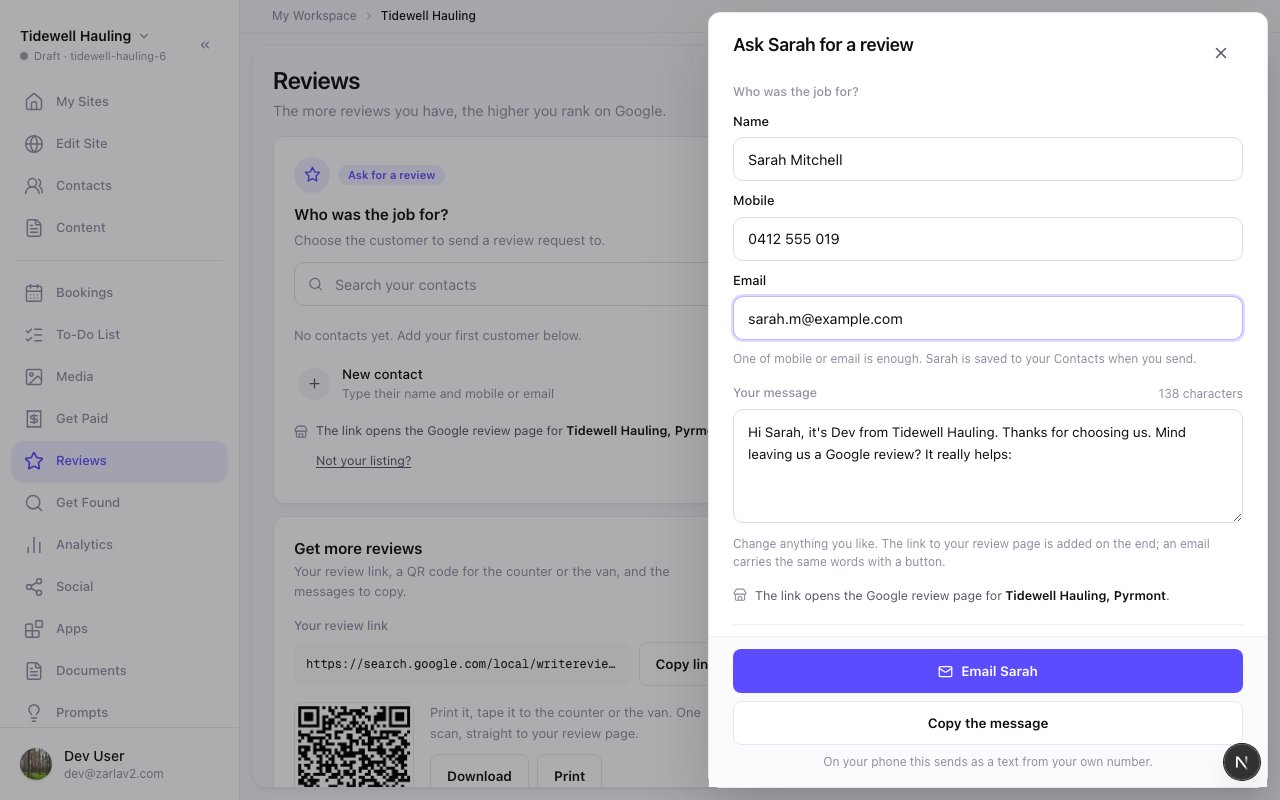
Reviews has its own place in the menu now. Open it, pick the customer the job was for, or type their name and mobile, and the message is ready with a short link to your Google review page. On your phone, Text from my phone opens your Messages app with it filled in, so it sends from your number. Or email it from your business, and replies come straight to you.
A customer is only asked once. The Requests sent list shows who you've asked, how, and whether they opened the link. The thank-you email after a booking now carries the real review link too. More reviews help you rank higher on Google, so ask after every job.
- What it does
- Your Google rating and real reviews show on your website; Sync Now refreshes them, and publishing refreshes them when they're over a month old.
- Who gets it
- Included on every plan
- This update
- Available since