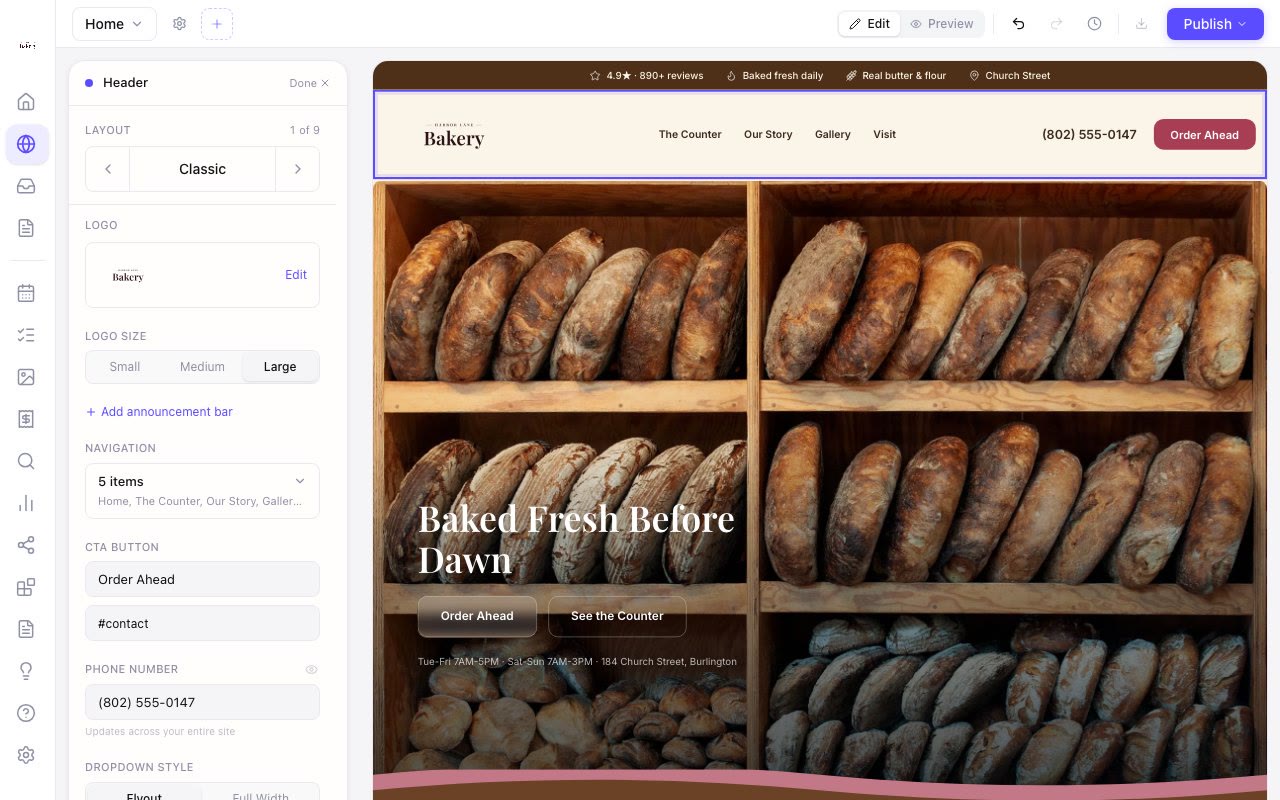
Pick your logo size
Zarla now lets you choose Small, Medium or Large for the logo in your header, so a logo that looked too small gets the room it needs.
Click your logo in the editor and the size sits right under it — Small, Medium or Large. Large gives a wide logo about two-thirds more room across and a little more height; Small keeps the header slim. It works on every header layout, on desktop and on phones, whether you uploaded a logo or use your business name as one.
You can also just ask: "make my logo bigger" steps it up one size, and "a bit smaller" steps it back.