Link to any section of your site
Zarla now lets you point a menu link or a button at a section of any page, and gives each section a link you can copy into an ad.
Wherever you pick where a link goes — a menu item, a button, a footer link — the list now shows the sections of every page, in plain words: Home › FAQ, Contact › Booking form. Pick one and the link scrolls visitors straight there, from any page.
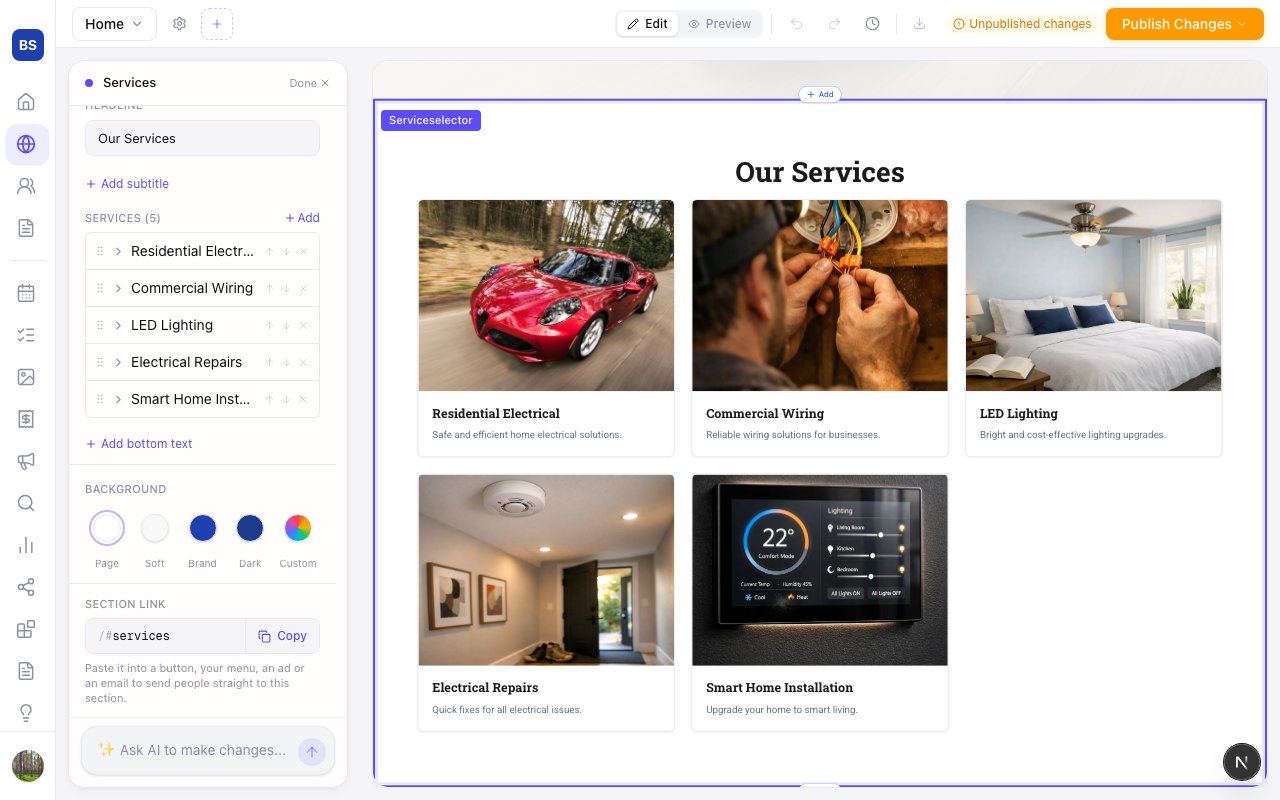
A section’s settings now end with its own link. Copy it to use in an ad, an email or a QR code, or rename it to something that reads well — the old name keeps working, so links you’ve already shared don’t break. Type a name no section has and Zarla tells you before anyone clicks it.
- What it does
- Click any section on the page to edit, reorder or restyle it directly, without a separate drag-and-drop editor.
- Who gets it
- Included on every plan
- This update