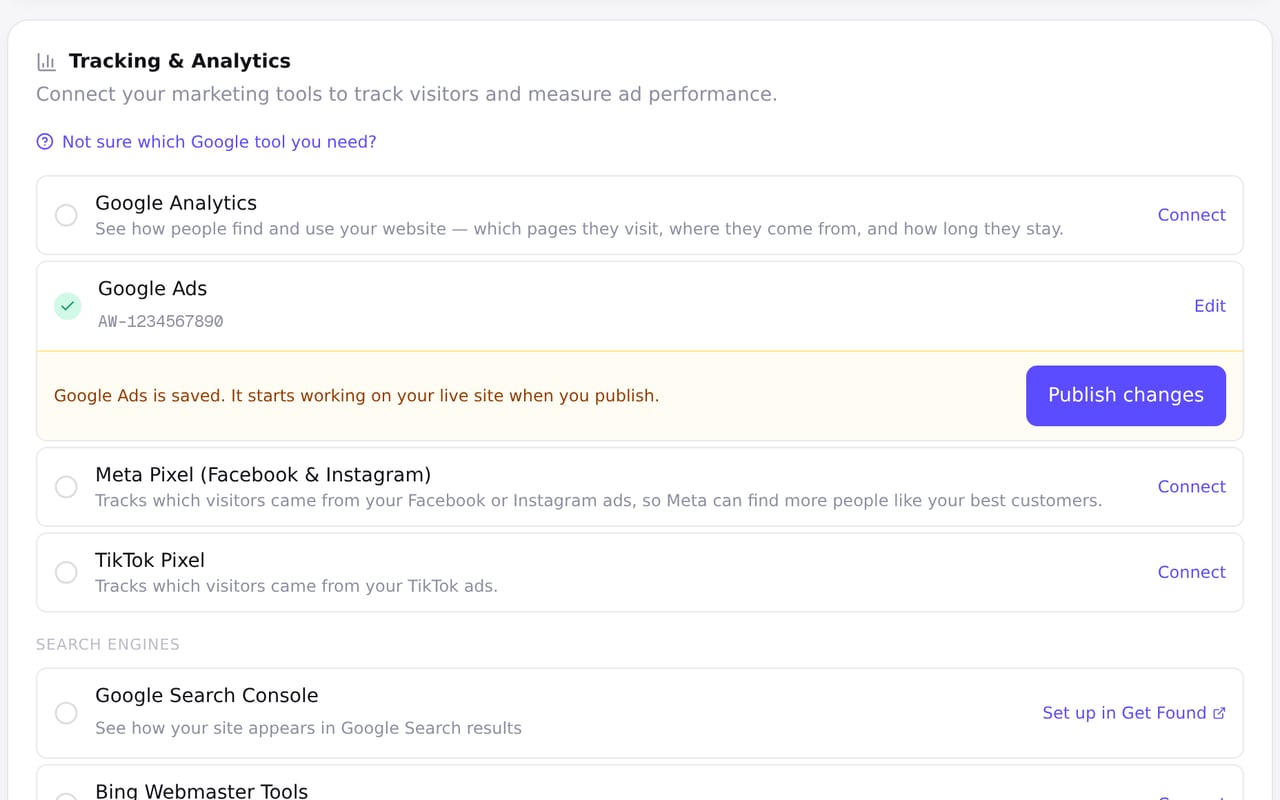
Saved settings tell you when to publish
Zarla now tells you when a saved setting isn't on your live site yet, so you can publish it from the same page.
In Site settings, that covers your tracking tools and custom code, your business details, your share image and the Made with Zarla badge. In Get Found, it covers your Google headline and description, one-click fixes, and what you sync from your Google listing. Each save shows a Publish changes button beside it.
Your site status in Site settings reads Unpublished changes until you publish, so you can check at a glance whether your live site has your latest saves.
If a publish can't go through, the page says why and what to do next.