The Media Library holds your real photos — your projects, your team, your vehicles — ready to use anywhere in Zarla. Real photos are the single biggest visual upgrade a small-business site can make over stock images.
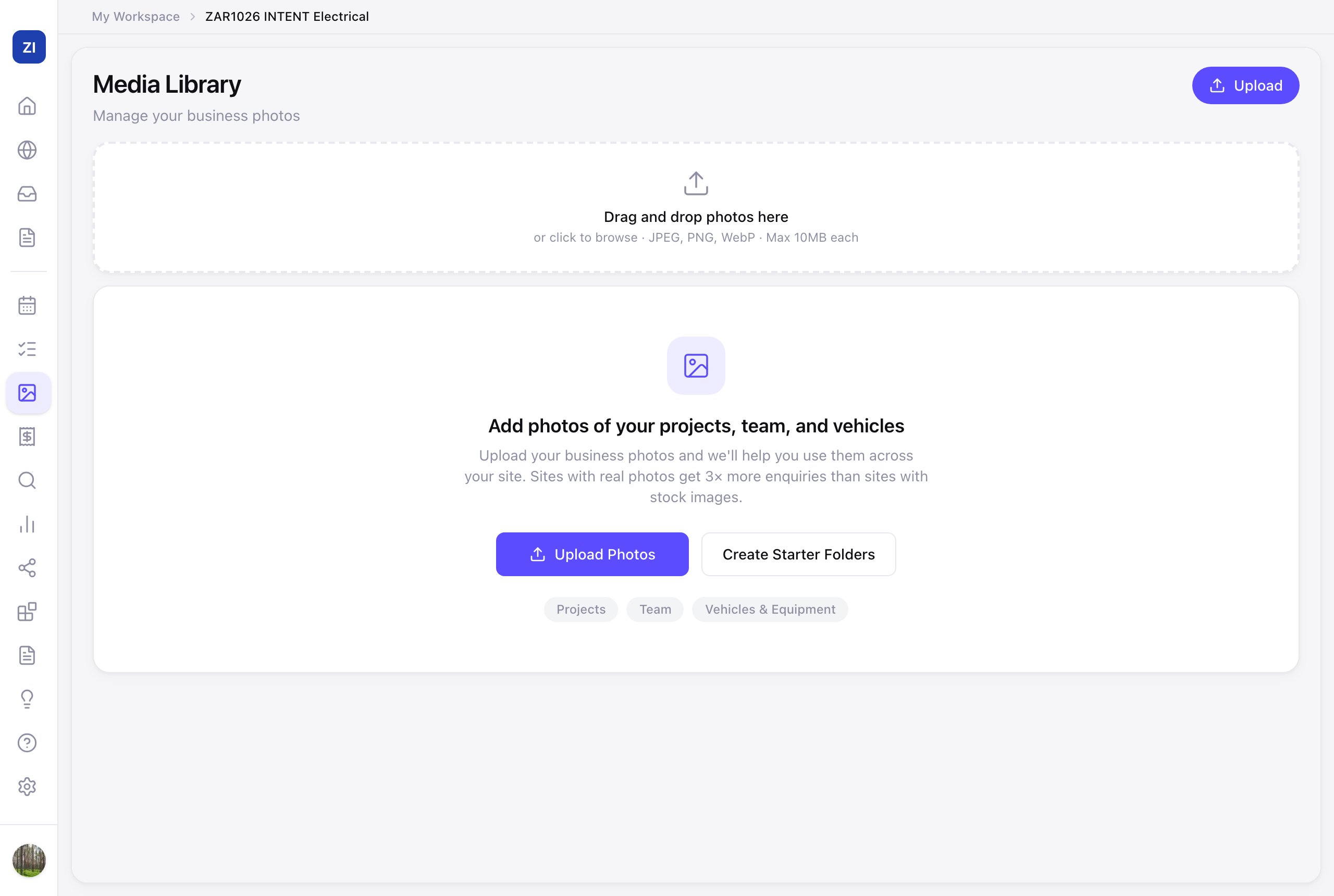
Upload your photos
- Click Media in the sidebar.
- Click Upload (or Upload Photos from the empty state) and add your best shots — phone photos of finished jobs are exactly right.
- Create Starter Folders sets up sensible folders (projects, team, vehicles) so things stay findable as the library grows.
Use them on your site
- In the editor, ask the AI: "replace the hero photo with one of my photos" or "use my photos in the gallery" — see Change the images on your site.
- The same photos feed social posts — before/after shots are your best-performing content everywhere.
What to upload
Finished work (wide + close-up), you and your team on the job, your vehicle or storefront. Ten good real photos beat a hundred stock ones.