The Social tool writes a week of posts for your business in one click, laid out on a calendar — so "I should really post something" stops being a nagging thought and becomes a five-minute Monday habit.
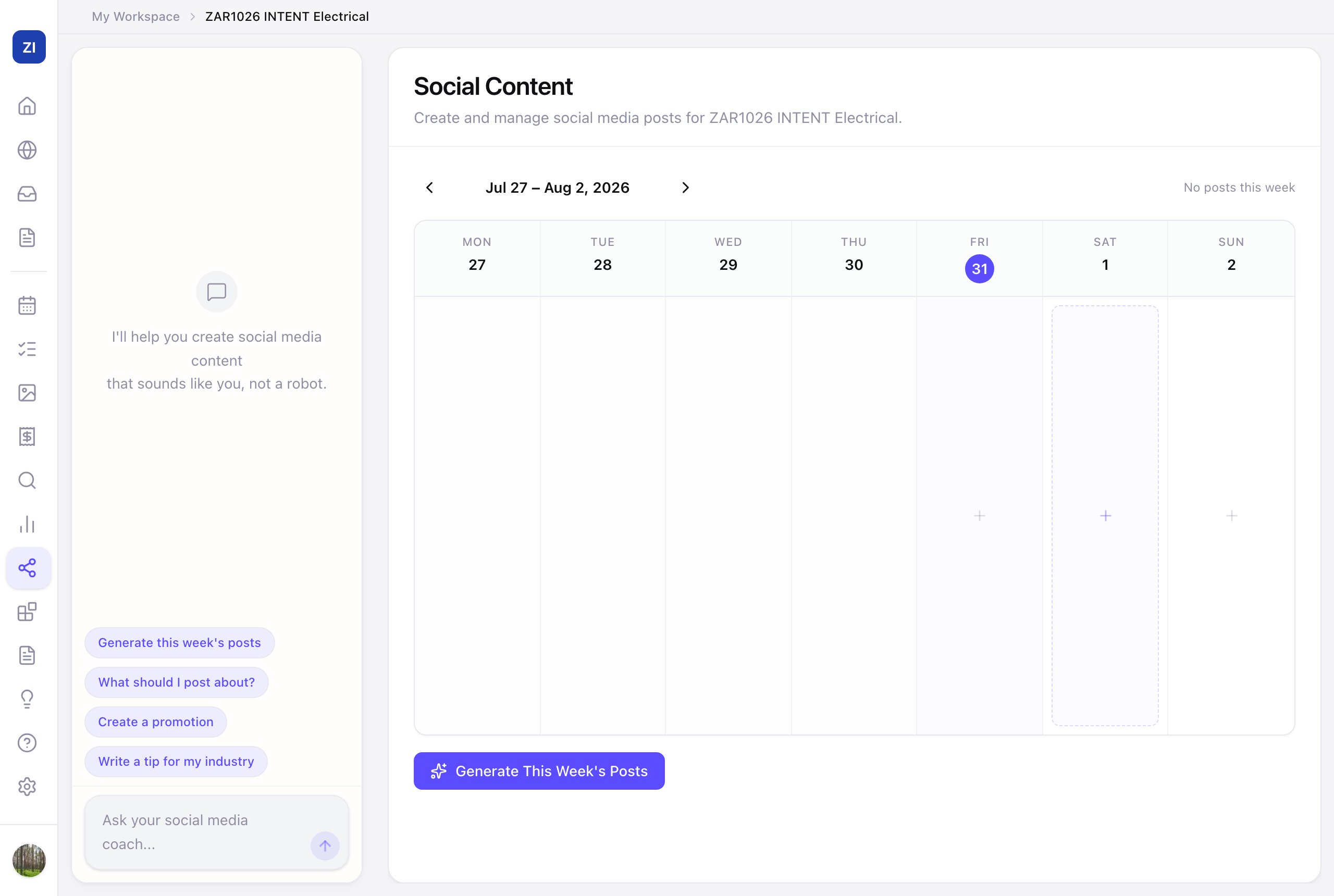
Generate your week
- Click Social in the sidebar.
- Click Generate This Week's Posts — the AI drafts a week of posts based on your business, services, and area.
- Review each post on the calendar, tweak the wording if you like, and post them to your channels.
Steer it with the coach
The chat panel beside the calendar is your social media coach. The quick chips cover the common asks — What should I post about?, Create a promotion, Write a tip for my industry — or just describe what you want: "write a post about the kitchen rewire we finished, friendly tone."
What actually works for small businesses
- Real jobs beat stock content — before/after photos of your work outperform anything generic. Upload photos to Media and build posts around them.
- Consistency beats brilliance — two decent posts a week, every week, grows an audience; a viral one-off doesn't.
- Reuse everywhere: the same post works on Facebook, Instagram, and your Google Business Profile.