When you publish, your site goes live at a free Zarla address like your-business.websitelive.com. A custom domain — yourbusiness.com — looks more professional, ranks better on Google, and gets more enquiries. You can buy one from Zarla or connect one you already own.
Included with your plan: on 12-month and longer plans, your first year's domain registration is free.
Open your domain settings
- In the sidebar, click Site settings.
- In the Domain section, click Manage domain →.
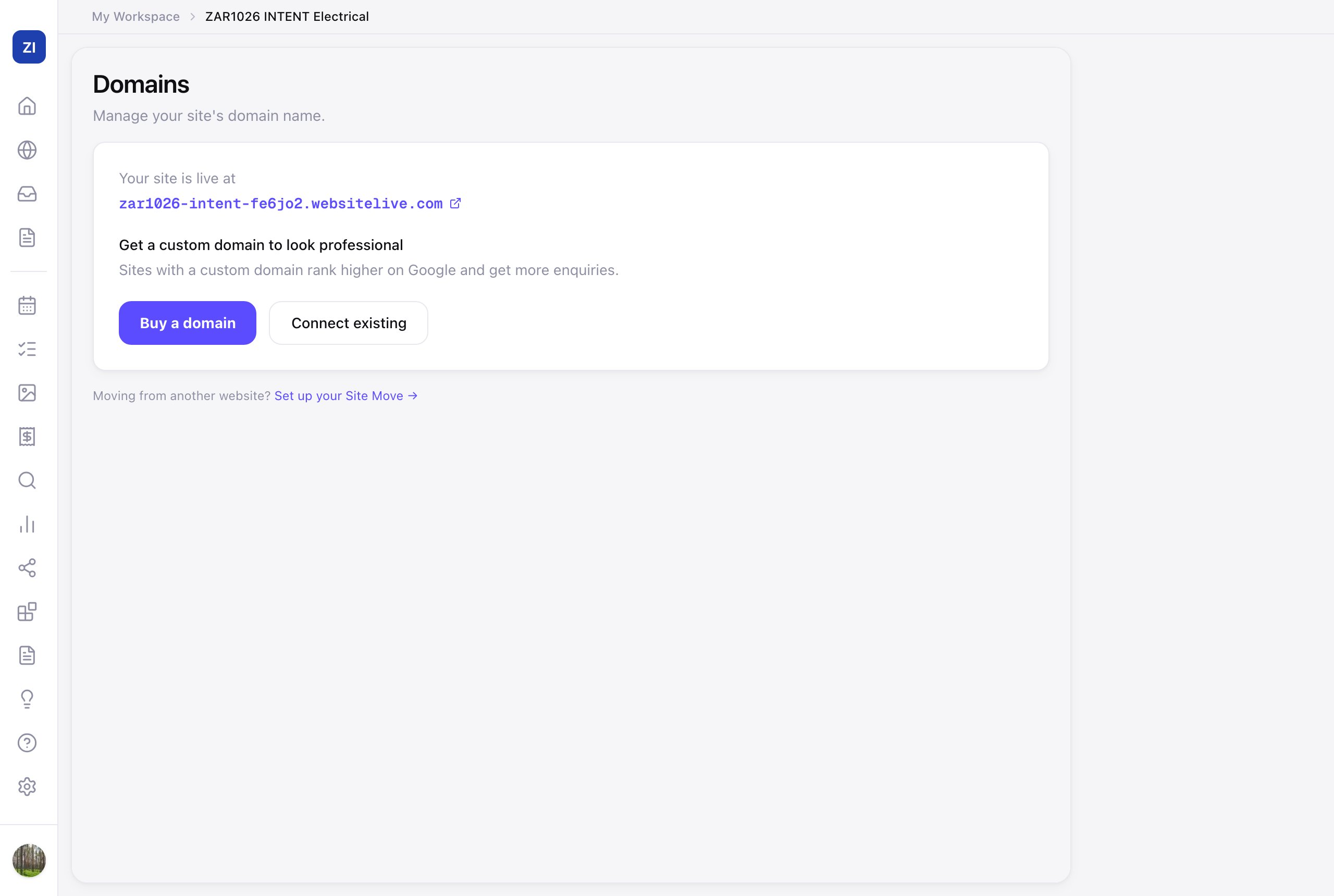
Buy a new domain
- Click Buy a domain and search for the name you want.
- Pick your domain and complete the purchase — Zarla registers it, connects it to your site, and sets up the secure lock icon (HTTPS) automatically. Nothing else to do.
Connect a domain you already own
Got your domain with a website on the original Zarla? There are no settings for you to copy: see Your domain from the original Zarla.
- Click Connect existing and type your domain.
- Zarla shows you exactly which settings to update at the company where you bought the domain (GoDaddy, Namecheap, etc.). It's a copy-paste job in their dashboard — the guided steps show precisely where.
- Once you've saved the settings, come back and Zarla verifies the connection. This usually takes minutes, though it can take up to 48 hours for domain changes to spread across the internet.
- Zarla checks that your domain points only at Zarla. If something else is still in the way, like a forwarding or parking record from your domain company, the Domains page names it and says what to change.
Stuck on step 2? See My custom domain isn't connecting, or contact support — we're happy to do the settings walk-through with you.