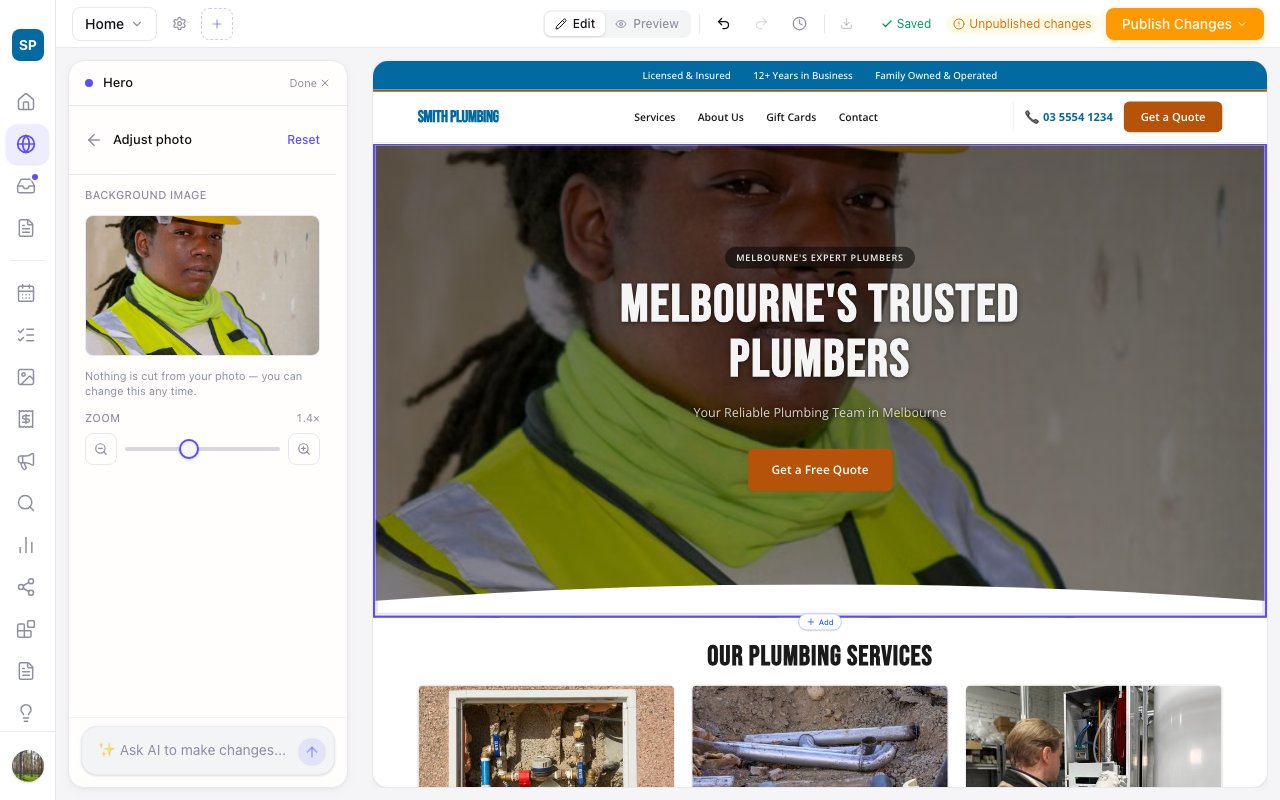
Zoom any photo, even the ones behind your text
Zarla now lets you zoom every photo on your site, including the full-width heroes, slideshows and banners that sit behind your text, so the same Adjust controls work everywhere.
Until now the layouts that stretch a photo behind your headline — the full-width heroes, the slideshow, the banner above your contact details — could be moved but not zoomed, and a zoom slider that showed on one section and not the next read as broken.
Now every photo gets the same Adjust: click the section, press Adjust, drag the photo until the right part shows, and zoom in as far as you like. The text stays exactly where it was and nothing is cut from the photo.
On a slideshow or carousel the editor shows the first slide; adjustments to the others show on your live site. Ask the editor instead if you prefer — "zoom in on the van" works on every layout too.