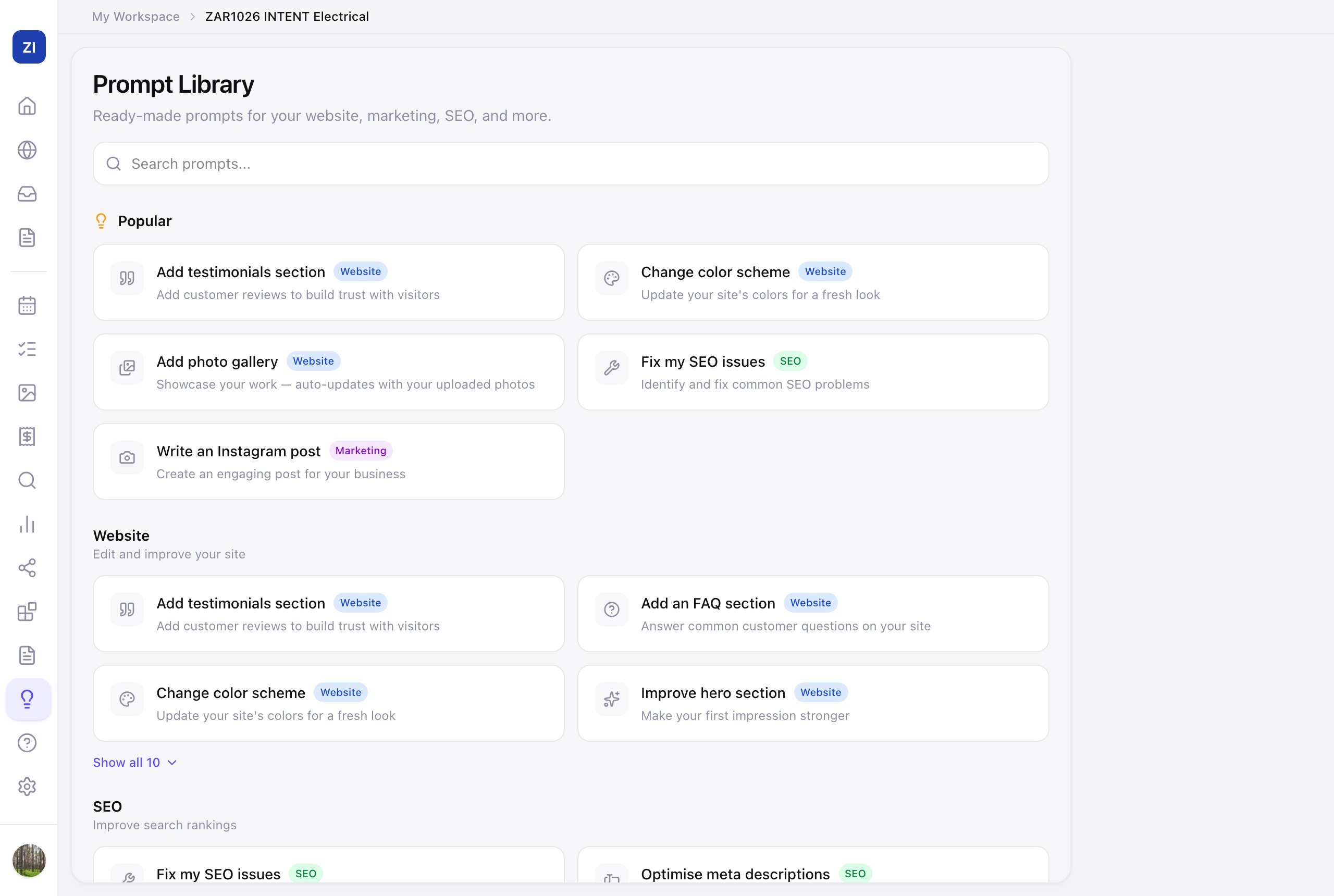
Not sure what to ask the AI? The Prompt Library is a menu of proven asks — website edits, SEO fixes, marketing posts, business advice — each one click from running.
Use it
- Click Prompts in the sidebar.
- Browse by section — Popular, Website, SEO, Marketing, Business, Leads, Showcase — or search.
- Click a prompt and it runs in the right place, pre-filled. Examples of what's in there:
- "Add testimonials section" / "Improve hero section" (website)
- "Fix my SEO issues" / "Suggest target keywords" (SEO)
- "Write a Facebook post" / "Create a weekly content plan" (marketing)
- "Review my pricing" / "Write a review response" (business)
- "Write a follow-up email" (leads)
When to reach for it
Treat it as a discovery tool: skimming the library is the fastest way to learn what the AI can actually do for you beyond editing the website. If a week's gone by without touching Zarla, one Popular prompt is a good way back in.