Send professional, branded invoices straight from Zarla — your customer pays by card online, and the money lands in your bank through your connected payment account.
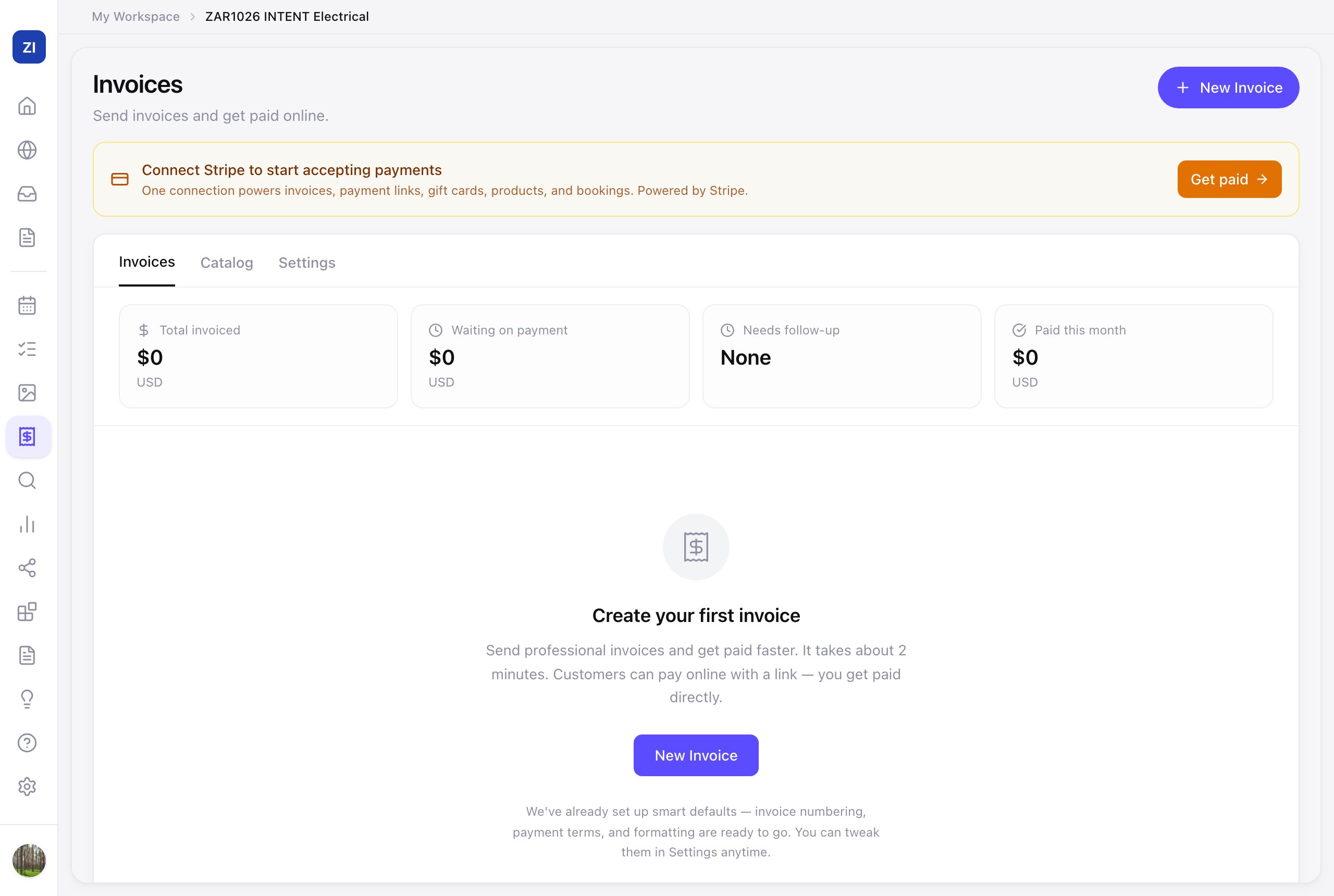
First time? Connect payments once via Get Paid → Get paid — see Sell products & take payments.
Send one
- Click Get Paid in the sidebar — you land on Invoices.
- Click New Invoice, add who it's for and the line items, and send. Your customer gets an email with a pay-by-card link.
- Paid invoices update automatically. Turn on Automatic reminders in the Settings tab and unpaid invoices get chased for you — no awkward follow-up emails to write.
Part payments
- Paid in cash or by bank transfer? Open the invoice and click Mark as Paid, then enter what you received. It's added to anything already paid. Part of the balance keeps the invoice open with the rest still owed; the full balance marks it Paid.
- What your customer sees: once part is paid, their invoice leads with the Balance due and gives them one Pay balance button for the rest.
Set your defaults once
The Settings tab holds everything invoices reuse:
- Your business details — registration country, currency, tax number, phone, email, address.
- Invoice numbering — prefix (like INV) and the next number.
- When are invoices due? and your default tax rate.
- Notes & terms — the thank-you note and payment terms printed on every invoice.
- Automatic reminders — off until you switch them on here; once on, Zarla politely chases unpaid invoices for you.
Which currencies can I use?
Invoices and payment links can be in US dollars (USD), Australian dollars (AUD), New Zealand dollars (NZD), Singapore dollars (SGD), Indian rupees (INR), British pounds (GBP), euros (EUR) or Canadian dollars (CAD). Zarla picks one from the country in Your business details, or US dollars if that's Other. To choose another, open the Settings tab, find Currency, click Use a different currency, pick one and click Save changes. Changing it only affects new invoices and payment links. Ones you've already created keep their currency.
You can send invoices wherever your business is. Card payments go through Stripe, which Zarla can connect for businesses in the United States, Australia, Canada, the United Kingdom, New Zealand, Ireland, Germany, France, Spain, Italy, the Netherlands and Singapore. Without Stripe, record cash or bank transfer payments with Mark as Paid.
Reuse your services and prices
The Price book tab keeps each service you offer with your price — one price, a range, or a "from" price — so building an invoice is a few clicks instead of retyping. It's private: it never appears on your website. Not sure what to charge yet? Leave a service as "Price not set" and fill it in when you invoice.