Let customers book you straight from your website. They pick a service and a time, and the booking shows up in Zarla under Bookings.
Set it up
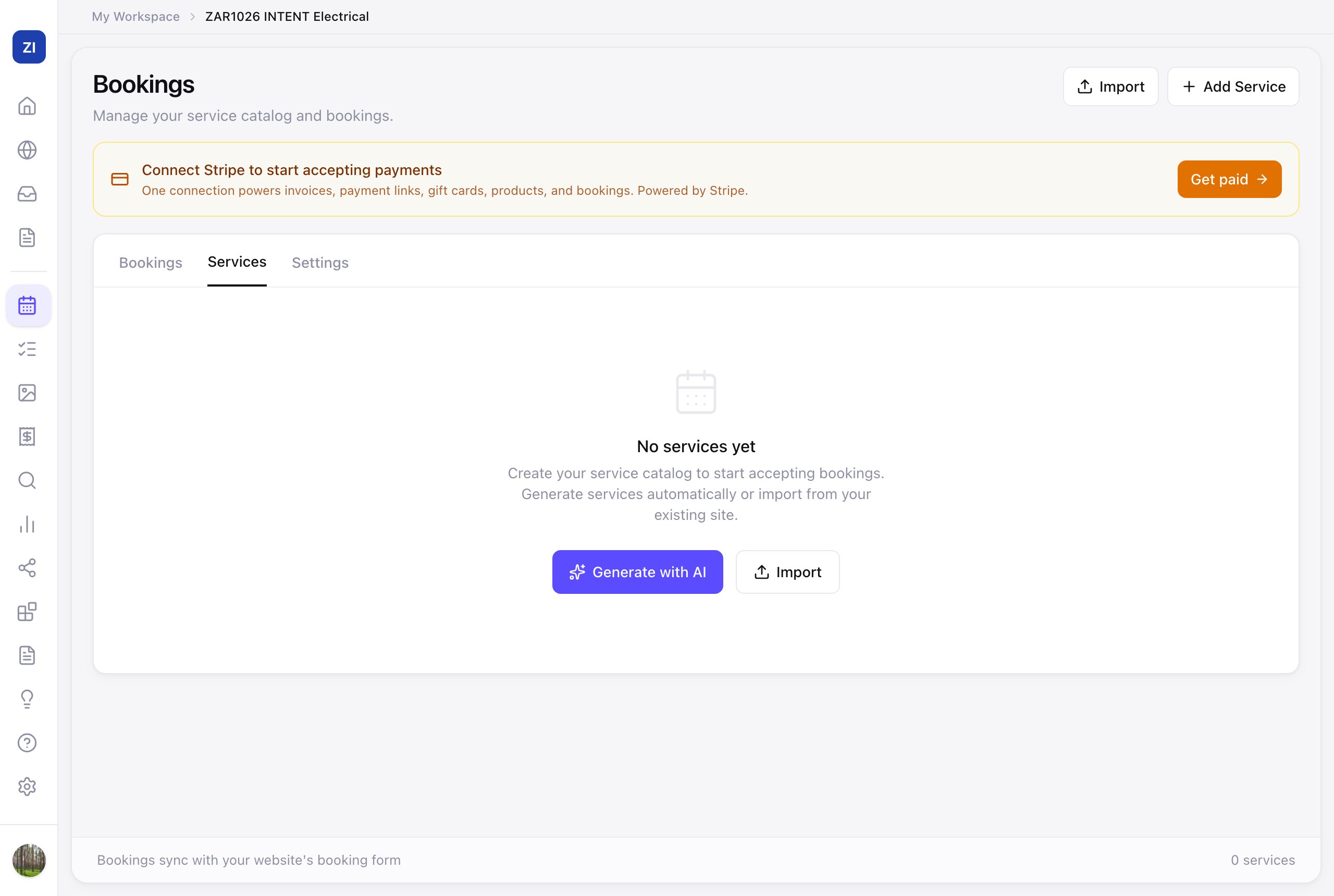
- Click Bookings in the sidebar (on a phone, tap More in the bottom menu bar, then Bookings), then open the Services tab.
- Add what customers can book:
- Generate with AI — Zarla drafts services based on your business; review and adjust the names, durations, and prices.
- Add Service — or create each one yourself.
- In the Settings tab, set your availability: your working days and hours. Then, under Payments, check Currency: it's what your customers see and pay in. Bookings can be in US dollars, Canadian dollars, British pounds, euros, Australian dollars or New Zealand dollars. Other currencies aren't available for bookings yet. Click Save changes at the bottom.
- Turn bookings on: at the top of the Bookings page, click Activate Bookings and go through the steps, switching on the services customers can book. Click Activate Bookings again at the end. Zarla adds a booking link to your site's menu and turns your home page's main button into a booking button that opens your booking page. You don't need to add a booking section: all your services book through that one page.
- If your site is already live, publish again so the new link and button show on it. In the editor, click Publish Changes at the top right (Publish on a phone), then Publish Changes in the menu.
Manage your bookings
- The Bookings tab lists your customers' bookings. More in Manage your bookings.
- Want deposits or payment at booking? Connect payments first — see Sell products & take payments.