22 Free Notary Website Templates
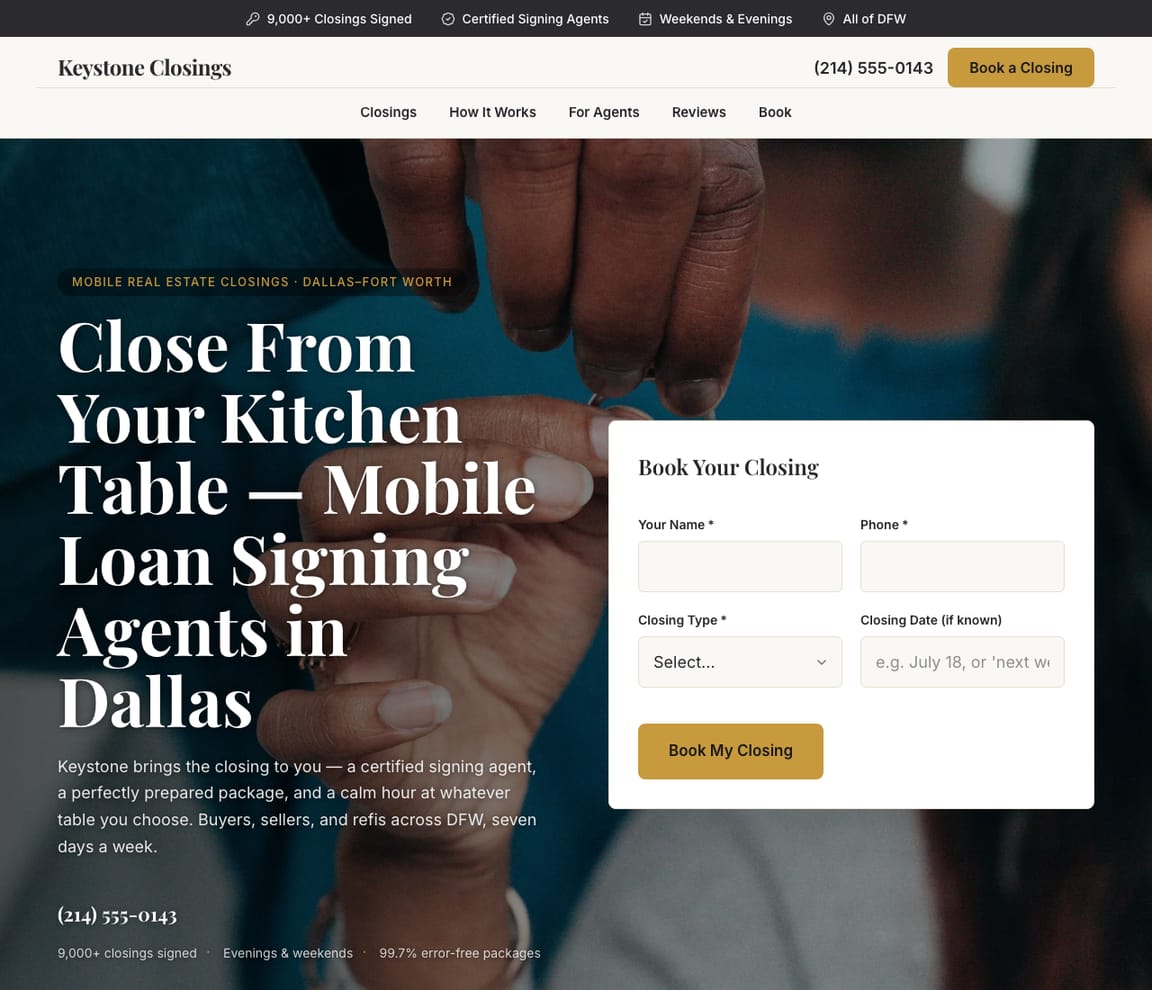
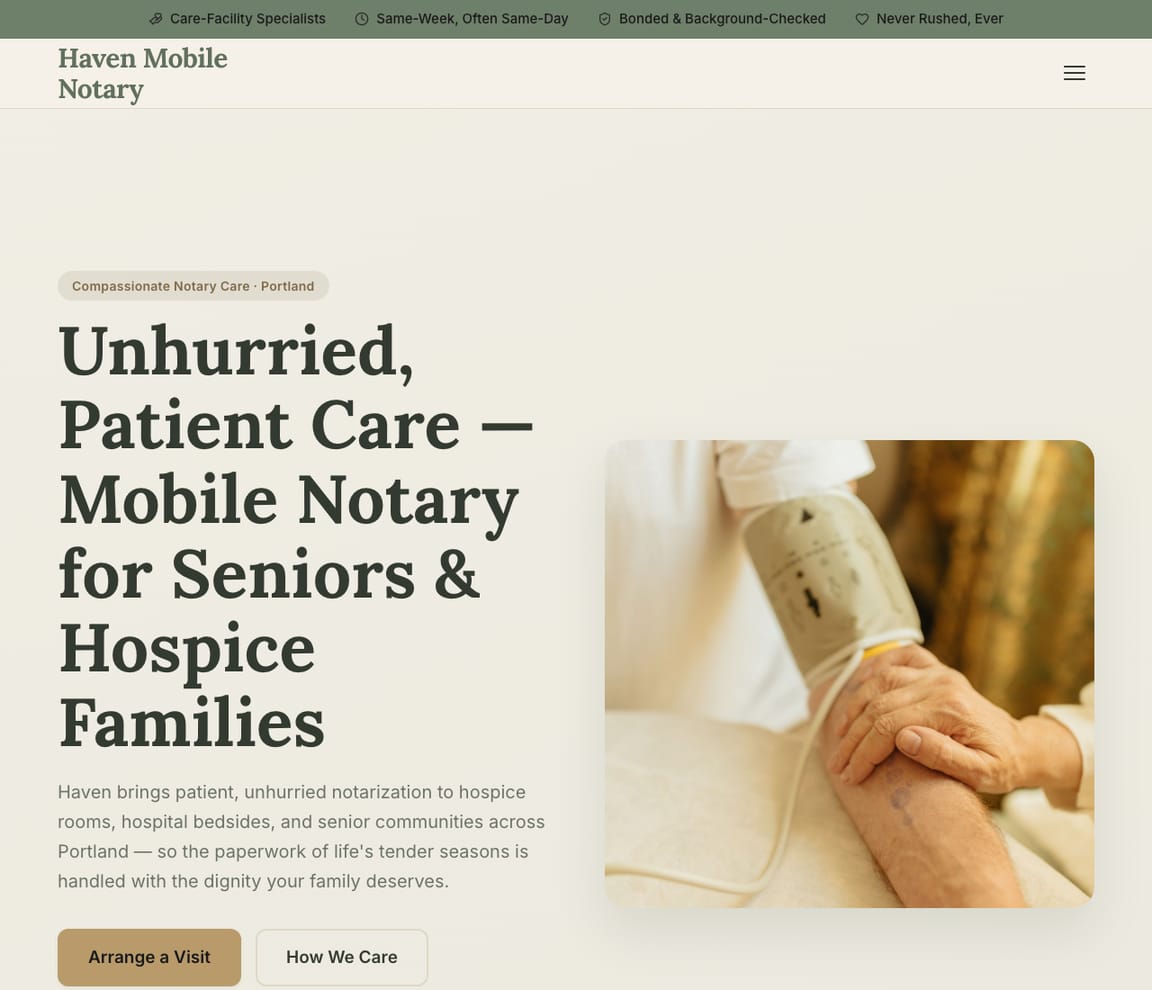
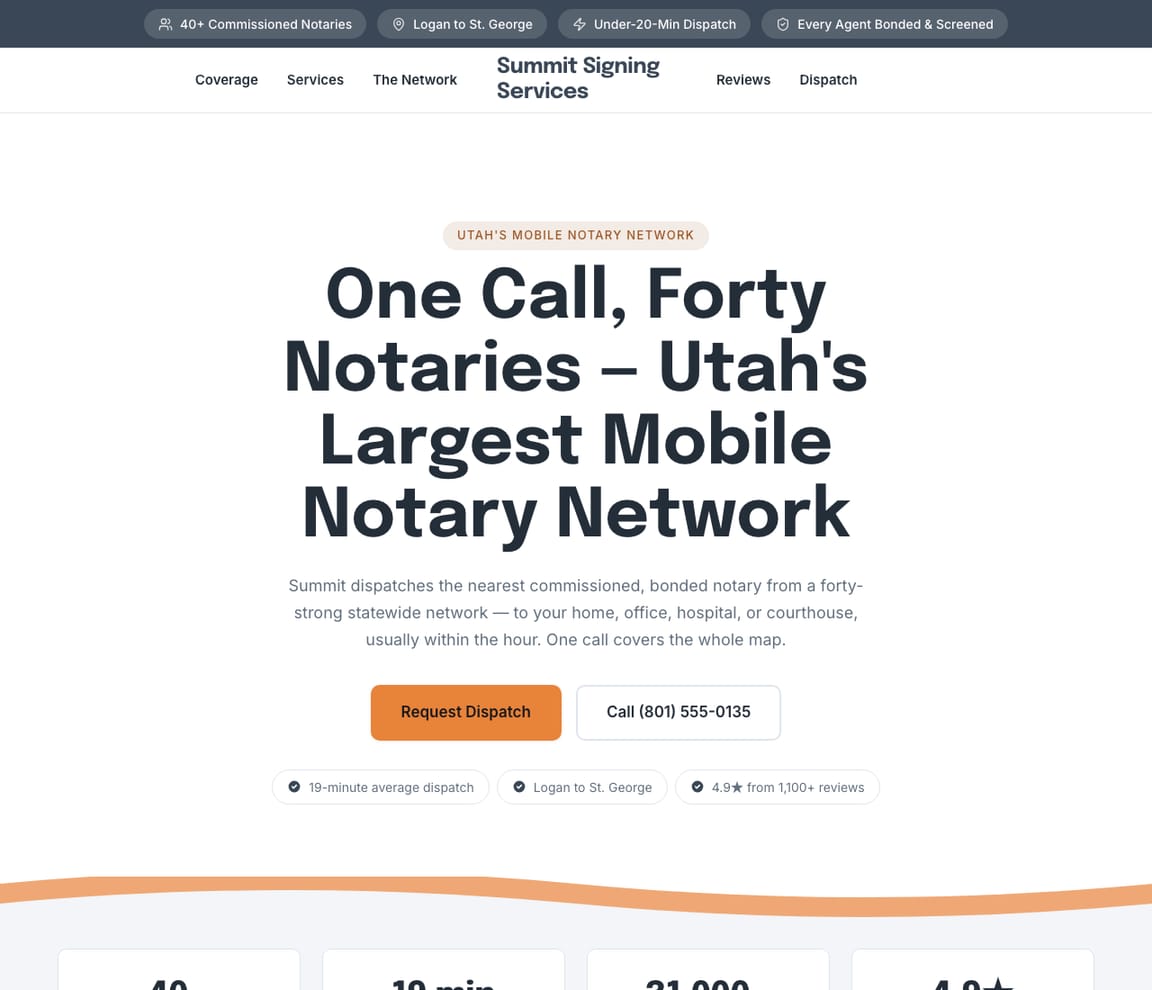
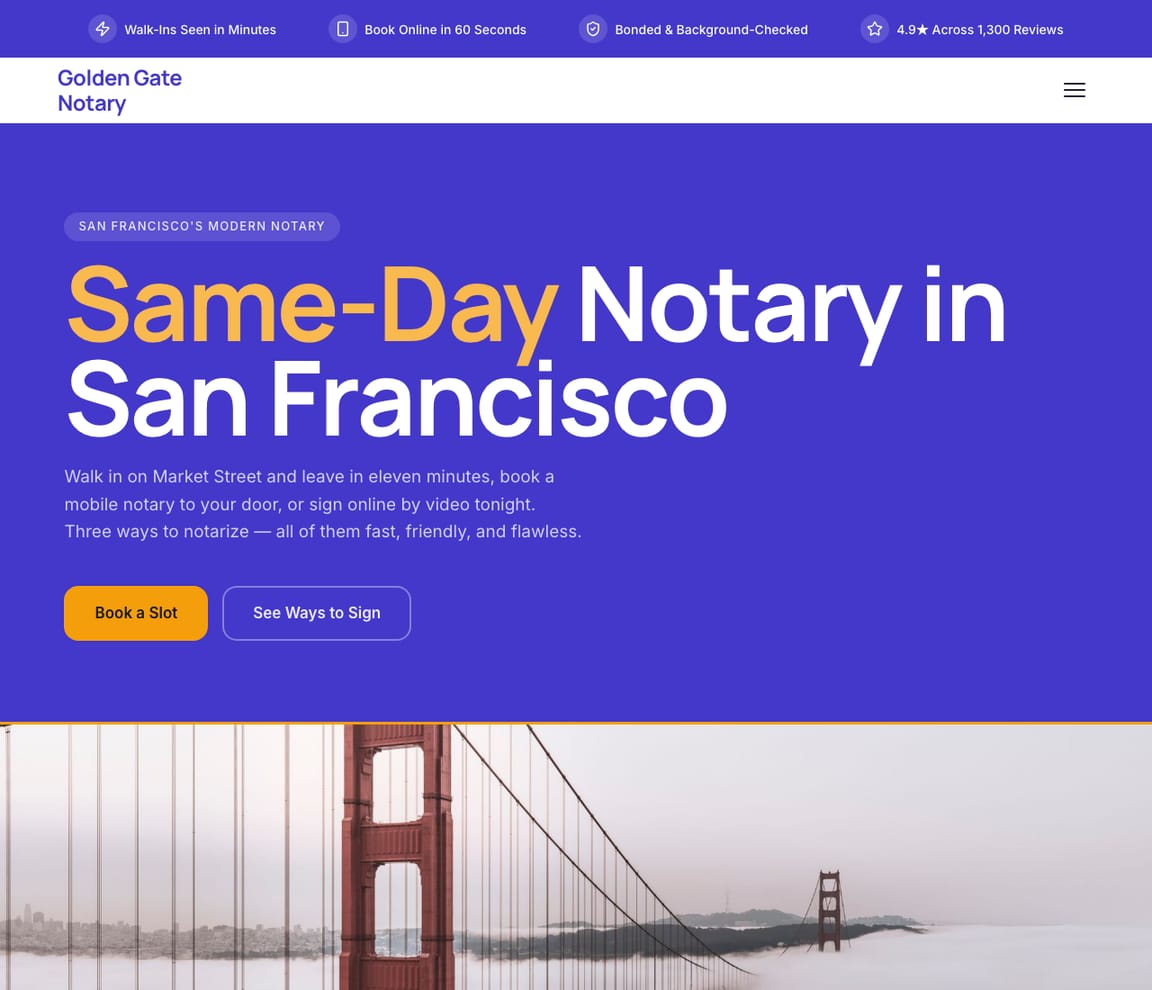
Designs for mobile and walk-in notaries, remote online notarization, loan signing agents and real estate closings, apostilles, estate and hospice signings, 24-hour and same-day dispatch, corporate and court work, and bilingual offices. Zarla fills the one you pick with your services, your coverage area and your hours.
Updated November 9, 2026 · Free to build · No credit card · Pay when you publish




What a good notary website does
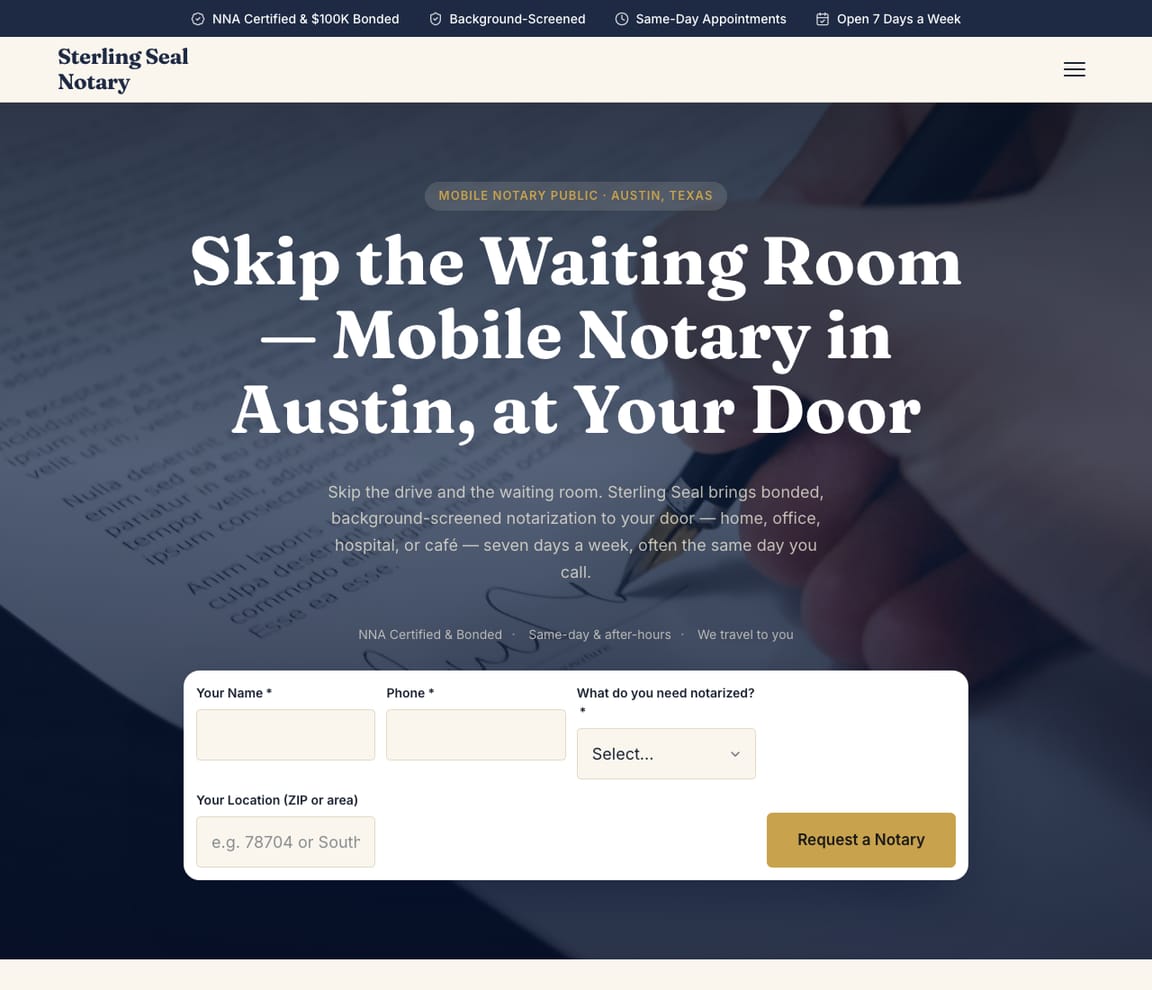
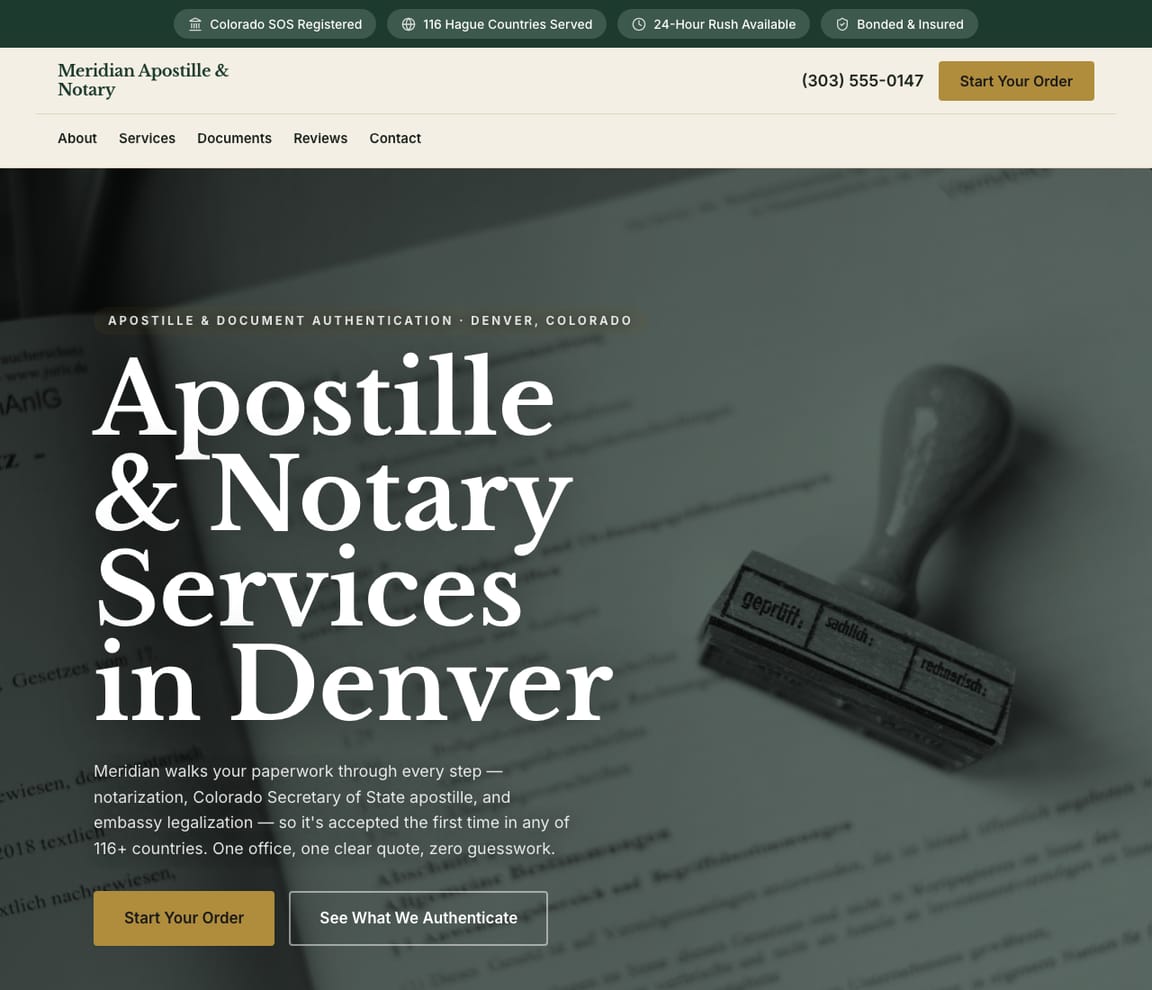
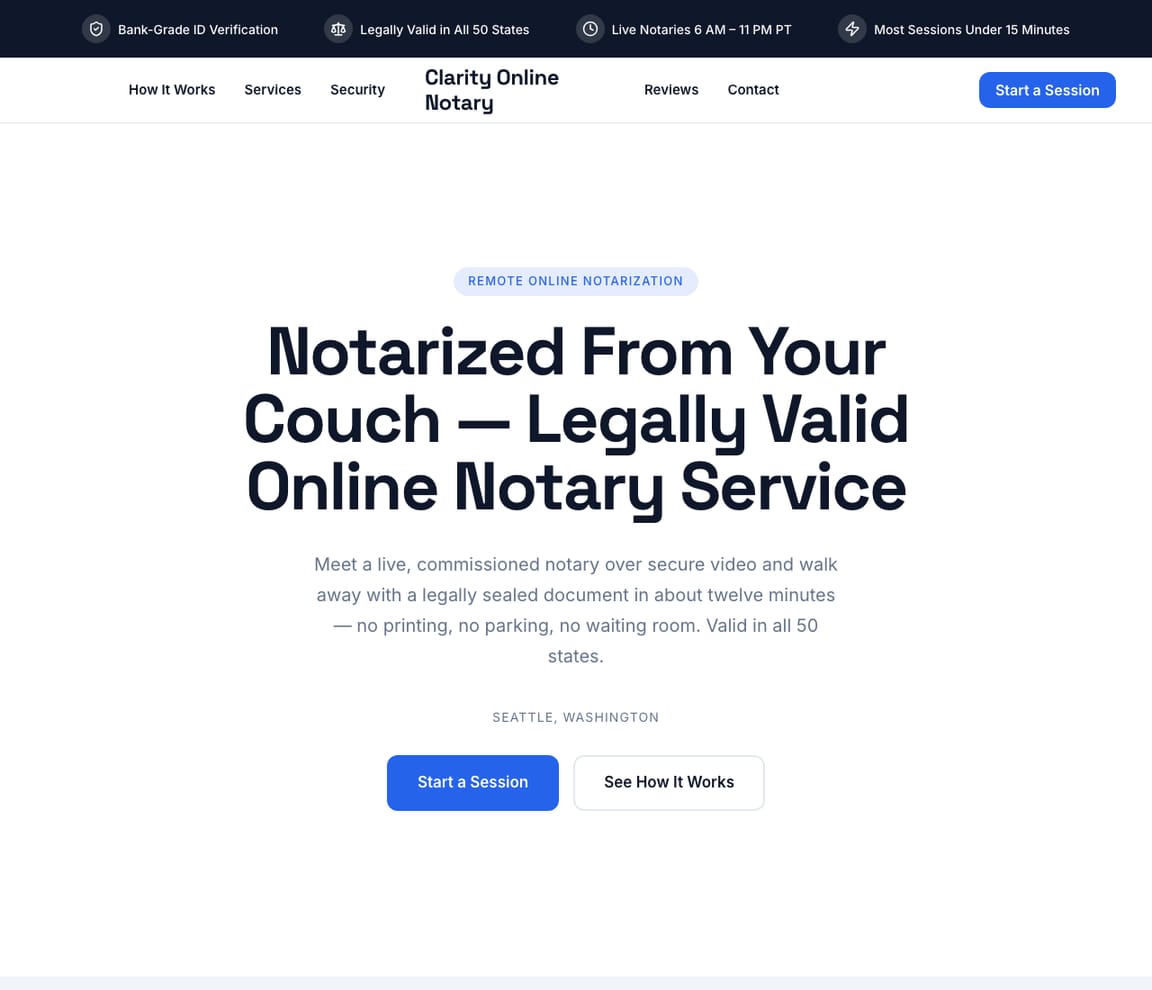
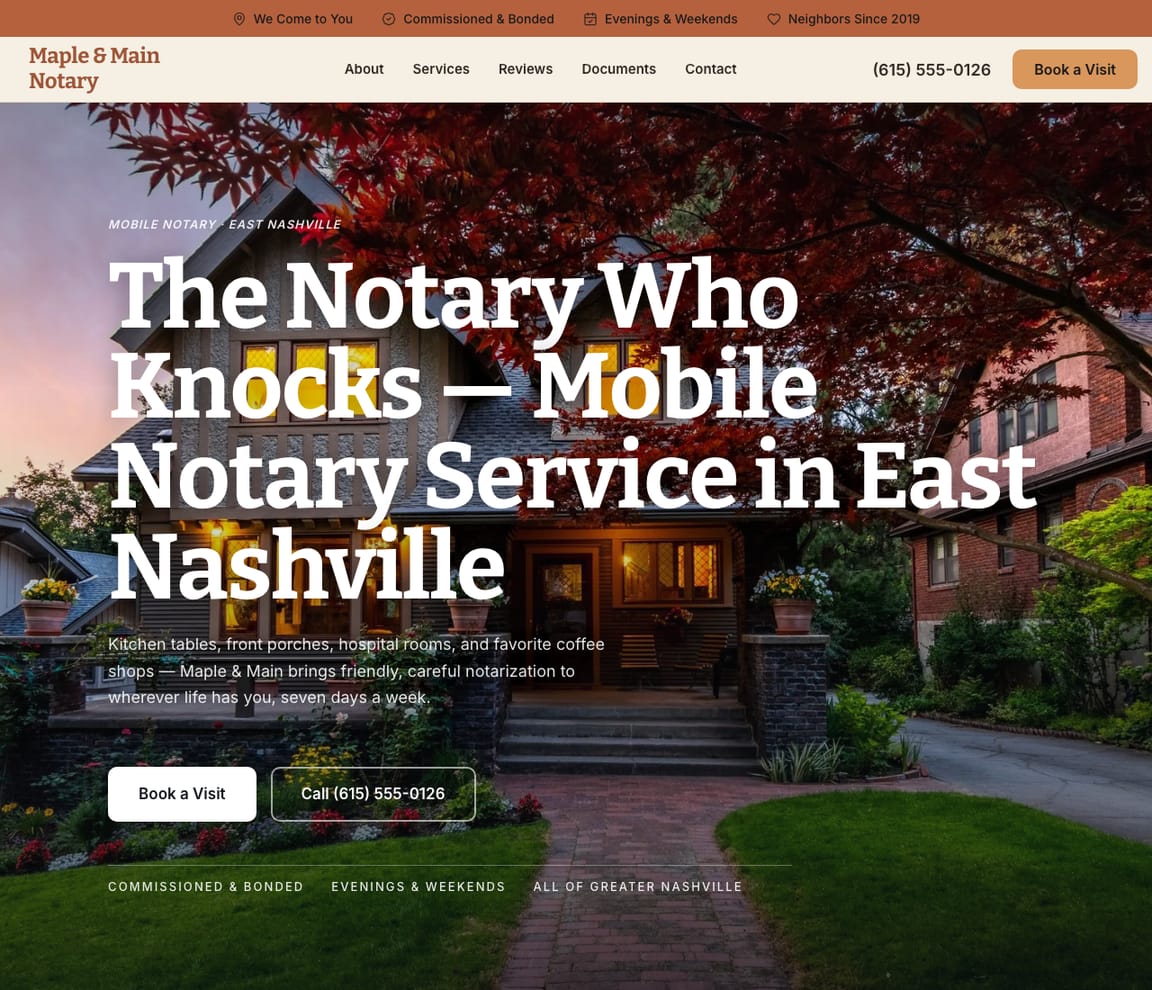
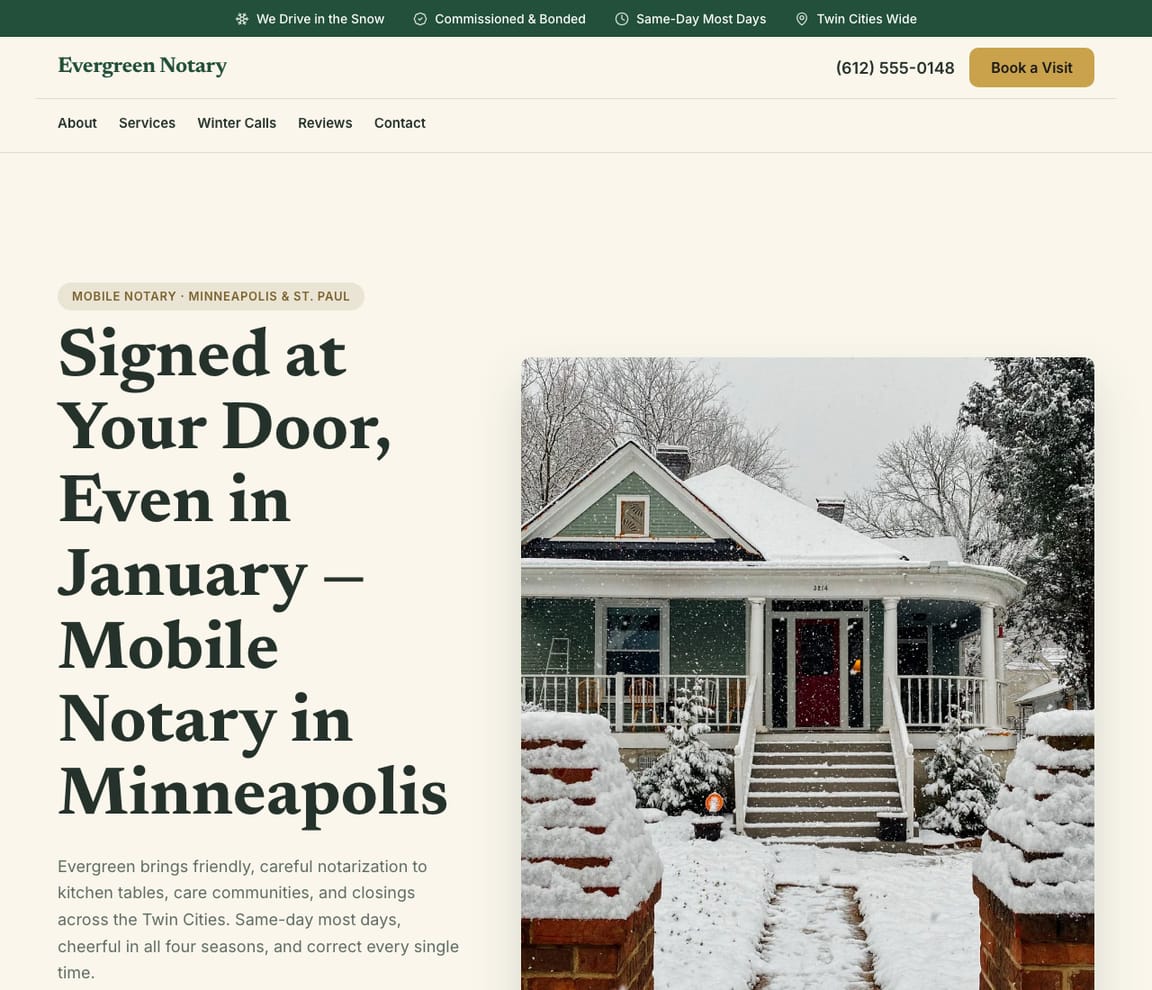
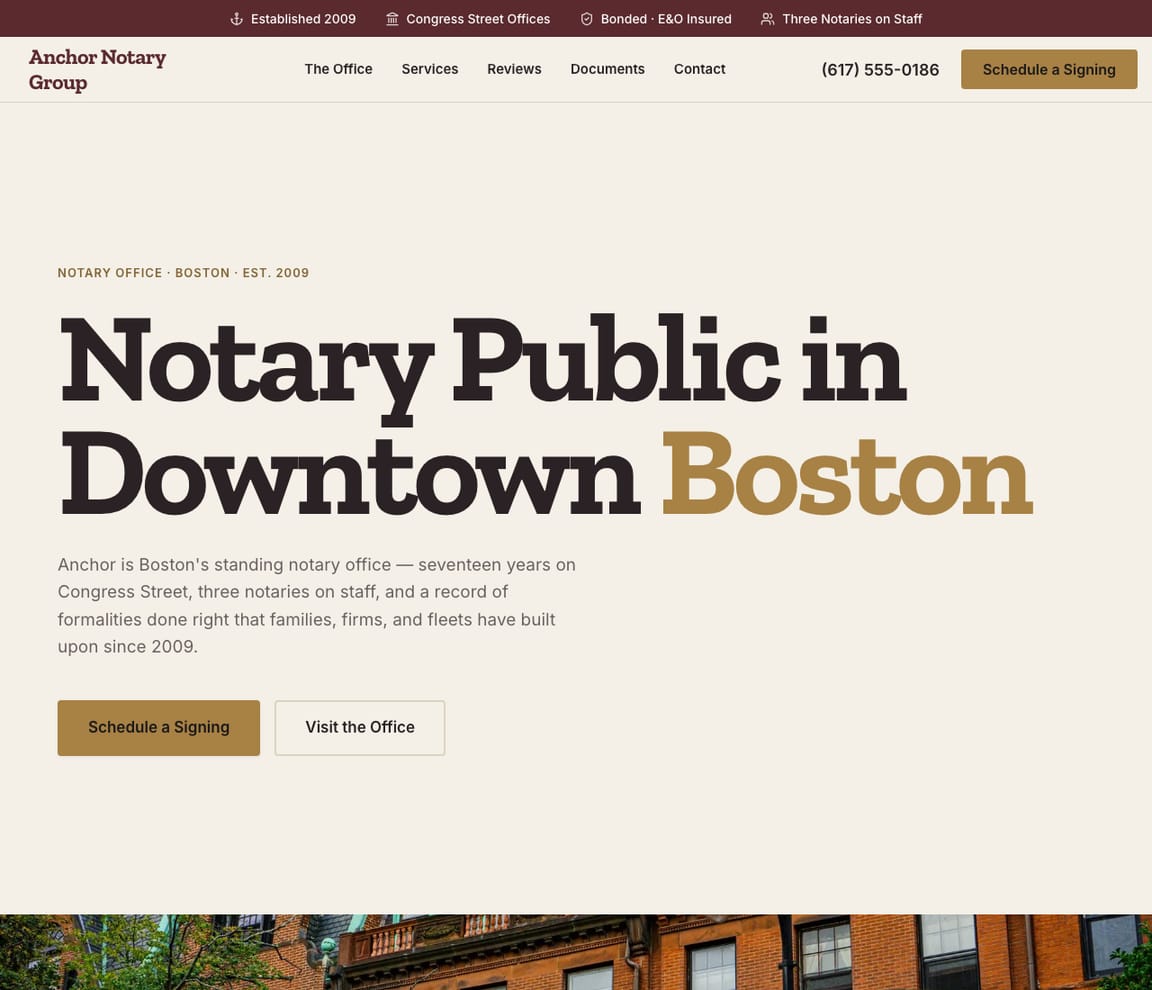
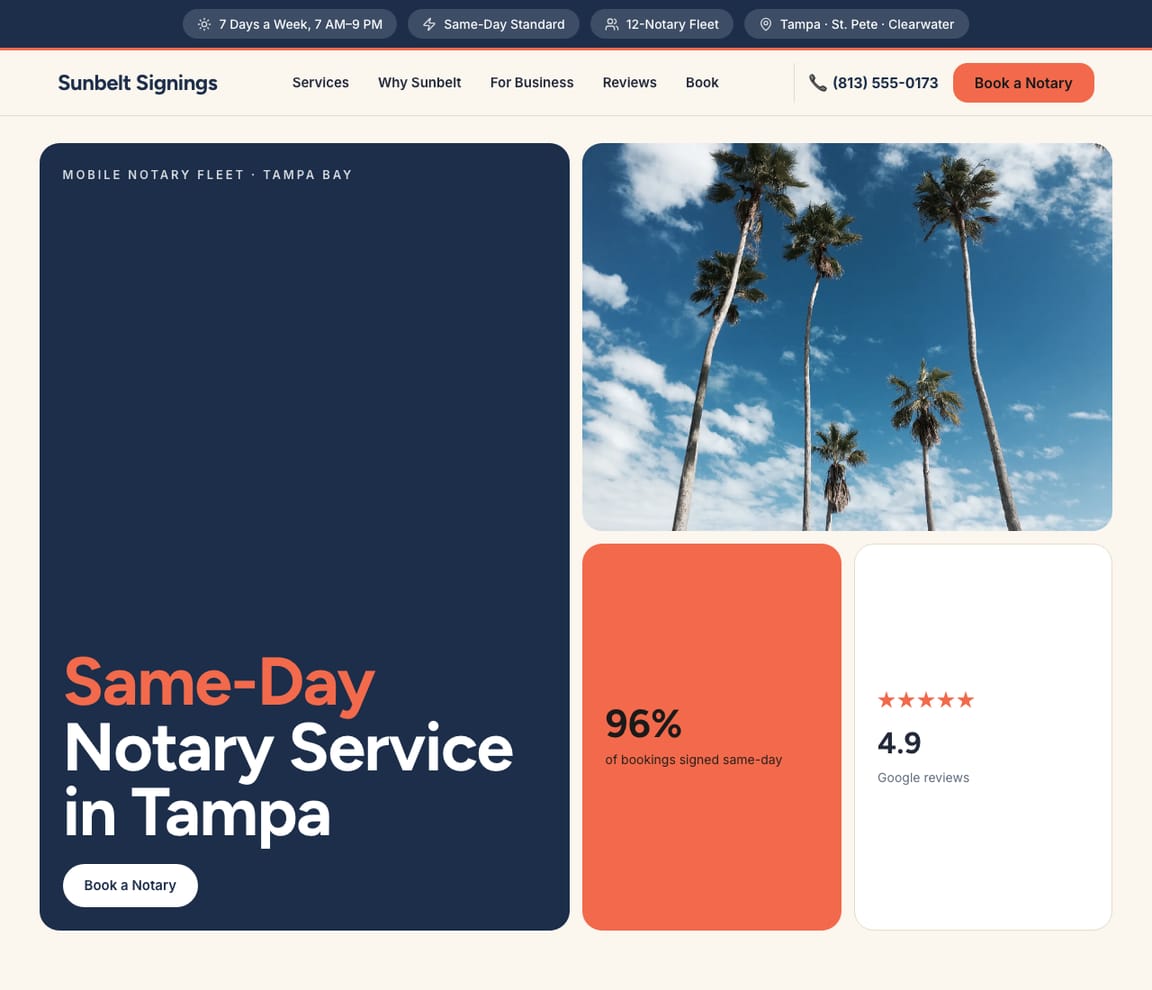
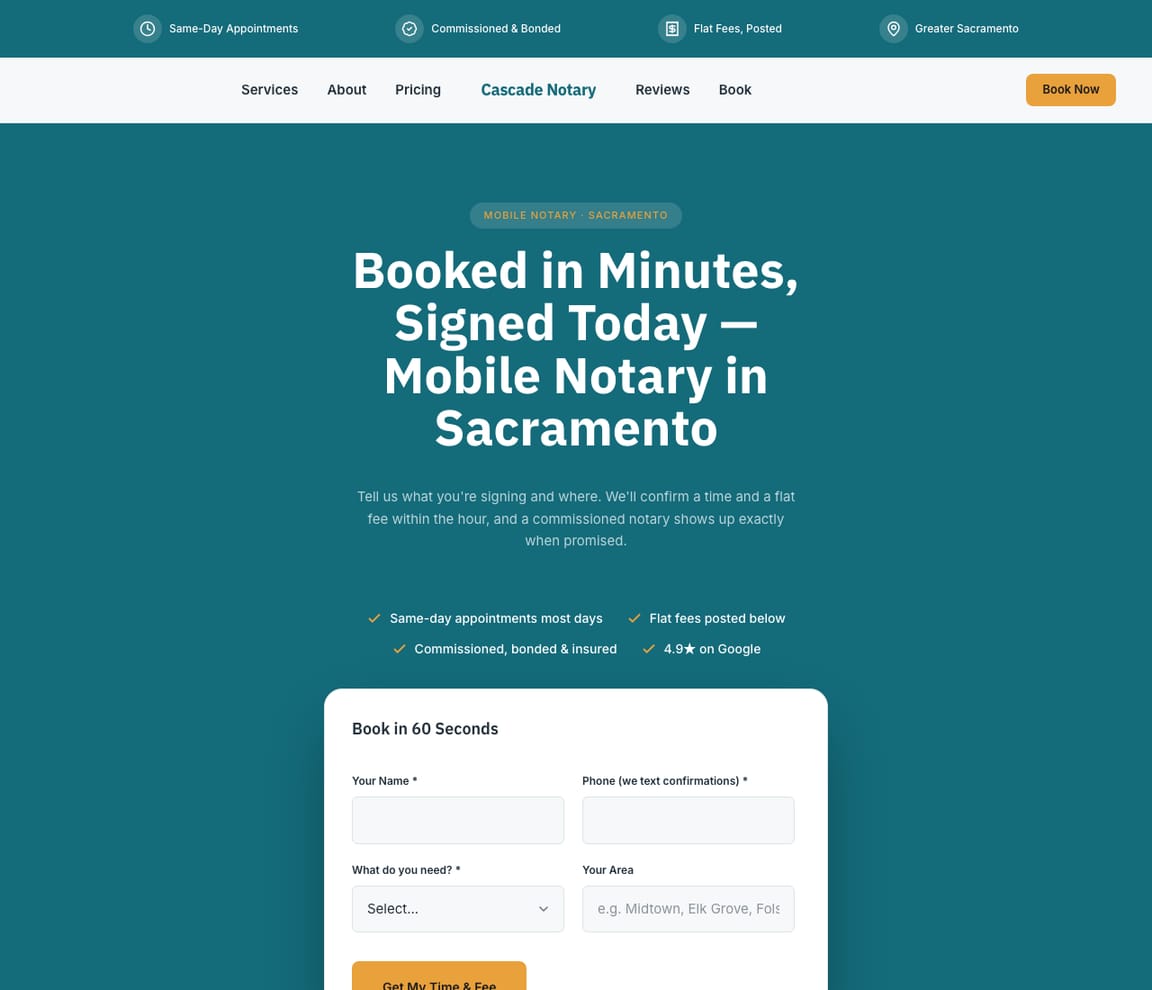
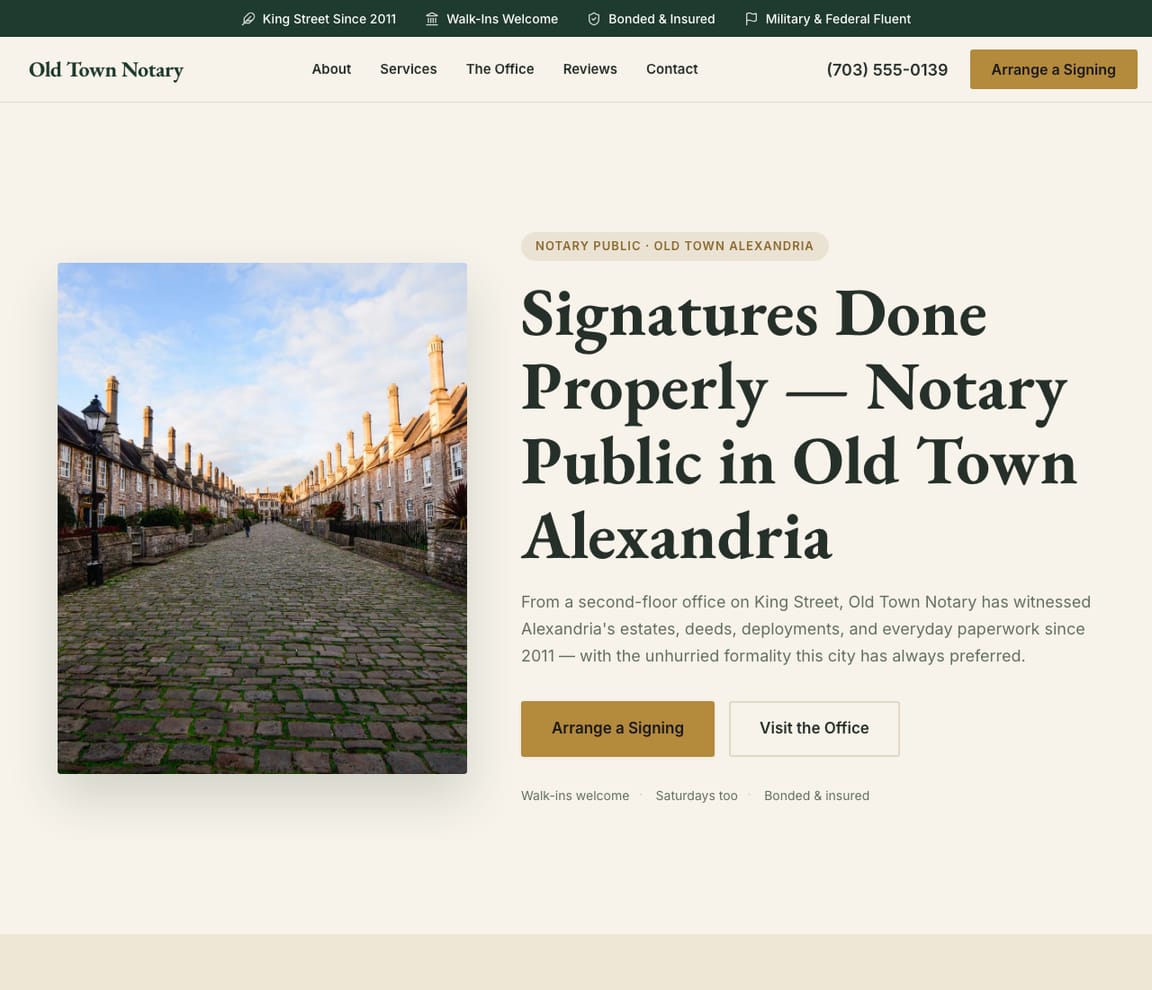
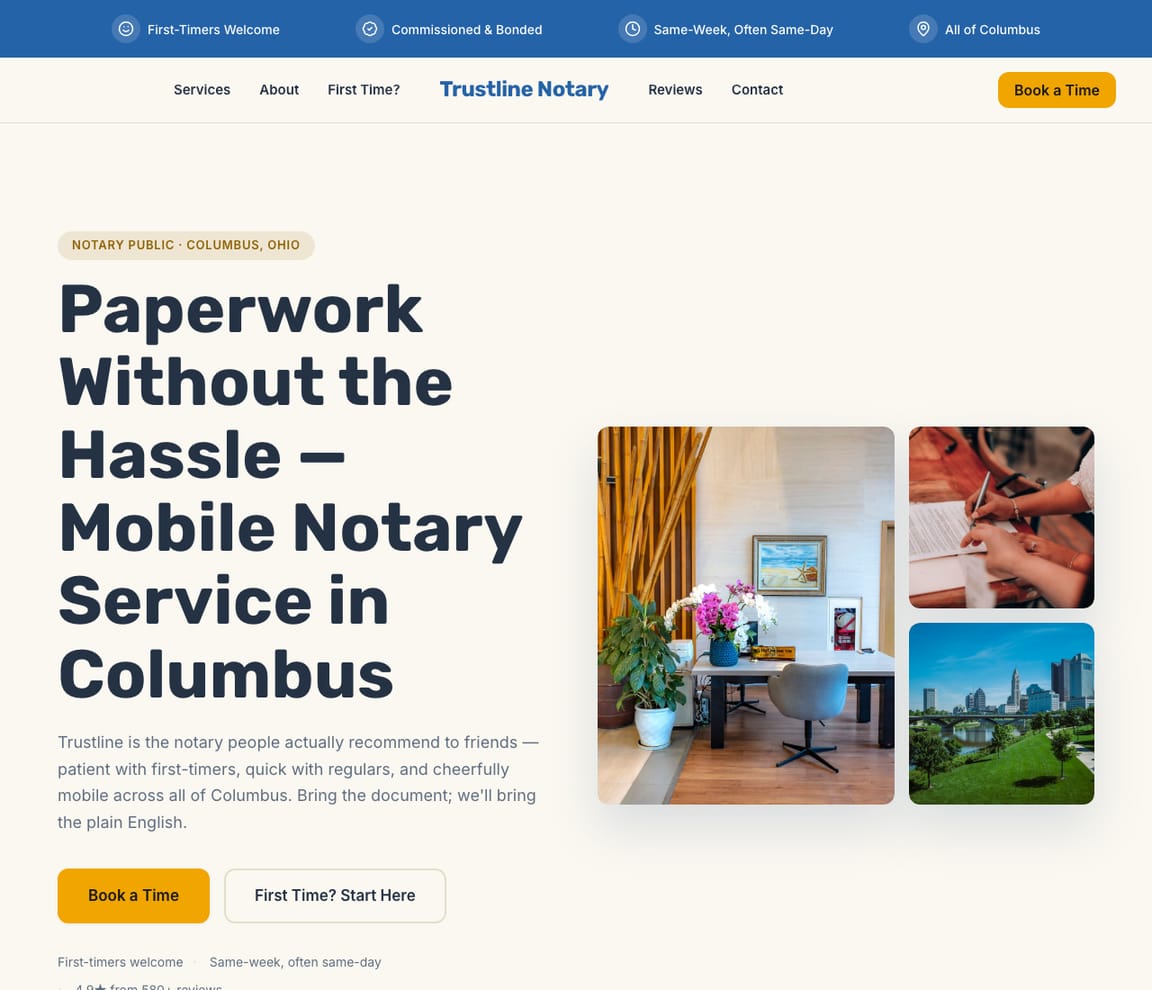
People look for a notary with a document in hand and a deadline: a power of attorney before surgery, a deed for a closing, a travel consent form for a flight on Friday. A good notary website tells them in a few seconds whether you handle that document, whether you'll come to them or they come to you, when you can do it and what it will cost, and what they need to bring so the signing isn't wasted. For title companies and law firms it says how you run a loan package or a filing. These notary website templates each fit a real kind of notary practice: mobile notaries, a walk-in studio, an established office, remote online notarization, loan signing agents and real estate closings, apostille and authentication, estate and luxury estate signings, hospice and care visits, 24-hour emergency and same-day fleets, a statewide notary network, corporate and court work, and a bilingual English and Spanish office. Choose the closest and Zarla fills it with your documents, your fees and the places you'll travel to.
What a notary website needs
The documents you notarize
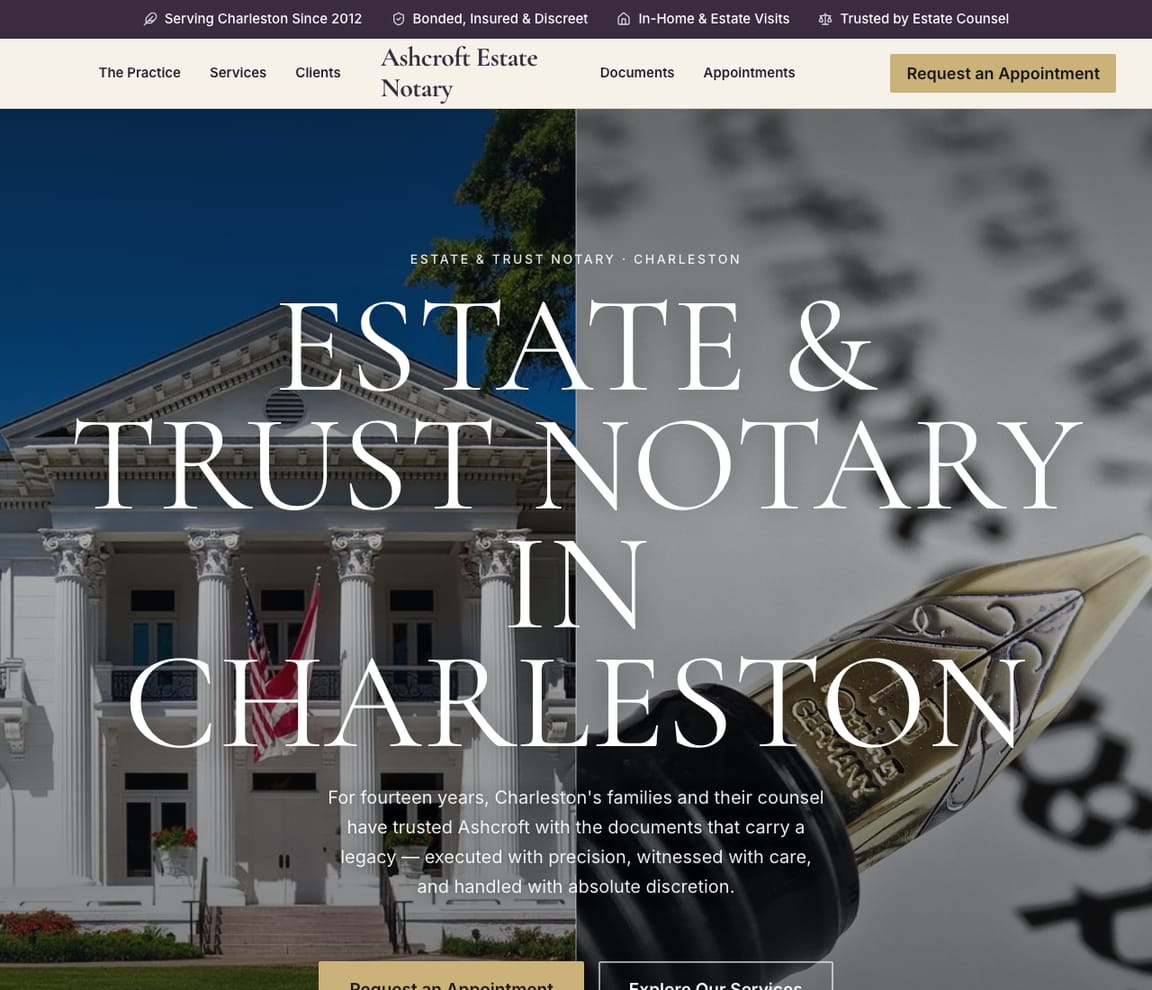
Visitors arrive holding a power of attorney, a deed or an affidavit. Most designs here list the documents you handle, so a visitor sees theirs before they ever call. See it on Mobile Notary, Neighborhood Notary and Estate Notary.
Where you meet, and when
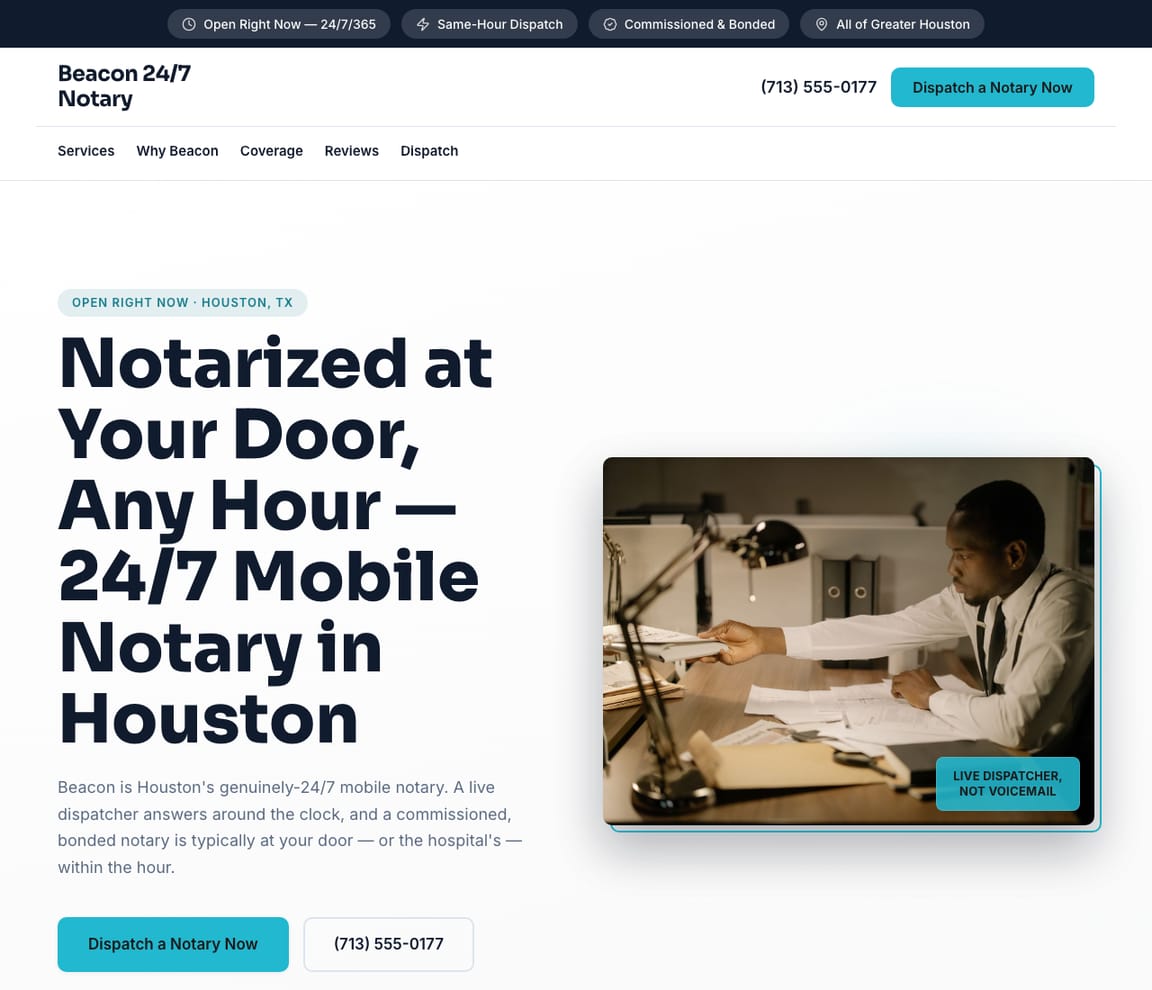
Homes, hospitals, care homes, jails, offices, at night or on Sunday. Name the places and hours you cover; most request forms ask where the signer is or when suits them. See it on 24/7 Emergency Notary, Hospice & Care Notary and Friendly Local Notary.
Your fees, in the open
In the US most states cap the fee for each notarization, so travel and after-hours fees are where notaries differ. Post how yours work. Fee rules differ by state, so check yours. See it on Quick-Booking Notary, Modern Notary Studio and Neighborhood Notary.
What to bring
A signing fails on an expired ID, a pre-signed page or a missing witness. Tell people what to have ready, and say what happens if their ID has run out. See it on Online Notary, Approachable Notary and Established Notary Office.
Loan packages and apostilles
Title companies want certified agents, packages with no missed signature and same-day scan-backs. Apostille clients want to know the destination country's steps and the real turnaround. See it on Loan Signing Agent, Real Estate Closings and Apostille & Authentication.
What a notary can't do
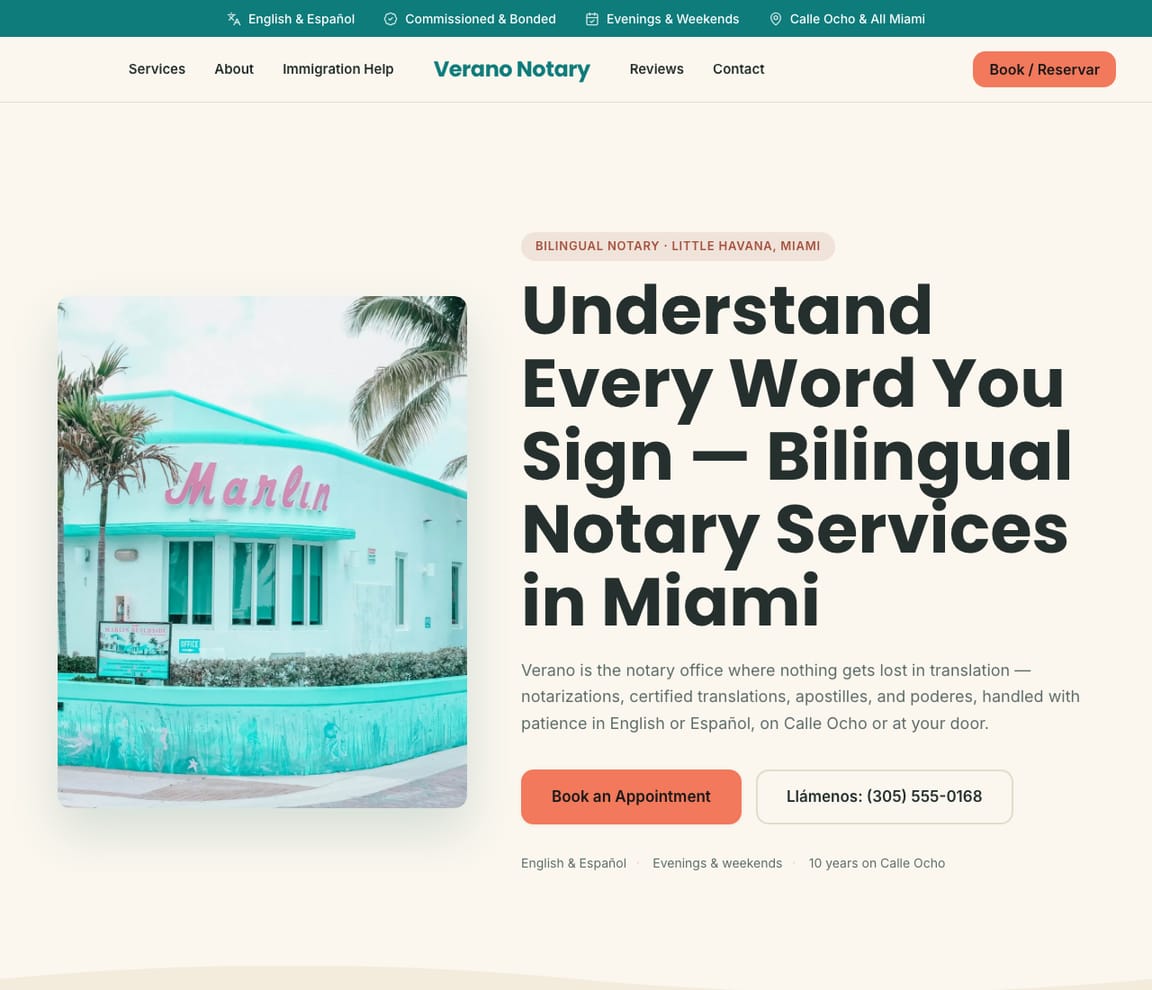
A US notary checks identity and witnesses signatures; unless they're also a lawyer, they don't give legal advice or prepare immigration papers. Saying so, in every language you work in, protects you and the signer; check your state's rules on how to word it. See it on Bilingual Notary, Approachable Notary and Court & Legal Notary.
How it works — AI builds your notary website
01
Pick a template
Choose the notary website template whose style fits your business. Every one is free to start from.
02
Describe your business
Tell Zarla what you do in plain English. The AI writes the copy, places your services, and shapes the layout around your business — in about 30 seconds.
03
Edit by chat and publish
Refine anything by typing what you want, then publish. Free to build and preview; you only pay when you’re ready to publish.
Notary website template FAQs
What should a notary website have?
The documents you notarize, where and when you'll meet, how your fees work, what signers should bring, reviews and a request form. Every design here has a services list, reviews, an FAQ and a request form, and most walk through how a signing runs, step by step.
Are there templates for mobile, online and loan signing notaries?
Yes. There are designs for mobile notaries, remote online notarization, loan signing agents, real estate closings, apostille and authentication, estate and hospice signings, 24-hour and same-day dispatch, a statewide network, corporate and court work, and a bilingual office, plus walk-in and traditional office looks.
Can clients request a signing from the website?
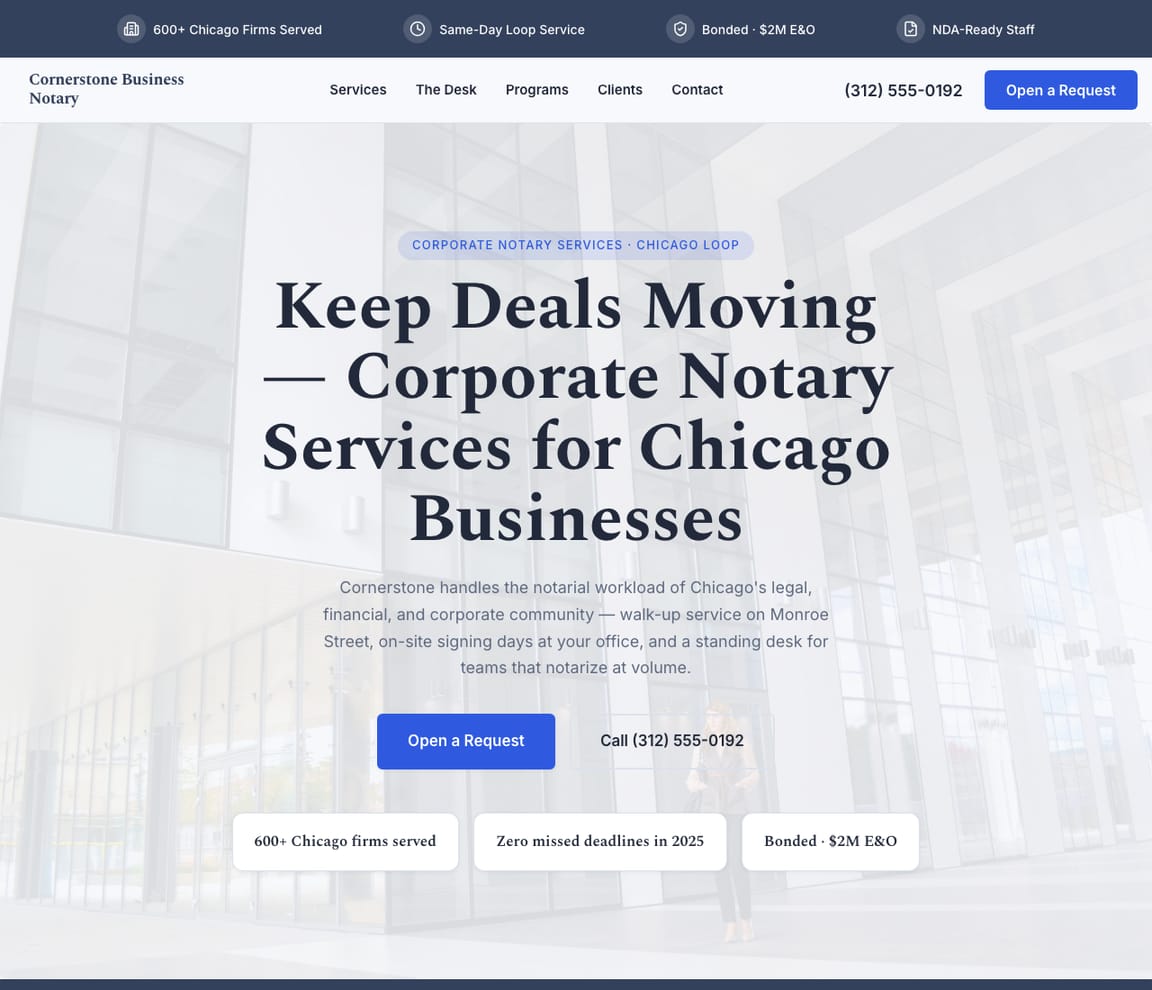
Yes, each design carries a request form. Most ask what needs notarizing and where or when; the loan signing, corporate and court designs ask for the firm and the deadline instead, and the apostille design asks for the destination country. Requests land in your inbox, and you confirm the time.
Can I offer remote online notarization on my site?
The online notary design is built around it: upload the document, verify identity, meet the notary on video, download the sealed copy. Several other designs list it as one service among many. A US notary can only notarize online where their state allows it, usually after a separate registration, so check your state's rules first.
Are these notary website templates free?
Every design is free to build, customize and preview. You only pay when you’re ready to publish.
Do I own my notary website?
Yes. The site, its words and your branding belong to you, and it can sit on your own domain. Whenever a new look appeals, tap Change design in the editor; your documents, fees and pages carry across.
Want design ideas before you pick?
Browse real notary websites and what makes each design work.
See notary design inspirationDon't see what you need?
Our AI can build a website for any business type. Just describe what you do and get a professional site in minutes.
Free to build and preview · No credit card · Pay when you publish