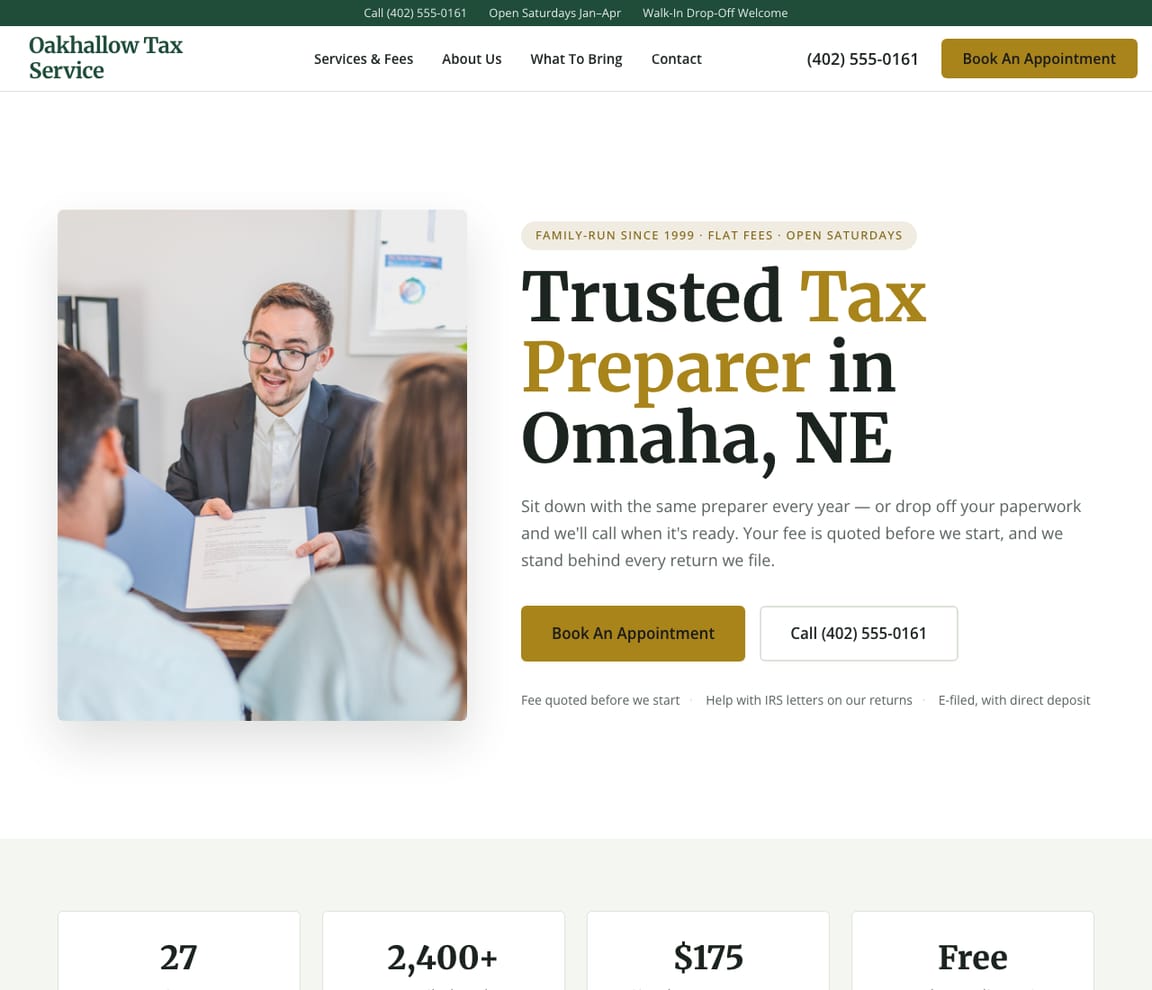
Tax Preparer Website Templates
Designs for neighborhood and independent tax preparers, walk-in and online tax offices, small CPA firms, enrolled agents and IRS tax relief, bookkeeping and tax, bilingual offices, crypto and freelancer tax, and Australian tax agents. Each one is a complete site Zarla fills in with your business.
Free to build · No credit card · Pay when you publish
Tax preparers and tax offices
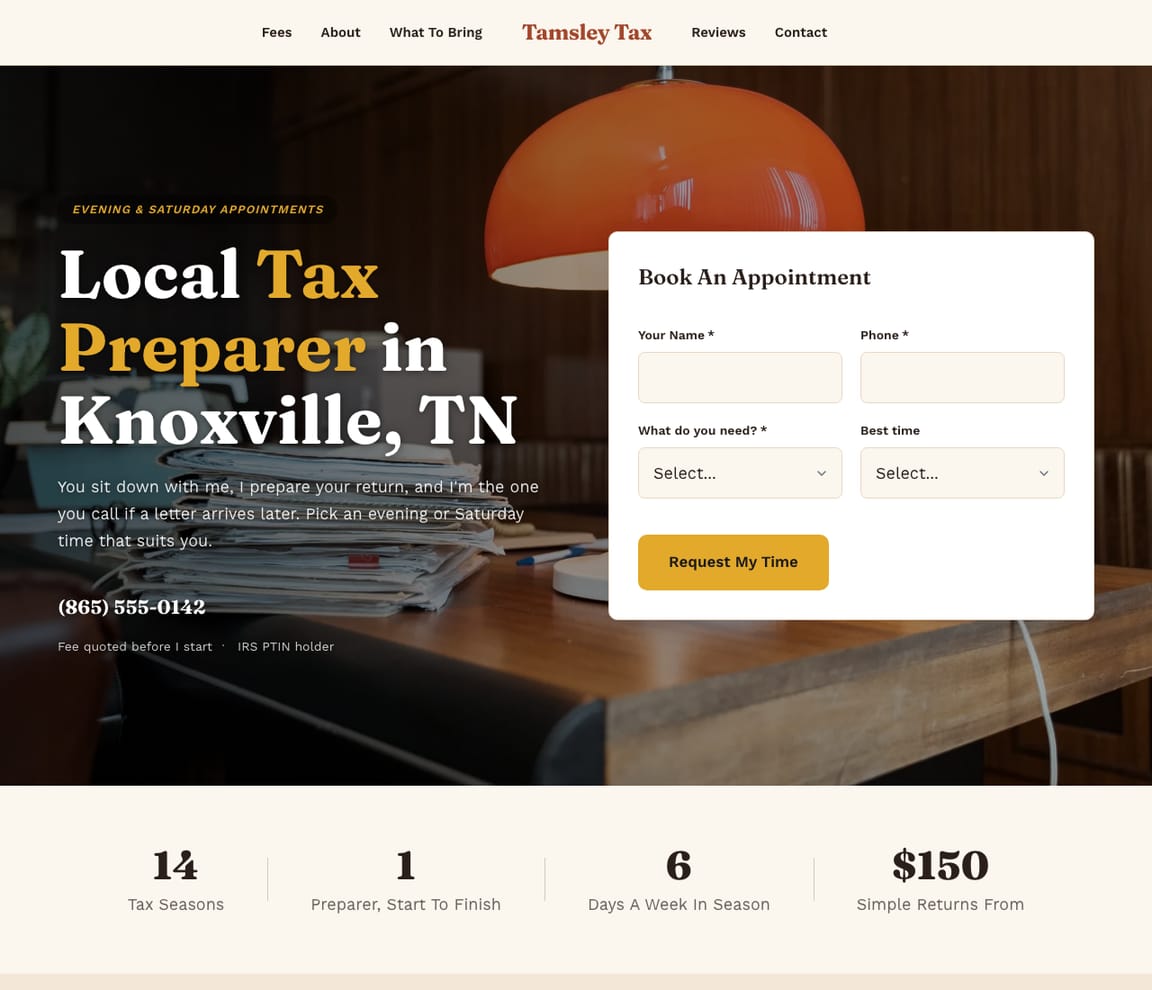
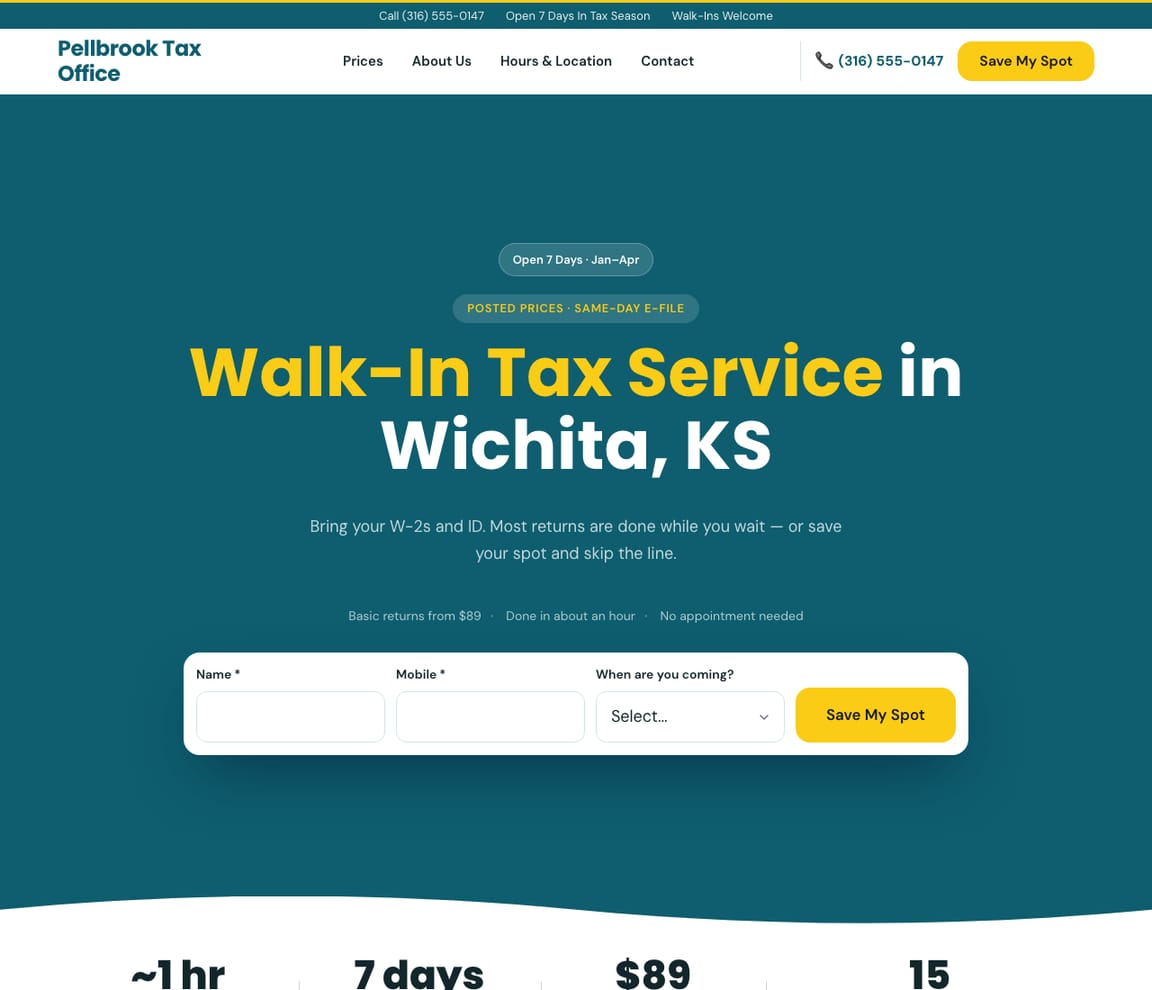
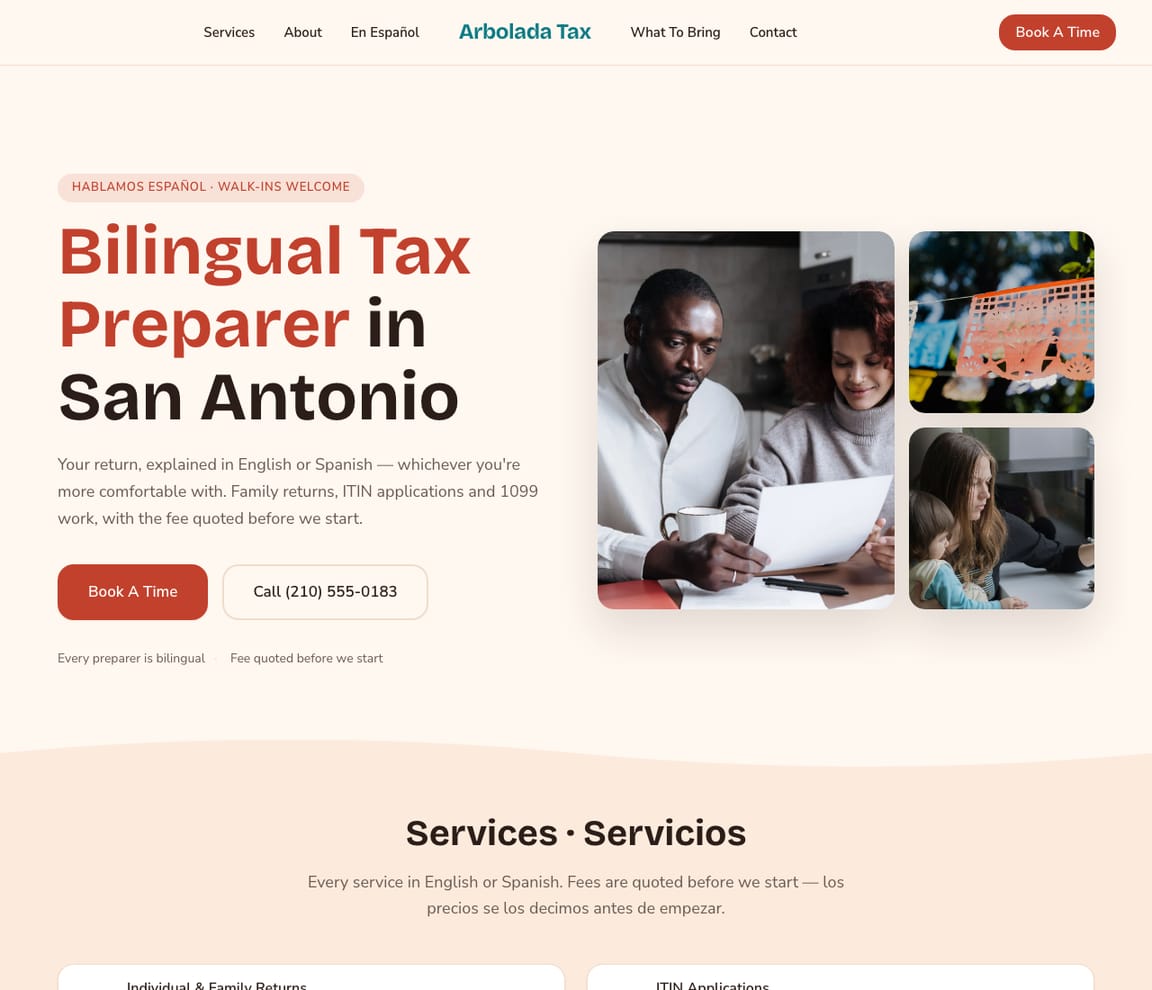
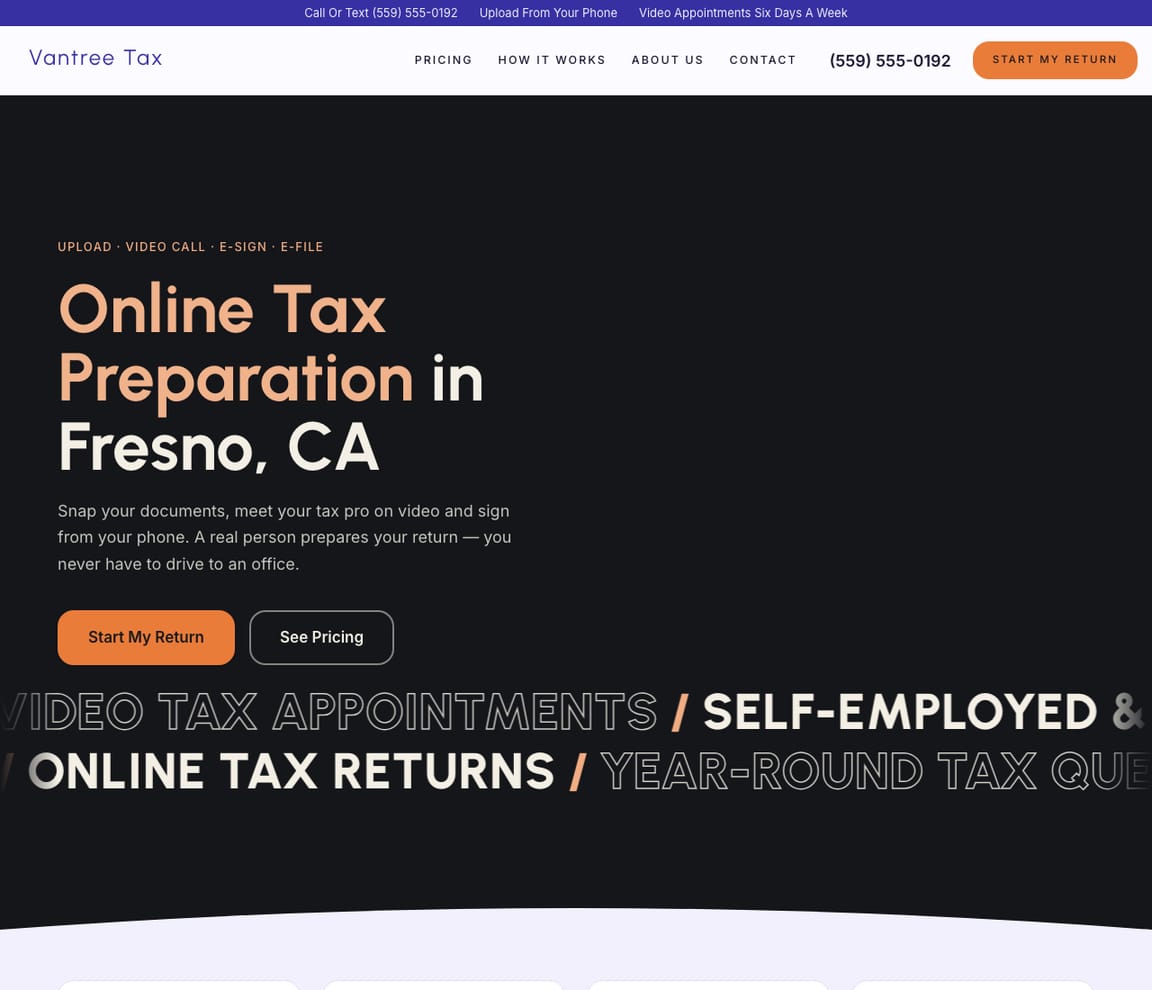
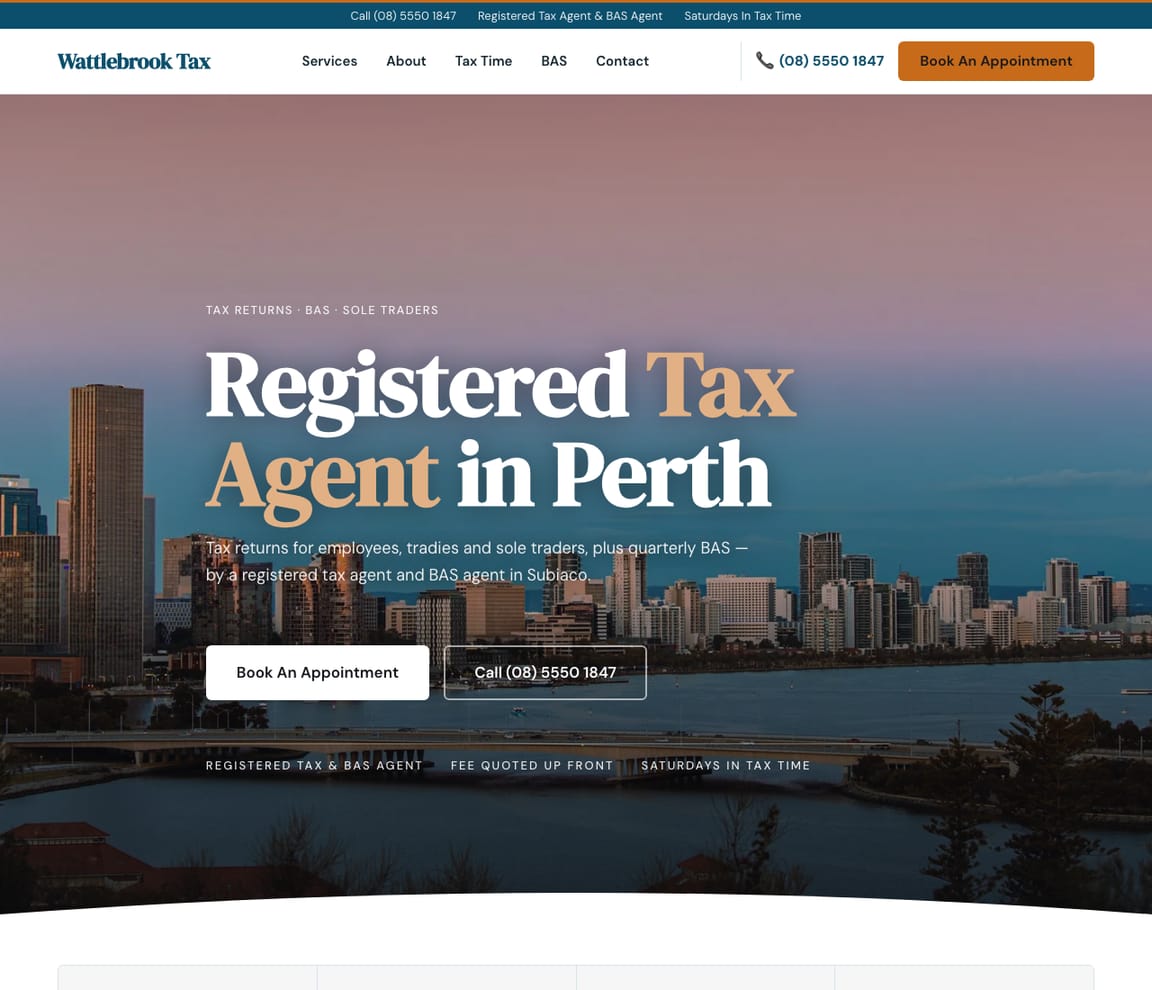
For neighborhood, independent, walk-in, bilingual and online preparers who do individual and family returns, plus Australian tax agents.
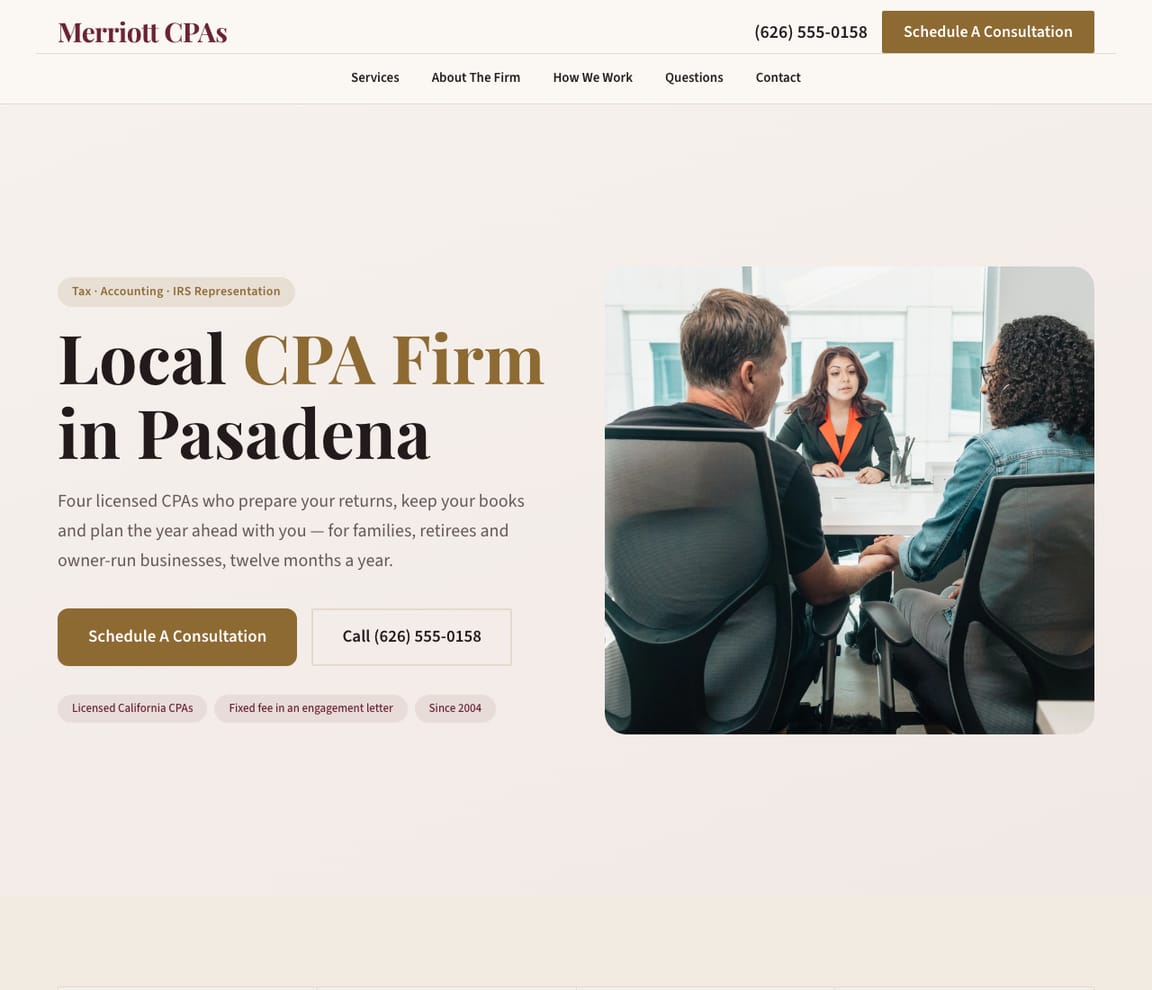
Business tax, bookkeeping and CPA firms
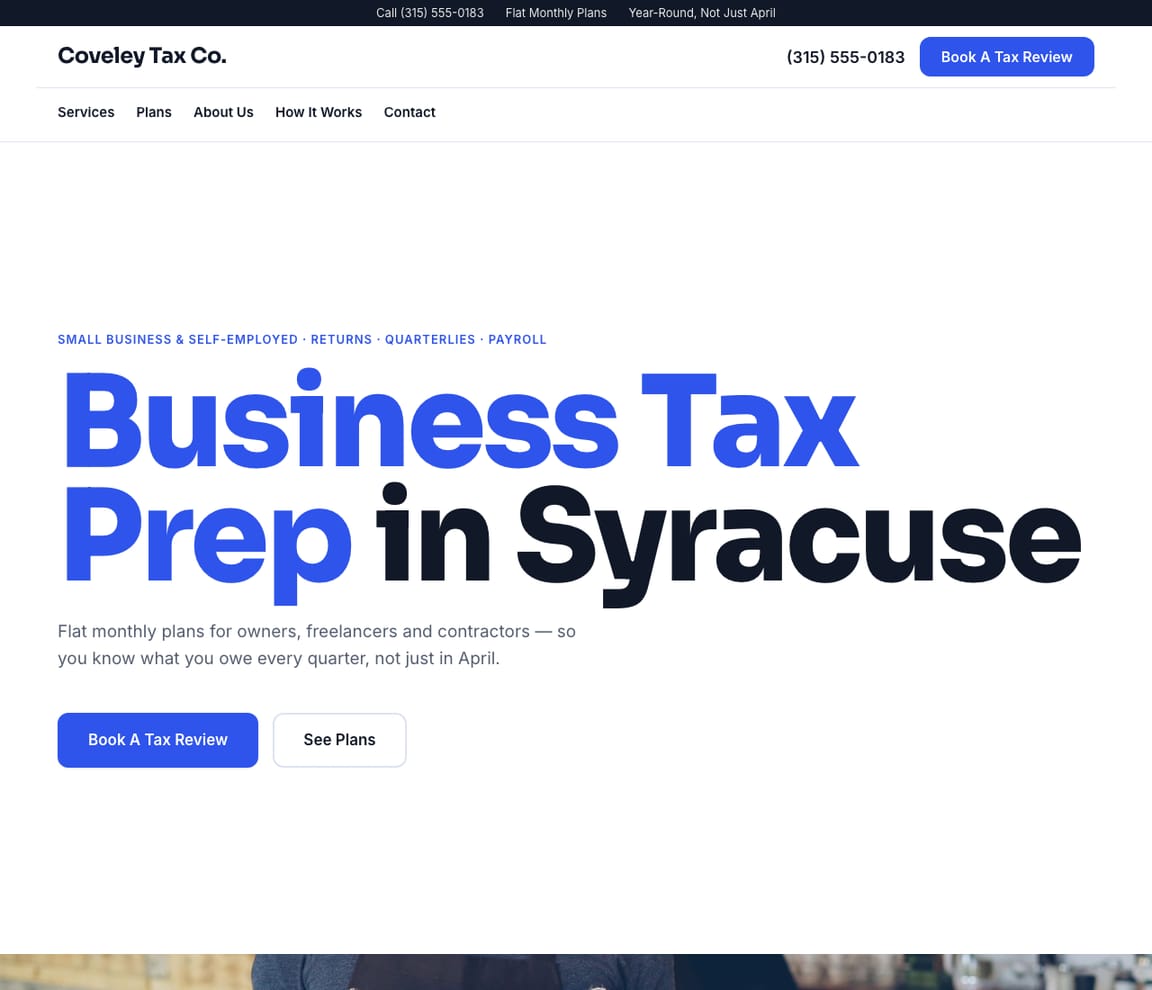
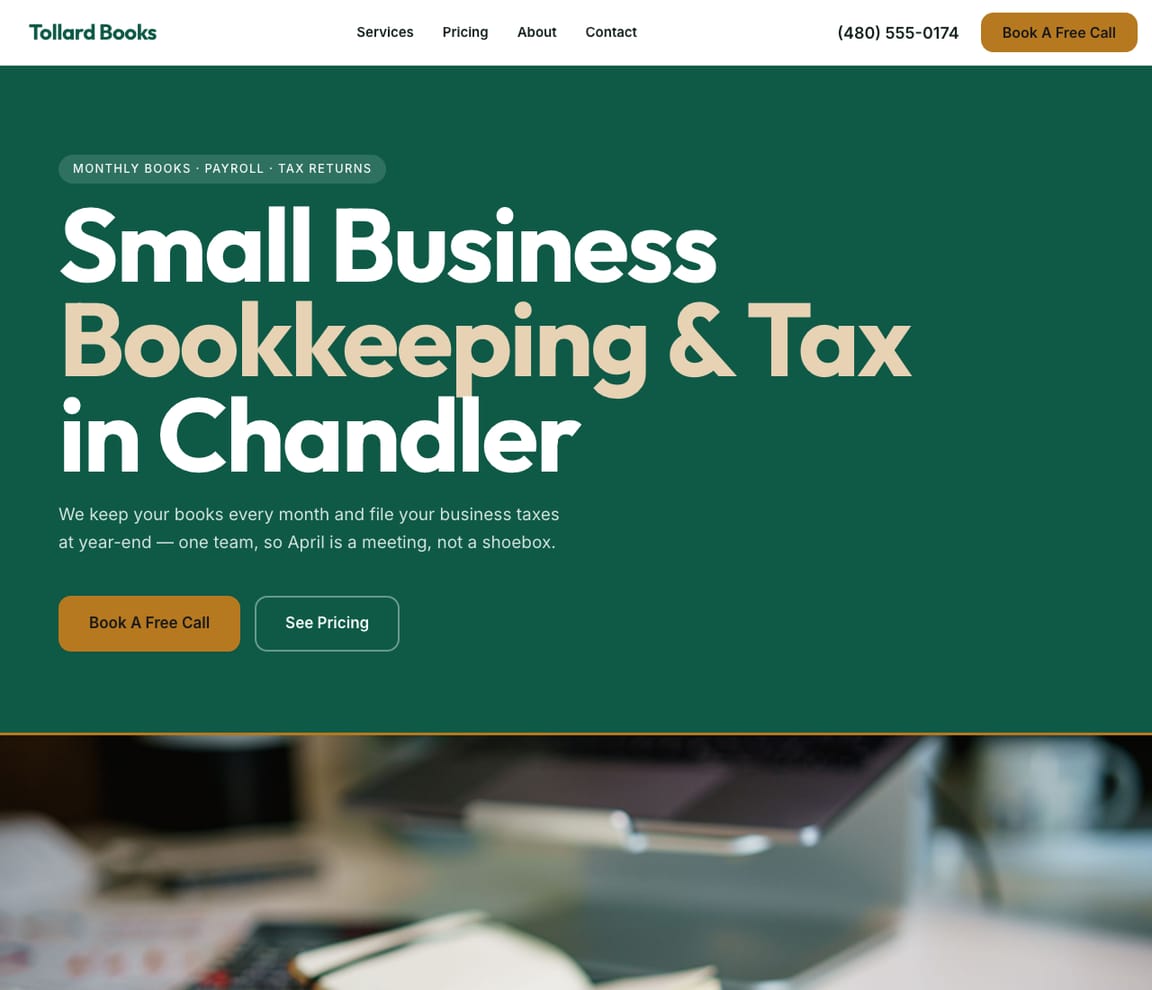
For offices that keep the books, file business returns and plan the year ahead with owners.
IRS help and specialists
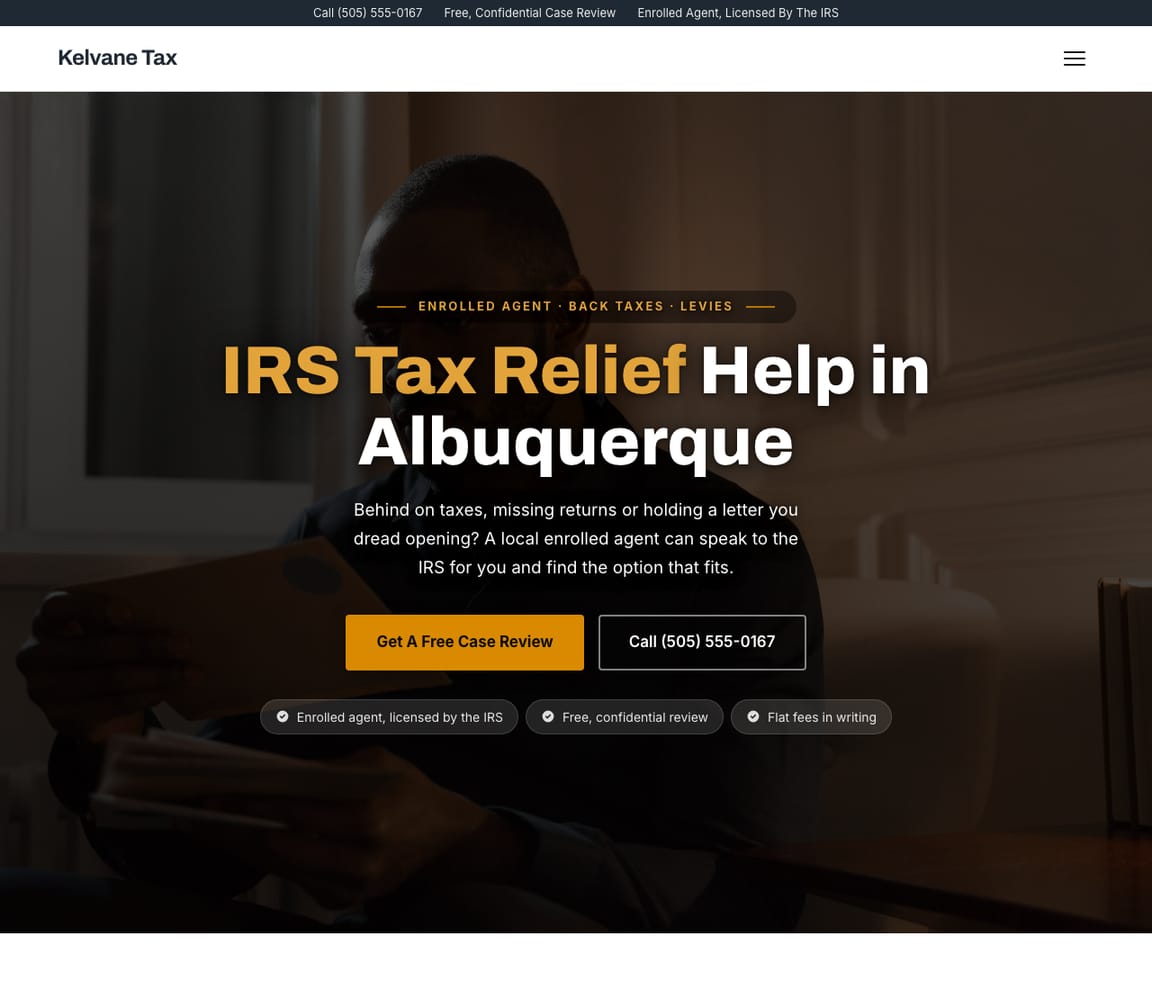
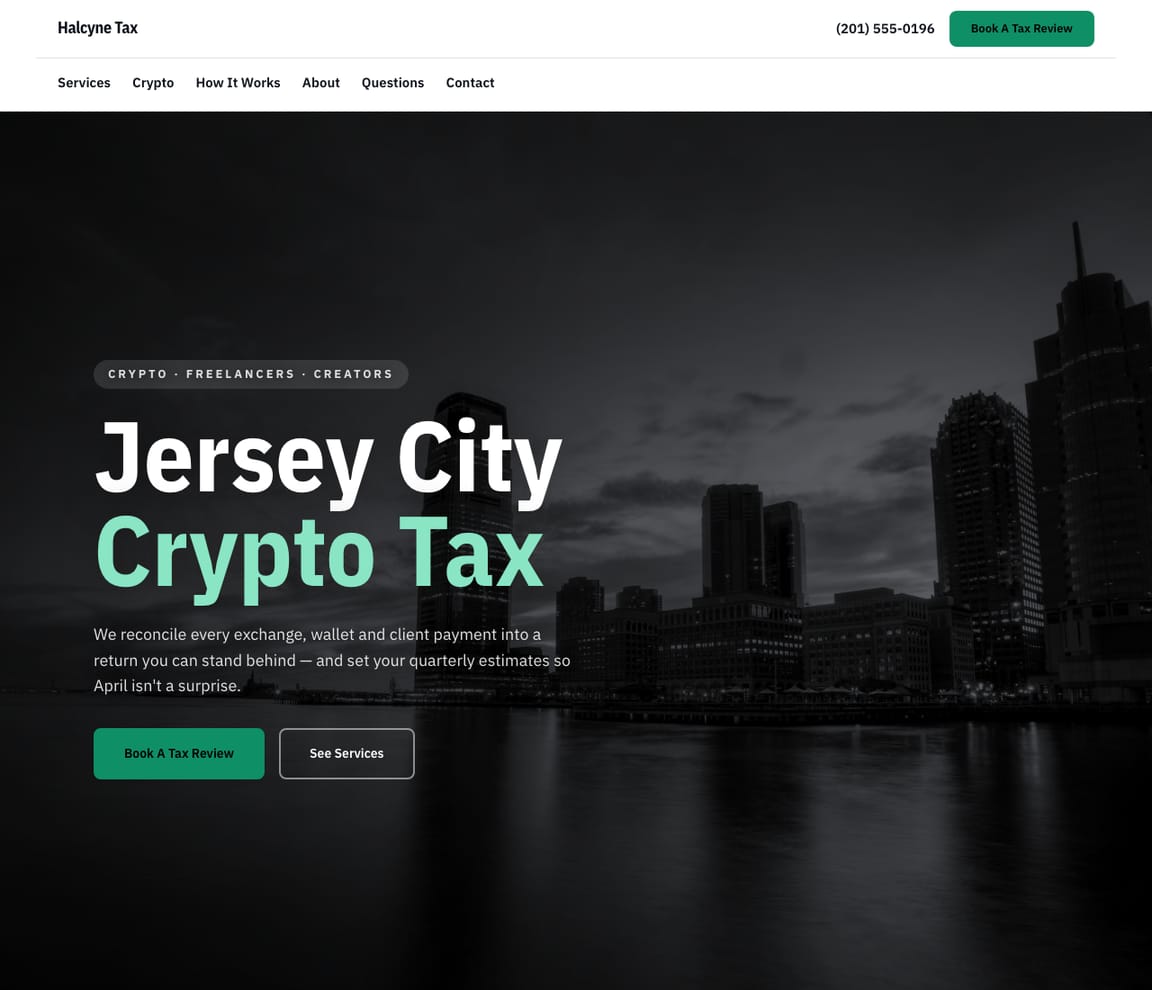
For enrolled agents who resolve IRS problems, and specialists in crypto and freelancer tax.

Free tax website templates & themes
Browse 12 free tax website templates, each one a complete, professionally designed site — not a blank theme you have to fill in. Pick the design you like, describe your business, and Zarla’s AI builds your tax website in minutes: real content, your photos, mobile-ready and SEO-ready. Every template is fully customizable by chat, with no code and nothing to install.
What a tax website needs
Credentials stated plainly
Say what you hold: an IRS preparer number, enrolled agent status, a CPA license or a tax agent registration. Only list the ones you actually have. See it on Enrolled Agent & IRS Tax Help, Small CPA Firm and Tax Agent & BAS Agent (Australia).
Fees before the work starts
People choose a preparer on trust and on price. Show where your fees start and promise a quote before you begin. See it on Tax Preparer — Classic, Bookkeeping & Tax and Walk-In Tax Office.
A list of what to bring
A checklist of forms and records means fewer second appointments and fewer missing documents. See it on Independent Tax Preparer, Bilingual Tax Preparer and Crypto & Freelancer Tax.
Help when a letter arrives
Explain what happens if the tax office writes, and be honest about who can represent clients and who refers them on. See it on IRS Tax Relief, Independent Tax Preparer and Enrolled Agent & IRS Tax Help.
How it works — AI builds your tax website
01
Pick a template
Choose the tax website template whose style fits your business. Every one is free to start from.
02
Describe your business
Tell Zarla what you do in plain English. The AI writes the copy, places your services, and shapes the layout around your business — in about 30 seconds.
03
Edit by chat and publish
Refine anything by typing what you want, then publish. Free to build and preview; you only pay when you’re ready to publish.
Tax website template FAQs
What does it cost to build a tax preparer website?
Nothing to start. Every design is free to build, customize and preview. You can set up your whole site, add your services and fees, and see exactly how it looks without paying anything. You only pay when you're ready to publish.
Which design should a tax preparer pick?
Pick by how you work. One-person and seasonal preparers have a design with an appointment form beside the headline, walk-in offices have a save-my-spot form, and online preparers have a design built around uploading documents. CPA firms, enrolled agents, bookkeeping and tax offices, bilingual offices and crypto and freelancer specialists each have their own.
Can clients book appointments or send documents through the site?
Every design has a form with your services in a dropdown, and new requests land in your inbox and arrive by email. Ask clients not to send Social Security numbers or account numbers through a website form; use your secure portal for documents.
Can I show my PTIN, enrolled agent status or CPA license?
Yes. Add your credentials to the about section, the footer or your business details. Only list the ones you actually hold, and never use a government logo.
Do I own my website?
Yes. The site is yours: your content, your photos, your branding, and it can run on a domain you own. Tap Change design in the editor to move onto any other design, and your words, photos, services and pages come with you.
Tax service website design, explained
Browse real tax websites and what makes each design work.
See tax service website designDon't see what you need?
Our AI can build a website for any business type. Just describe what you do and get a professional site in minutes.
Free to build and preview · No credit card · Pay when you publish