12 Free Solar Website Templates
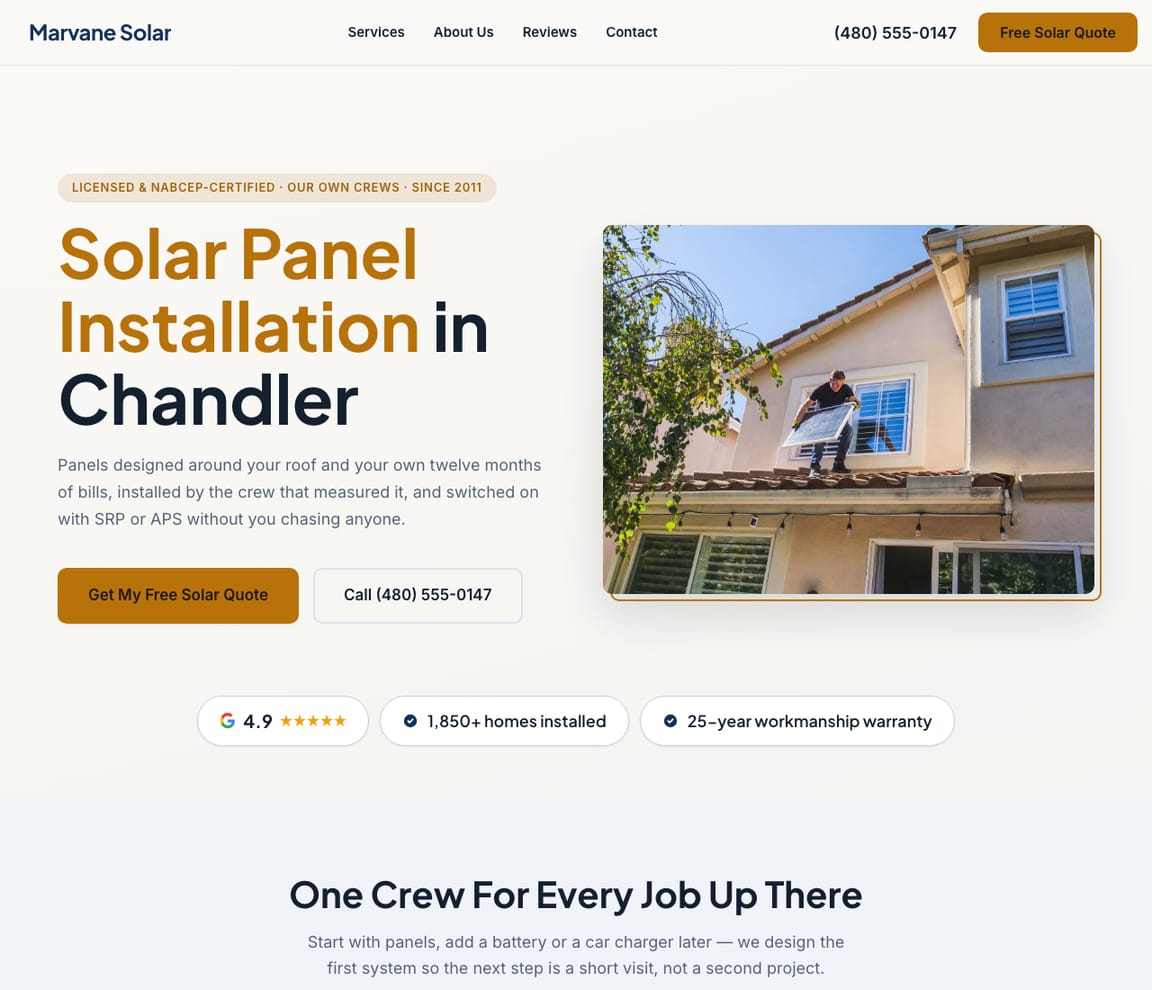
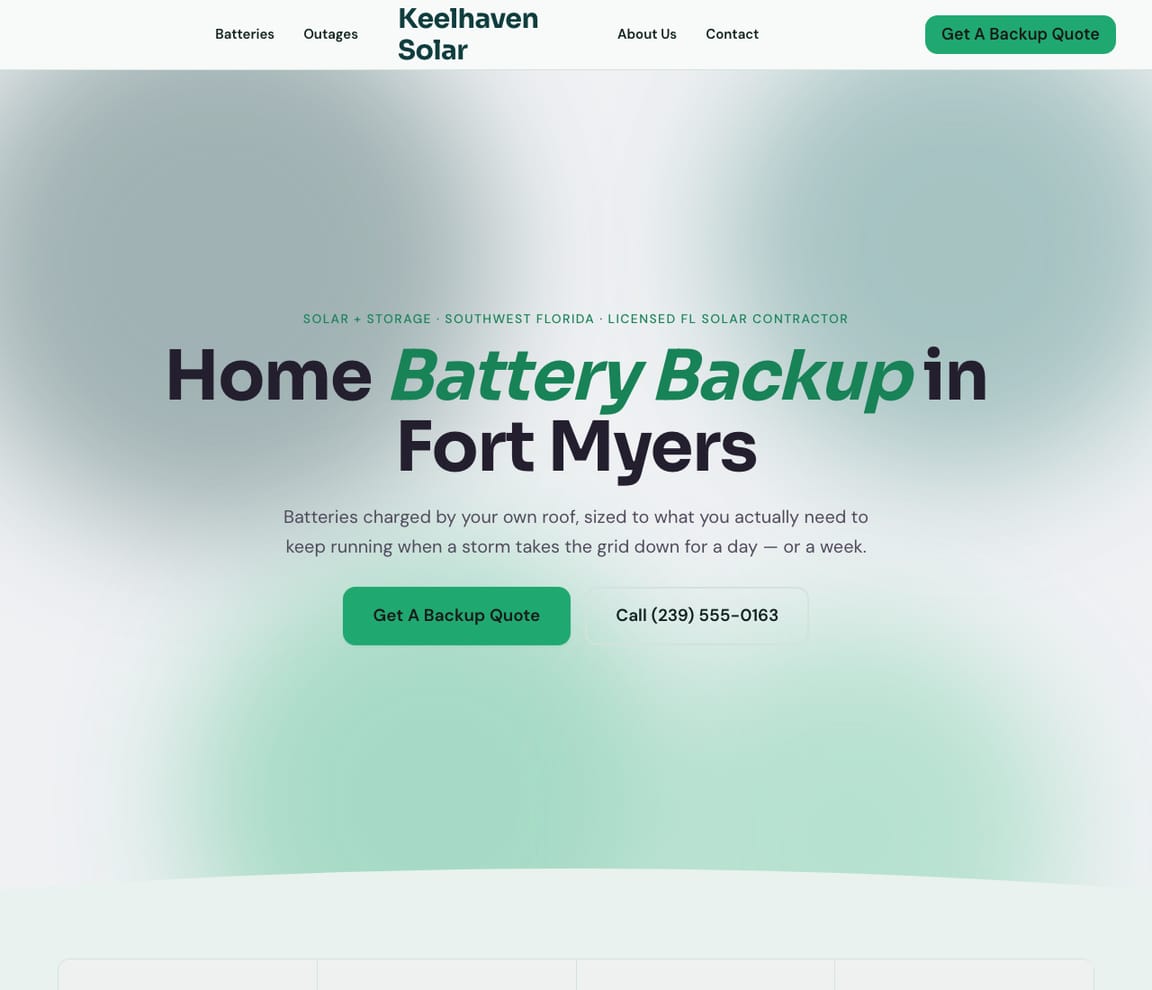
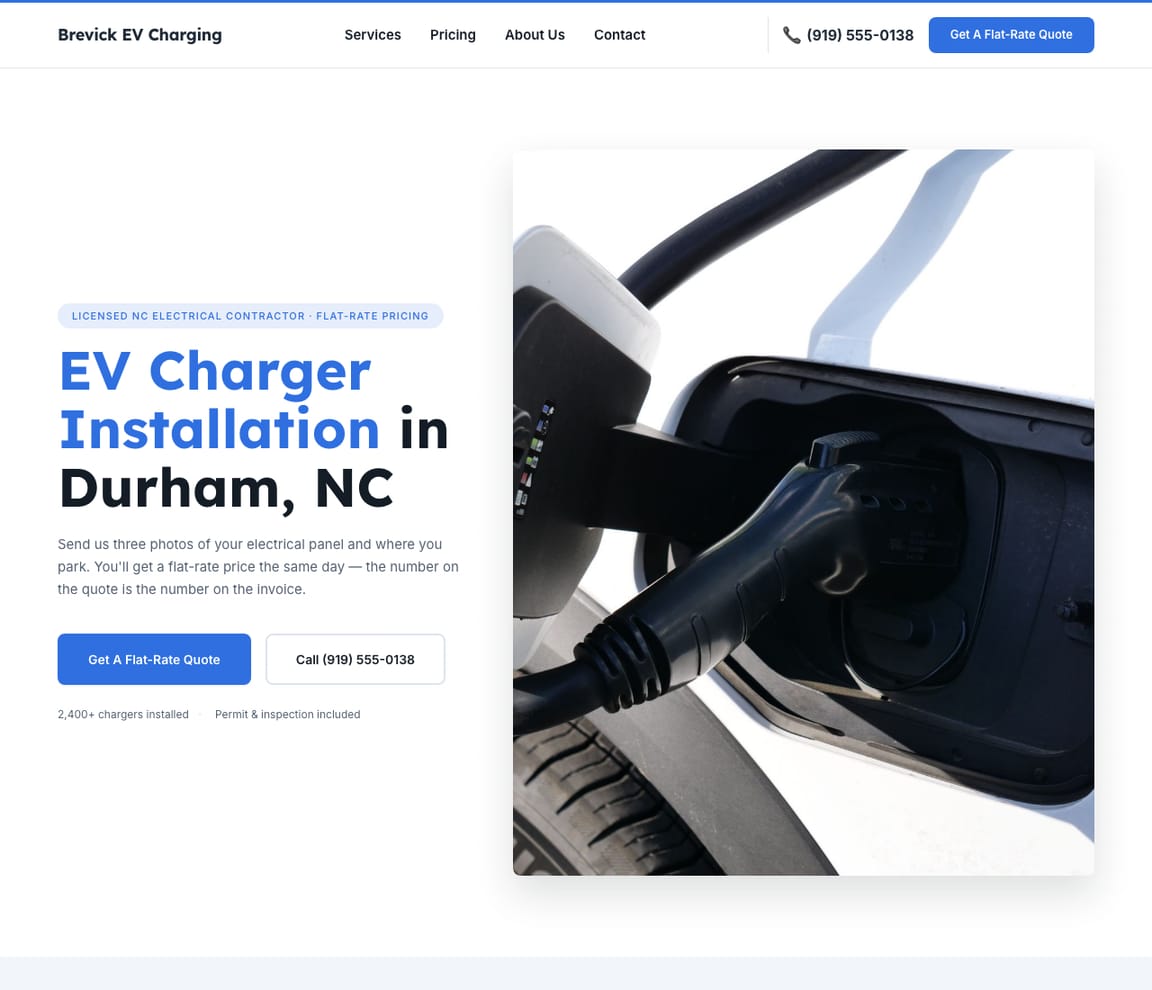
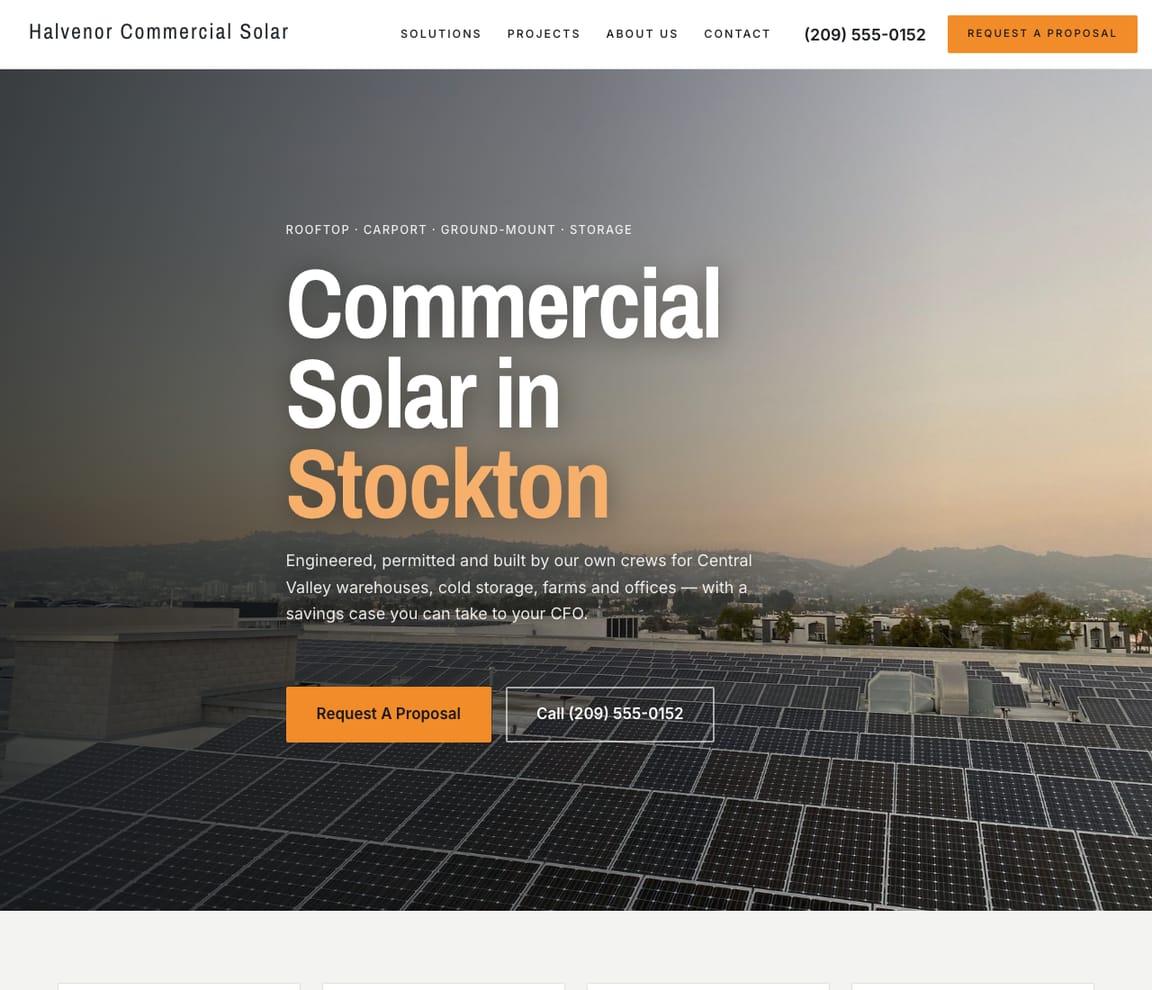
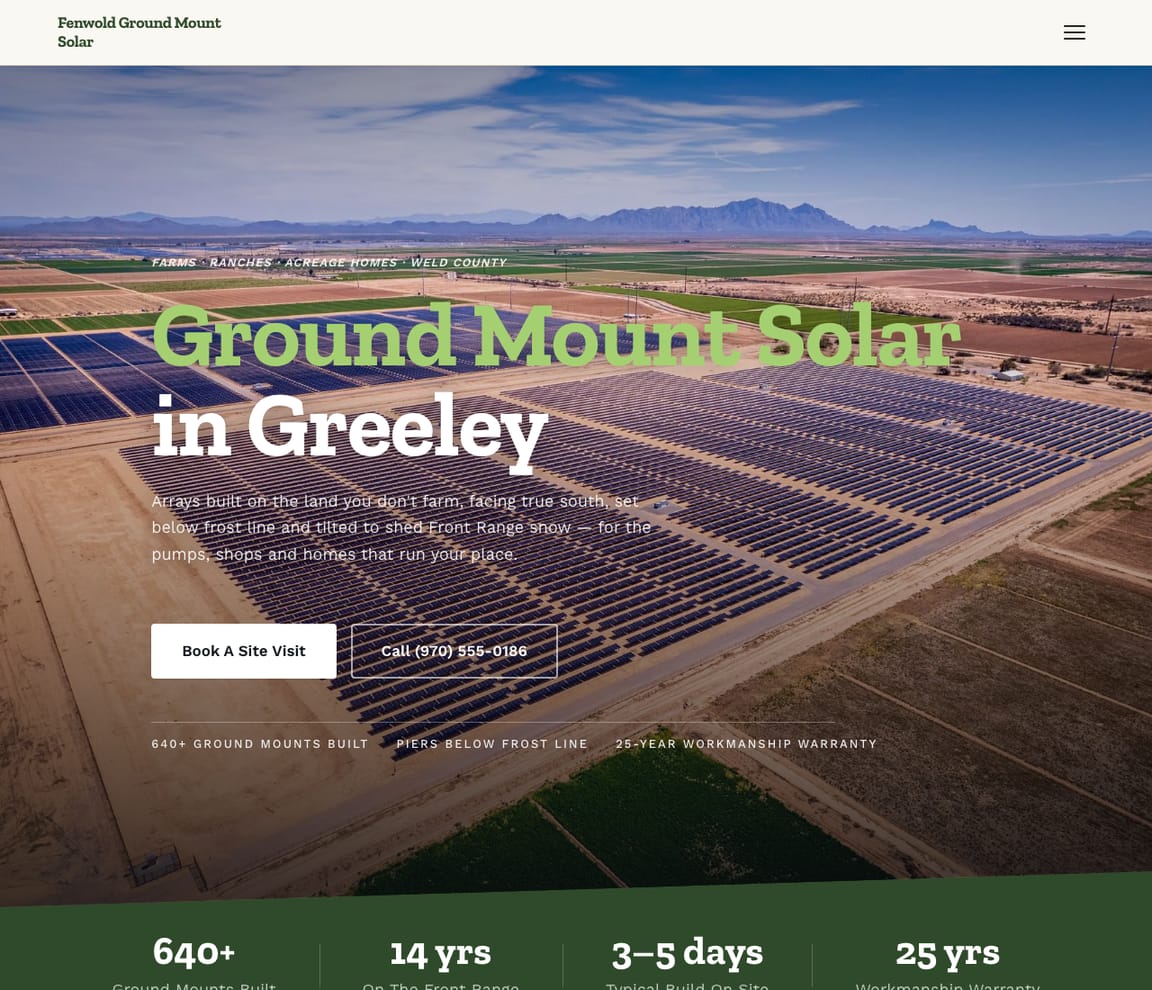
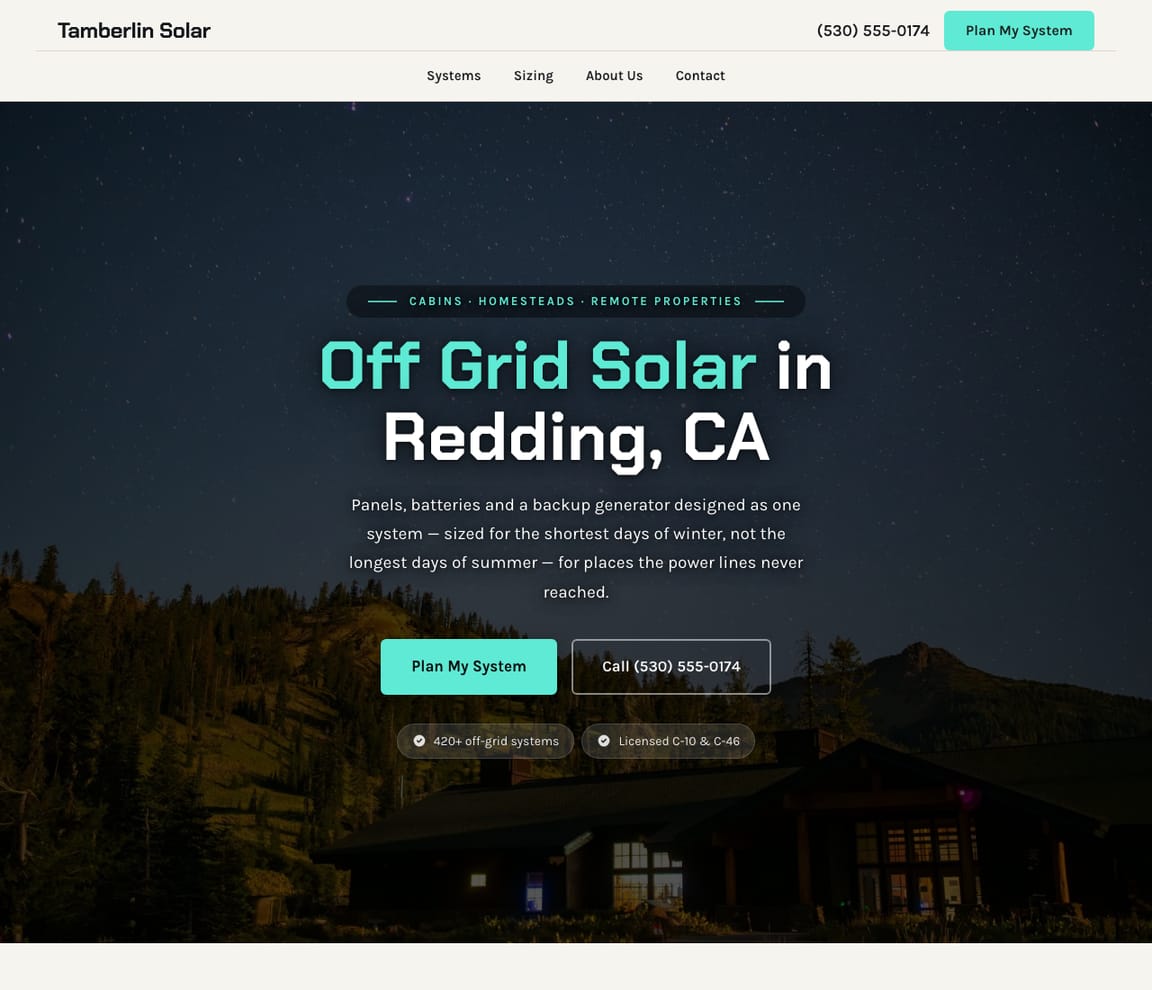
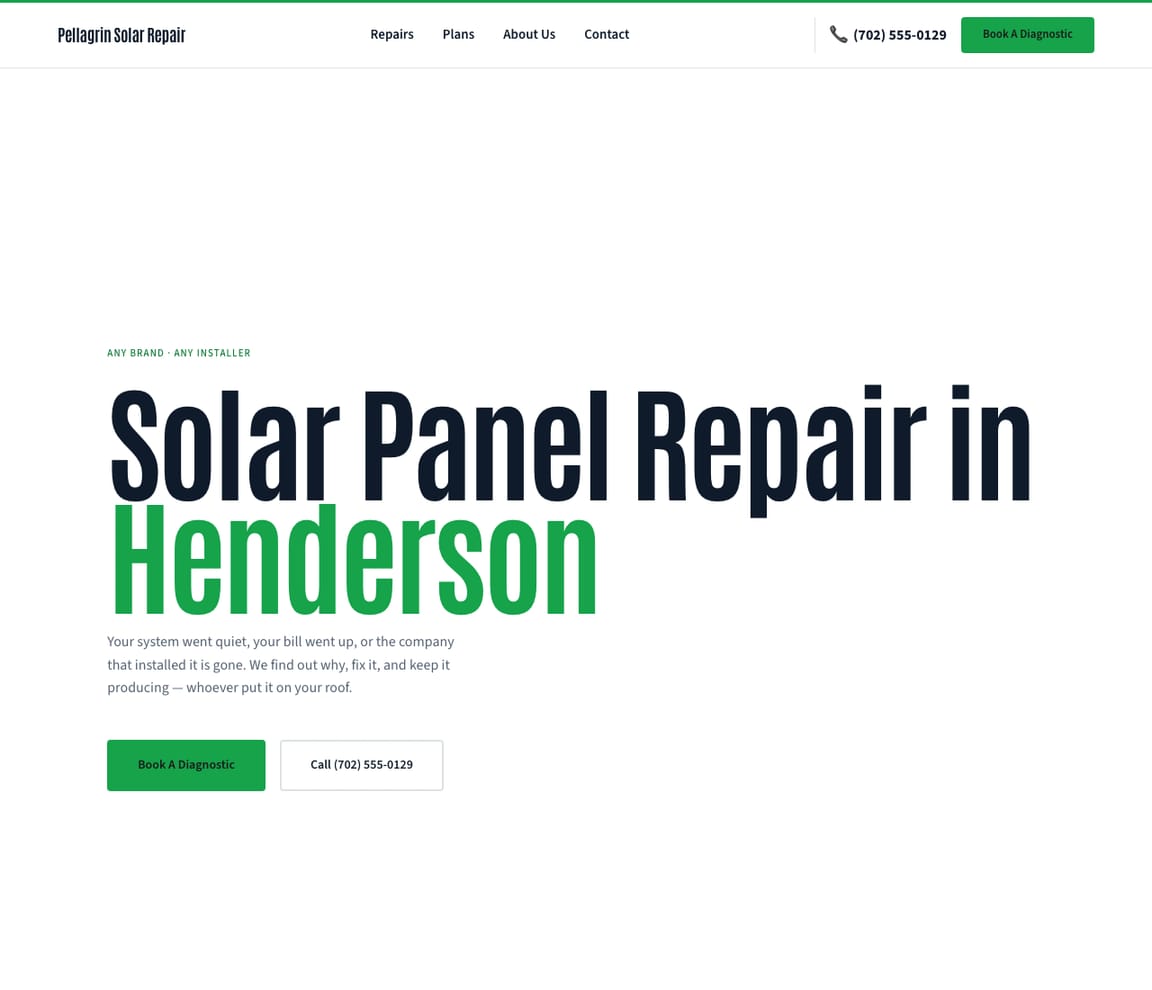
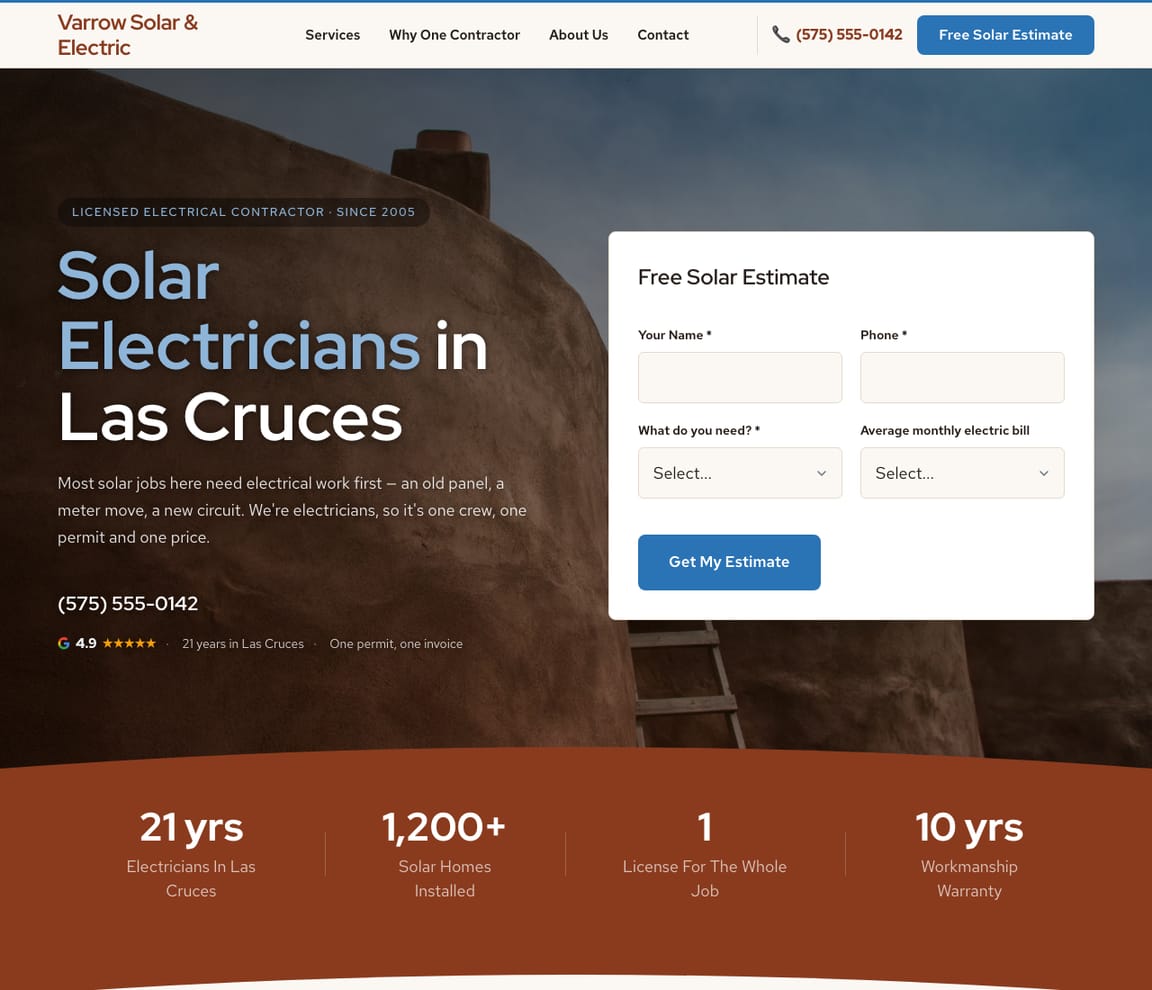
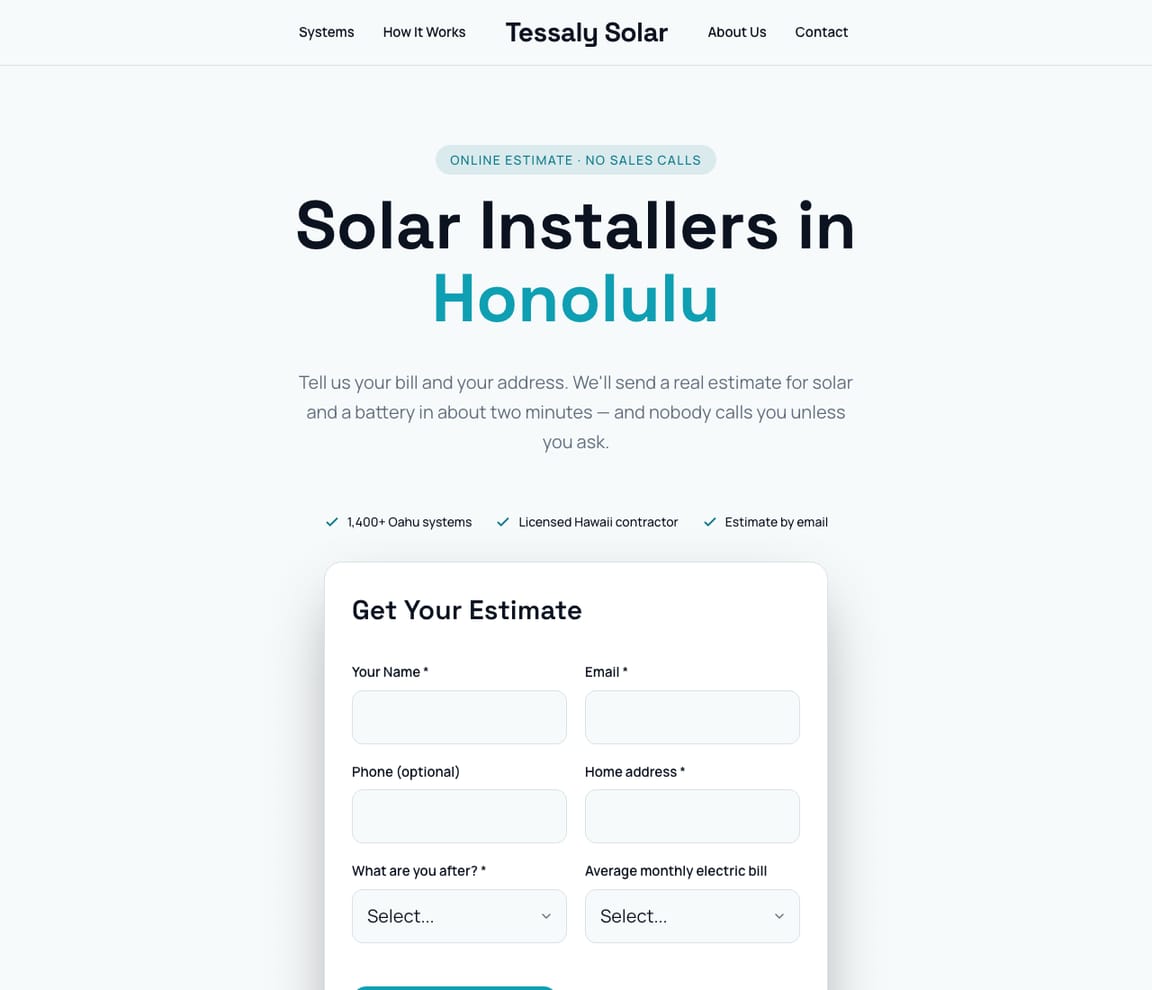
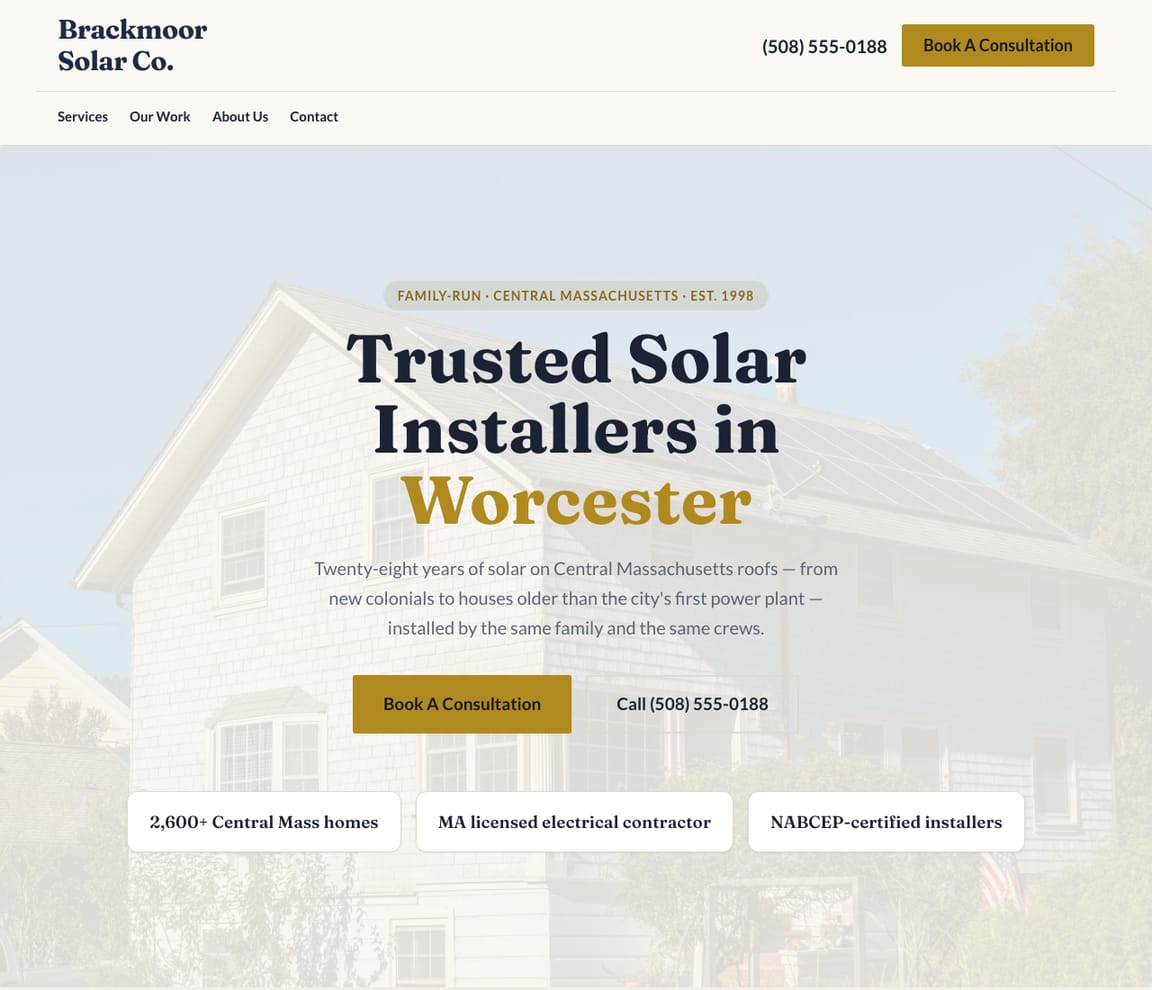
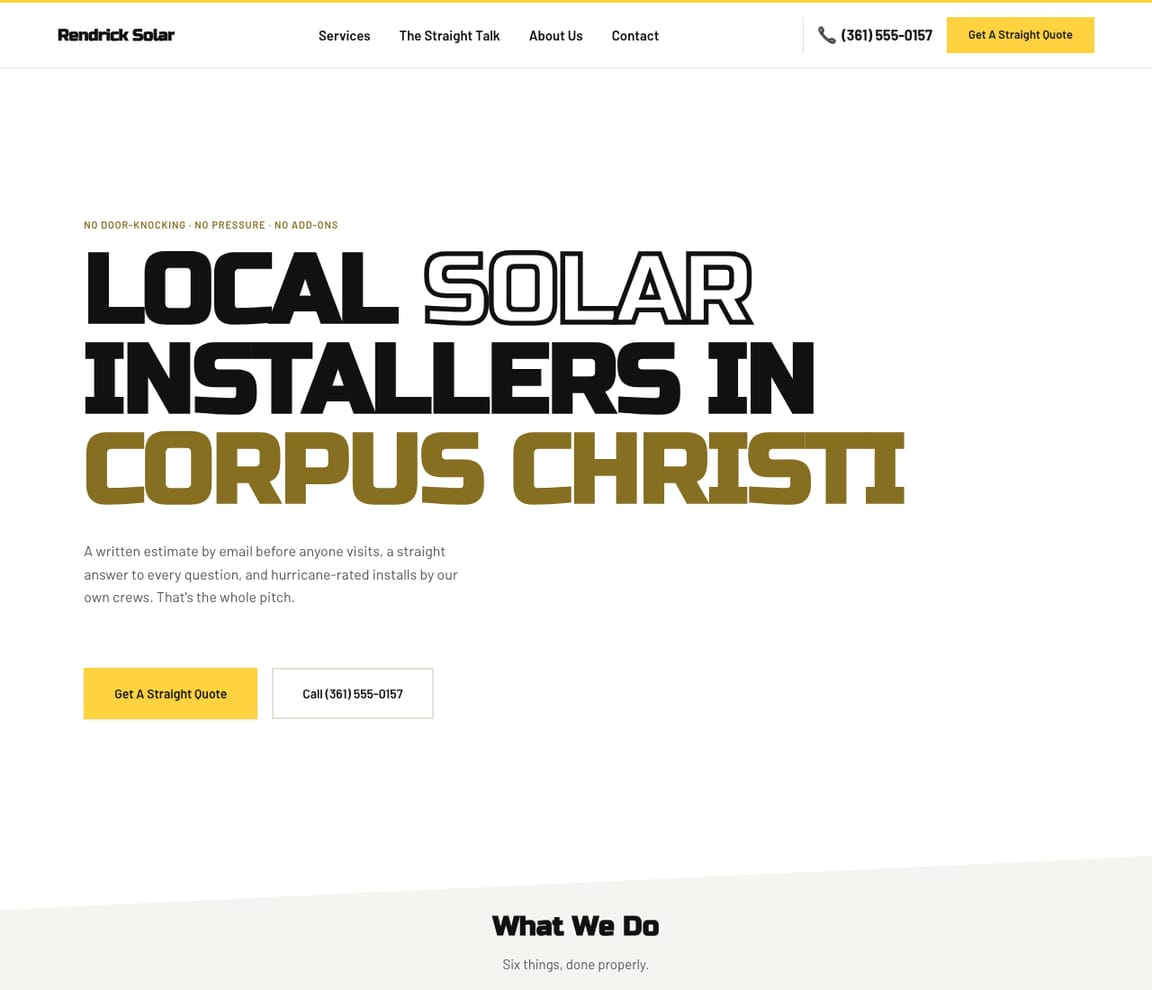
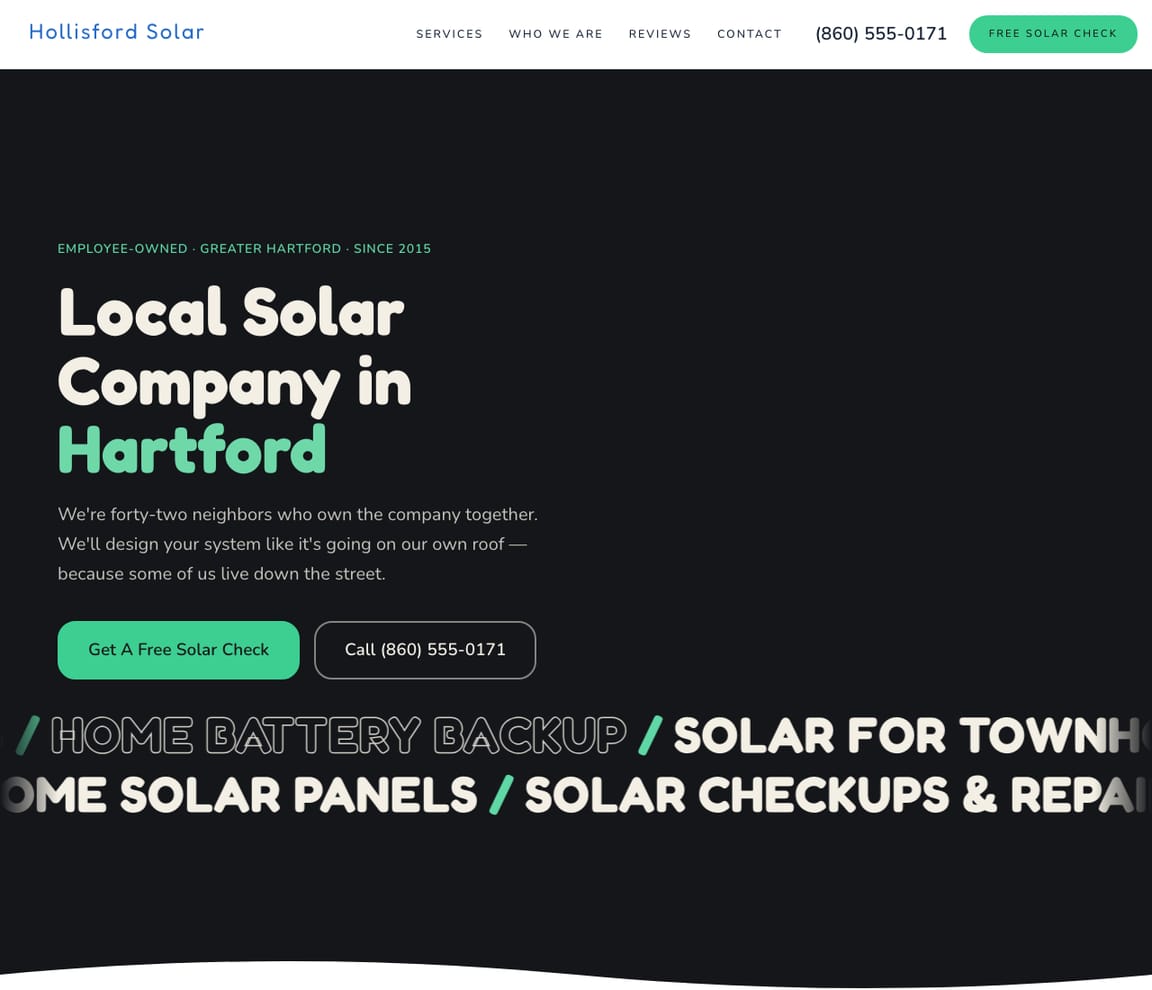
Designs for home solar installers, battery backup, EV chargers, commercial and ground-mount solar, off-grid systems, solar repair and solar electricians, plus four general installer looks. Zarla fills the one you pick with your systems, your utility area and your reviews.
Updated November 9, 2026 · Free to build · No credit card · Pay when you publish
What a good solar company website does
Homeowners shopping for solar have usually had a door-knocker, a cold call or a quote they didn't trust, so the first thing a good solar company website does is show it is local and straight. Then it answers the questions a homeowner brings to it: will panels pay off on my bills, does my roof suit them, do I need a battery for outages, who deals with the permits and the utility, which incentives apply here this year, and who fixes it in ten years. Reviews from homeowners near them, with the system they bought, close the gap. These solar website templates each fit a real kind of solar business: residential installers, solar battery backup, EV charger installation, commercial rooftop and carport solar, ground-mount and farm solar, off-grid homes and cabins, solar repair and maintenance, and solar and electrical contractors, plus modern, classic, bold and friendly installer looks. Start from the closest and Zarla fills in your equipment, your service area and how you price a system.
What a solar company website needs
Savings worked out from their bills
A homeowner knows one number: the monthly electric bill. Seven of the twelve designs' quote forms ask for it, so your first reply can size a system instead of starting a sales call. See it on Residential Solar Installer, Solar Installer — Modern and Solar Installer — Bold.
Batteries for when the grid goes down
Storm-prone and outage-weary buyers want to know what stays on: the fridge, the well pump, medical equipment. Say how you size a battery and what a backup keeps running. See it on Solar Battery Backup, Off-Grid Solar and Solar Installer — Modern.
Permits and the utility, handled
Permits, the utility's approval, a panel upgrade, an HOA letter: say which you handle and roughly how long switch-on takes from signing. See it on Residential Solar Installer, Solar & Electrical Contractor and Solar Installer — Modern.
Incentives, dated and local
Federal, state and utility incentives change, sometimes every year. Eleven designs answer a tax-credit question; rewrite it to what applies in your area the week you publish. See it on Solar Installer — Classic, Solar Installer — Friendly and Commercial Solar Contractor.
Your roofs and your weather
Tile and slate roofs, hurricanes, snow load, salt air, desert heat. Say how you mount on the roofs in your area and what you do about the weather they get. See it on Solar Installer — Bold, Solar Installer — Classic and Residential Solar Installer.
Service after the install
Owners whose installer has vanished go looking for someone to fix a quiet inverter or a falling output. Say whether you service systems someone else put in, and how monitoring works. See it on Solar Repair & Maintenance, Solar Installer — Friendly and Ground-Mount & Farm Solar.
How it works — AI builds your solar website
01
Pick a template
Choose the solar website template whose style fits your business. Every one is free to start from.
02
Describe your business
Tell Zarla what you do in plain English. The AI writes the copy, places your services, and shapes the layout around your business — in about 30 seconds.
03
Edit by chat and publish
Refine anything by typing what you want, then publish. Free to build and preview; you only pay when you’re ready to publish.
Solar website template FAQs
What should a solar company website have?
Your services, how you work out a system from a homeowner's bills, what a battery adds, how permits and the utility are handled, the incentives that apply locally, who services the system later, reviews and a quote form. Every design on this page has a services list, reviews, an FAQ and a quote form ready for your details.
Are there templates for batteries, EV chargers, commercial and off-grid solar?
Yes. There are designs for battery backup, EV charger installation, commercial rooftop and carport solar, ground-mount and farm solar, off-grid homes and cabins, and solar repair, plus residential installers, solar electricians and four general installer looks.
Can homeowners request a solar quote from the website?
Yes. Every design has a quote form. Seven ask for the average monthly electric bill; the others ask what fits their job: whether there's solar already, which car is charging and where the panel is, what the ground mount should power, how often an off-grid place is used, or who installed a system that needs repair. Requests come straight to your inbox.
What should my site say about tax credits and incentives?
Only what is true where you work, on the day you publish. In the US, federal, state and utility programs change, sometimes every year, so write the current position, date it, and update it when it moves. Check your local rules, and point homeowners to a tax professional for their own situation.
Are these solar website templates free?
Every design is free to build, customize and preview. You only pay when you’re ready to publish.
Do I own my solar website?
Yes. Everything on it is yours, from the words to the photos and branding, and you can connect a domain you own. When you want another look, tap Change design in the editor and your systems, service area and pages move across.
Want design ideas before you pick?
Browse real solar websites and what makes each design work.
See solar company design inspirationDon't see what you need?
Our AI can build a website for any business type. Just describe what you do and get a professional site in minutes.
Free to build and preview · No credit card · Pay when you publish